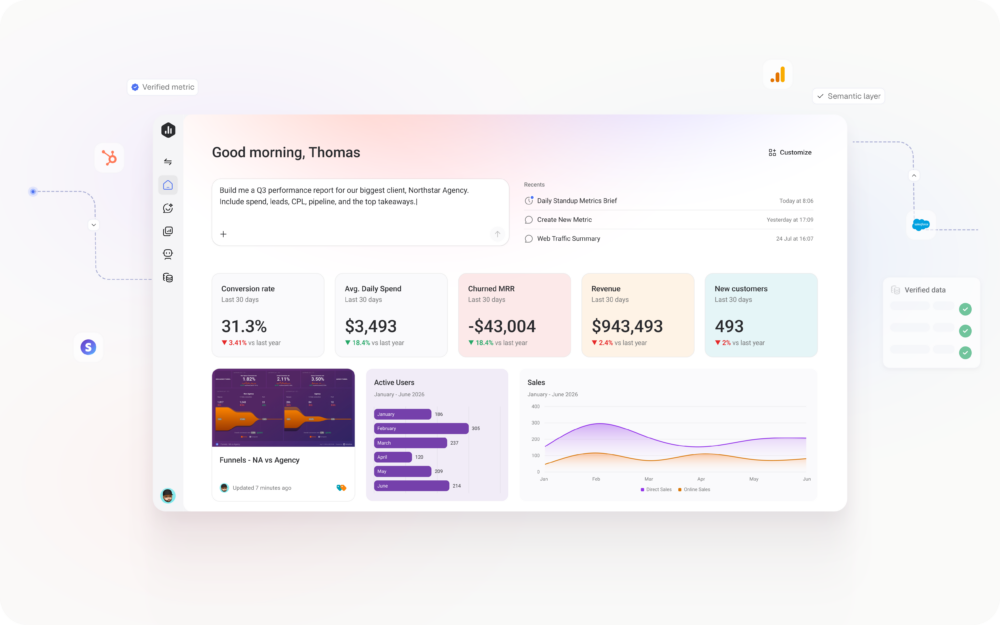
Most teams today are expected to move faster and be data-driven, but getting clear answers about performance is still harder than it should be.
Even simple questions often require jumping between dashboards, piecing together insights manually, or relying on a small group of data experts to dig in. The process can be slow, and it often leads to more questions than answers.
AI is starting to make performance analysis feel faster and more accessible, but most AI tools still lack the context teams need to trust the answers, like consistent metric definitions, historical performance, and the way your business actually measures success. Without that foundation, insights can feel difficult to act on with confidence.
That’s where Databox MCP comes in.
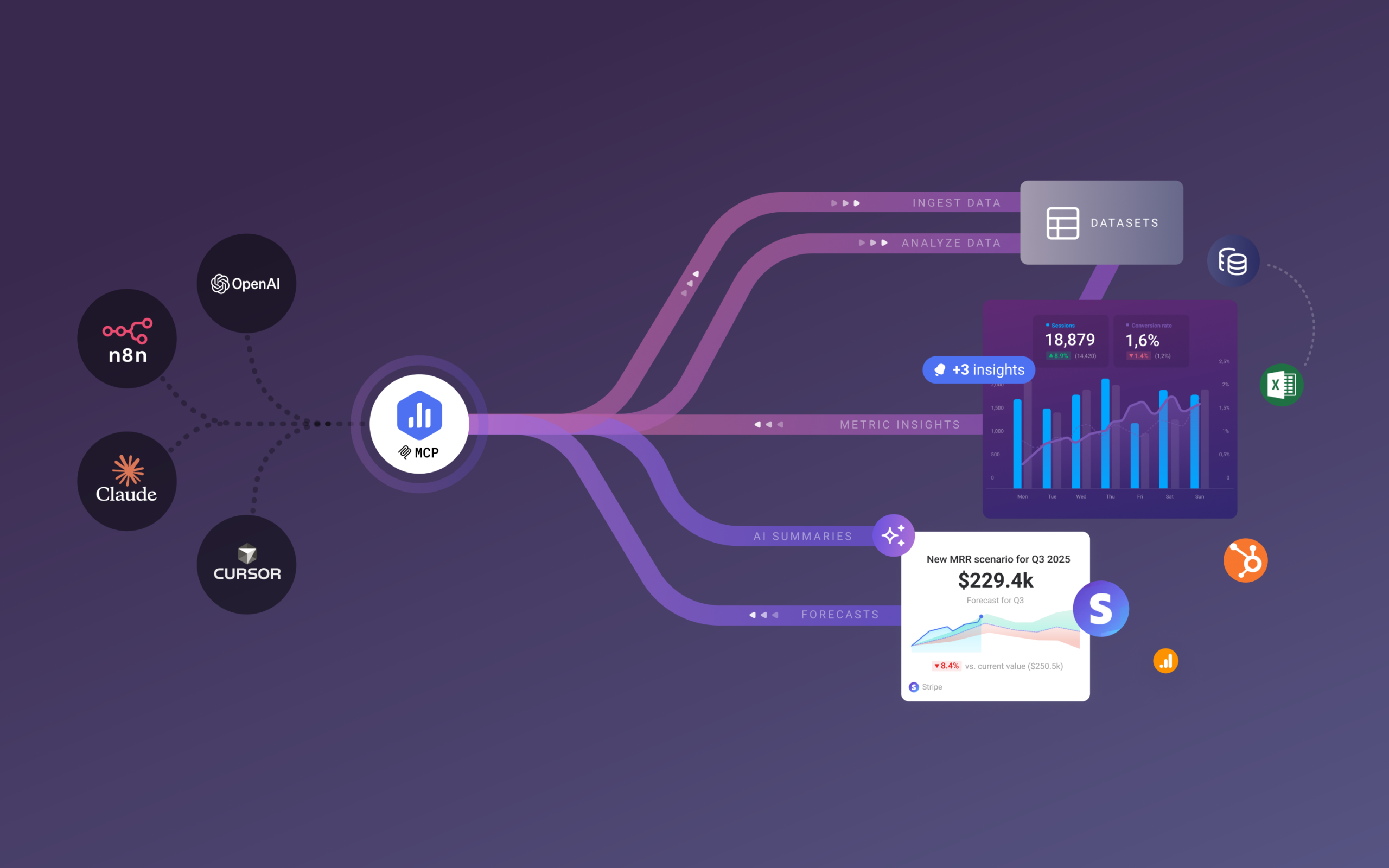
It connects Databox to your AI tools, making your performance data available across your entire AI ecosystem. You can ask questions and get clear, contextual explanations about performance, combine insights with information from other tools in the same conversation, and use them to trigger workflows and take action automatically.
What is an MCP server?
An MCP (Model Context Protocol) server defines how AI tools and agents connect to your systems in a consistent, predictable way.
Most businesses rely on many systems, like analytics platforms, CRMs, and internal services, each with its own rules for how data is accessed and shared. An MCP translates those rules into a common structure, helping AI understand what data is available, what actions it can take, and how those actions should be used.
This means that when you ask AI a question, it can work with multiple systems at the same time to give you a more comprehensive answer. It can see which systems it has access to, pull the right data, and use that information to explain what’s happening or trigger workflows and automations.
Move faster, with trusted data
Instead of AI operating in isolation, Databox MCP connects it to trusted performance data – making insights more accurate and easier to act on.
- A single place to connect the dots across tools: Databox MCP lets AI combine performance data with other platforms in the same conversation, giving you clearer explanations of what’s happening and why.
- Reliable answers, powered by trusted logic: Because AI is grounded in established metric definitions and business context, insights are more reliable and easier to act on with confidence.
- Insights available where work already happens: Teams can explore performance and ask questions directly from the AI tools and workflows they already use, reducing context switching and helping more people stay aligned.
- From insight to action, in seconds: Because insights stay connected to systems, they can flow into workflows, downstream tools, or ongoing processes, automatically.
Connecting Databox to your AI tools
You can connect Databox to any AI tool and workflow platform that supports the Model Context Protocol, making performance data available wherever your team is already working.
To help you get started, we’ve created simple guides that walk you through the setup:
What you can do with Databox MCP
Databox MCP changes the role AI plays in analytics. Instead of building reports and searching for insights, AI makes it easier to explore performance and move work forward.
Here are a few ways you can use Databox MCP:
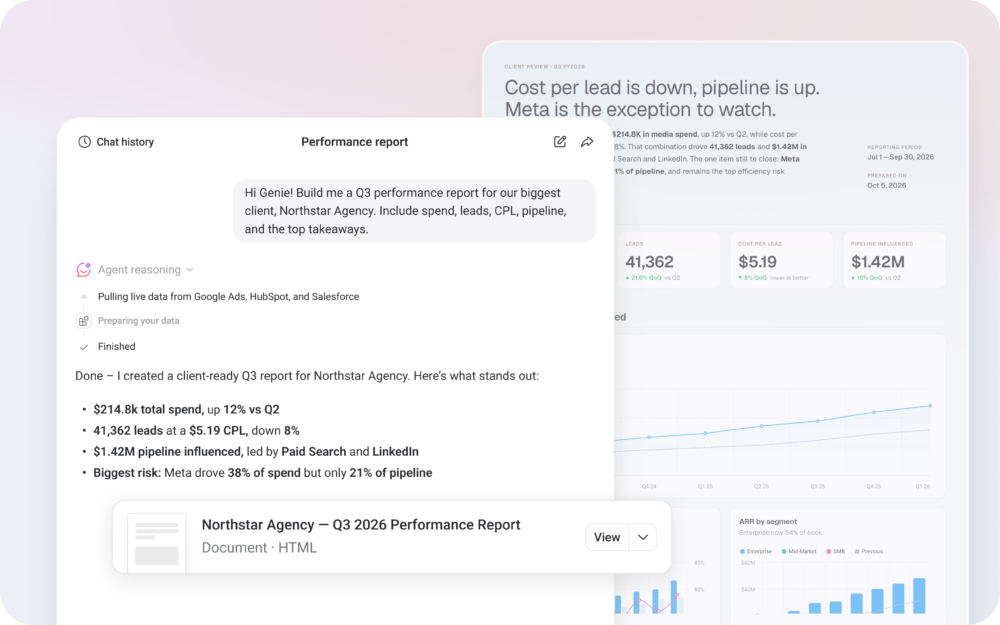
1. Ask questions, get answers instantly
When Databox is connected to your AI tools, you don’t have to start with dashboards or reports. You can start with questions. Ask AI things like:
- “Which channels generated the most sales?”
- “What is my marketing spend across channels this week?
- “How much revenue was generated last week?”
The AI uses your Databox data to explain what’s happening in clear, natural language, pulling trends, comparisons, and context automatically, and replies in the language you ask in.
2. Turn messy data into reusable datasets
Instead of spending time fixing headers, formats, and inconsistencies by hand, you can upload raw exports and let AI standardize the data for you. Then, ask it to push the dataset to Databox, so it can be used in your reports.
3. Merge data from multiple tools in the same conversation
Combine performance data with data from other tools in the same conversation. For example, you can compare ad spend from Databox with revenue from an external file or sales data from another system.
4. Automate work
Instead of checking dashboards and planning your next steps, you can let AI do that for you using live Databox data.
Connect Databox to your AI or automation tools and set up actions like:
- “Send me this report every Monday morning.”
- “Alert me if conversions drop last week’s average.”
- “Summarize this week’s performance and post it to Slack.”
- “Watch this metric daily and notify me when it’s trending up or down.”
5. Bring external data into Databox, on demand
Ask AI to pull data from other sources and push it directly into Databox, where it can be visualized and reported alongside your existing metrics. This makes it easy to add new context, like benchmarks, supplemental data, or one-off datasets, without the manual effort.
Make AI work with your data
Teams are already using AI to think through problems and explore ideas. Databox MCP connects those conversations to trusted performance data, so answers are grounded in real metrics, consistent definitions, and historical context.
Try Databox MCP today and start using AI with data you trust.