

Must-Have Bitbucket Dashboard Examples and Templates
All Bitbucket dashboard templates come pre-built with some of the most commonly tracked Bitbucket metrics from the most popular tools. You can customize your templates at any time.
No credit card needed · Free-forever plan
Bitbucket templates
Track some of the most common Bitbucket metrics and KPIs and analyze your performance with just a few clicks.
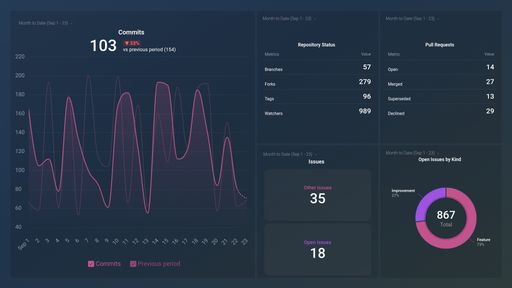
Bitbucket dashboard template provides you with the latest release stats like commits, repository status, top contributors for any Bitbucket project.
You don't use Bitbucket?
You can build a dashboard with any data using our 130+ one-click integrations, incl. Zapier, Make, Google Sheets, or a SQL database.
Can't find the exact template?
Build the Bitbucket dashboard your team actually needs
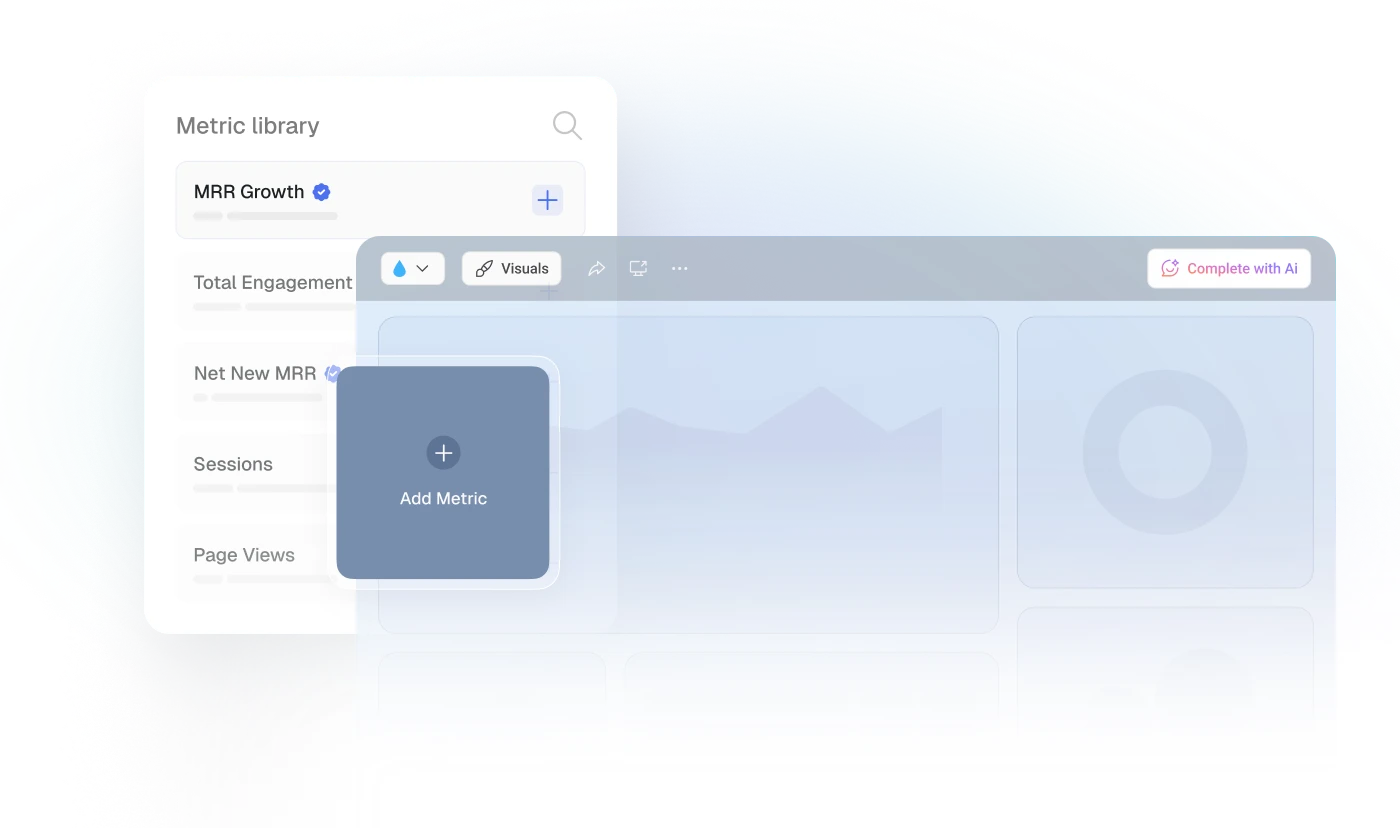
Create a custom view of your most important Bitbucket metrics – no coding or design skills required.
Centralize
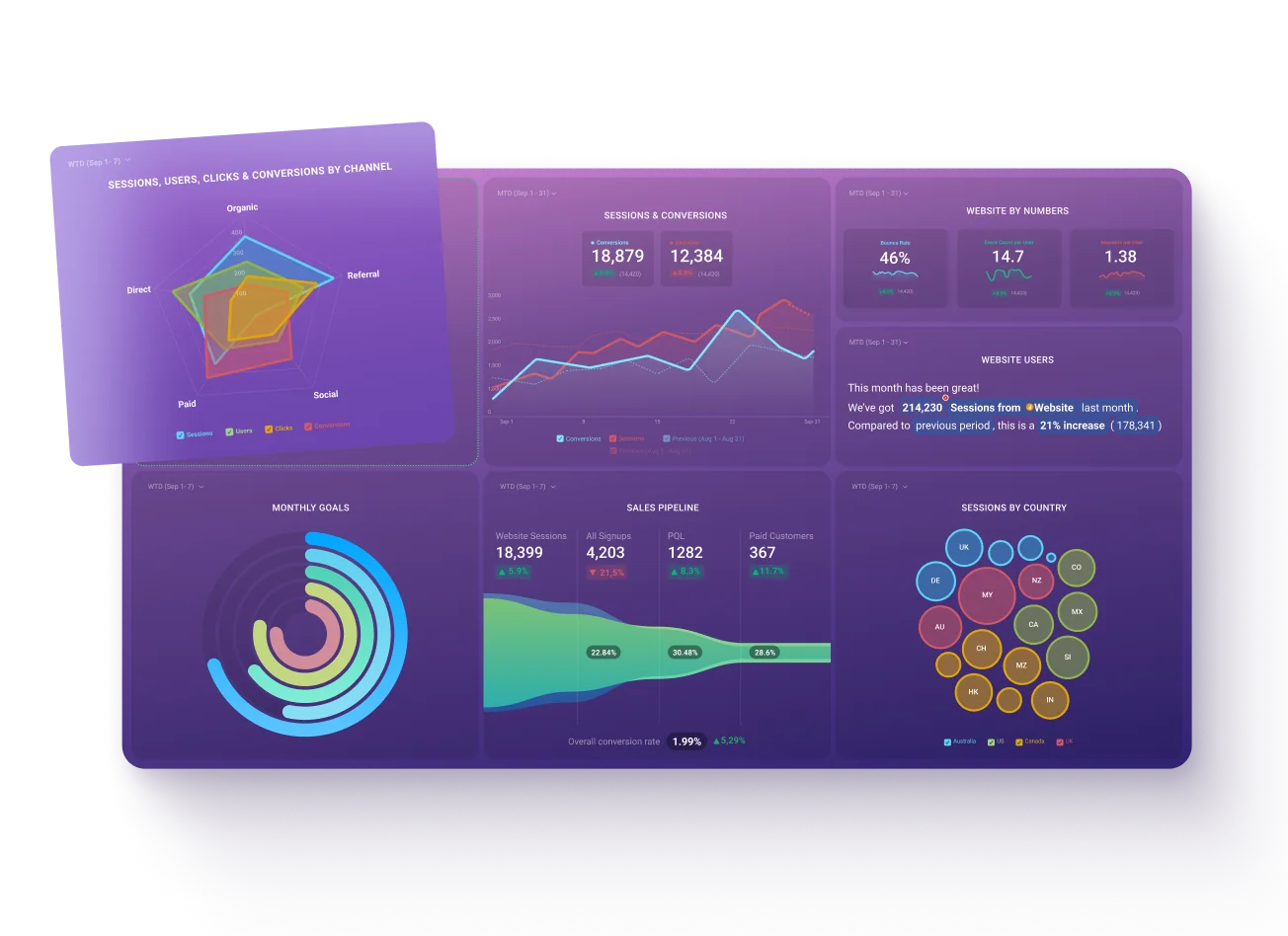
See every client's performance in one place
Save account managers from hours of copy-paste reporting work.
Explore more templates...
Learn more
Frequently asked questions
What Is a Bitbucket Dashboard?
A Bitbucket dashboard is an interactive tool that offers a centralized view of code development activity data. It visually displays key metrics that track project progress, team collaboration, and potential bottlenecks within the software development process.
What Should Be Included in a Bitbucket Dashboard?
An effective Bitbucket dashboard should include metrics such as Commits, Pull Requests, Branches, Issues, Watchers, and more. These key indicators provide insights into code activity, collaboration dynamics, project complexity, open tasks, and team member engagement.