

Must-Have Eventbrite Dashboard Examples and Templates
All Eventbrite dashboard templates come pre-built with some of the most commonly tracked Eventbrite metrics from the most popular tools. You can customize your templates at any time.
No credit card needed · Free-forever plan
Eventbrite templates
Track some of the most common Eventbrite metrics and KPIs and analyze your performance with just a few clicks.
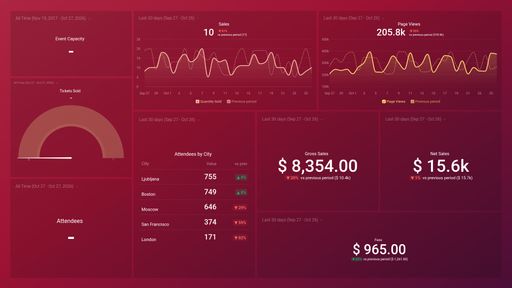
This dashboard allows you to track all the common KPIs of events from Eventbrite.
You don't use Eventbrite?
You can build a dashboard with any data using our 130+ one-click integrations, incl. Zapier, Make, Google Sheets, or a SQL database.
Can't find the exact template?
Build the Eventbrite dashboard your team actually needs
Create a custom view of your most important Eventbrite metrics – no coding or design skills required.
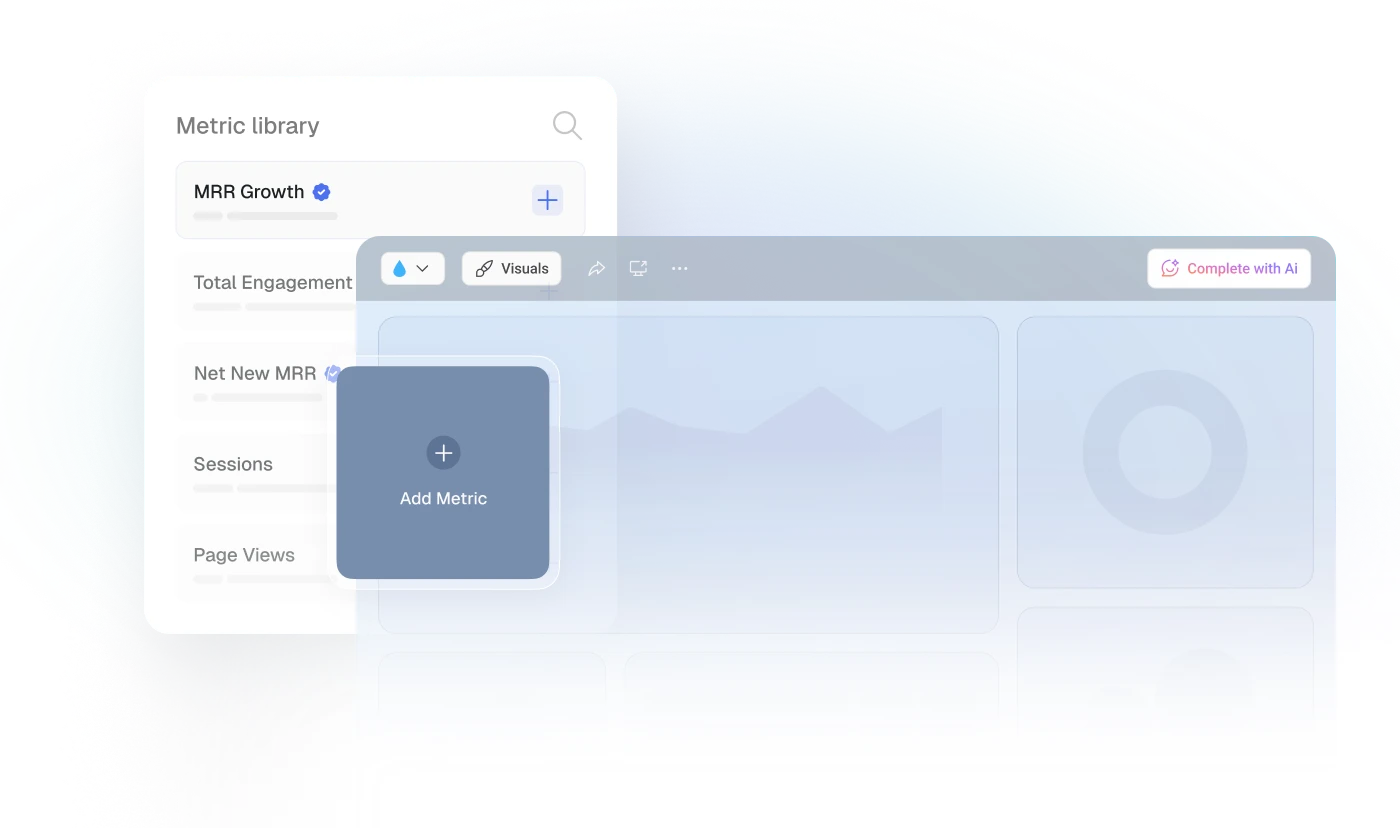
Centralize
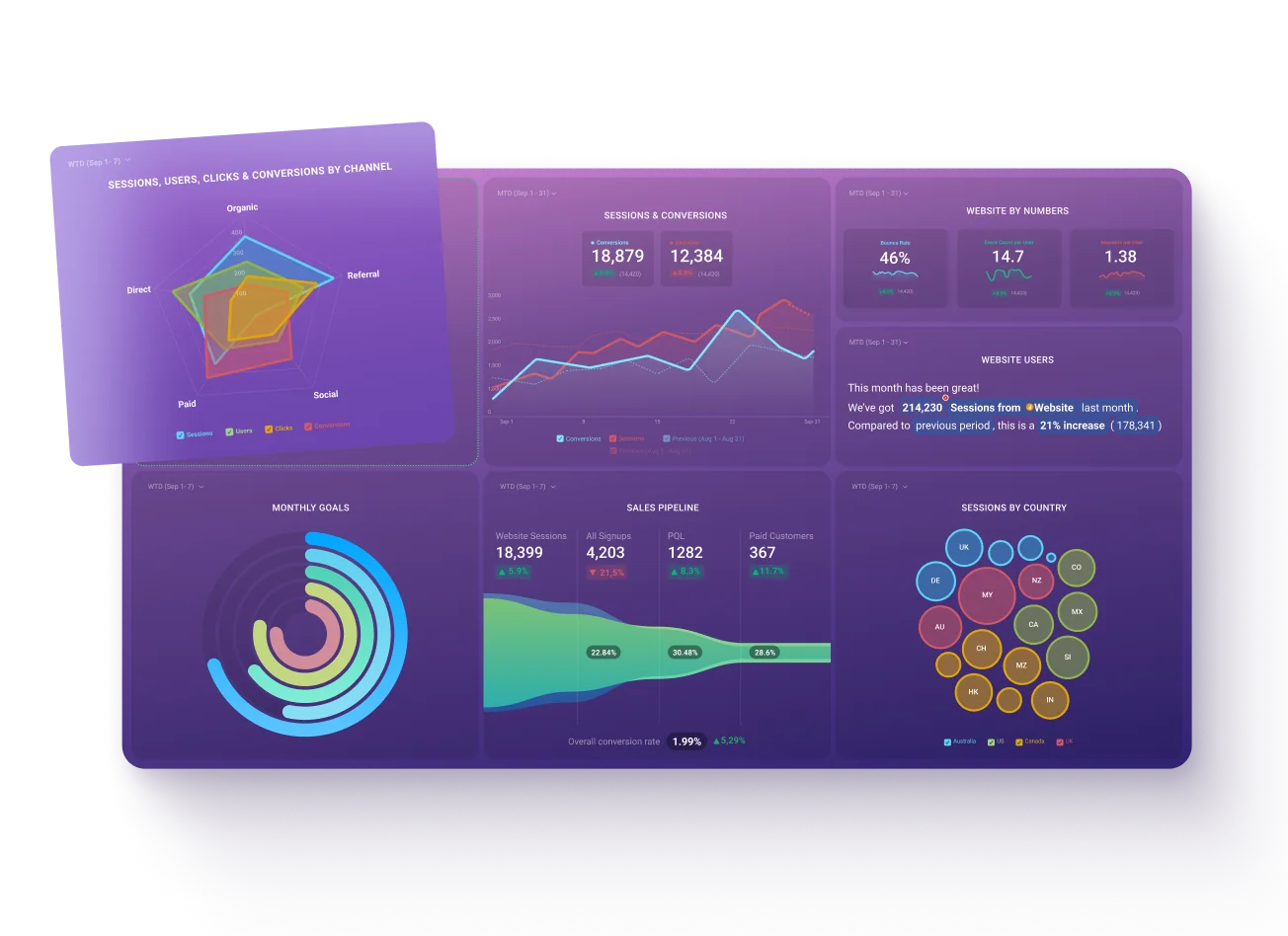
See every client's performance in one place
Save account managers from hours of copy-paste reporting work.
Explore more templates...
Learn more
Frequently asked questions
What Is an Eventbrite Dashboard?
An Eventbrite dashboard provides a centralized overview of event performance data. It visually displays essential metrics, offering insights into ticket sales, audience engagement, and overall event success, enabling organizers to make informed, data-driven decisions for future events.
What Should Be Included in an Eventbrite Dashboard?
For a comprehensive view, an Eventbrite dashboard should track key metrics like Quantity Sold, Page Views, Gross and Net Sales, Attendee counts, Fees, and Event Capacity. By analyzing these metrics, organizers gain valuable insights into sales trends, event reach, revenue streams, audience demographics, and logistical considerations, allowing them to tailor future events for maximum impact.