
Track all of your key business metrics from one screen
GET STARTED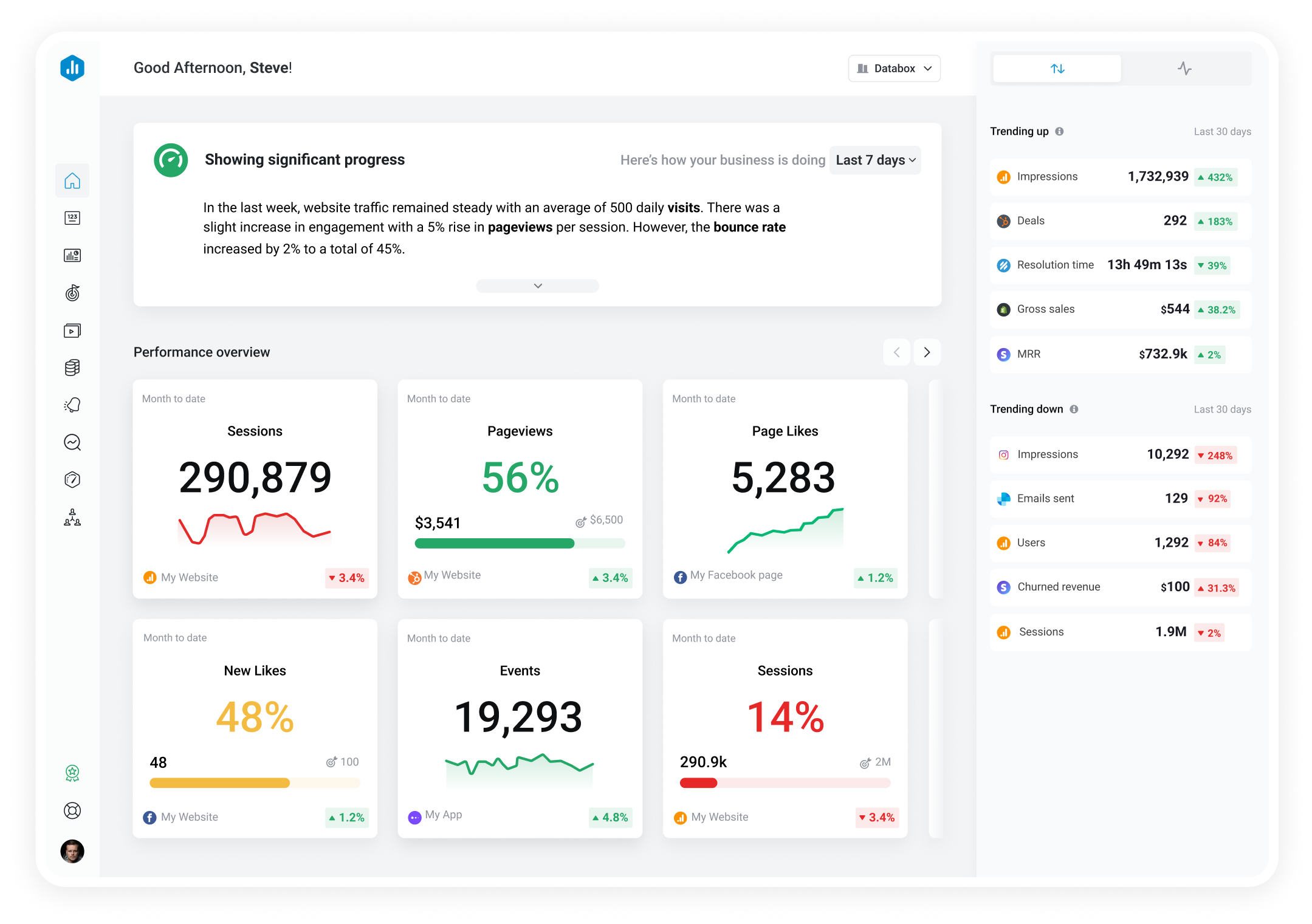

 Snapchat Ads
Purchase ROAS (Return on Ad Spend) - Conversion Time by Ads
Snapchat Ads
Purchase ROAS (Return on Ad Spend) - Conversion Time by Ads Purchase ROAS (Conversion Time) is a metric that measures the revenue generated from ad spend using conversion time-based attribution. This metric attributes conversions to when the conversion event occurred, rather than when the ad impression took place. It indicates the amount of revenue a business earns for every dollar spent on advertising. The higher the Purchase ROAS (Conversion Time), the more effective the ad campaign is in driving sales.
With Databox you can track all your metrics from various data sources in one place.

Used to show comparisons between values.
Databox is a business analytics software that allows you to track and visualize your most important metrics from any data source in one centralized platform.
To track Purchase ROAS (Return on Ad Spend) - Conversion Time by Ads using Databox, follow these steps:
 Goals
Goals Scorecards
 Metric Digest
 Metric Builder
 Data Calculations
 Performance Screen
Track Purchase ROAS (Return on Ad Spend) - Conversion Time by Ads from Snapchat Ads in Databox
GET STARTED
Snapchat Ads
Performance Screen
Track Purchase ROAS (Return on Ad Spend) - Conversion Time by Ads from Snapchat Ads in Databox
GET STARTED
Snapchat Ads
Total impressions by Ads metric is the total number of times an ad was viewed by users on Snapchat. It includes both unique and repeat views and helps advertisers measure the reach and visibility of their ad campaigns.
Snapchat Ads
Total Reach by Ad Sets measures the total number of unique users who have seen at least one ad from a particular ad set during a selected time period on Snapchat. It helps advertisers understand the reach of their ads to target audience.
Snapchat Ads
Leads by Ads is a metric in SnapchatAds that measures the number of people who have shown interest in a particular product or service through the ad campaign and provided their contact information for follow-up communication.
Snapchat Ads
Story Opens by Ad Sets metric measures the total number of times Snapchatters have opened your ad in a story after seeing it in the Discover tab or in Stories.
Snapchat Ads
Total CPM by Ads is a metric that measures the total cost per 1,000 impressions for an ad campaign on Snapchat. It takes into account all costs associated with the campaign, including ad spend and platform fees.
Snapchat Ads
Cost per Ad Clicks is the amount advertisers pay for each click on their Snapchat Ads. This metric helps measure the effectiveness of ad campaigns, and optimize ad costs to achieve maximum ROI.
Snapchat Ads
Cost per Story Open by Ad Sets is a metric that calculates the cost of each time a user opens and views a story ad within a specific ad set on Snapchat.
Snapchat Ads
Story Open Rate by Ad Sets measures the percentage of times users opened a story from a specific ad set. It helps advertisers understand how effective their ad sets are at capturing audience attention and driving user engagement.