
Track all of your key business metrics from one screen
GET STARTED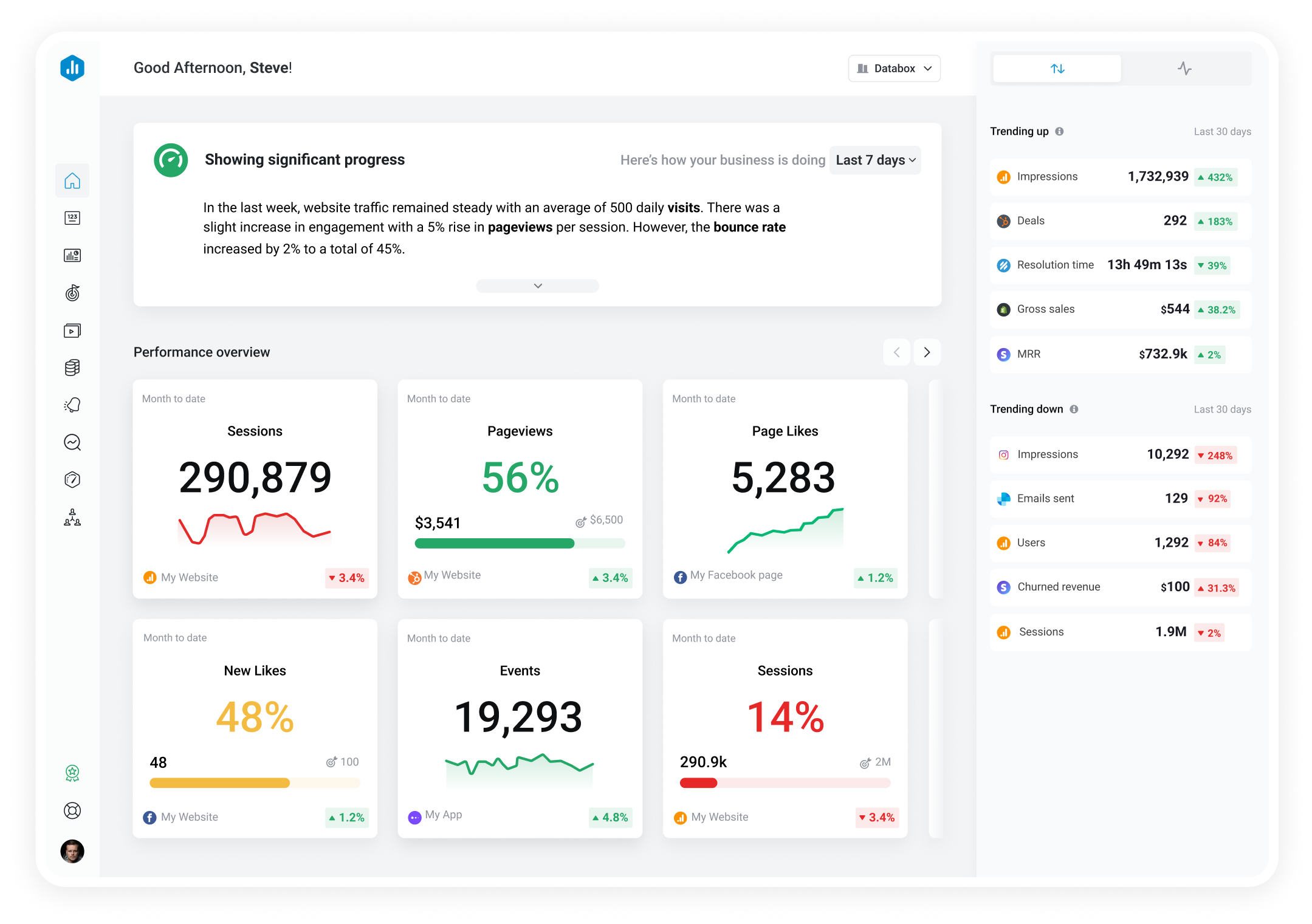

 Snapchat Ads
Purchase ROAS (Return on Ad Spend) - Conversion Time by Ad Set
Snapchat Ads
Purchase ROAS (Return on Ad Spend) - Conversion Time by Ad Set The Purchase ROAS (Conversion Time) by Ad Sets metric measures the revenue generated from purchases made by customers who were shown specific ads, using conversion time-based attribution. This metric attributes conversions to when the conversion event occurred, rather than when the ad impression took place.
With Databox you can track all your metrics from various data sources in one place.

Used to show comparisons between values.
Databox is a business analytics software that allows you to track and visualize your most important metrics from any data source in one centralized platform.
To track Purchase ROAS (Return on Ad Spend) - Conversion Time by Ad Set using Databox, follow these steps:
 Goals
Goals Scorecards
 Metric Digest
 Metric Builder
 Data Calculations
 Performance Screen
Track Purchase ROAS (Return on Ad Spend) - Conversion Time by Ad Set from Snapchat Ads in Databox
GET STARTED
Snapchat Ads
Performance Screen
Track Purchase ROAS (Return on Ad Spend) - Conversion Time by Ad Set from Snapchat Ads in Databox
GET STARTED
Snapchat Ads
Swipe Ups is a SnapchatAds campaign metric that tracks the number of times users swipe up on your ad to reach a destination, such as a website or app. It measures user engagement and interest in your ad's content.
Snapchat Ads
Video Completions by Campaign measures the number of times a Snapchat ad video is played to completion within the given campaign.
Snapchat Ads
The Video Plays at 75% by Ad Sets metric tracks the number of times a video ad has been played at least 75% of its total length, segmented by ad sets. It shows the effectiveness of the ad in captivating the audience's attention and generating high engagement rates.
Snapchat Ads
The Video Plays at 50% by Ad Sets metric measures how many times a video ad was viewed up to at least 50% of its length, by audience segments created in ad sets.
Snapchat Ads
Leads by Ad Sets is a metric that shows the number of potential customers who have expressed interest in your business by filling out a form or providing contact information after seeing your ad set on Snapchat.
Snapchat Ads
The Average Screen Time by Campaign metric measures the average amount of time a user spends on a particular campaign's ad. It helps evaluate the engagement level of the ad and its effectiveness in capturing attention.
Snapchat Ads
Cost per Lead by Campaign is a metric used in SnapchatAds that calculates the cost spent on acquiring a single lead from a specific campaign. It helps in measuring the effectiveness of the campaign and determining the ROI.
Snapchat Ads
The Cost per Ad Views by Campaign metric measures the total cost of an ad campaign divided by the total number of ad views generated by the campaign, providing insights on the efficiency of the campaign's ad spend towards driving views.