
Track all of your key business metrics from one screen
GET STARTED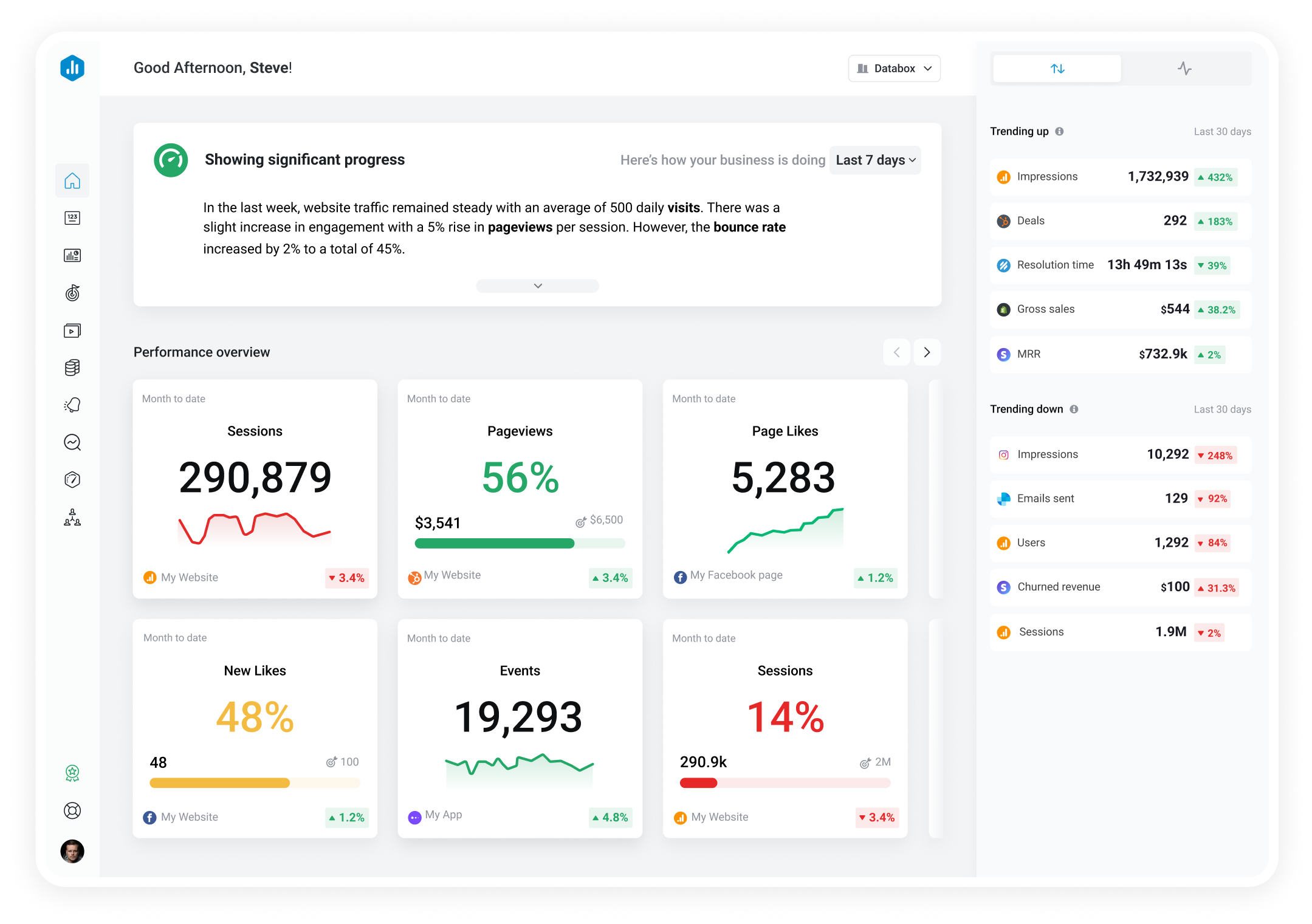

 Snapchat Ads
Ad Set
Snapchat Ads
Ad Set The Purchase ROAS (Impression Time) by Ad Sets metric measures the revenue generated from purchases made by customers who were shown specific ads, using impression time-based attribution. This metric attributes conversions to when the ad was first shown, matching the Snapchat Ads UI reporting method.
With Databox you can track all your metrics from various data sources in one place.

Used to show comparisons between values.
Databox is a business analytics software that allows you to track and visualize your most important metrics from any data source in one centralized platform.
To track Ad Set using Databox, follow these steps:
 Goals
Goals Scorecards
 Metric Digest
 Metric Builder
 Data Calculations
 Performance Screen
Snapchat Ads
Performance Screen
Snapchat Ads
The Amount Spent by Campaign metric represents the total cost incurred for a specific campaign on SnapchatAds. It reflects how much money has been spent on ad placements, targeting, and other campaign-related expenses. This metric helps advertisers track the return on investment (ROI) for their campaigns by comparing the cost incurred to the revenue generated.
Snapchat Ads
Swipe Up Rate by Ads is a metric that measures the percentage of Snapchat users who swipe up on your ad. It tells you how effective your ad is in capturing user attention and driving them to take action. A higher Swipe Up Rate indicates a better performing ad.
Snapchat Ads
The Swipe Up Rate by Ad Sets measures the percentage of users who swipe up on an ad in relation to the total impressions served by that ad set. It's a key metric to measure the effectiveness of a campaign's call-to-action on Snapchat.
Snapchat Ads
Video Plays at 75% is a SnapchatAds metric that measures the number of times your video ad was played at least 75% of the way through by users. This metric helps you assess the engagement and impact of your video ads and optimize your ad strategy accordingly.
Snapchat Ads
Total Frequency by Campaign is a metric that measures the average number of times a user sees an ad within a specific campaign. It helps to identify if the ad frequency is too high or too low, which could impact campaign performance and cost.
Snapchat Ads
The Cost per Lead by Ad Sets metric reflects the average cost to receive a new lead from a specific targeting group within your ad campaign on Snapchat. It helps evaluate the efficiency of your ad sets in generating leads.
Snapchat Ads
Cost per Story Open by Ads (CPSO) is a metric that measures the cost incurred by an advertiser for each time their ad-supported Story is opened by a Snapchat user. It helps in analyzing the effectiveness of the ad campaign and optimizing it accordingly.
Snapchat Ads
The Purchase ROAS (Impression Time) by Campaign metric measures the amount of revenue generated per dollar spent on a specific Snapchat Ads campaign, using impression time-based attribution. This metric attributes conversions to when the ad was first shown, matching the Snapchat Ads UI reporting method.