
Data Integration Tool
Connect all your data to easily measure what matters
Bring all your data (and team) together into one place, so you can quickly visualize key metrics and make better decisions, faster.








Create a single source of truth for your business
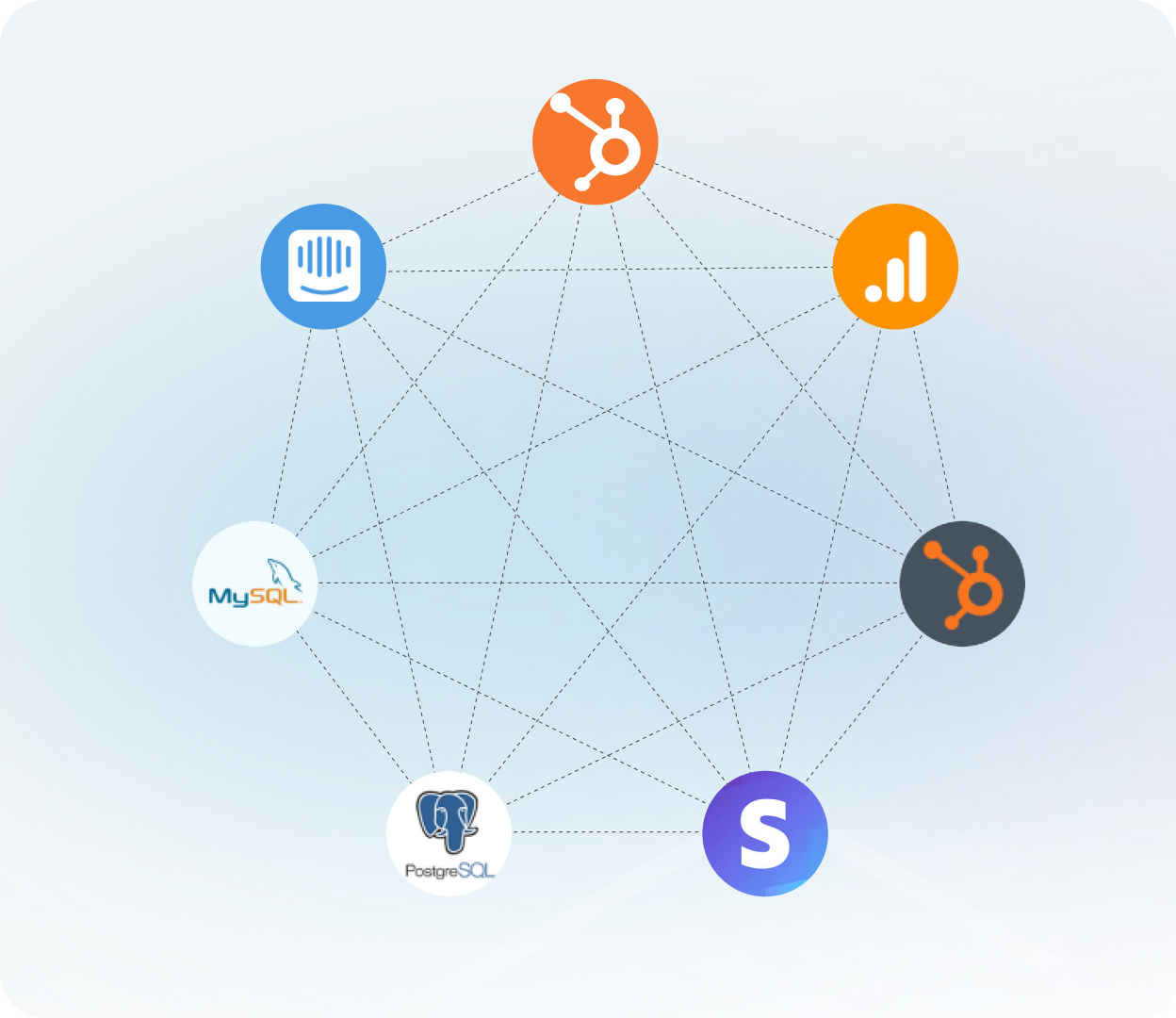
Connect the apps you use most
Sync data from 130+ pre-made integrations in a few clicks. We handle API changes, updates, and maintenance so you don’t have to.
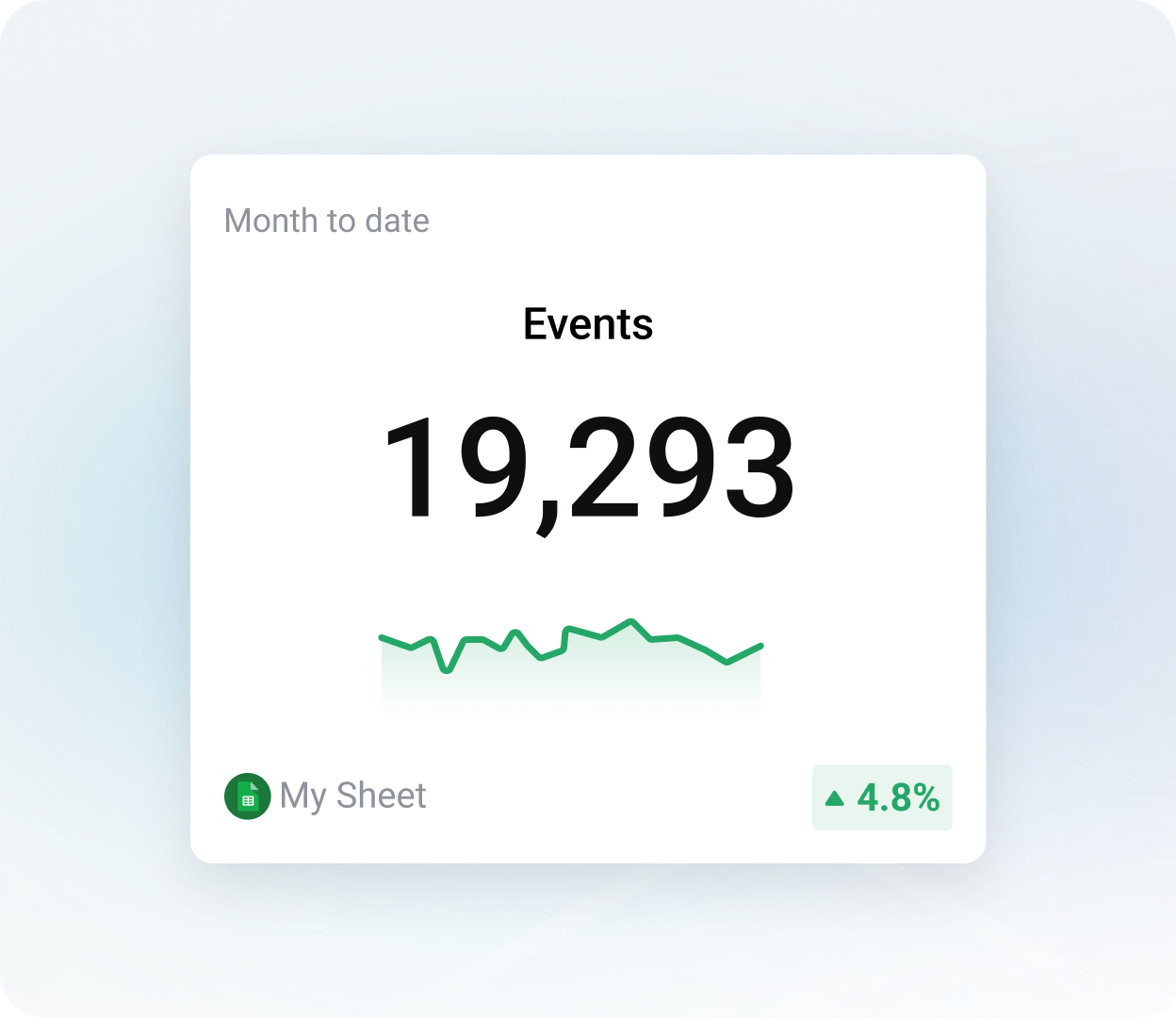
Pull data from spreadsheets
Sync custom data from Google Sheets or Excel to visualize metrics that aren’t available in your connected tools.
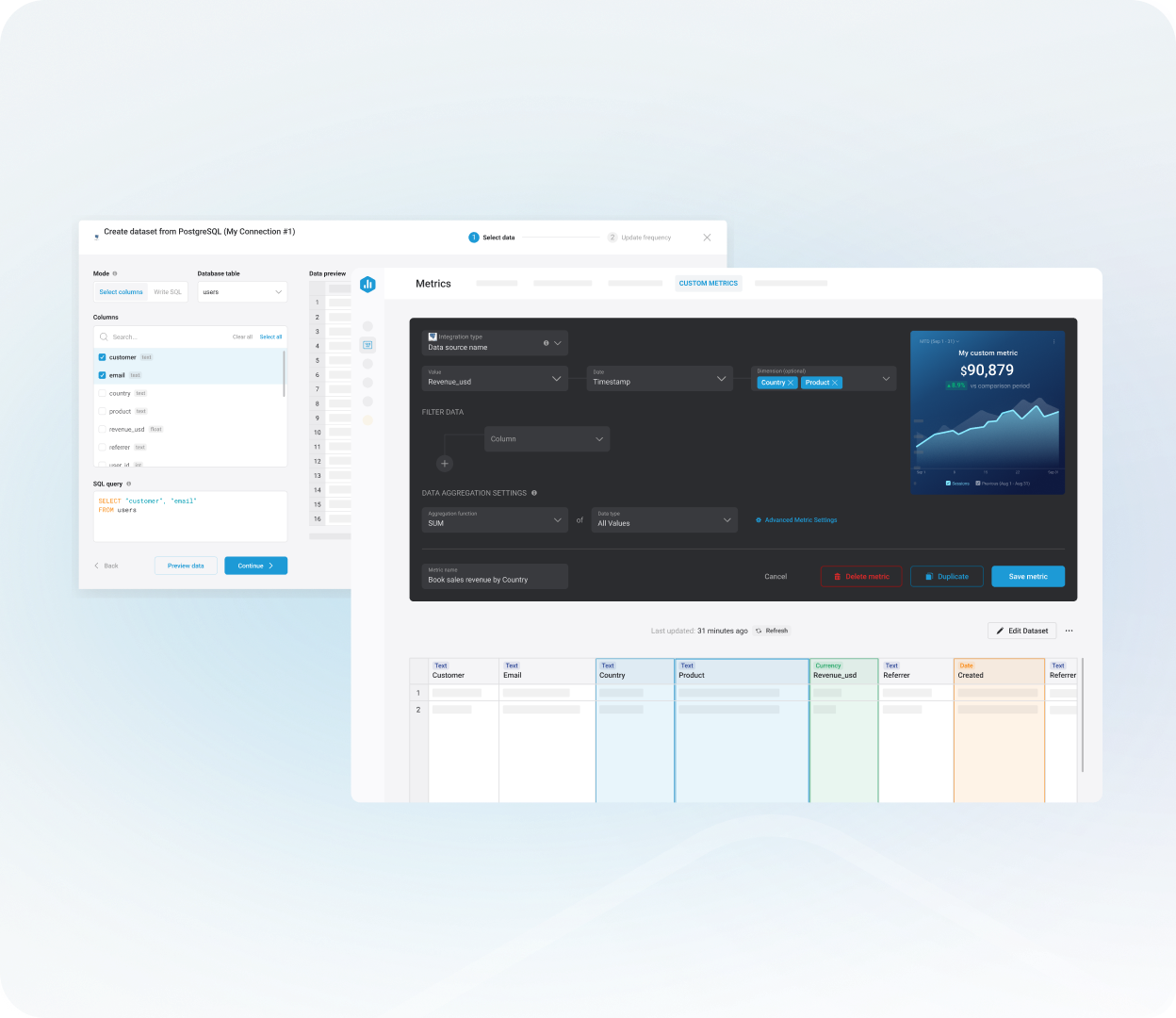
Connect your SQL databases
Bridge the gap between backend data and business decisions by creating metrics and dashboards from your SQL databases.
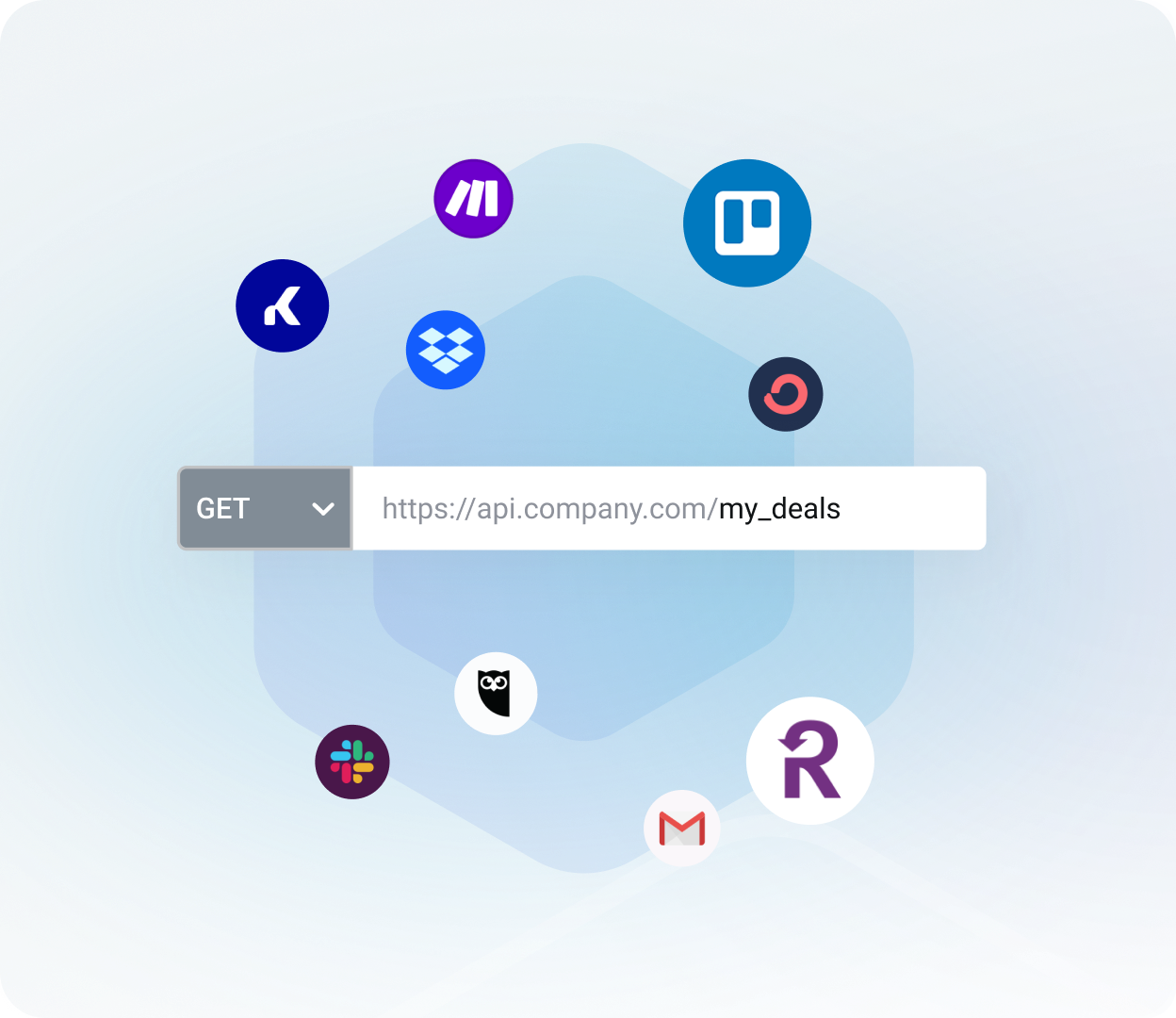
Use our custom API
No integration? No problem. Use our API to pull in the data that matters most to your company.
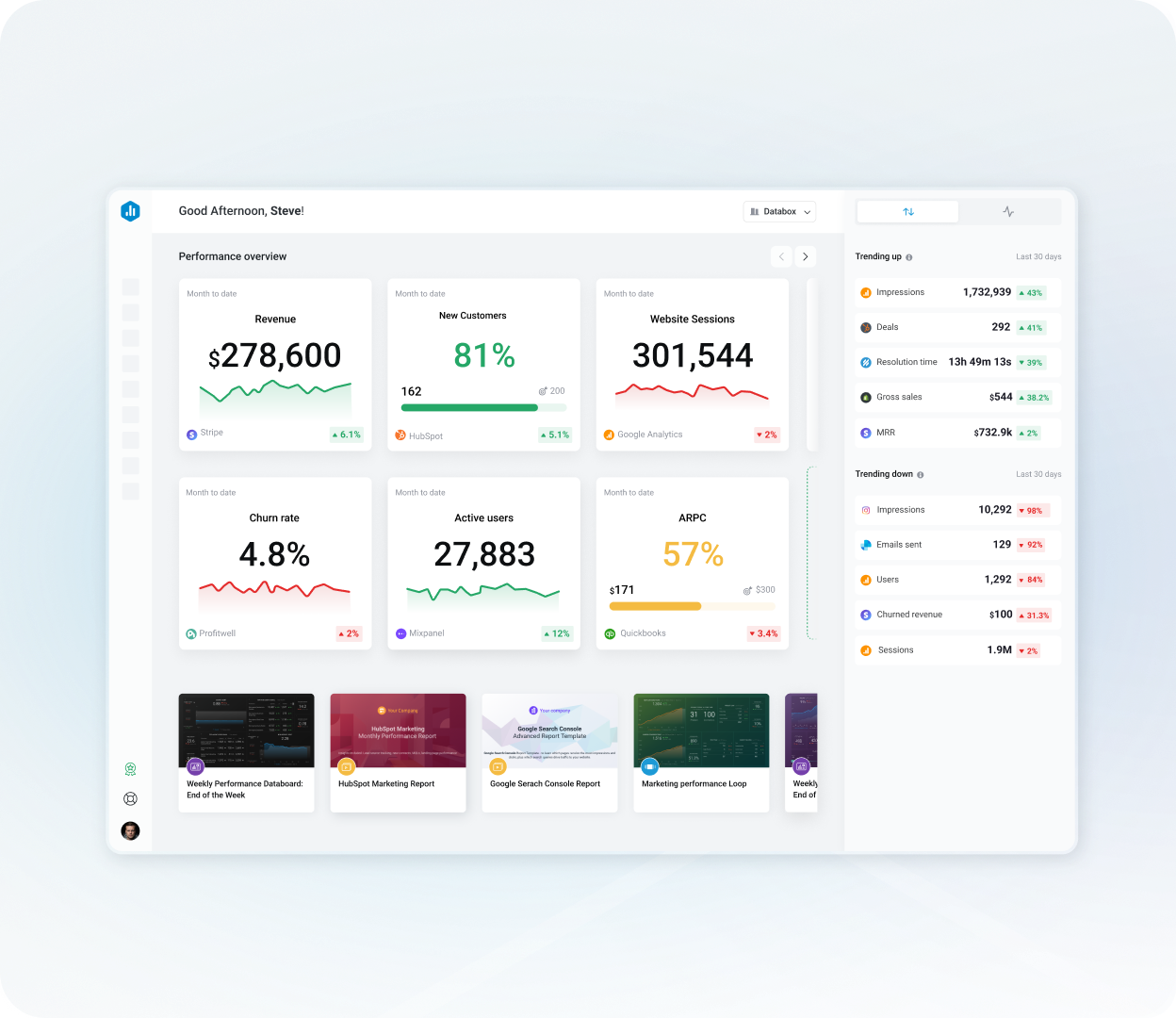
Push data from thousands of tools with Zapier and Make
Use trigger-based automations to send data from thousands of apps into Databox.
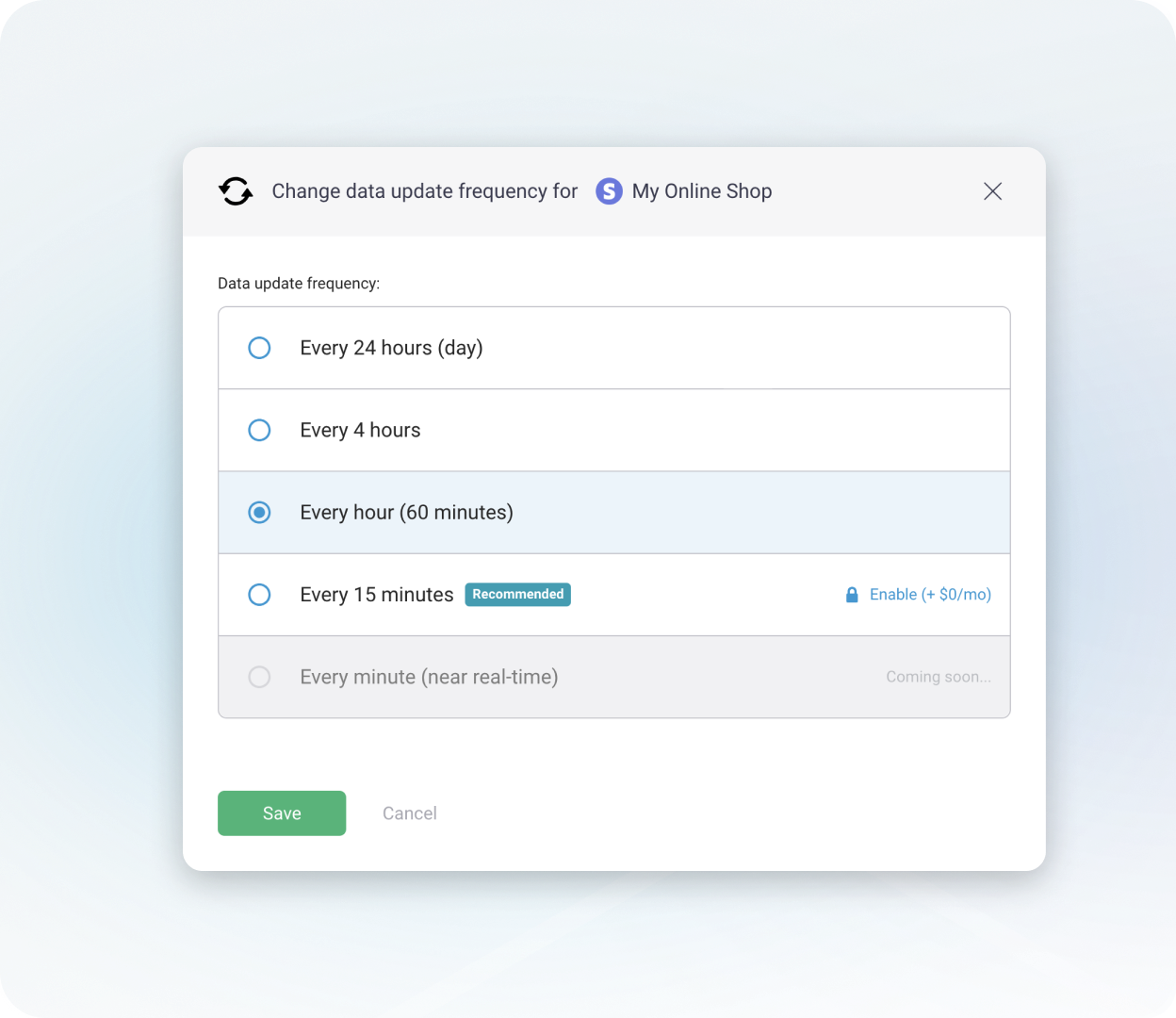
Select your sync frequency
Get the right data at the right time. Choose how often each source updates, from near real-time to every 24 hours.
Popular tools we connect with


Track the metrics that matter most
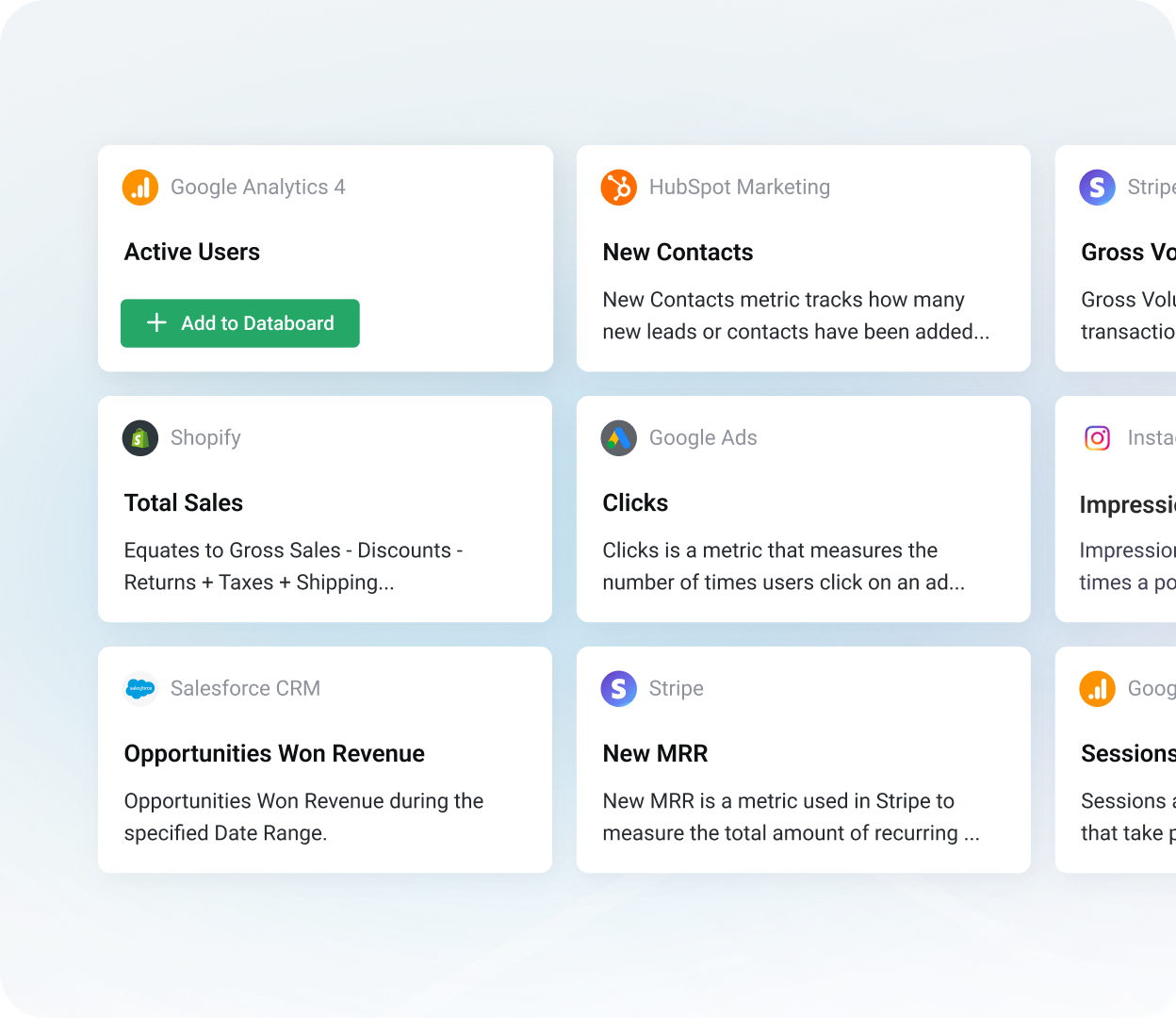
Start with pre-built metrics
Instantly access hundreds of ready-to-use metrics from popular tools like HubSpot, Google Ads, and Google Analytics.
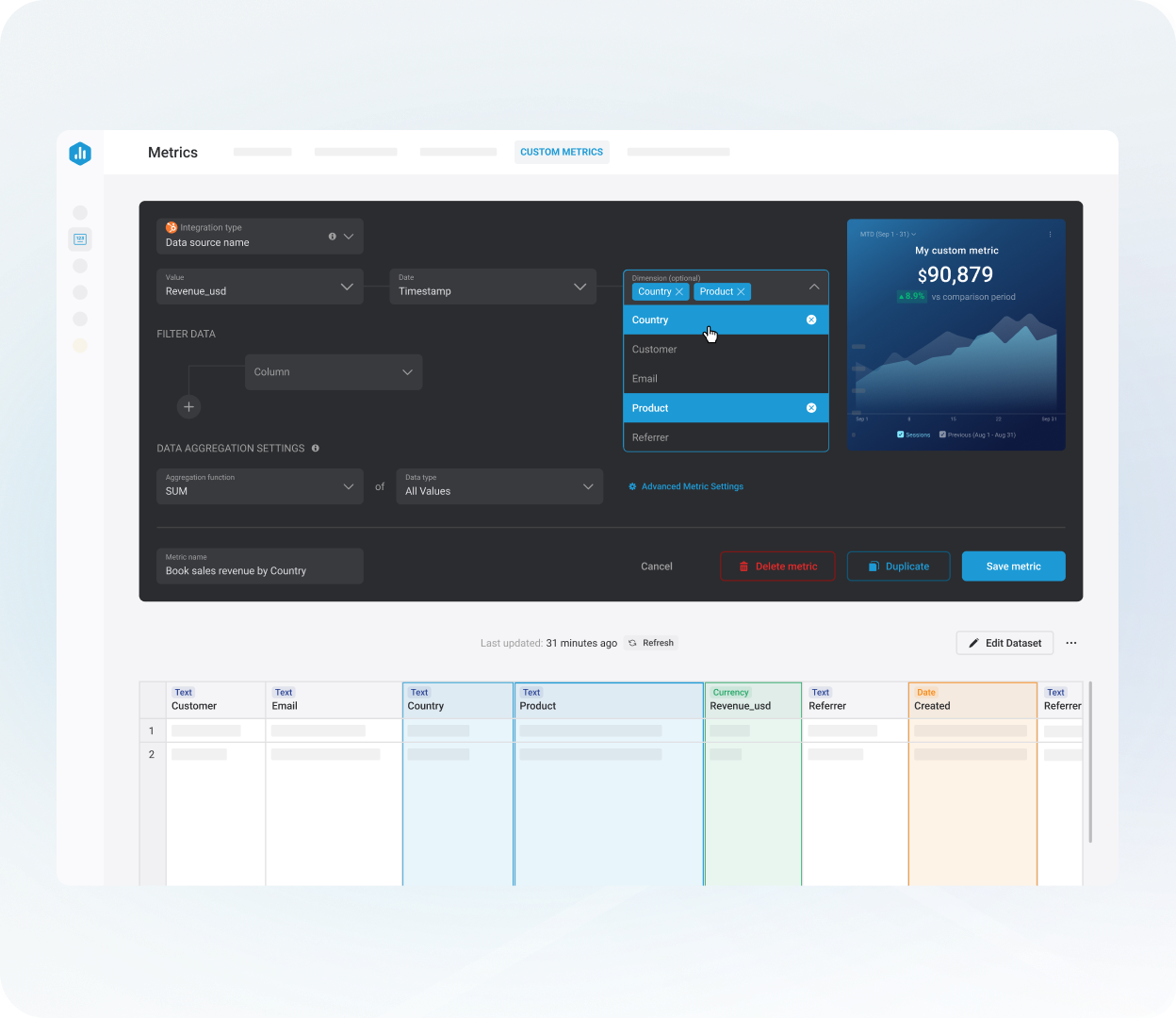
Build custom metrics
Create the exact metrics you need by selecting multiple filters & dimensions, without writing a single line of code.
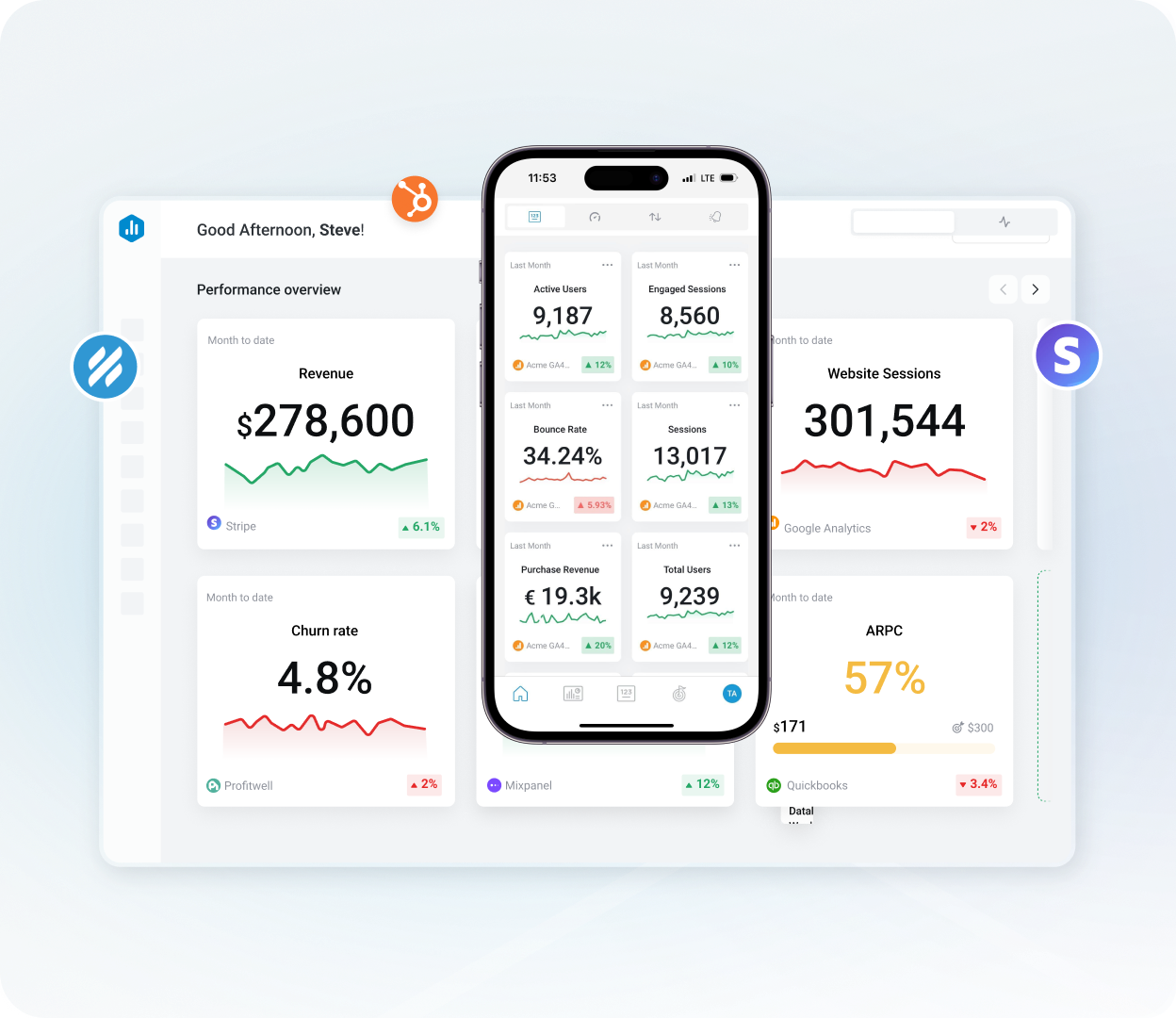
Define once, track anywhere
Empower your team to visualize, share, or analyze metrics over time.


Frequently asked questions
What’s Databox’s advantage over traditional BI tools?
Traditional BI tools often come with high setup costs, complex data modeling requirements, and a steep learning curve.
With Databox, you don’t need analysts to pull reports, engineers to model data, or extra tools to sync it. You get a modern, all-in-one platform that helps your entire team track performance, surface insights, and make better decisions, faster.
Here’s what sets Databox apart:
- 130+ native integrations that connect in just a few minutes
- No need for a separate ETL tool. Databox extracts, transforms, and loads your data automatically behind the scenes.
- Build drag-and-drop dashboards, custom metrics, and reports yourself using a simple, no-code interface that anyone on your team can use
- Unlimited users, dashboards, and custom metrics included on every plan, so you can scale access without scaling your bill
- Near real-time data syncs, so your reports and dashboards are always up to date
- Faster time to insight. Most teams go from connecting data to building dashboards in under 30 minutes.
What types of data sources can I connect to Databox?
Databox supports a wide range of data sources, so you can centralize and visualize all your performance data in one place – no matter where it comes from.
You can connect:
- 130+ popular tools across marketing, sales, finance, customer support, and more.
- Spreadsheets (Google Sheets or Excel)
- Databases (like MySQL, PostgreSQL, Snowflake, and more)
- Other tools, via Zapier and Make
- Our REST API
How many data sources are included in each plan?
Plan tier determines the number of included data source connections. Lower-tier plans include 3 data source connections, while our top-tier plan includes up to 100. If you need more, you can easily add additional data sources to any plan for an extra charge.
Do you charge extra for additional data sources?
Yes. Each additional data source costs $7/month on monthly billing, or $5.60/month if billed annually – regardless of your plan.
If you’re an agency, you may be eligible for discounted pricing.
Can I connect multiple accounts from the same platform (e.g., several GA4 properties)?
Yes. You can connect multiple accounts or properties from the same platform. Each one counts as a separate data source. So, if you connect 5 GA4 properties, you will need 5 data sources.
Does the data refresh in real time?
By default, data syncs hourly. If you need more frequent updates, you can purchase 15-minute syncs for selected data sources.
On the Premium plan, you can enable 15-minute syncs for up to 5 data sources at no extra charge.
How long does it take to set up an integration?
Most cloud tools, like HubSpot, GA4, or Stripe, can be connected in 2-5 minutes using OAuth or an API key.
Connecting to databases or custom APIs may take a bit longer, depending on your setup, but our team is here to help if you need support.
Do I need a separate ETL tool with Databox?
No. ETL tools help you extract data from different sources, transform it (like cleaning, filtering, or aggregating), and load it into another tool for analysis. With Databox, all of that happens automatically.
Databox connects to your tools, transforms the data, and stores it in a managed warehouse, so you don’t need to set up or maintain a separate ETL pipeline.
Do I need to write code to connect or model data?
No. You don’t need to write any code to get started with Databox. Most integrations can be connected in just a few clicks.
And when it comes to building custom metrics, we provide a simple, no-code interface, so you can calculate, filter, and combine data without needing technical skills.
What if my data source isn’t supported yet?
No problem, you’ve got a few ways to bring your data into Databox:
- Google Sheets or Excel
- SQL databases (like MySQL, PostgreSQL, Snowflake)
- Our REST API
- Automation tools like Zapier and Make
If you still can’t get what you need, you can request a new integration on our roadmap. We prioritize new integrations based on customer demand.
Can I connect on-premise databases?
Yes. Databox can connect to on-premise databases as long as they’re accessible over the internet (via public IP, VPN, or SSH tunnel). We support MySQL, PostgreSQL, SQL Server, and more.
You may need to update your firewall settings to allow Databox IP addresses.
How is my data kept secure?
Databox offers granular, role-based permissions, so you can control access at the account, data source, or dashboard level.
For added security, you can purchase an Advanced Security Management add-on, which includes features like forced SSO/2FA, activity logs, and session controls. This add-on is included at no extra cost on our top-tier plan.
How is access to the data managed?
Databox runs on secure AWS infrastructure. All data is encrypted in transit (TLS 1.2+) and at rest (AES‑256), with encryption keys managed through AWS Key Management Service (KMS).
We also conduct annual penetration tests, run regular vulnerability scans, and follow ISO 27001-aligned security controls and disaster recovery procedures. Databox is SOC 2 certified.