GA4 Website Traffic & Performance Report
Your weekly GA4 brief – sessions, channels, top pages, conversions, and anomaly flags – written from live Databox data.
Whatever you pasted into the chat — and nothing else. Not the rest of your funnel, not last quarter, not the other tools where half the answer actually lives. It works from that sliver and fills in the rest.
So you keep feeding it. Export a table, paste it in, explain the columns, then do it all again next week — because the moment the chat resets, everything you gave it is gone. Even then it’s only ever seeing the slice you had time to hand over.
The fix is live data with real context behind it – consistent metric definitions, historical trends, and data from every source you actually use.
That’s what Databox adds underneath the tools you already use.
Yes, in theory, you could wire your AI to a GA4 MCP, a HubSpot MCP, a Stripe MCP, and one per tool – but then watch it stitch three sources together and hand you a confident, wrong number. Databox is one connection instead: all your data joined in one place, every metric defined the way your team means it. So insights are accurate and contextual.

Connect all your tools to Databox once; your AI reaches all of them through a single endpoint. No connector per platform, no juggling logins.
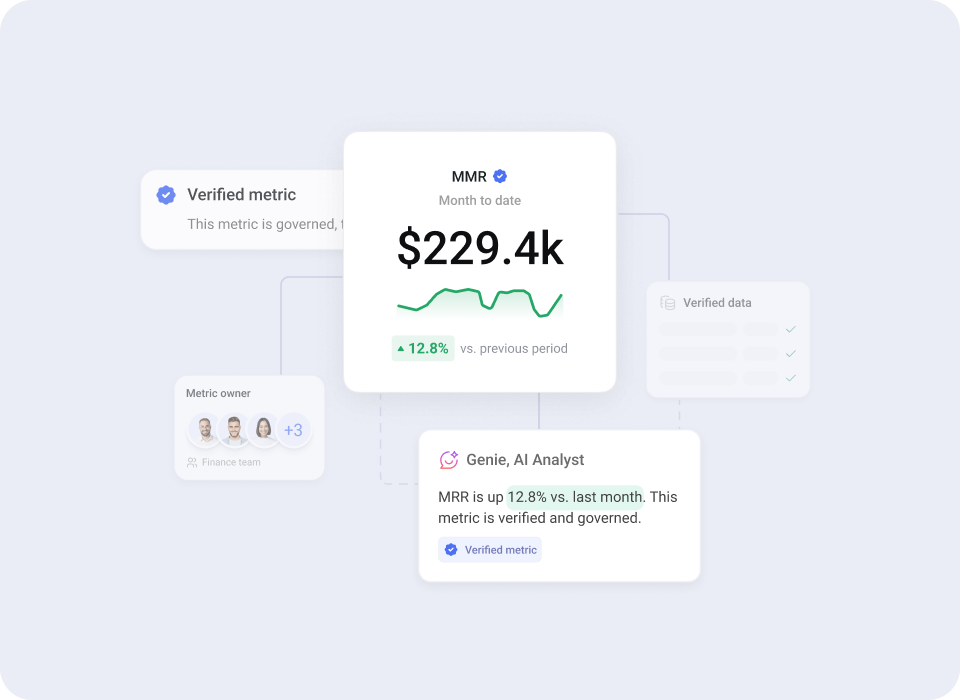
Each metric defined once, the way your team uses it, with ownership and consistency built in. “Conversion rate” means the same thing in every answer and every dashboard.
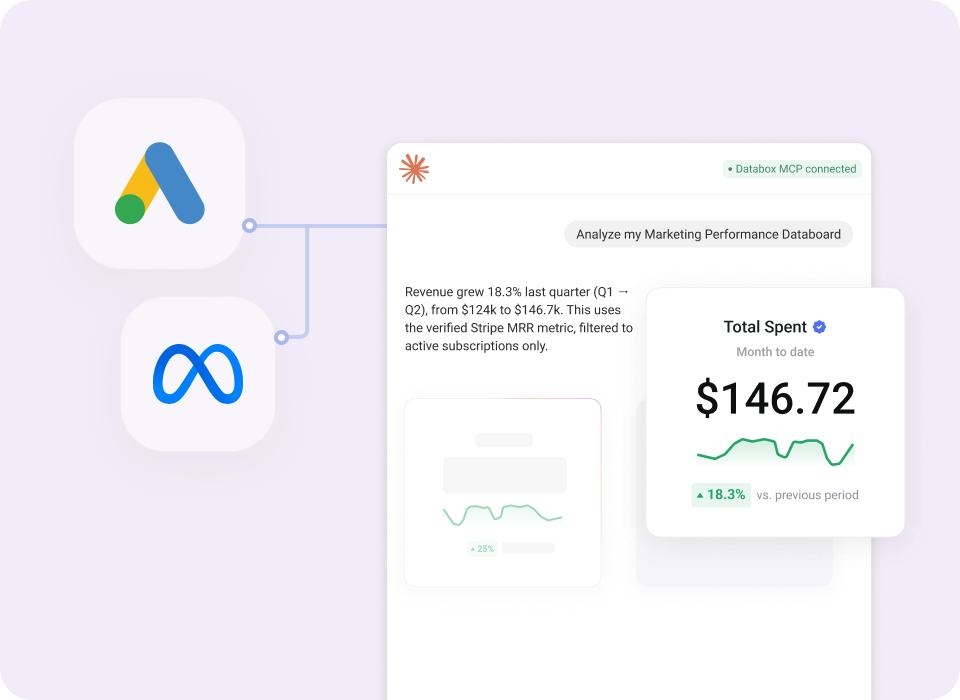
“Correlate LinkedIn ad spend with HubSpot demo requests” runs as one query. The joins happen inside Databox, not in the AI’s working memory.
Claim your exclusive offer – only for signups through July 31st. No credit card required, and nothing converts to paid plan automatically.
When your month ends, you choose a paid plan to keep full access. If you don’t, your account moves to the free-forever plan – nothing is charged.
Now your AI reads from trusted data – so the only thing left is knowing what to ask it. What to compare, what counts as an anomaly, what’s worth flagging?
Databox’s Skill Marketplace has it built in. Ready-made analytics skills and n8n workflows, each running a complete, structured analysis on your connected sources – the kind a senior analyst would design. You don’t write the questions; you get the finished report.
Your weekly GA4 brief – sessions, channels, top pages, conversions, and anomaly flags – written from live Databox data.

Pulls 6 metrics from all connected ad platforms via Databox and delivers a WoW performance report to Slack and email.


Cross-platform organic report across Facebook, Instagram, LinkedIn, TikTok, and X – written from live Databox data.


Maps your brand's visibility across ChatGPT, Gemini, Perplexity, Copilot, and others – built from live GSC and GA4 data.








Only for signups through July 31st. No credit card required, and nothing converts to paid plan automatically.
When your month ends, you choose a paid plan to keep full access. If you don’t, your account moves to the free-forever plan – nothing is charged.
What is Databox?
Databox is an AI-powered analytics platform that combines data connection, preparation, visualization, reporting, and AI-powered analysis in a single tool. It’s built for growing teams and agencies who need to make fast, data-driven decisions — without depending on a dedicated data team for every answer.
What is Databox MCP?
Databox MCP (Model Context Protocol) lets you bring your Databox data into the AI tools your team already uses — like Claude, ChatGPT, or n8n. Instead of manually exporting data or pasting numbers into an AI chat, MCP connects those tools directly to your live metrics. So every AI interaction is grounded in real, up-to-date performance data.
Do I need a credit card to start?
No. You start your free month without entering any payment details.
What happens after the free month?
If you choose a paid plan, you continue with full Growth plan access. If you don’t, your account moves to the free-forever plan, which has limitations.
How is this different from pasting my data into ChatGPT or Claude?
Pasted data makes the model recalculate from scratch and guess at context. The MCP queries your actual Databox account, so answers use the same definitions and return the same results as your dashboards. And if the data needed to answer isn’t available, it says so instead of guessing.
How does the MCP connect, and what does it cost?
Setup takes about a minute – in Claude, add Databox under Settings → Connectors and authorize with OAuth. It also works with ChatGPT, Cursor, n8n, and other MCP-compatible tools. MCP is included for all Databox users at no additional cost.
Is my data safe?
Connections use secure authentication, your data stays in your Databox account with its existing access controls, and the AI only reaches data you explicitly grant.
Which tools does Databox integrate with?
130+ native integrations, including GA4, Google Ads, Meta Ads, LinkedIn Ads, HubSpot, Salesforce, Mixpanel, and Stripe, plus databases, warehouses, and spreadsheets. Full list at databox.com/integrations.
Compare

Databox Inc.
HQ: Boston, MA, USA
AI-powered analytics for teams that need answers now.
Databox Inc.
HQ: Boston, MA, USA

AI-powered analytics for teams that need answers now.



Compare

