
The Claude Skills Marketplace for Databox Analytics
Your AI analytics team.
Now downloadable.
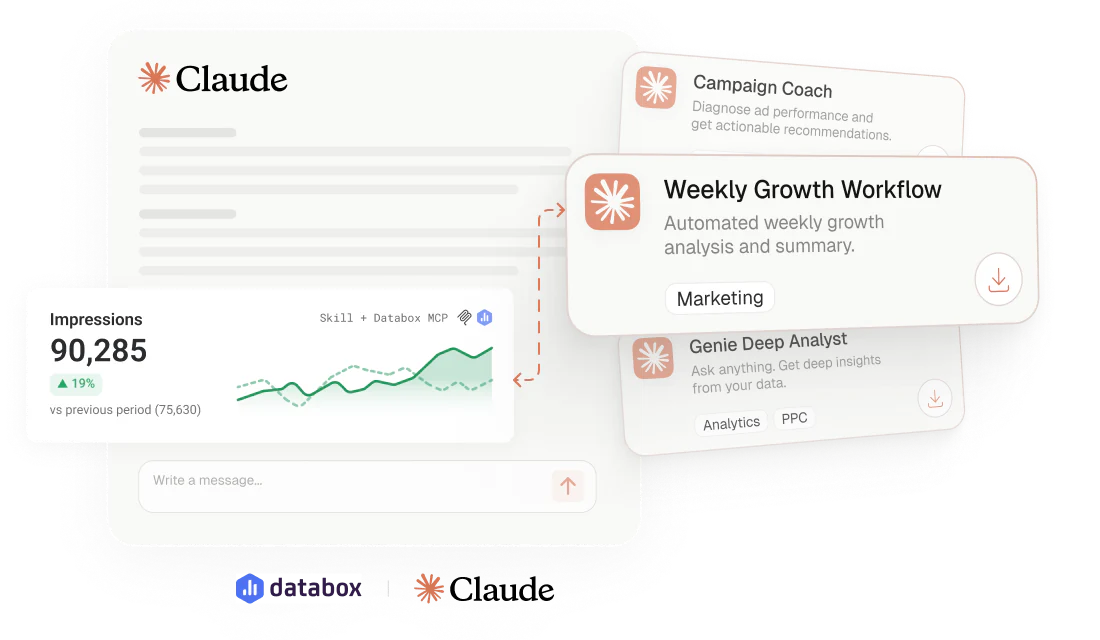
Download free analytics skills, artifacts, and workflows that analyze your live Databox data and turn it into reports, insights, anomaly explanations, and recommended actions.
Free to download
Works with Claude
Use with Databox
Product type
Category
Objective
Data sources
Showing
31 productsSort by
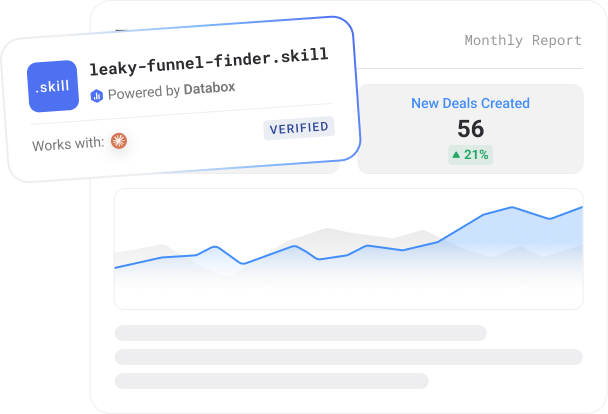
Leaky Funnel Finder
A Claude skill that reads your HubSpot or Salesforce pipeline from Databox and diagnoses where deals are leaking, stuck, or going stale — against your funnel's own baseline, not universal benchmarks — then names the biggest leak and its impact.
~5 min setup
Runs on demand
Claude + Databox MCP
Built by
Executive Decision Brief
Turn your connected metrics into a one-page leadership briefing in minutes.
Works with
Claude
Built by
 The Write Way
Messaging Audit
A nine-signal funnel diagnostic that pinpoints which stage is where your messaging loses buyers.


Works with
Claude
Sales Target Pacing
Your monthly sales target turned into a rep-by-rep pace check — in deals, not just dollars.


Works with
Claude
Search & Traffic Performance Skills Bundle
Three free Claude skills, one complete picture — website performance, search rankings, and AI visibility, reported from


Works with
Claude
Built by
Morning Marketing Summary
Pulls live data from all connected marketing channels via Databox and delivers a performance brief to Slack/email
Works with
n8n
Built by
 Arcanian Consulting Ltd.
Set Baseline
Set an honest, seasonality-aware baseline for any metric before a campaign — a typical-range band with confidence.
Works with
Claude
Built by
Content Performance MAX Starter Kit
Point Claude at any URL for a review-ready SEO metadata rewrite — Title, H1, and Meta seeded to Airtable.


Works with
Claude
Built by
Monthly Linkedin Ads Analytics
A one-page monthly LinkedIn Ads report, share-ready in minutes — reach, relevance, engagement, and pipeline benchmarked

Works with
Claude
Built by
Weekly Growth Dashboard
Your Monday-morning growth read — GA4, Search Console, and CRM in one rolling 4-week comparison & recommendations.
Works with
Claude
Built by
Newsletter Email Analyzer
Reads your email data, matches it to subject lines, shows which patterns drive opens, plus subject lines to write next


Works with
Claude
Built by
Sales Pulse
Pipeline analysis before charts. Reads your CRM through Databox and tells you what's healthy, what's slipping, and where
Works with
Claude
Built by
Quick Financial Health Check
A monthly financial review for services firms — P&L, cash flow, AR/AP, and missing-invoice alerts from QuickBooks.

Works with
Claude
Built by
Content Performance Partner
Every published page sorted into keep, refresh, or retire — a prioritized monthly editorial work queue written from live
Works with
Claude
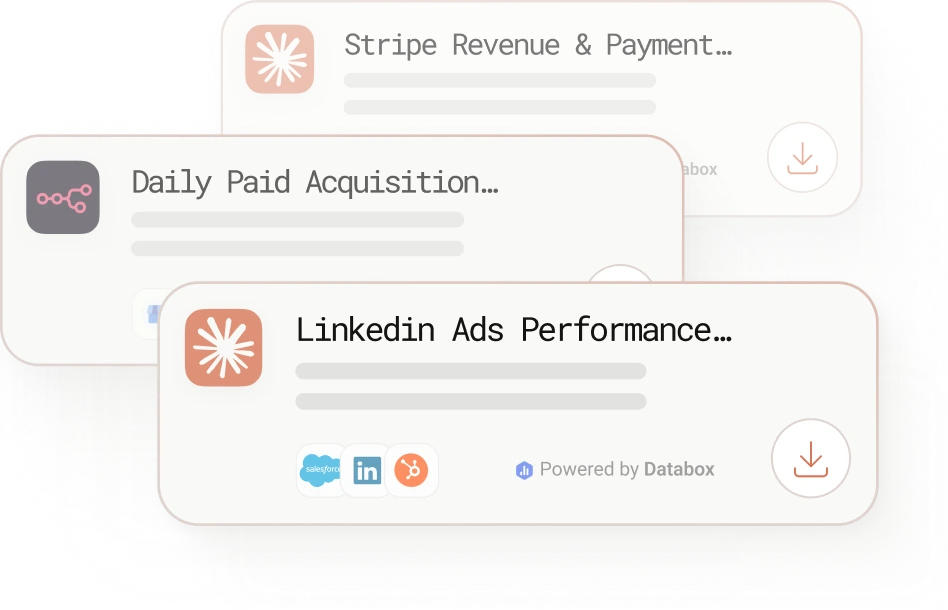
Stripe Revenue & Payments Report
MRR, new revenue, churn, refunds, and failed payments - your Stripe report written from live Databox data.

Works with
Claude
Linkedin Company Profile Performance Report
Impressions, follower growth, top posts, and audience demographics - your LinkedIn page report from live Databox data.

Works with
Claude
Weekly SEO Performance Monitor
Pulls GSC impressions and position data from Databox for multiple clients every Monday and posts AI analysis to Slack.
Works with
n8n
Ecommerce Sales & Conversion Report
Shopify and GA4 in one report - sales, top products, abandoned checkouts, and conversion rate from live Databox data.

Works with
Claude
Youtube Channel Performance Report
Watch time, retention, and traffic sources diagnosed together - your channel report written from live Databox data.

Works with
Claude
Traffic Spike Reporter
Monitors daily traffic changes across multiple clients via Databox each morning and posts root cause analysis to Slack.
Works with
n8n
AI Insights from Databox in Slack
Ask any metric question in Slack and get an answer pulled from live Databox data in seconds.
Works with
n8n
Instagram Business Performance Report
Reach, engagement, Reels, Stories, profile actions, and audience demographics - your Instagram report in 60 seconds.

Works with
Claude
Daily Paid Acquisition and Website Intelligence Report
Runs three AI agents each morning to correlate paid and website data, then emails 3 budget recommendations.

Works with
n8n
AEO Report
Maps your brand's visibility across ChatGPT, Gemini, Perplexity, Copilot, and others - built from live GSC and GA4 data.
Works with
Claude
Facebook Ads Performance Report
Account snapshot, campaign analysis, top ads, and action items - your monthly Facebook Ads report in 90 seconds.
Works with
Claude
Google Ads Performance Report
Brand vs non-brand. CPA vs target. Impression share. A full Google Ads campaign report from live Databox data.
Works with
Claude
Weekly Paid Ads Performance Reports
Pulls 6 metrics from all connected ad platforms via Databox and delivers a WoW performance report to Slack and email.
Works with
n8n
SEO Performance & Visibility Report
GSC, GA4, and your SEO platform in one report - rankings, backlinks, conversions, and CTR opportunities from live data.
Works with
Claude
Paid Ads Cross-Channel Performance Report
One report across all connected ad platforms. Each channel judged against its own funnel goal, not a single standard.
Works with
Claude
Organic Social Media Performance Report
Cross-platform organic report across Facebook, Instagram, LinkedIn, TikTok, and X - written from live Databox data.

Works with
Claude
GA4 Website Traffic & Performance Report
Your weekly GA4 brief - sessions, channels, top pages, conversions, and anomaly flags - written from live Databox data.
Works with
Claude
Submit your own
Built an AI skill or prompt for Databox data? Submit it. We review, build the listing, and publish it.
Built on Databox
No AI hallucinations. Analysis built on a real context layer.
Ask a generic AI to analyse your business performance and it will give you a confident answer. It will also be working from assumptions.
Generic AI doesn't know how your business defines a qualified lead, what your MRR calculation includes, or how you attribute revenue. It fills those gaps with the most plausible interpretation it can find — which is different from the correct one.
The products here run on Databox's data layer — if you choose so. Your metric definitions, your reporting logic, and your live numbers are what the AI reads, pulled straight through Databox MCP instead of uploaded by hand. That's the difference between an output you can share with your team and one you have to verify before you trust it.
How it works
From download to first output in under 30 min.
Step 1
Pick a product
Browse free skills, workflows, agents, and bundles. Filter by category, objective, or data source to find the analysis you need.
Step 2
Download or copy
Each product is a single file or a block of copy-paste text. No installation, no coding required.
Step 3
Connect your sources once
Connect your data sources inside Databox, then link Databox to your AI tool via the Databox MCP connection. Each product reads your live data directly, with no exports or manual input.
Step 4
Get the report
Run it on demand or on a schedule. You get the finished analysis, report, or brief — structured and ready to use.
What you get
Included with every AI analytics product you download
Skill file
Ready-to-import instructions for Claude or the AI tool of your choice.
Setup guide PDF
Step-by-step one-time setup guide to get your data layer in place.
Metric map
Which Databox metrics and data sources the skill uses.
Troubleshooting flow
What to do if Databox, source integration, or MCP is not connected.
Stay updated with new AI products
Subscribe and get the latest skills, workflows, and bundles
delivered straight to your inbox.
Common questions
What is the Databox Skills Marketplace?
The Databox Skills Marketplace is a free library of AI analytics products — skills, workflows today, and agents that turn your live Databox metrics into structured analysis and share-ready reports. You download a product, connect it to your Databox account through the Databox MCP connection, and get a finished report instead of another dashboard to read yourself.
Is there a Claude Skills Marketplace?
Yes — the Databox Skills Marketplace is a free library of ready-to-run Claude skills, workflows, and agents that turn your live Databox metrics into structured analysis and share-ready reports.
What's the difference between a skill and a workflow?
A skill is a single file you run inside an AI client like Claude — through the Databox MCP connection — to turn your Databox data into a specific report on demand. A workflow is a scheduled automation that runs through n8n and delivers that report on a recurring basis without you triggering it. Agents, which handle broader multi-step analysis, are coming soon.
Is the Databox Skills Marketplace free?
Yes — every product is free to download, with no marketplace-side billing and no per-run cost. Products run on your own Databox account, and the free 14-day trial covers all of them.
Do I need to connect Databox or MCP before I start?
MCP isn't required to explore the marketplace, but it's what gives each skill the context layer — your real metric definitions, reporting logic, and standardized numbers — instead of generic estimates. Most integrations take a few minutes to authorize, so if you haven't connected a data source or MCP yet, you can do it as part of running your first skill.
How fast can I get a result?
Usually within minutes. If you're already set up, a skill runs through the Databox MCP connection and returns its output fast — often under 15 minutes including a first-time connection and onboarding. Time scales with how many data sources the product analyzes, but there's no coding or installation either way.
Which AI tools does the Databox Skills Marketplace work with?
Skills run in Claude through the Databox MCP connection or directly inside Databox AI Analyst, workflows run in n8n, with ChatGPT, Gemini, and other MCP clients following. Because everything runs through MCP, products keep working as more tools are added.
What is Databox MCP and how does it work?
MCP stands for Model Context Protocol — an open standard that lets an AI tool connect directly to an outside data source instead of guessing or relying on what you paste in. Databox MCP is that connection for your metrics: the bridge between your live Databox data and any AI that speaks MCP — Claude, Cursor, soon ChatGPT and Gemini. You authorize it once, and from then on any skill you run reads your real data straight from your Databox account — every workspace, no exports, no copy-paste, no scraping.
What's the difference between an MCP tool and a Claude skill?
An MCP tool is a live connection Claude uses to pull your Databox data on demand. A Claude skill is a pre-built file that uses that connection to run a specific, repeatable analysis — you don't have to write the logic yourself. The Databox Skills Marketplace packages both together: skills already wired to the Databox MCP connection.
Do I need to be technical to use these AI analytics products?
No — the products are built for all users, not engineers, with no coding or setup scripts. You connect your data sources once in Databox, then run the product from your AI tool, and each listing includes step-by-step setup.
Can I customize a product for my own metrics?
You don't have to — products read your own metric definitions and reporting logic from Databox, so the output already reflects how your business measures things. You can also feed the skill feedback as it runs to refine the output, and because each product is an editable file, you can adapt and upgrade your own version over time.
Can agencies use these products across multiple clients?
Yes — agencies can run a product against each client's connected Databox data through MCP. It's the same workflow per client, so you can reuse one product across your whole roster.
Who is the Databox Skills Marketplace for?
The Databox Skills Marketplace is for anyone who wants clear, fast insight from their data and confident answers — no waiting on someone to pull a report, no dashboards left spinning. It's for founders, marketers, agencies, and RevOps or data teams who want to manage performance deliberately, not react to it after the fact. Products span marketing, paid ads, SEO, social, ecommerce, and revenue reporting.
Can I submit or request a Skills Marketplace product?
Yes — you can submit a skill or analytics product you've built or request one that doesn't exist yet. Submissions go through a Databox quality review, then the team builds the listing and publishes it for you.