
Agents & automations
Delegate entire workflows
to AI agents
Create reusable skills for recurring analysis and reporting you do often, schedule them to run automatically.
Trusted by 20,000+ teams worldwide








Scale the way you work
The analysis you run and the reports you build no longer depend on you doing them. Save your approach as skills anyone can reuse, schedule them with routines, and soon delegate entire workflows to AI agents, so you can act on opportunities faster.
Skills
Capture how you work
Save the steps and standards behind your analysis as skills anyone on the team can run.
Routines
Schedule any analysis
Routines run your Skills on a schedule and deliver the results before you ask.
Agents
Delegate whole workflows
Agents carry the work from analysis to report to action, under your oversight.

“We have skills that we run every week. We have a content performance skill that pulls content information from our HubSpot through Databox, pulls visits, pulls conversions from HubSpot CRM, pulls Google Analytics and Google Search Console. And it’s all running through the filter of our ideal client profile.”
 Rick Kranz
CEO, AI Marketing Labs
Rick Kranz
CEO, AI Marketing Labs
Skills
Turn your know-how into a reusable skill
Save the instructions, context, and standards behind your analysis, so anyone on your team can run it exactly the way you would.
Create skills
Ask your AI Analyst to save your chat as a skill, write your own from scratch, or upload one your team already uses.
Skills library
Browse every Skill in one place, organized by your company and organization, so the whole team runs from the same playbook.
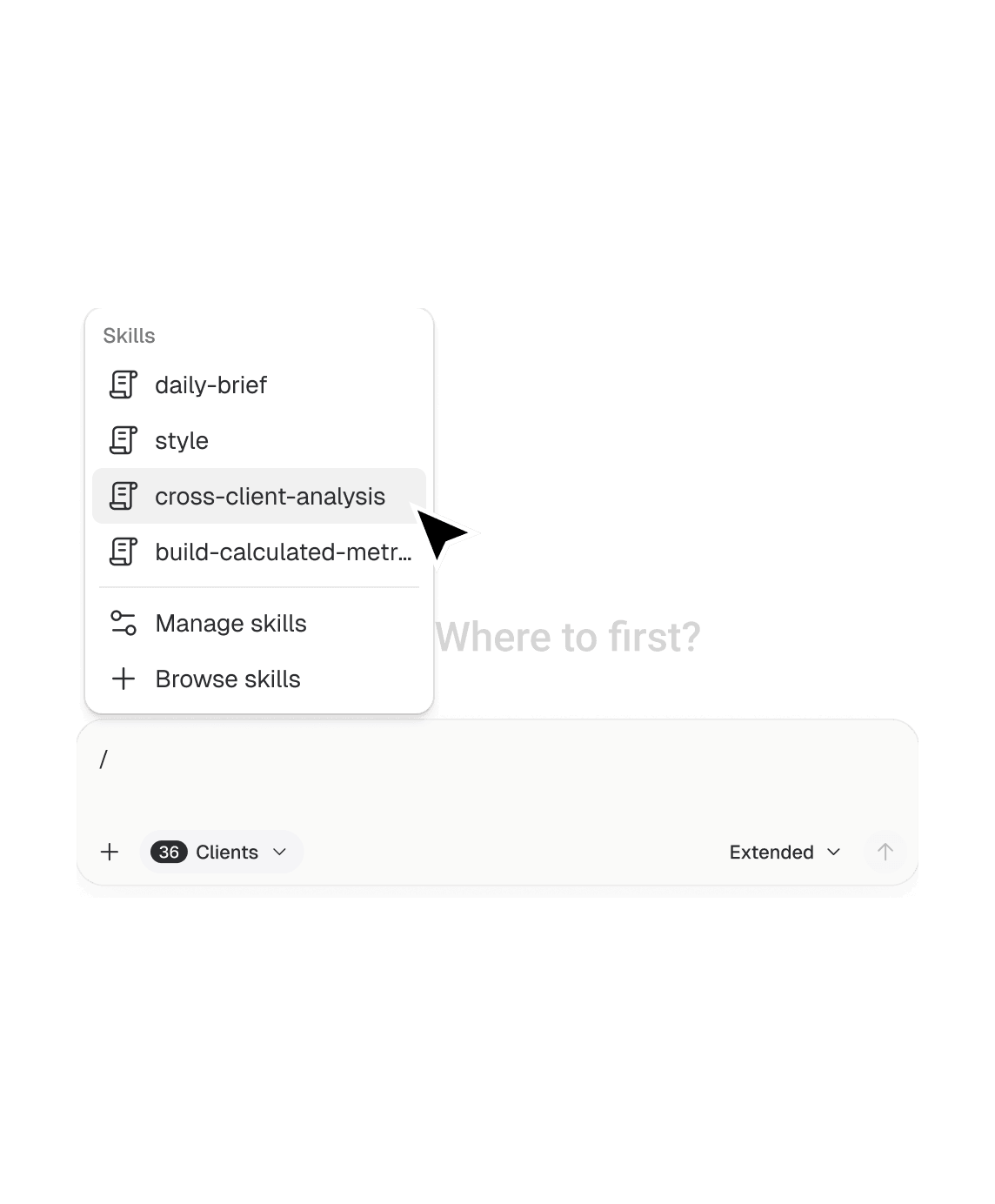
Slash commands
Type / in any chat and pick the right skill. It runs right there with your saved steps and standards.
Routines
Put your analysis on a schedule
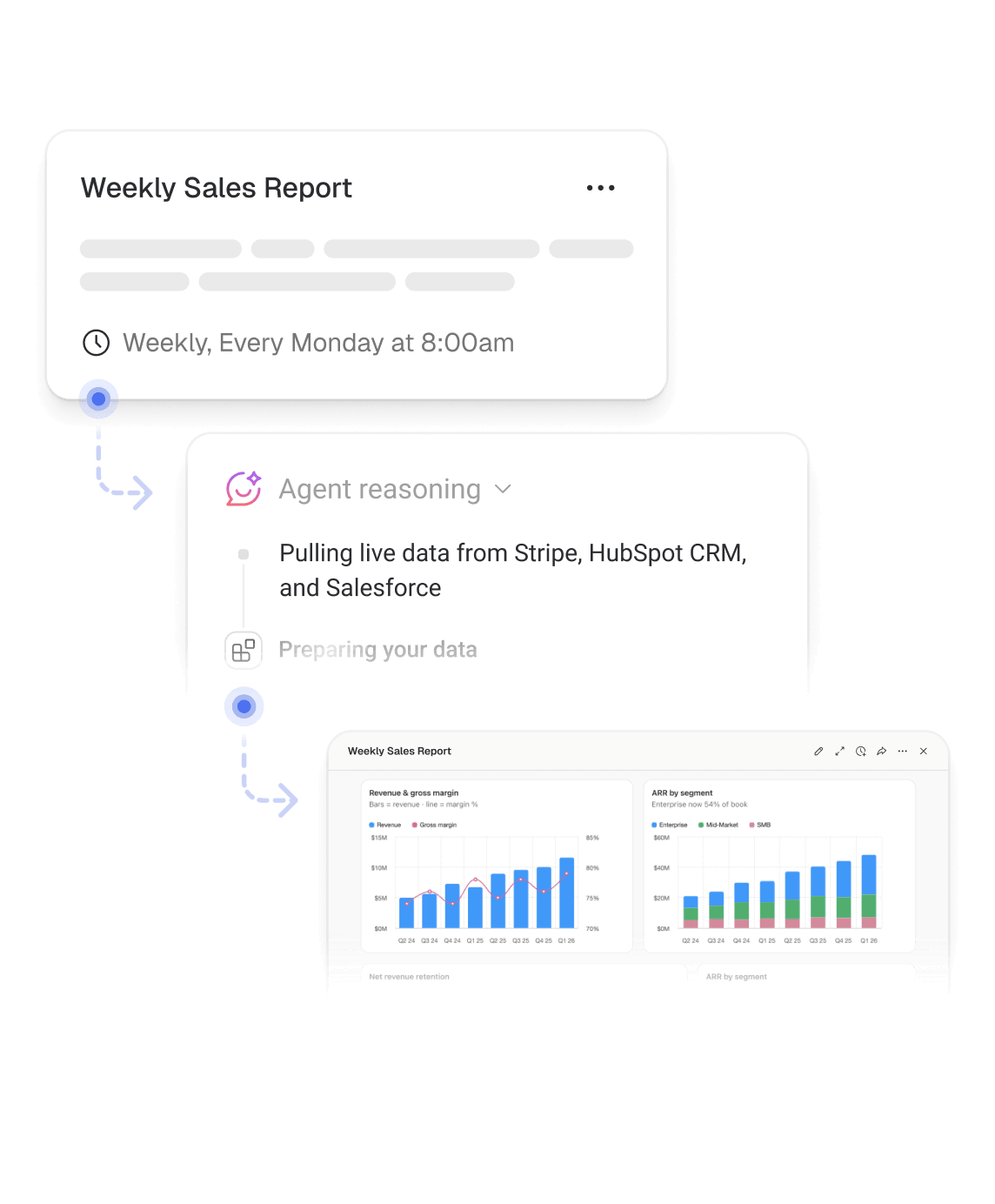
Schedule recurring analysis and reporting to run automatically, so the insights you rely on are ready when you need them.
Create a schedule
Choose what should run and how often: daily, weekly, monthly, or on a cadence you set.
Notifications & delivery
Choose where results are delivered, in email, Slack, or in-app, and see from the subject line whether anything needs your attention.
Routine history
See every run in one place, with the report each one produced, and ask follow-up questions in chat.
Agents
Coming soonDelegate whole workflows to AI agents
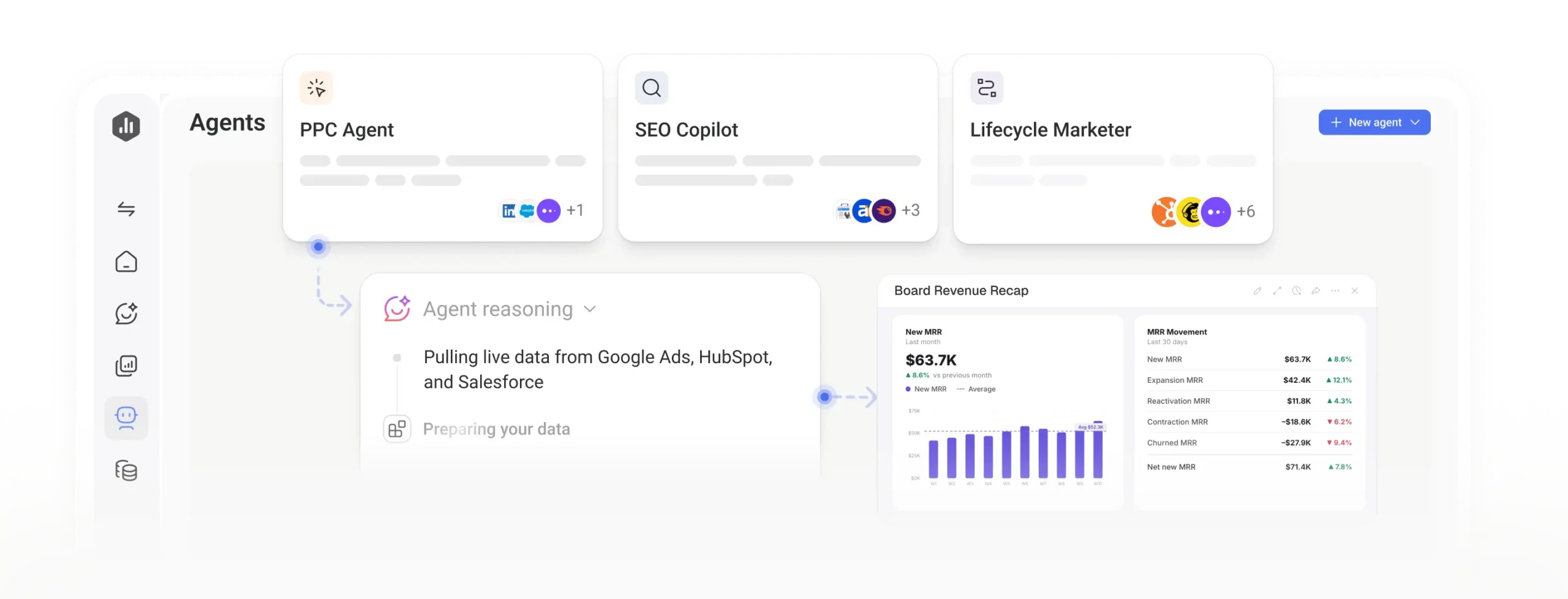
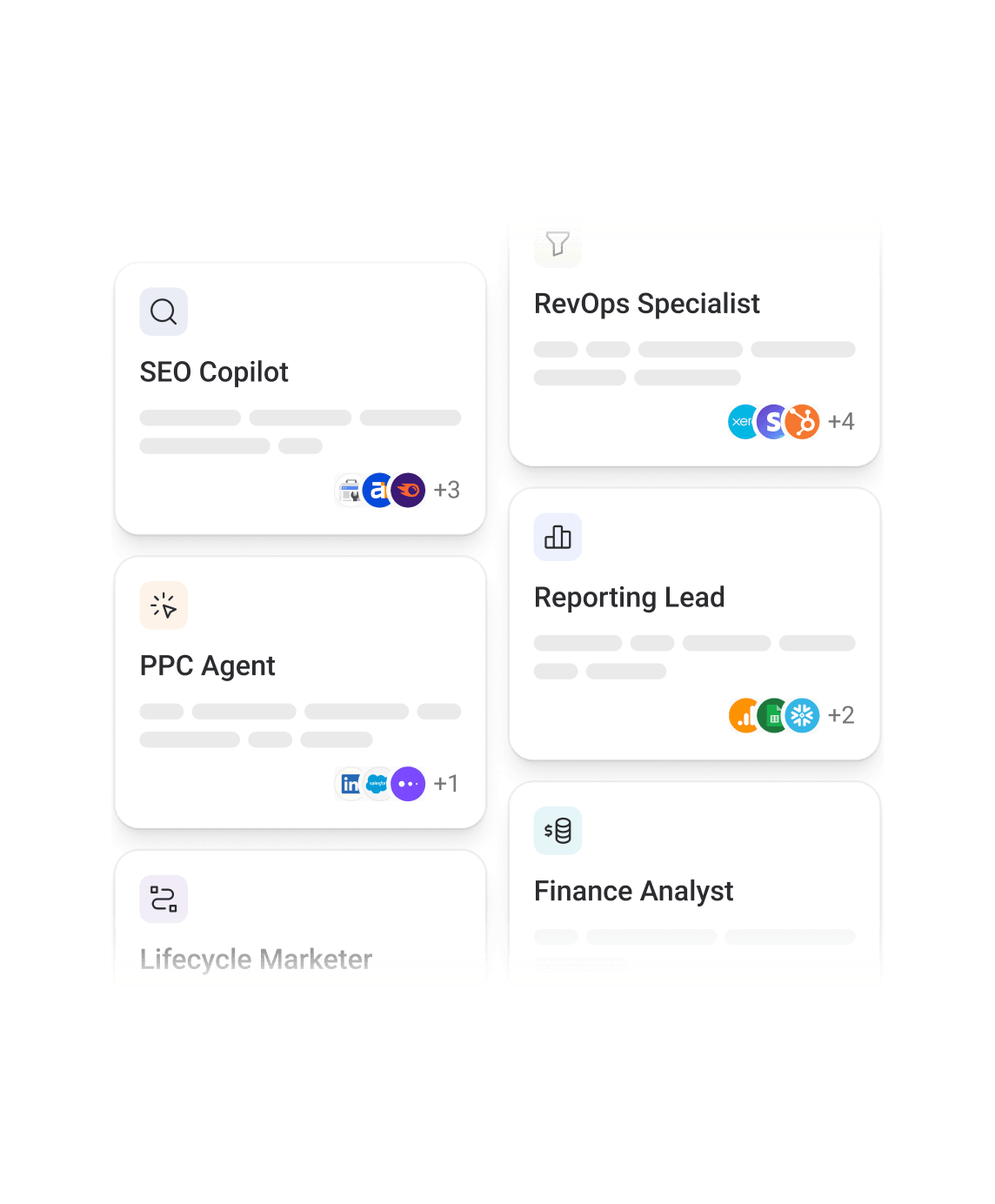
Build agents that combine your skills, routines, and connected tools to carry work from analysis to report to action.
Agent builder
Describe the job, pick the Skills it should use, and choose the tools it can work with.
End-to-end workflows
Agents handle the analysis, prepare the report, and take action based on recommendations.
Oversight and control
See everything your agents do, approve the steps that matter, and step in whenever you want.
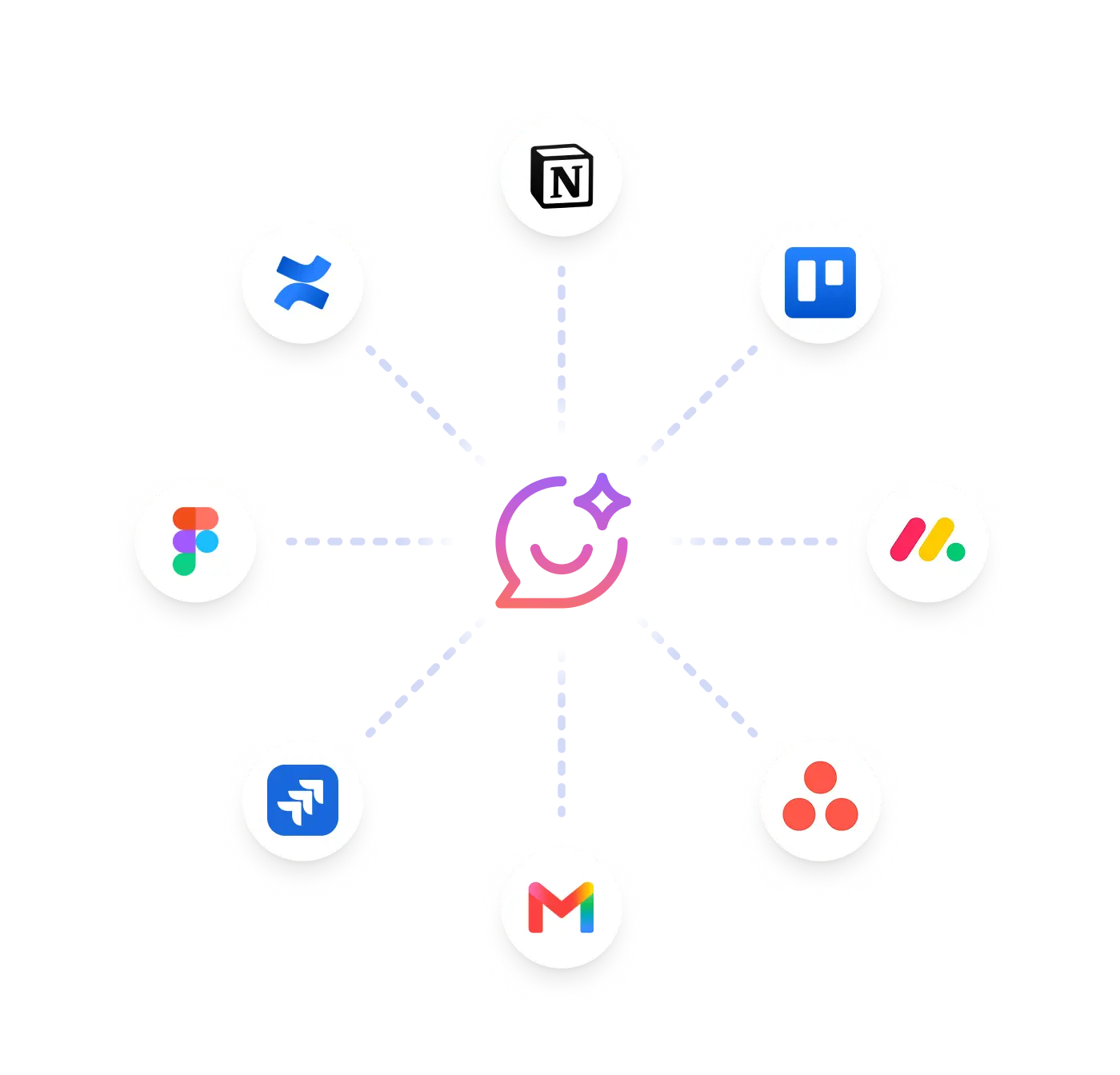
MCP connectors
Bring more context from the tools you use
Connect Databox to the systems where your business context lives. Your AI Analyst and agents work with more than performance data, so insights and recommendations reflect what's actually happening across the business.
Connect any tool via MCP
Bring in deals from your CRM, tickets from support, campaigns from your project tools, and conversations from Slack, all through MCP connections.
Give AI a more complete picture
Your AI Analyst and agents combine performance data with the work behind it, so they know more than the numbers.
Get more relevant recommendations
Answers and recommendations reflect what changed in the business, not just what changed in the metrics.
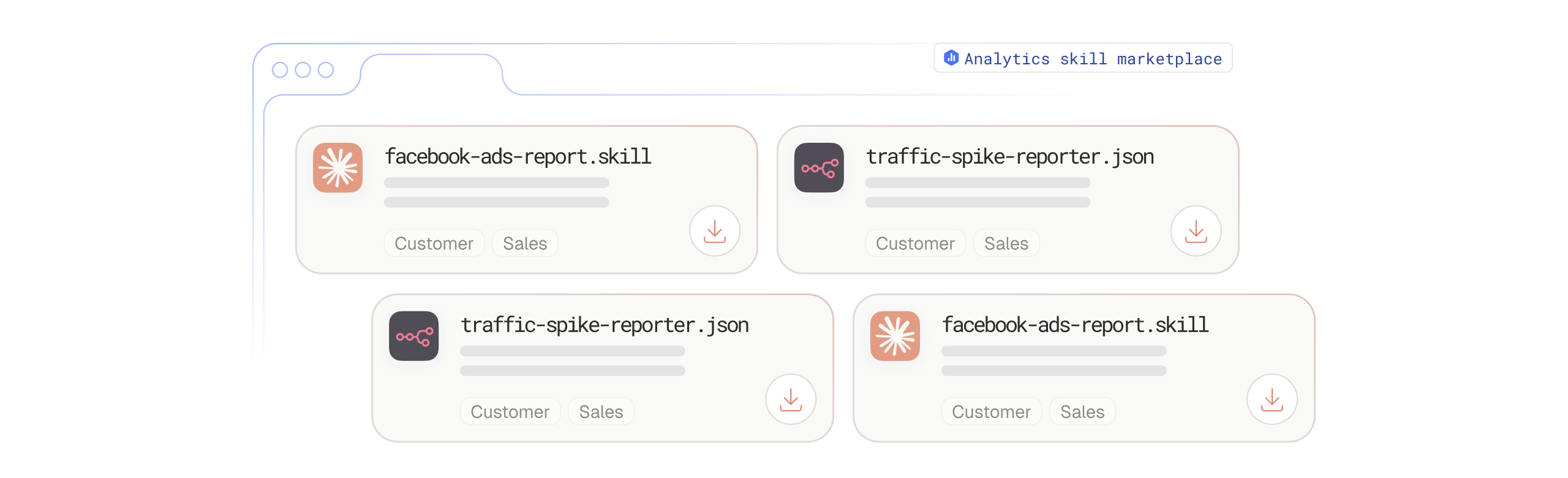
Skills marketplace
Start with pre-built skills
The Skills Marketplace is full of expert-built Skills, from campaign audits to client health checks. Grab one, set it up as a routine, and your first automation is running in minutes.
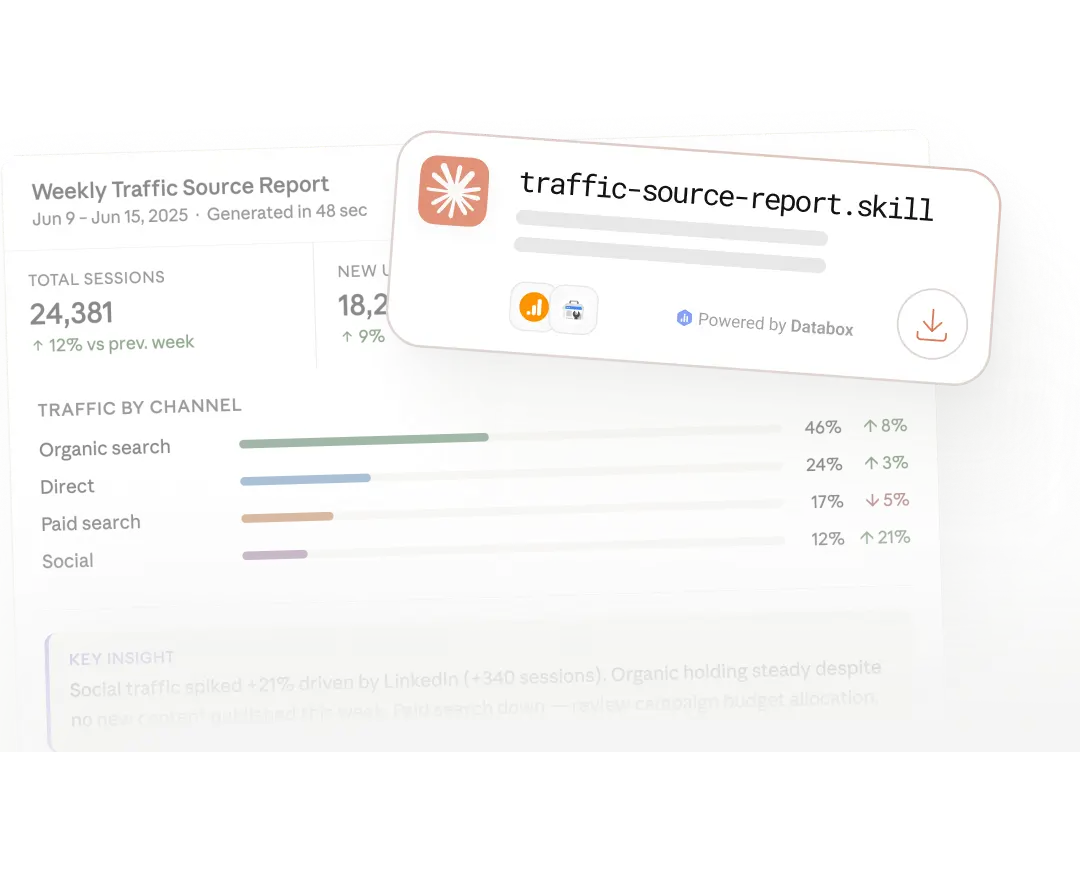
Automate your first report today
Expert-built skills that run through the MCP connection and hand you a finished report or analysis.
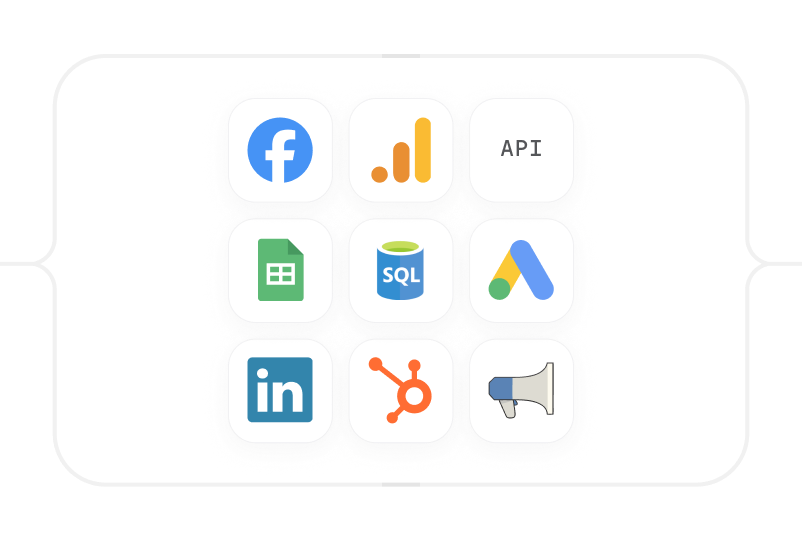
Do more with your automations
Everything your skills, routines, and agents run on lives in Databox.
Learn more
Frequently asked questions
What are AI agents in Databox?
AI agents (coming soon) combine your Skills, Routines, and connected tools to carry work from analysis to report to action on your behalf, under your oversight. You describe the job, pick the Skills the agent should use, and choose which tools it can access.
What is a Skill in Databox?
A Skill saves the steps, context, and standards behind an analysis you run often, so anyone on your team can run it exactly the way you would. Ask your AI Analyst to save a chat as a Skill, write one from scratch, or pull an expert-built one from the Skills Marketplace.
What is a Routine, and how is it different from a Skill?
A Skill defines how an analysis should be run. A Routine puts that Skill on a schedule, daily, weekly, monthly, or on a custom cadence, and delivers the results to email, Slack, or in-app before you ask.
Can I automate recurring analysis without building it myself?
Yes. Start with a prebuilt Skill from the Skills Marketplace, set it up as a Routine, and your first automation runs in minutes, no analyst or developer required.
Will AI agents replace my team’s analysis work?
No. Agents are built to take on the repeatable parts of analysis and reporting, using the same data, metrics, and business context your team already works from, so people can focus on decisions instead of routine data pulls. You stay able to review, approve, or step in on any run.
What tools can Databox automations connect to?
Automations run on your connected data (130+ integrations) and, once MCP connectors are live, will also pull in context from external tools like your CRM, support desk, or project management system.
Can I see the history of what a Routine has run?
Yes. Run history shows every past run and the report it produced, and you can ask follow-up questions about any run directly in chat.