
- GDPRcompliant
-
 SOC 2certified
Databox, wherever you work
Your metrics, dashboards and Genie on your Mac and in your pocket. Download Databox for macOS, iOS and Android.
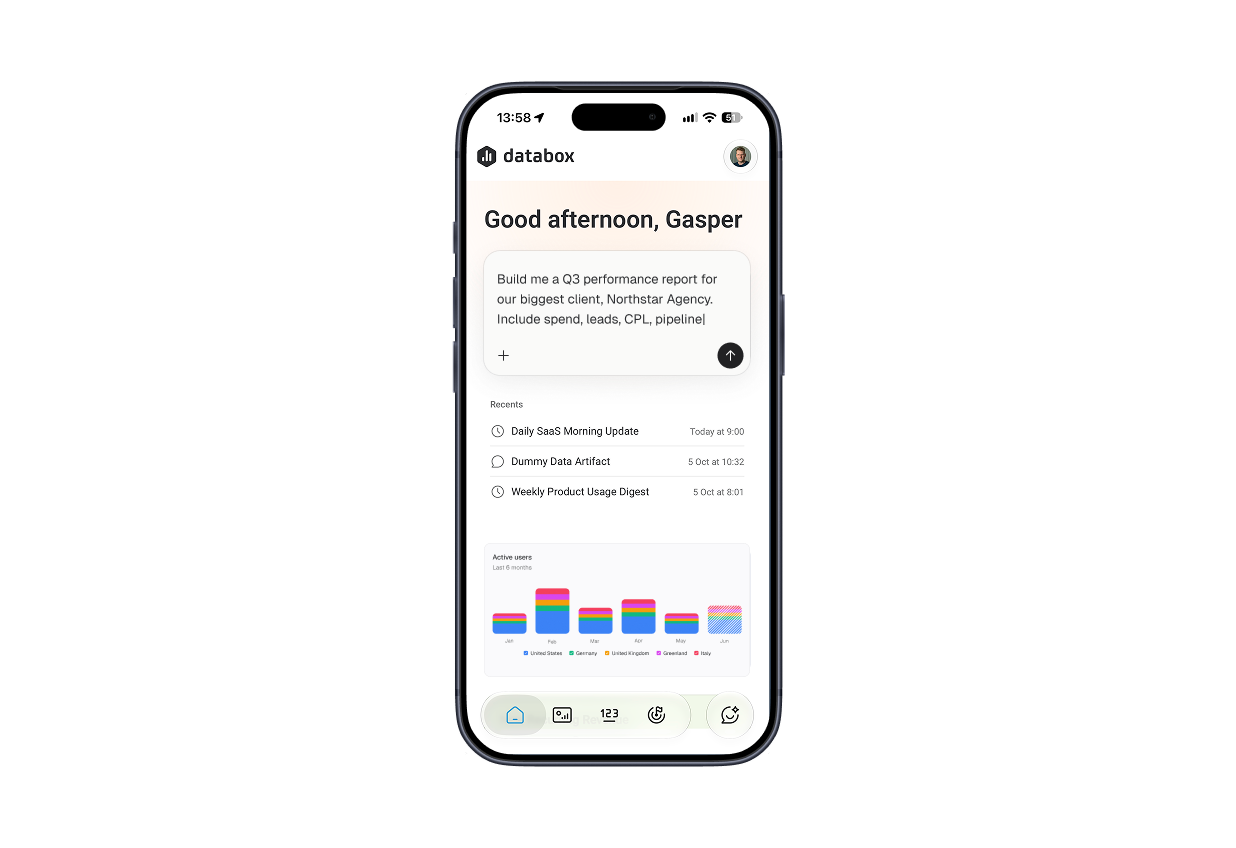
iOS & Android
Databox for Mobile
Check dashboards, track metrics, goals and get alerts the moment a number moves. Add home-screen widgets and glance at your metrics on Apple Watch. Genie is also just one click away.
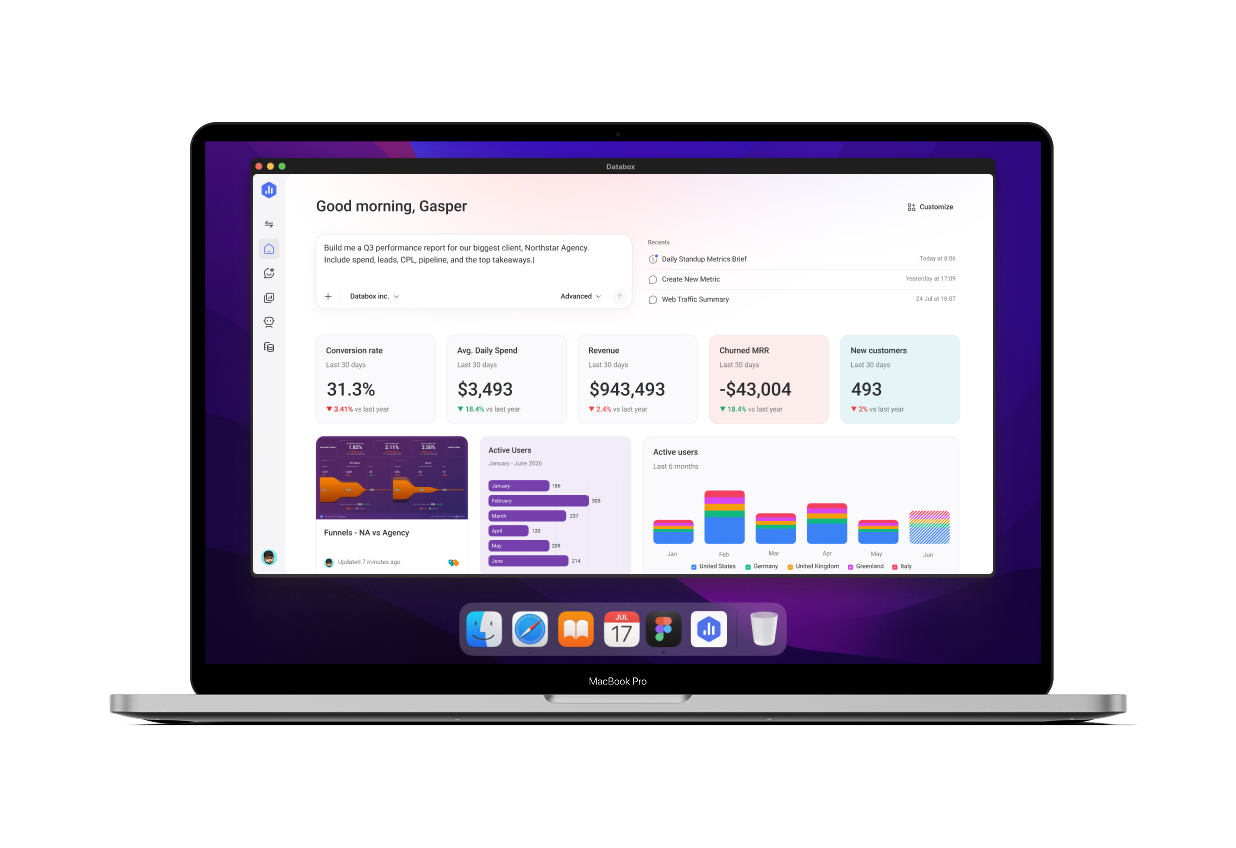
macOS
Databox for Mac
Databox is designed as a web application to work on all platforms. If you’re using a Mac computer (Apple silicon required), you can use our native desktop app as well.
Changelog
Follow our product updates to see the latest improvements across web, desktop and mobile.
FAQ
Questions about the Databox apps
Is the Databox app free to download?
Yes. The macOS, iOS and Android apps are free to download. Sign in with your existing Databox account, and you will see the same Databoards, metrics and Goals your plan gives you on the web.
Which devices are supported?
Databox runs on Mac, iPhone, iPad, Android phones and tablets, and Apple Watch. You can also use Databox in any modern browser on Windows, macOS or Linux.
Do I need a separate account for the apps?
No. The apps use the same login as the web app, so your data, permissions and settings follow you across every device.
Can I get alerts and scorecards on my phone?
Yes. Turn on push notifications for alerts and scorecards, and manage them individually or all at once in the app settings.
Can I add Databox widgets to my home screen?
Yes. Home-screen widgets on iOS and Android show the most important KPIs from your Favorite Metrics list, so you can check them without opening the app.