
Semantic layer
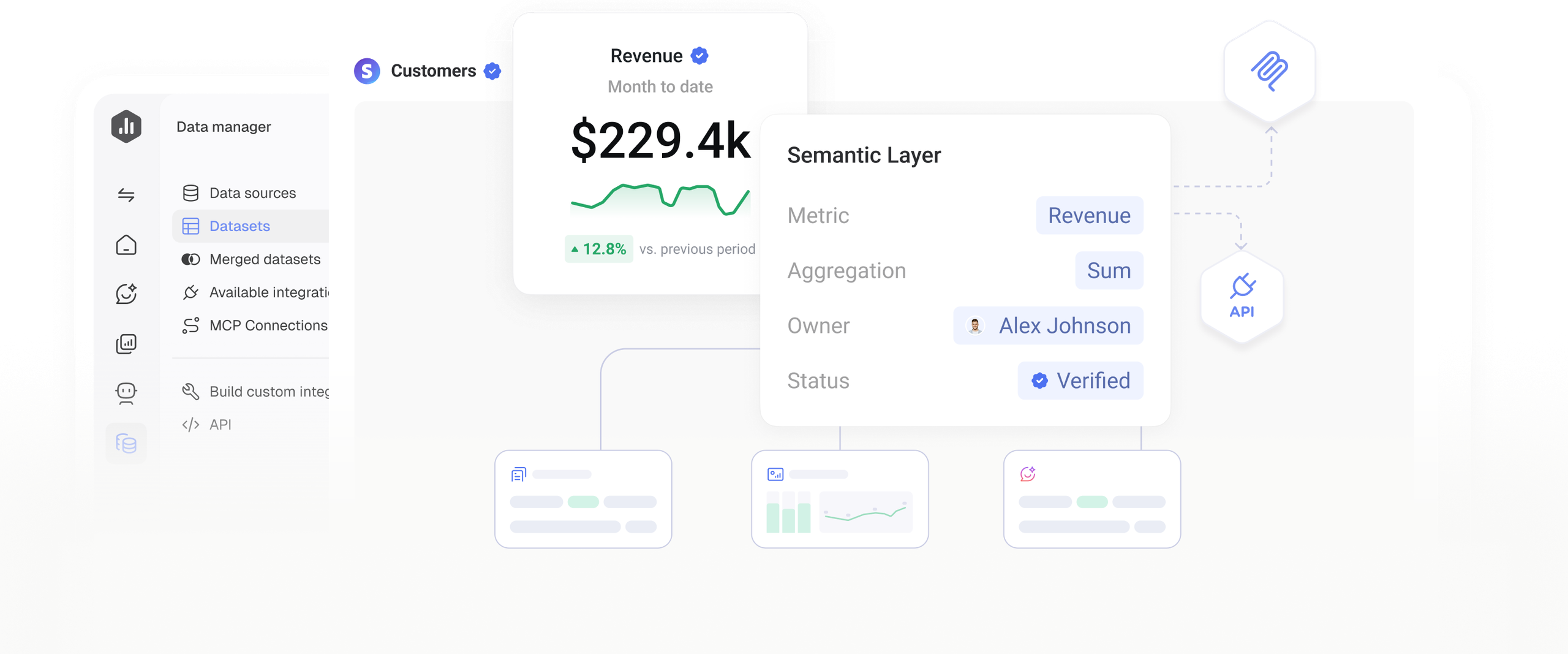
Give every metric one definition
Define each metric once, so your team and AI Analyst always interpret it the same way.
Trusted by 20,000+ teams worldwide








From raw data to shared meaning
A universal semantic layer sits between raw data and the tools that analyze it, giving every metric a consistent meaning. In Databox, it’s built-in.
Reliable data, ready to analyze
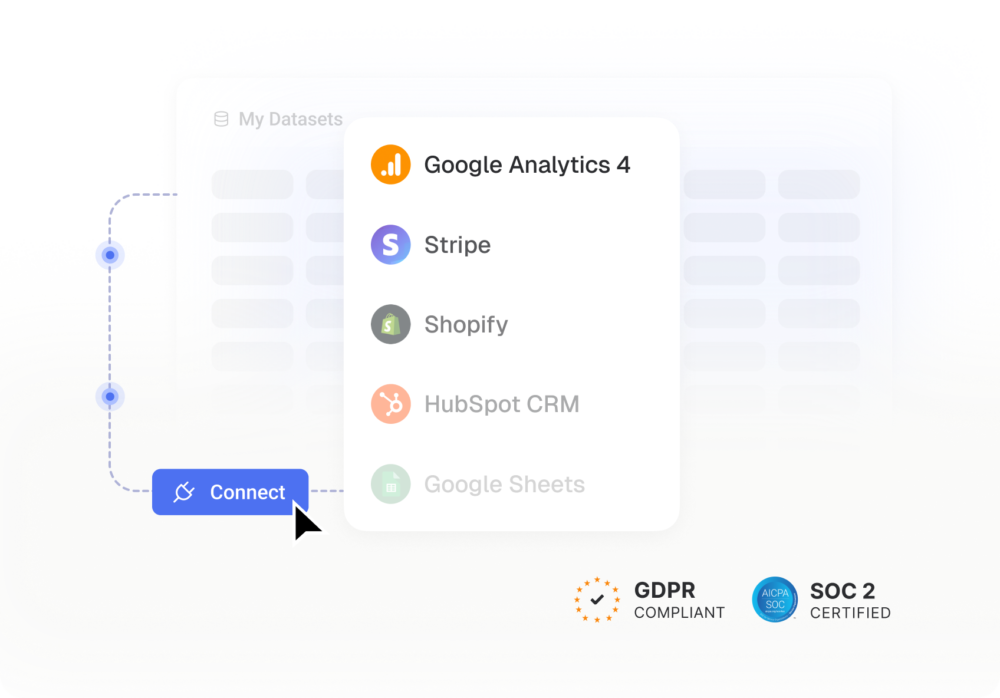
Structure, calculate, and merge raw data from your sources into one reliable model, so the metrics you build all start from clean data.
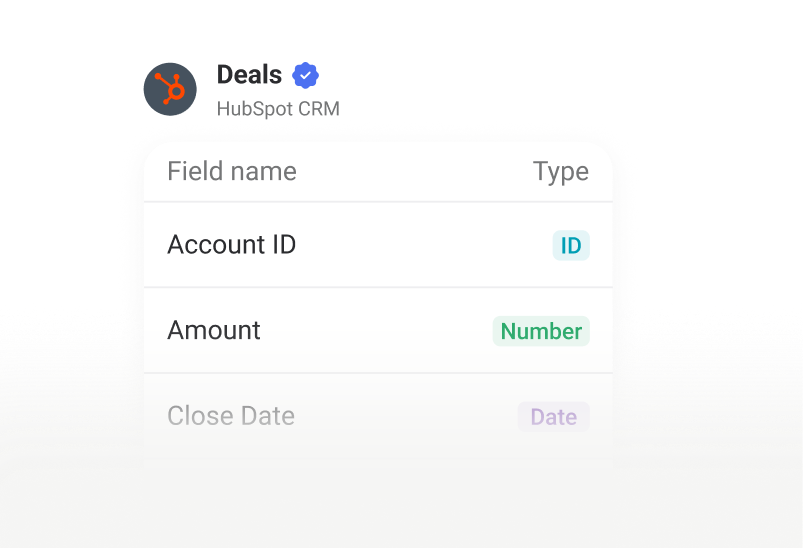
Datasets
Structure raw data into clearly named and typed columns, creating a reliable foundation for your metrics.
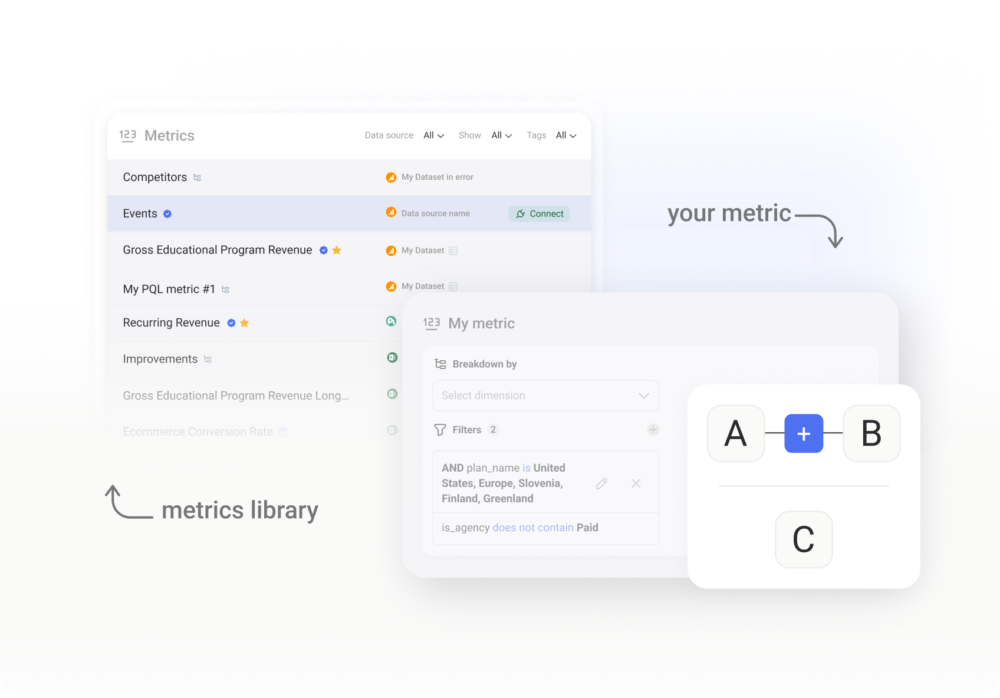
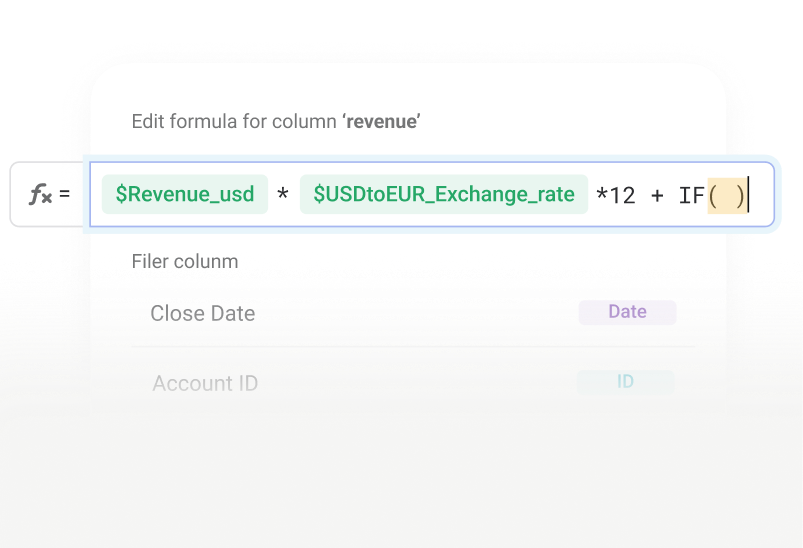
Formulas and filters
Create calculations your source doesn't provide and define exactly which data should count.
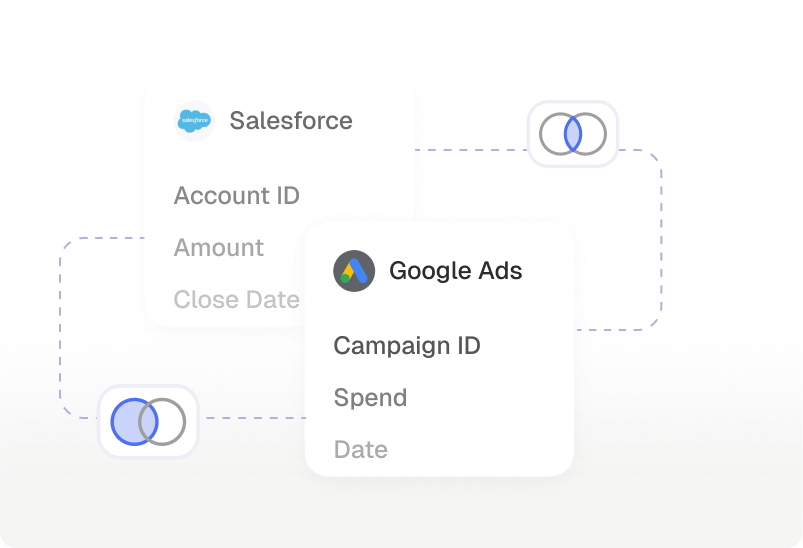
Merged datasets
Combine data from different sources into one model with shared definitions and standardized fields.
Add context people and AI understand
Give every custom metric the language and time context needed to interpret it correctly.
Descriptions
Explain in plain language what a metric, dataset, or dataset column represents.
Synonyms
Add the terms people use, such as "CPL," "cost per lead," and "lead cost," so questions resolve to the correct metric.
Time dimensions
Define which date a metric is tied to, such as created, closed, or invoiced, so time-based analysis uses the right context.
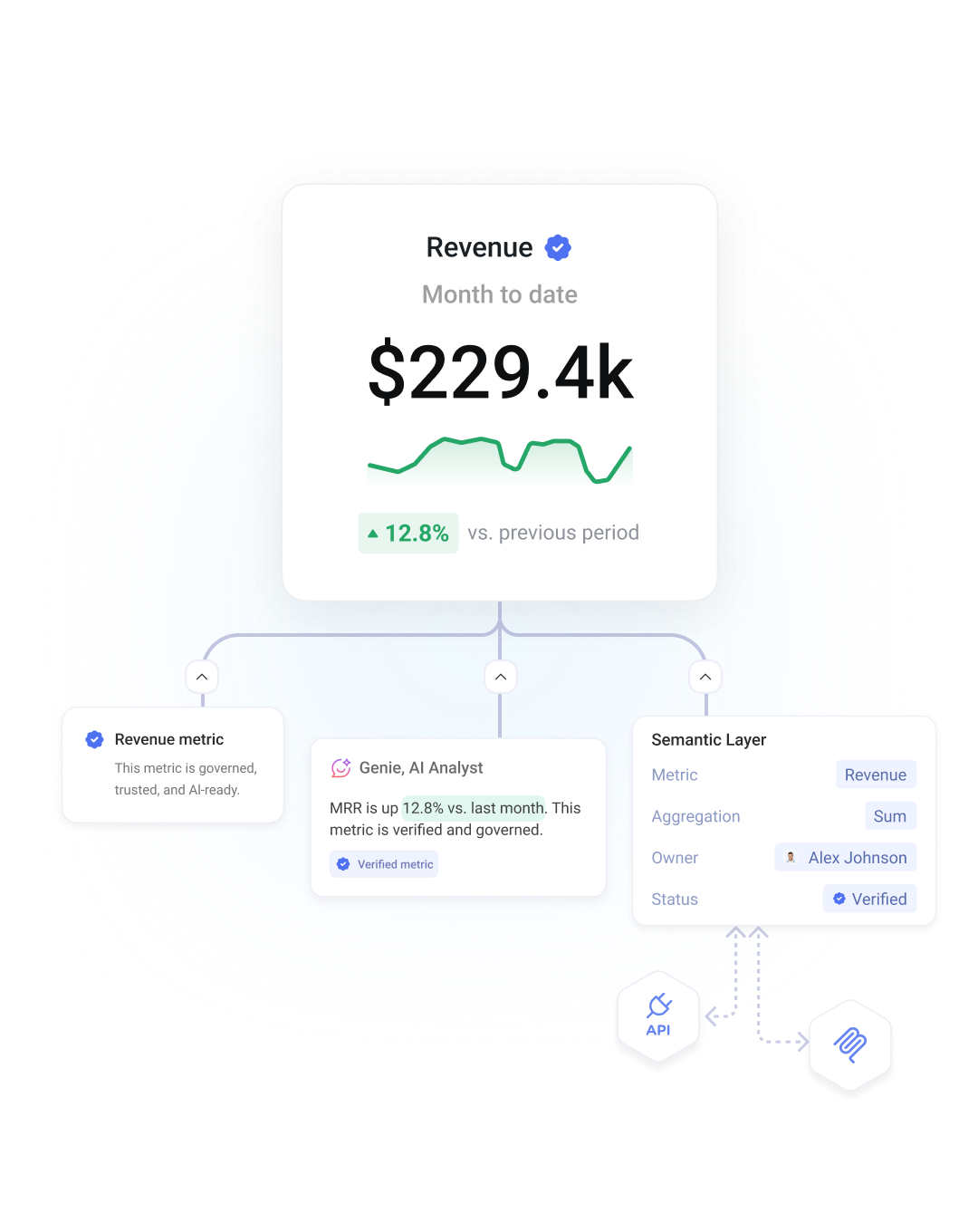
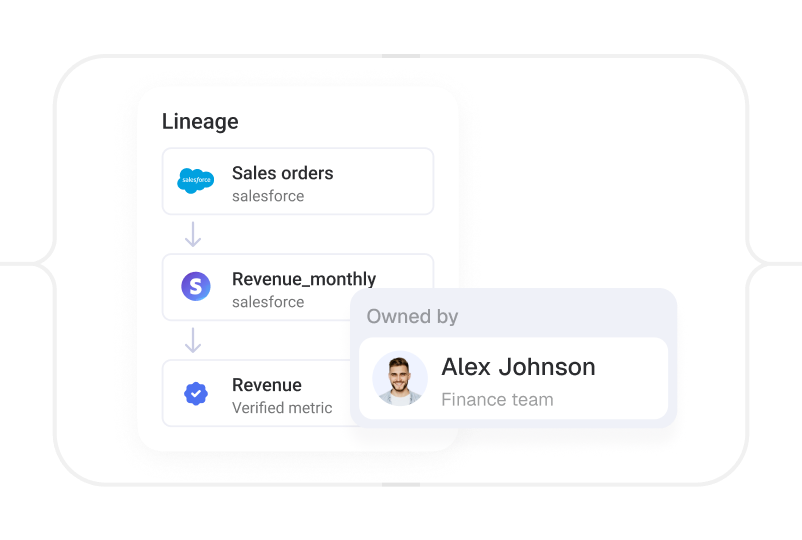
Data lineage
See one metric at work
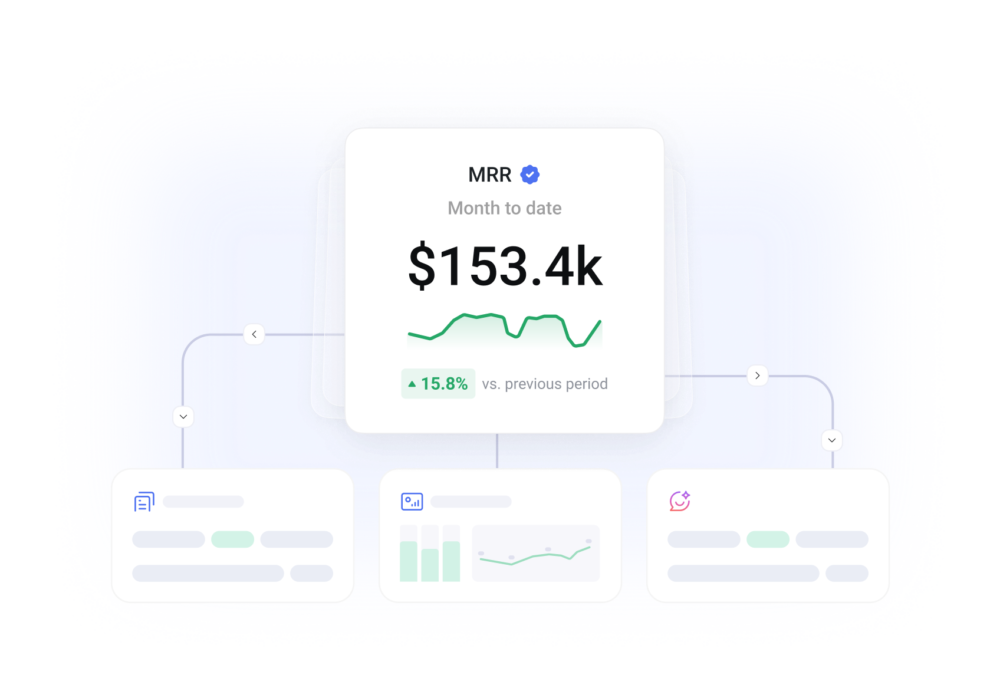
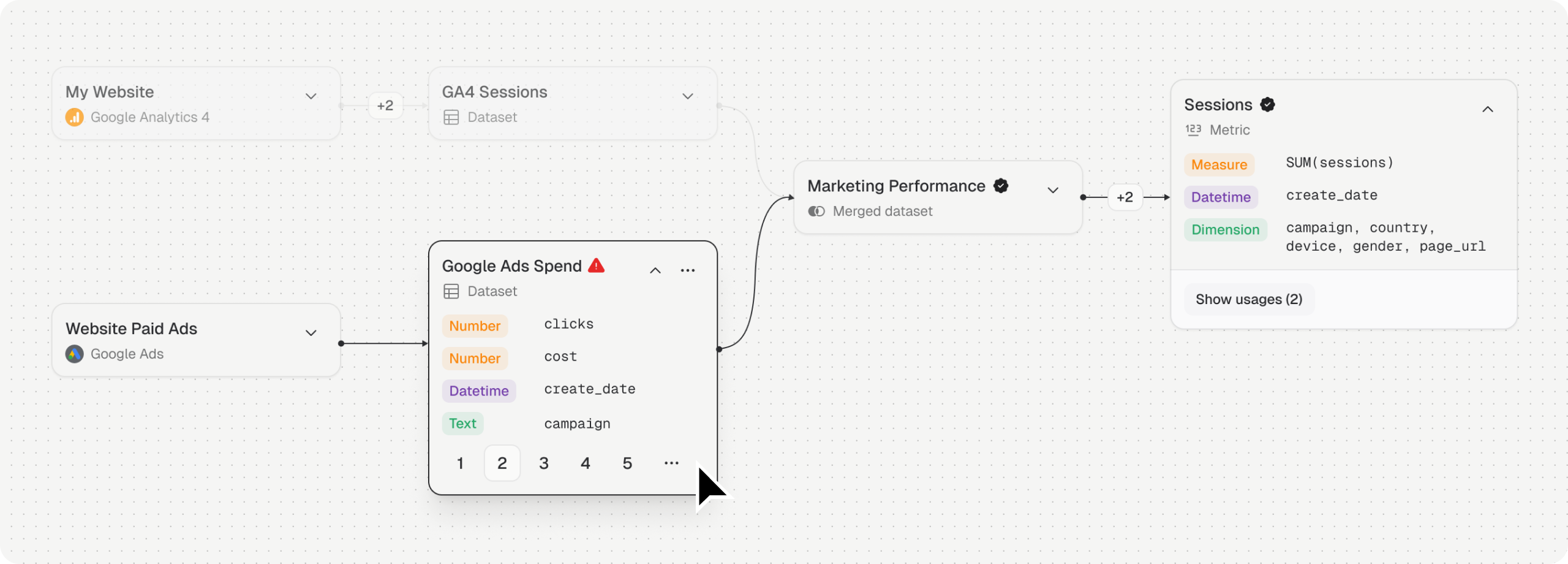
Follow a metric from its definition to every place it’s used, without rebuilding its logic.
An AI Analyst that speaks your language
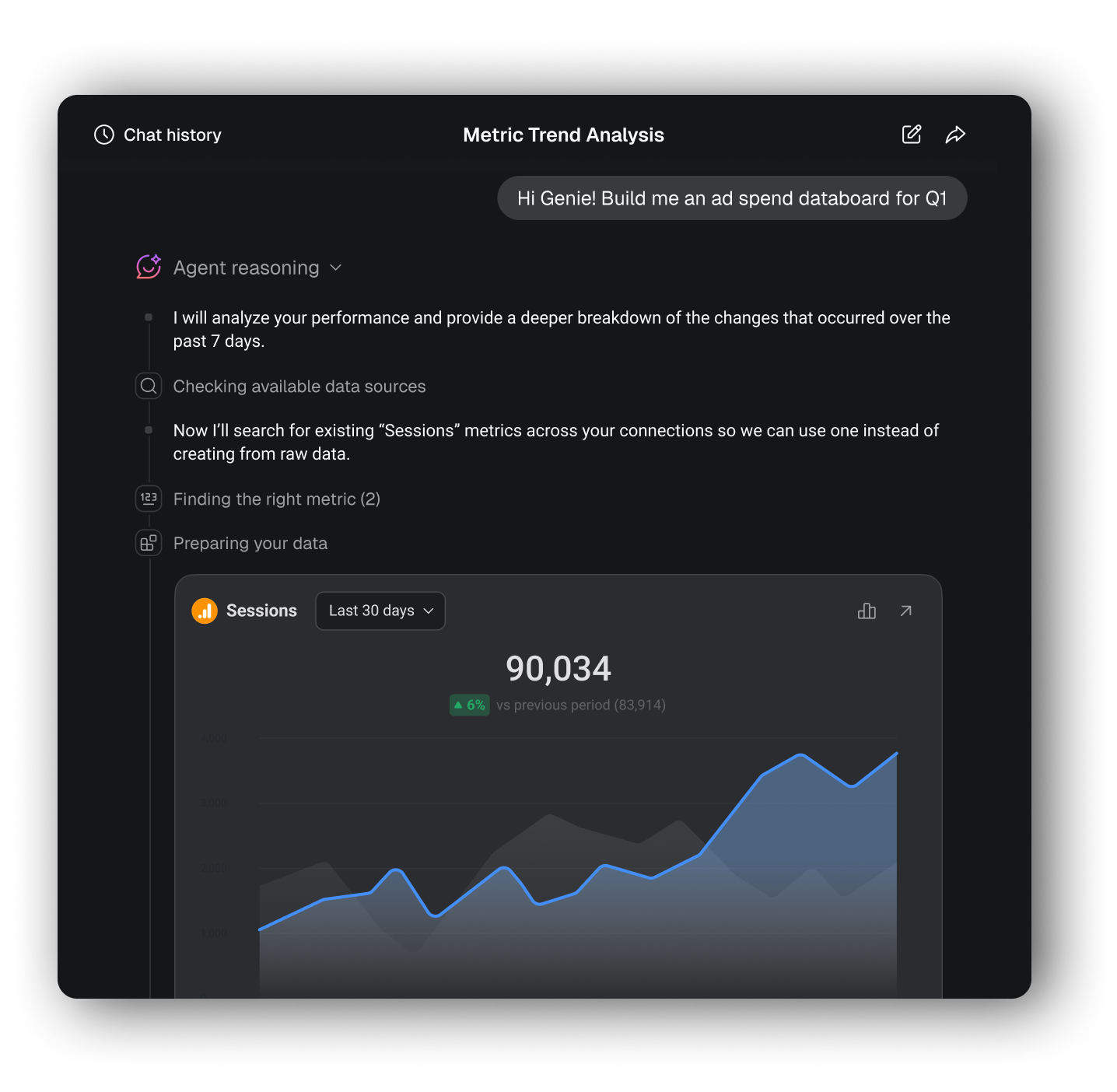
AI analysis is only as reliable as the context behind it. Databox's AI Analyst uses your metric definitions, formulas, synonyms, and time dimensions to deliver answers grounded in how your business measures performance.
Answers grounded in meaning
Your AI Analyst reads your definitions and formulas, so answers are based on what the metrics mean, not a guess.
Ask questions in your language
Ask questions using the words your team uses. Synonyms connect different terms to the right metric.
Context that travels
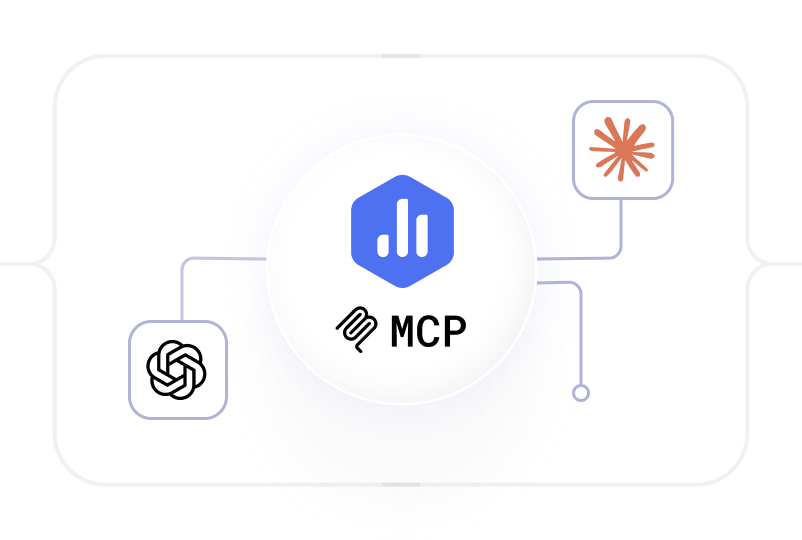
Claude and ChatGPT access the same semantic layer through MCP, so your trusted metric context follows wherever you work.
Get started for free
Define each metric once, so your team and AI Analyst always interpret it the same way.
Put your metrics to work
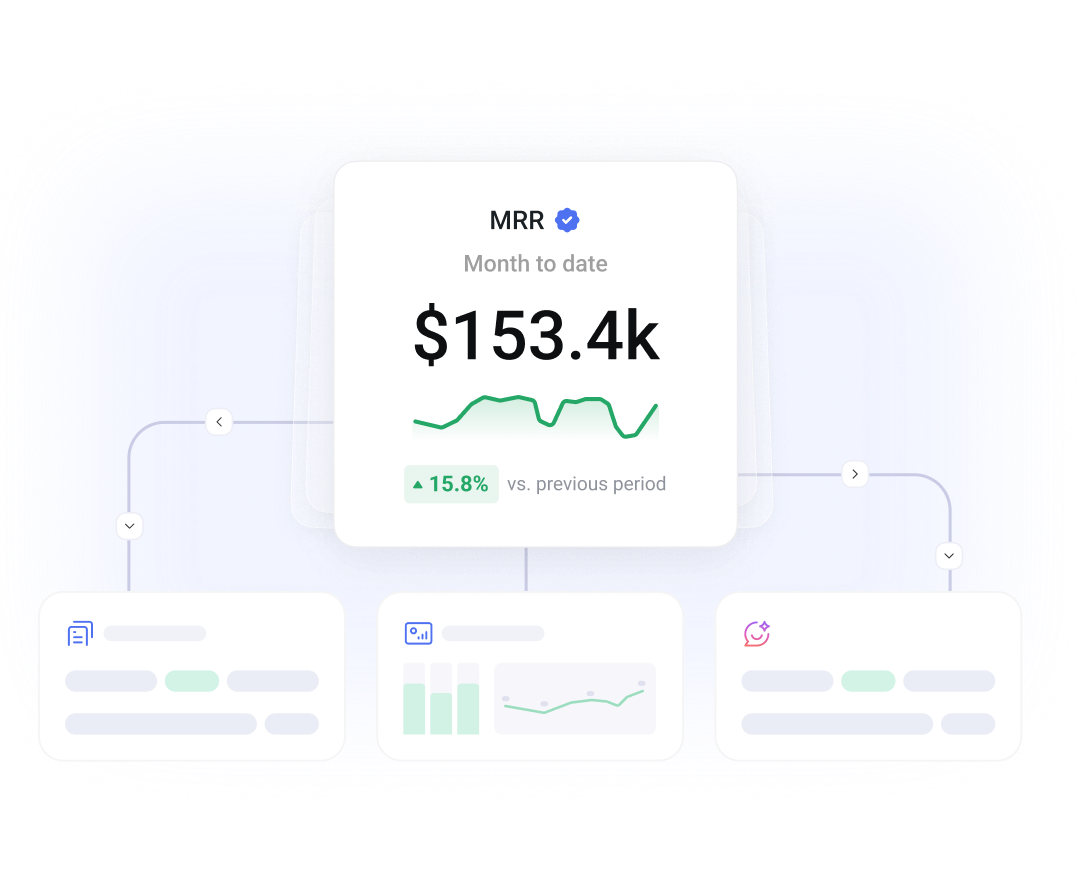
Govern how metrics are managed, bring them into the AI tools your team uses, and build dashboards and reports around them.
Learn more
Frequently asked questions
What is a universal semantic layer?
A universal semantic layer sits between raw data and the tools that analyze it, giving every metric one consistent definition that applies everywhere it’s used, dashboards, reports, an AI Analyst, or any connected AI tool, instead of a different meaning in every tool. Databox builds this in as a core part of the platform, rather than requiring a separate tool to maintain it.
What makes it “universal” rather than just a semantic layer?
The same metric definitions, formulas, and synonyms apply everywhere in Databox: dashboards, reports, the AI Analyst, and any AI tool connected through MCP, like Claude or ChatGPT. Define a metric once, and it means the same thing in every place it’s used, instead of being redefined tool by tool.
Do I need to build my own metrics from scratch?
No. Databox includes 4,000+ predefined metrics across 130+ integrations with plain-language descriptions. Use those as-is, or build custom metrics with your own formulas, filters, and datasets.
Can I combine data from multiple sources into one metric?
Yes. Merged datasets let you combine data from different sources into one model with shared definitions and standardized fields, so a metric can pull consistently from more than one system.
How do synonyms work in the semantic layer?
Synonyms connect the different terms your team actually uses, like “CPL,” “cost per lead,” and “lead cost,” to the same underlying metric, so a question resolves correctly no matter how it’s phrased.
How does the semantic layer make Databox’s AI Analyst more accurate?
The AI Analyst reads your metric definitions, formulas, synonyms, and time dimensions, so its answers are based on what a metric actually means in your business rather than a generic guess.
Does the semantic layer work with Claude or ChatGPT?
Yes. Through Databox MCP, Claude, ChatGPT, and other AI tools access the same semantic layer as the rest of Databox, so your trusted metric definitions follow wherever you work.
How is Databox’s semantic layer different from dbt, Cube, or LookML?
Tools like dbt’s semantic layer, Cube, and LookML live in your data stack and typically require a data engineer to define and maintain. Databox’s semantic layer is built into the same workspace as your dashboards, reports, and AI Analyst, so the people who actually own a metric can define, verify, and update it directly, with no separate modeling layer to build or keep in sync.