
Track all of your key business metrics from one screen
GET STARTED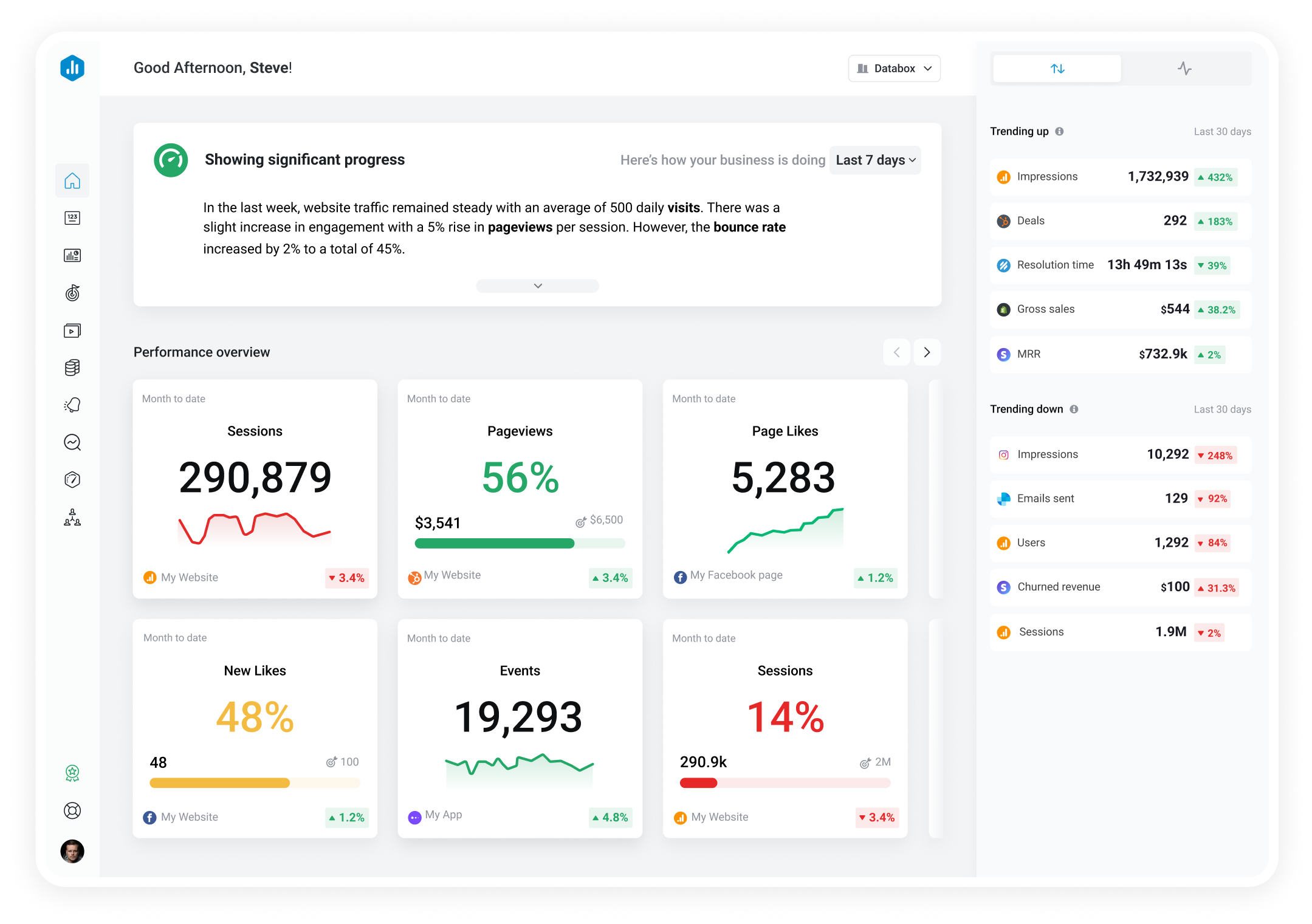
 LinkedIn Personal
Post Impressions
LinkedIn Personal
Post Impressions Number of times member posts were displayed
With Databox you can track all your metrics from various data sources in one place.
Databox is a business analytics software that allows you to track and visualize your most important metrics from any data source in one centralized platform.
To track Post Impressions using Databox, follow these steps:
 Goals
Goals Scorecards
 Metric Digest
 Metric Builder
 Data Calculations
 Performance Screen
LinkedIn Personal
Performance Screen
LinkedIn Personal
Total followers is a metric that measures the number of followers a LinkedIn member has. It indicates the reach and engagement potential of the member's page. Daily totals are not available for this metric. Instead, the total current value of this metric will be visualized cumulatively. No historical data is available from the initial connection.
LinkedIn Personal
New followers is a metric that measures the number of followers a LinkedIn member has gained on a daily basis. It is a snapshot of the growth of a member's audience and can be used to track the effectiveness of content and engagement strategies.
LinkedIn Personal
Number of unique members who saw member posts
LinkedIn Personal
Number of times member posts were reshared
LinkedIn Personal
Number of reactions on member posts
LinkedIn Personal
Number of comments on member posts
Compare

Databox Inc.
HQ: Boston, MA, USA
AI-powered analytics for teams that need answers now.
Databox Inc.
HQ: Boston, MA, USA

AI-powered analytics for teams that need answers now.



Compare

