Webinar: Use Databox directly from your AI tool
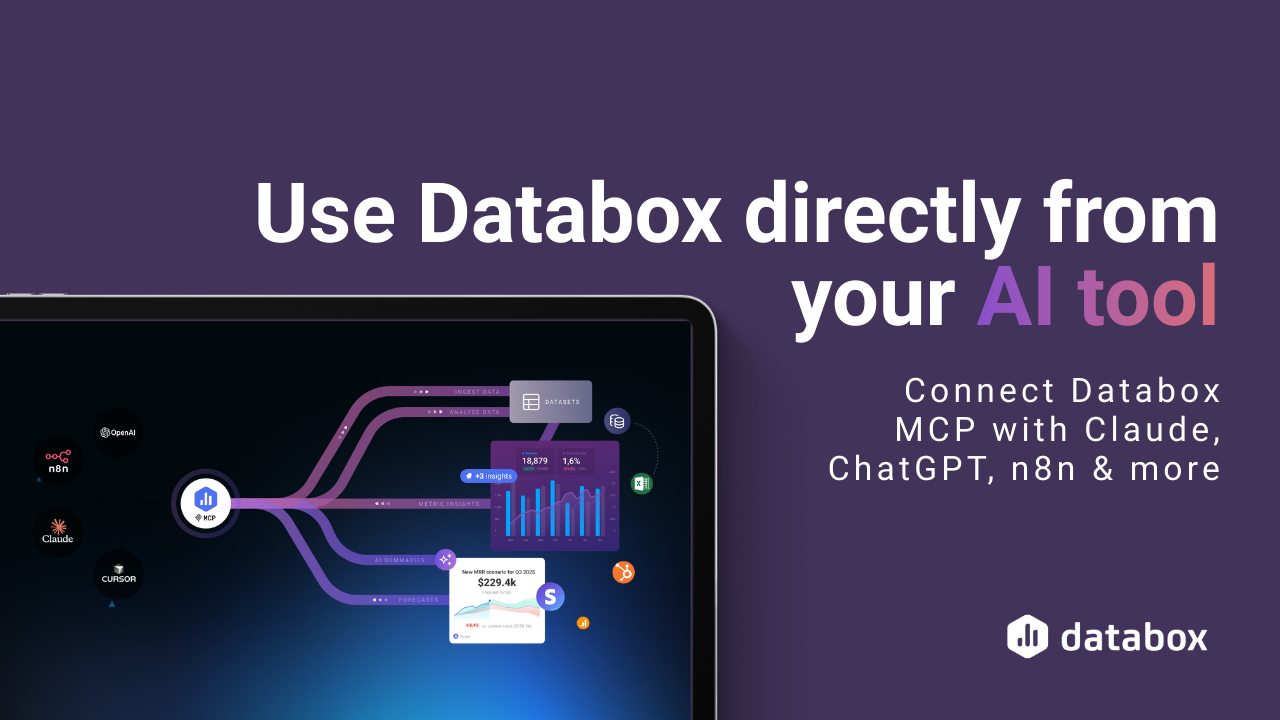
Connect Databox MCP with Claude, ChatGPT, n8n, and more
Watch the webinar recording and see how simple it is to connect your performance data to the AI tool you already use. Get answers with full context, combine insights across tools, and automate next steps — all by asking a simple question.
Analytics just moved into your AI tool .
You probably already use AI in your day-to-day work. Now, you can use it to work with your performance data, too.
This session shows how to use your Databox data directly inside Claude, n8n, ChatGPT, and other AI tools.
Instead of switching between dashboards to piece together insights or relying on AI that lacks context, Databox MCP lets AI work with your actual data, so analysis and automations are grounded in trusted metric definitions, trends, and business context.
The result: you ask questions in plain language and get trustworthy insights that can be acted on immediately.
In just 45 minutes, you’ll learn how to:
- Use Databox directly from your AI tool
Work with your Databox data in the AI tool you already rely on. Connect in less than 60 seconds and chat with your data, anywhere. No switching tabs, exporting reports, or pasting spreadsheets.
- Get reliable answers without manual analysis
Skip dashboards, filters, and spreadsheets. Ask questions like “Which channels drove the most sales?” and get clear insights with context, grounded in your real Databox performance data. Answers are accurate, consistent, and ready to act on.
- Push new data into Databox on demand
Send new data from your AI tool directly into Databox so it’s immediately available alongside your existing metrics, ready to be visualized and reported on. No manual effort required.
- Automate insights and actions using trusted data
Turn live performance data into alerts, summaries, and workflows — like posting updates to Slack or triggering actions when key metrics change. Powered by real calculations, not static rules.
Shared & secure insights for anyone on your team, not just your in-house analyst.
Want to turn your AI tool into a Databox analyst?
Watch the webinar on demand



compliant
 SOC 2
SOC 2certified