-
GDPR
compliant -
 SOC 2
SOC 2
certified
Close the gaps in your reporting stack
Your data shouldn’t be hard to reach. Build a connection to almost any API, turn the response into a structured dataset, and let anyone on your team explore it. No developer, no waiting.
Used by 20,000+ teams at agencies and growing companies worldwide.


Bring in the data that’s been out of reach
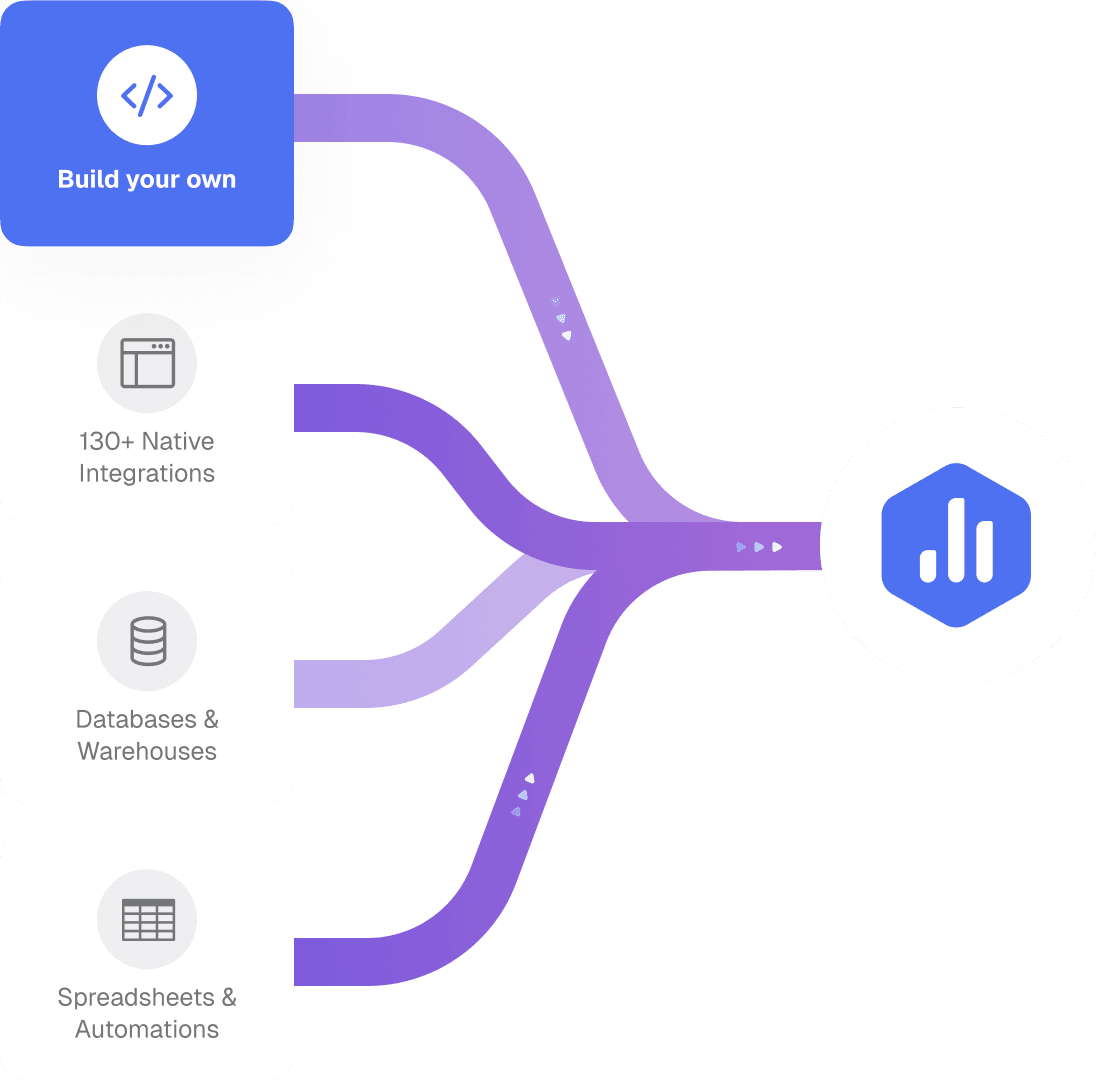
Your team shouldn’t have to work around missing data. Connect almost any tool to Databox and analyze it alongside everything else.
- Connect to most REST APIs. OAuth2, Basic, Token, or API key. If your tool has an API, it likely connects.
- Pull in complete data. Databox handles varied pagination automatically, so full datasets come in every time.
- Analyze clean data your team can trust. Timezones, date formats, and dynamic values are managed on every sync.

“Before Databox Custom Integrations, we tried several approaches from building custom apps, to using Zapier to push data into Google Sheets, and other workarounds. None of these solutions were as reliable, scalable, or efficient as we needed.”
See the full picture, not just numbers
Stop exporting data into spreadsheets or maintaining pipelines that break. Define how the data comes into Databox, structure it as a dataset, and use it to create metrics, build dashboards, or analyze it with AI.
- One connection, as many datasets as you need. Connect your source once and reuse it across multiple datasets — no need to reconfigure your connection every time you need a different dataset.
- Only pull in the data that actually matters to you. Use simple value selection to pull what matters from the API, and get a clean, focused dataset that’s ready to use from the moment it syncs.
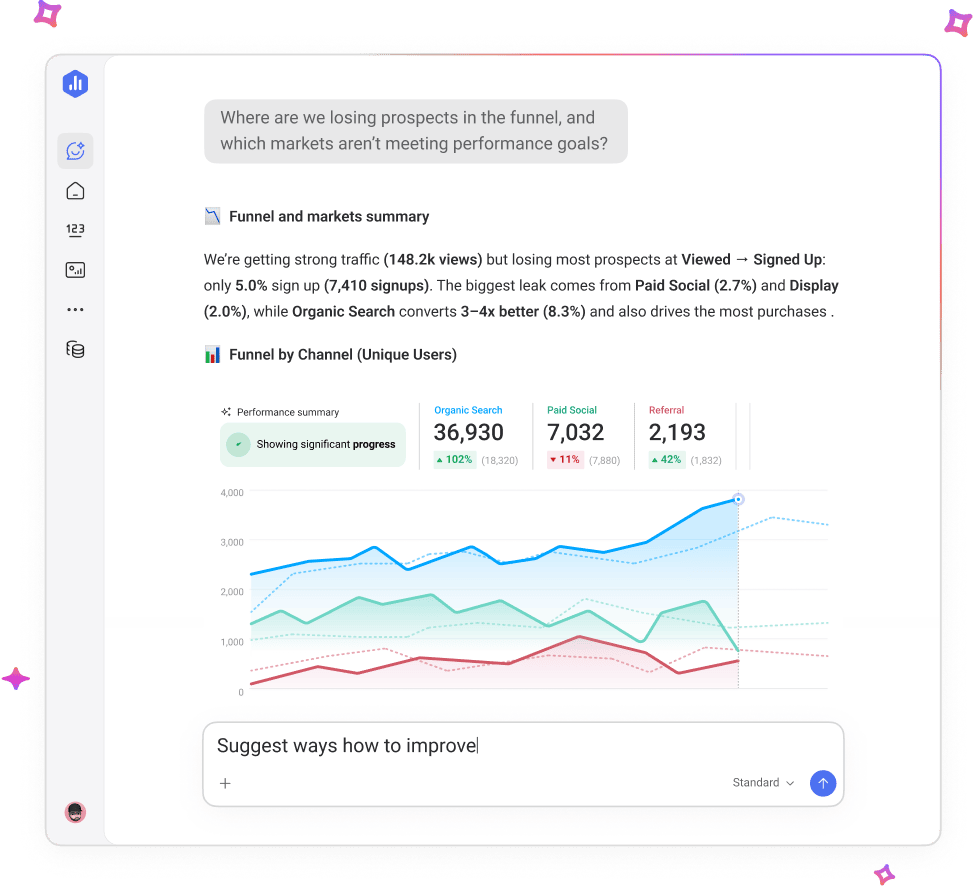
- Ask questions about your data in plain language. Analyze your datasets with Genie, our AI analyst, or in the AI tool of your choice using MCP. Ask simple questions and get context-rich answers directly from your source.
Built for people who are tired of working around missing data
Custom Integrations removes the blockers that slow you down.
Business Analysts
Stop being the bottleneck. Connect missing sources, merge your data into a single dataset, and give your stakeholders the answers they keep asking for.
Agency managers
Every client uses a different stack. Custom Integrations lets you connect virtually any client tool independently, and deliver complete reporting.
Functional Leaders
Your dashboard should reflect your entire tech stack without gaps. Custom Integrations eliminates missing data, manual updates, and gaps in reporting — regardless of what tools your team runs on.
“Some of our clients rely on niche CRMs that don’t have native integrations. Custom Integrations allowed us to bring that data into Databox and present it in a clean, effective way.”
Connect any tool in 3 simple steps

Connect your source
Paste your API credentials, and connect your source directly in Databox.

Build your dataset
Databox syncs your data and builds a dataset you can explore, filter, and segment.

Ask questions & get answers
Use Genie to get answers about your data, or access it via AI tools that speak MCP.
Get the full picture of your performance
Your tools should never be the reason your reporting is incomplete.
Connect your data and get the full picture in Databox.
Explore what you can do once you’re connected
Datasets
Structure your data the way your analysis actually needs it — merged, filtered, and ready to work with.
Genie AI
Ask a real business question in plain language and get a clear answer, drawn directly from your connected data. Genie works across native integrations and custom-connected sources alike.
Databox MCP
Bring your Databox data into any AI tool your team already uses for decision-making. Every dataset built on Custom Integrations is MCP-ready.
Metrics & KPIs
Turn datasets into custom metrics that can be tracked on Databoards, used in Goals, and included in alerts.
FAQs
What is a Custom Integration in Databox?
A Custom Integration in Databox lets you connect virtually any tool or data source that returns data in JSON format via an API — even if it isn’t natively supported. Unlike standard integrations that are pre-built, Custom Integrations let you define the connection yourself, sync your data as a structured dataset, and analyze it using Genie or any AI tool that speaks MCP. It’s designed for teams that need to report on niche tools, internal systems, or client platforms that aren’t on Databox’s native integrations list.
How do I connect a custom API to Databox?
To connect a custom API to Databox, you add your API credentials, and define how the data should be pulled in. For more technical setups, paste your API documentation into an AI tool like Claude or ChatGPT to get a complete, ready-to-use configuration — then paste it into Databox. Your data syncs as a full dataset and updates automatically from that point on. No developer required.
Do I need a developer to set up a Custom Integration?
No. Custom Integrations in Databox are designed to be set up by analysts, operators, and agency managers without developer help. For straightforward APIs, you configure the connection directly in Databox using your credentials. For more complex APIs, you can use an AI tool to generate your configuration from your API docs in minutes. Genie will guide setup natively inside Databox in a future update.
What can I do with data from a Custom Integration?
Once connected, your custom API data is structured as a full dataset in Databox — not just a single metric. You can filter, segment, and explore it, build it into Databoards, Scorecards, and Reports, and analyze it alongside data from your other connected sources. You can also ask Genie plain-language questions about it, or access the dataset through MCP in any external AI tool. The data you brought in works exactly like any native integration inside Databox.
Can I connect any tool to Databox with a Custom Integration?
You can connect almost any tool or system that returns data in JSON format via an API. This includes niche SaaS platforms, client tools, and any other source with an accessible API. OAuth2 authentication is supported, which covers a wide range of modern tools. Tools with special authentication methods and non-JSON response formats are currently not supported.
Is Custom Integrations available on all plans?
Custom Integrations are available on the Growth plan and above. The Growth plan also includes full access to Datasets, which is required to build structured data on top of your custom-connected sources. If you’re on a lower-tier plan and need to connect a custom data source, upgrading to Growth unlocks both features.
How is Databox Custom Integrations different from other API connectors?
Most API connectors let you pull in individual metrics from a custom source. Databox Custom Integrations go further — you can build a full structured dataset on top of any connected API, explore row-level data, apply filters and segments, and query it with Genie AI or any MCP-compatible AI tool. Combined with OAuth2 support and AI-assisted setup, Custom Integrations replace the fragile workarounds most teams rely on when a native integration doesn’t exist.
Can I use data from Custom Integrations in dashboards and reports?
Yes. Once you’ve built a dataset on a Custom Integration, you can use that data in Databoards, Scorecards, and Reports — the same way you’d use data from any native integration. You can also apply filters and breakdowns, build custom metrics, and visualize it alongside data from your other connected tools.