
GA4 Website Traffic & Performance Report
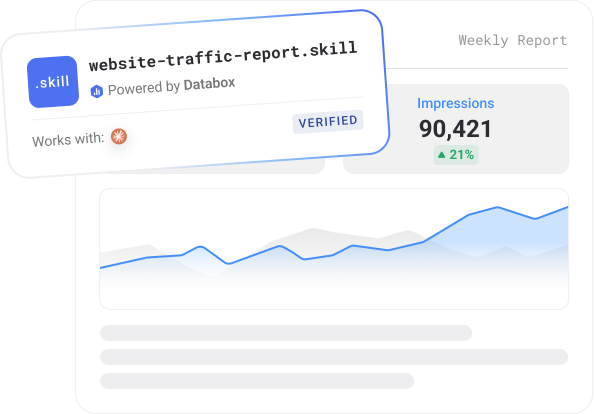
A Claude skill that reads live GA4 data from Databox and writes a structured weekly traffic report - sessions, channels, top pages, conversions, device split, and anomaly flags.
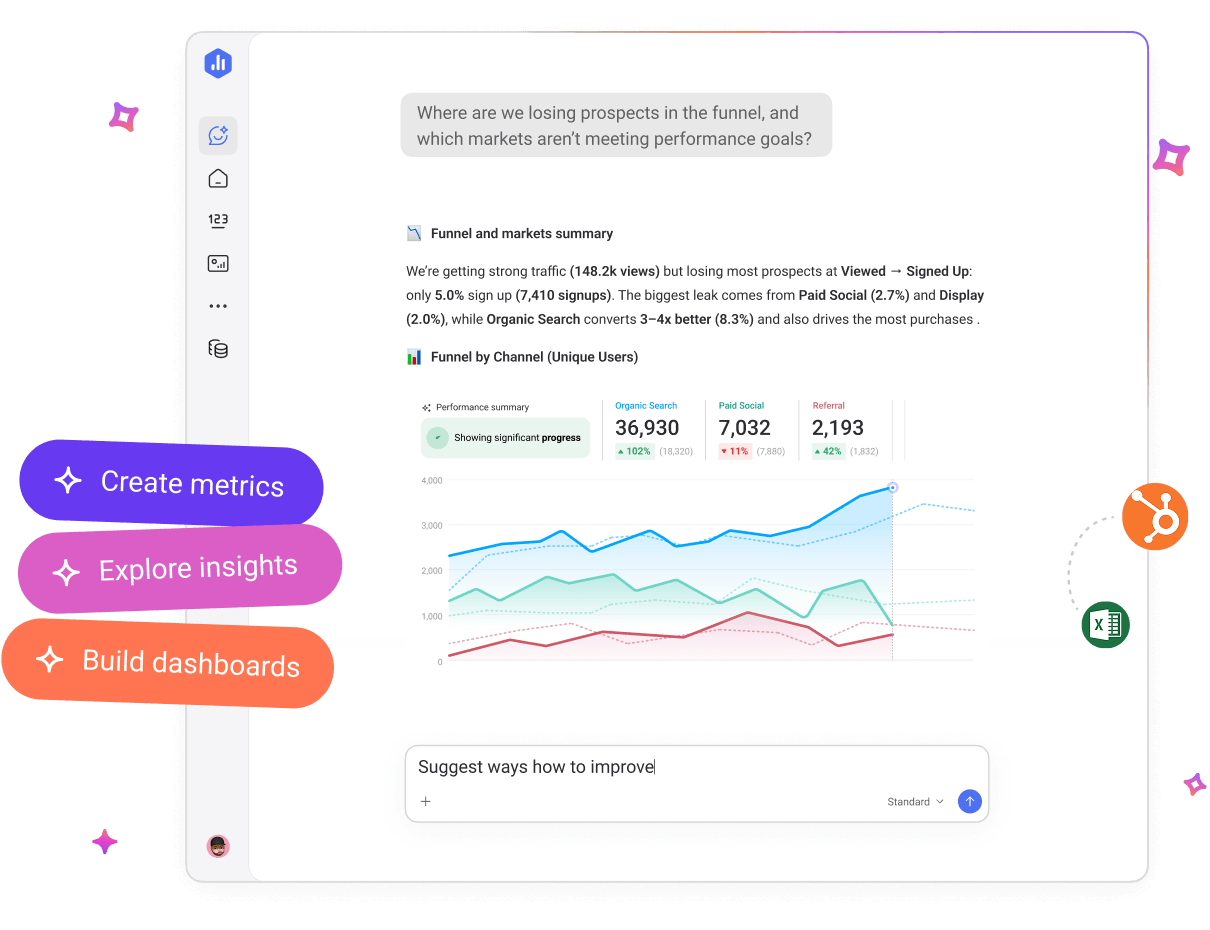


Databox AI works directly with the metrics your business already tracks, helping your team ask questions, uncover insights, and turn performance data into decisions.
Trusted by 20,000+ teams worldwide


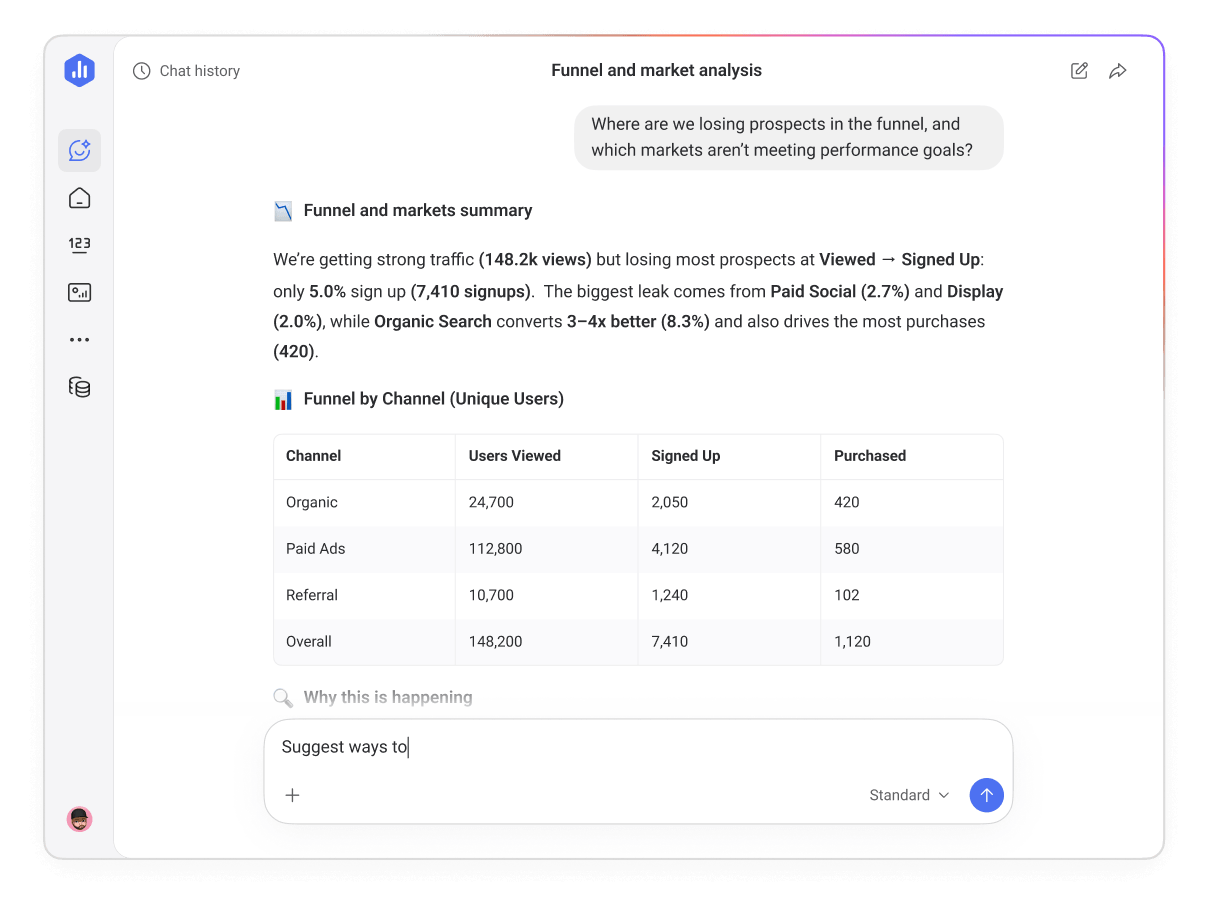
Ask your data
anything
Ask Genie, your AI analyst, a question about your performance and get clear, visual answers instantly.
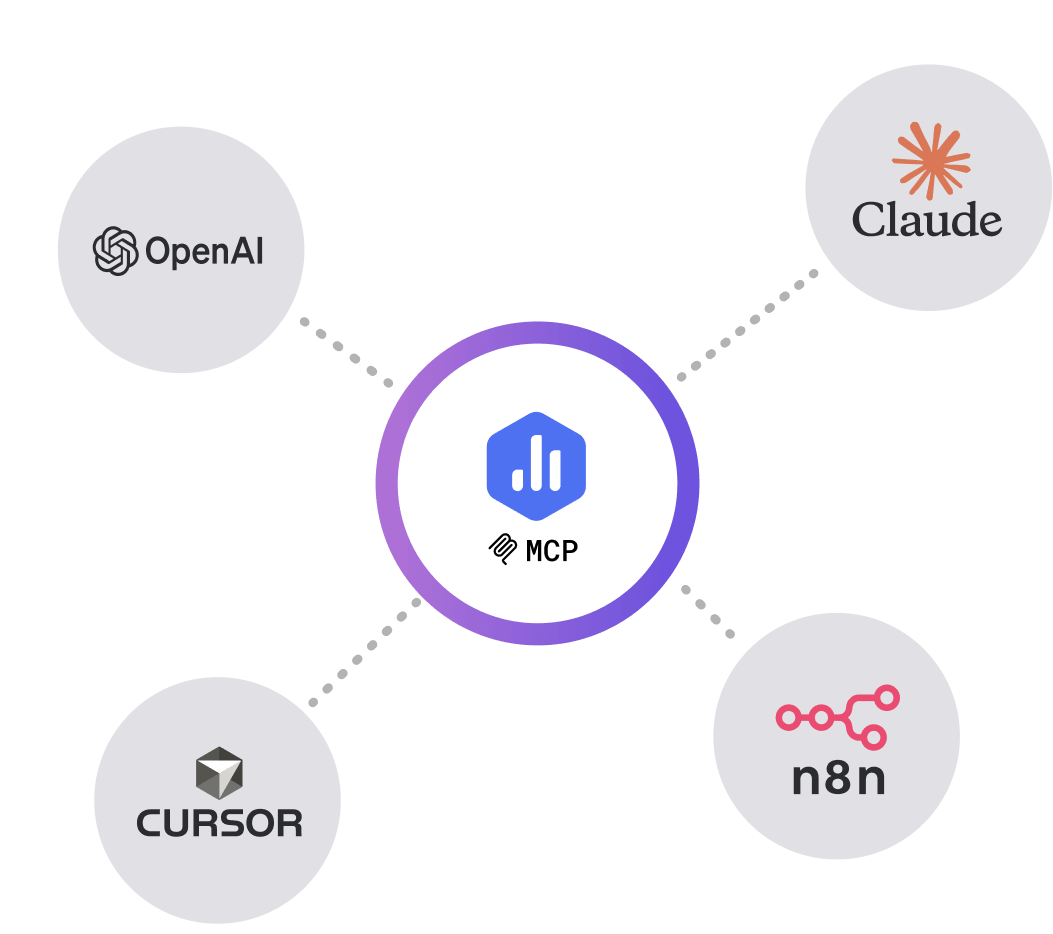
Bring your data into
your AI tools
With Databox MCP, you can bring your performance data into AI tools your team already uses, like Claude, n8n, or ChatGPT. That means you can analyze performance and trigger workflows without opening a single dashboard.
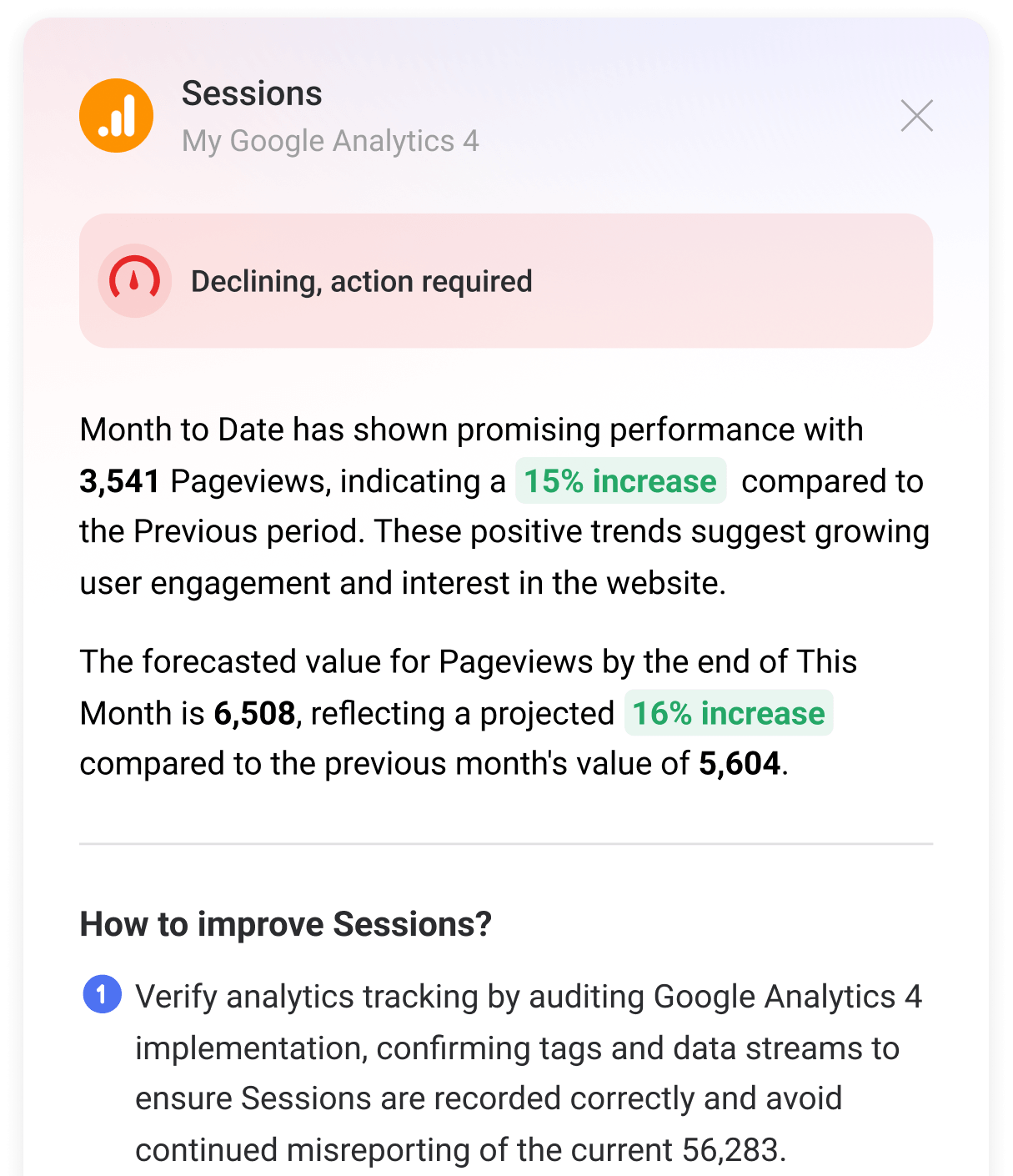
Understand what changed and why
Metrics show you what happened. AI Performance Summaries explain why. After automatically analyzing your performance data, Databox generates a clear summary of the most important changes across your metrics.
Instead of just seeing the data, understand it.

“We used Databox for client reporting for years and recently tested alternatives, but nothing came close. When we came back, Genie blew us away — AI-powered insights that actually make sense for marketers.”

“Having an AI analyst that can just tell you why a metric has dropped and what’s likely driving it — that’s a game-changer. Genie feels like having a smart teammate who’s always watching the data.”

“The MCP integration is genuinely useful for teams building AI-assisted workflows. It fits right into how we already work and gives us structured access to performance data without extra overhead.”
Understand what’s driving performance across your team. Quickly identify trends, anomalies, and the metrics that actually move pipeline, revenue, or growth.
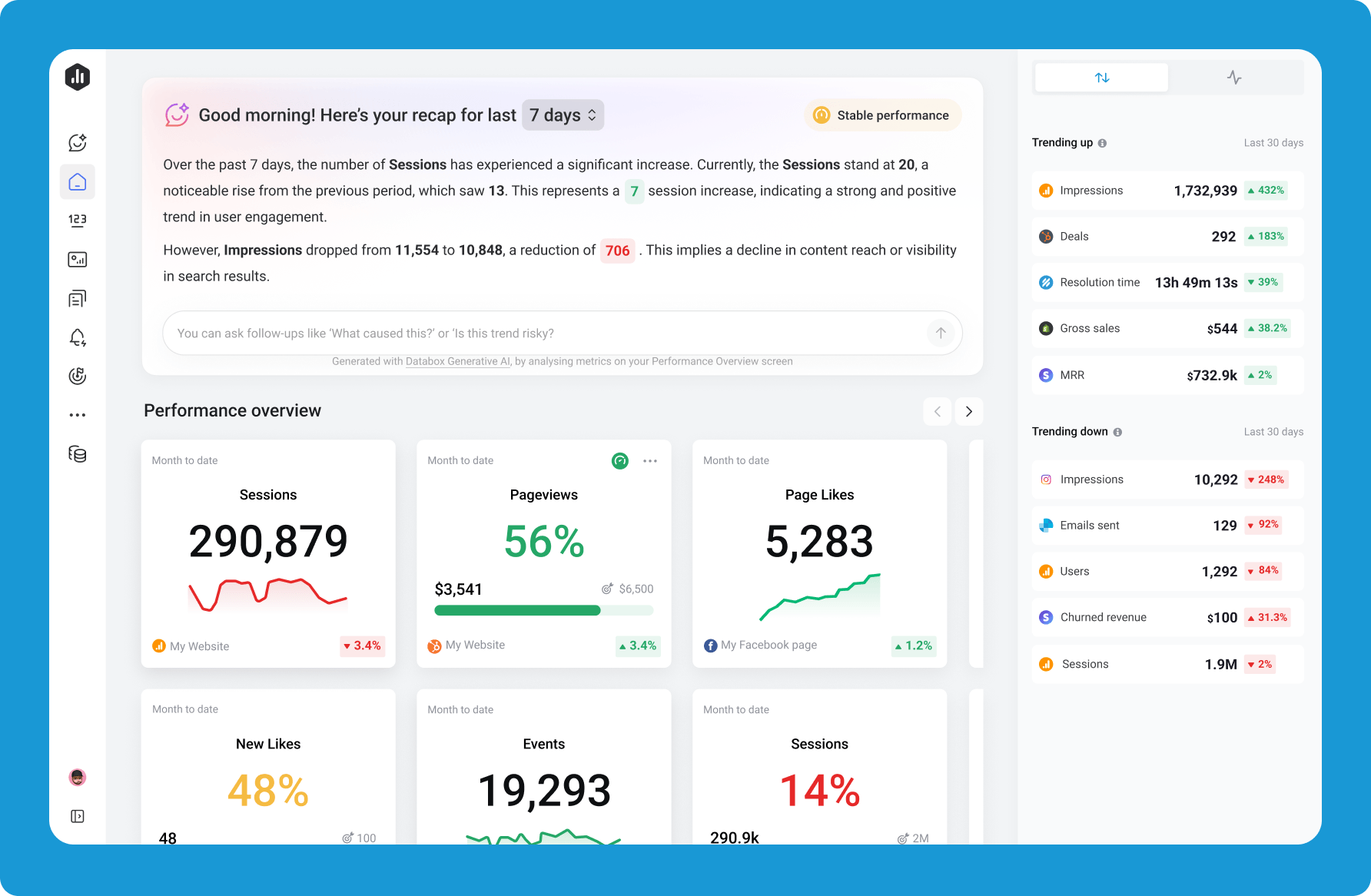
Know what’s happening without digging through dashboards. Ask questions like “Why did revenue drop last month?” and get a clear explanation of what changed, what matters, and where to focus next.
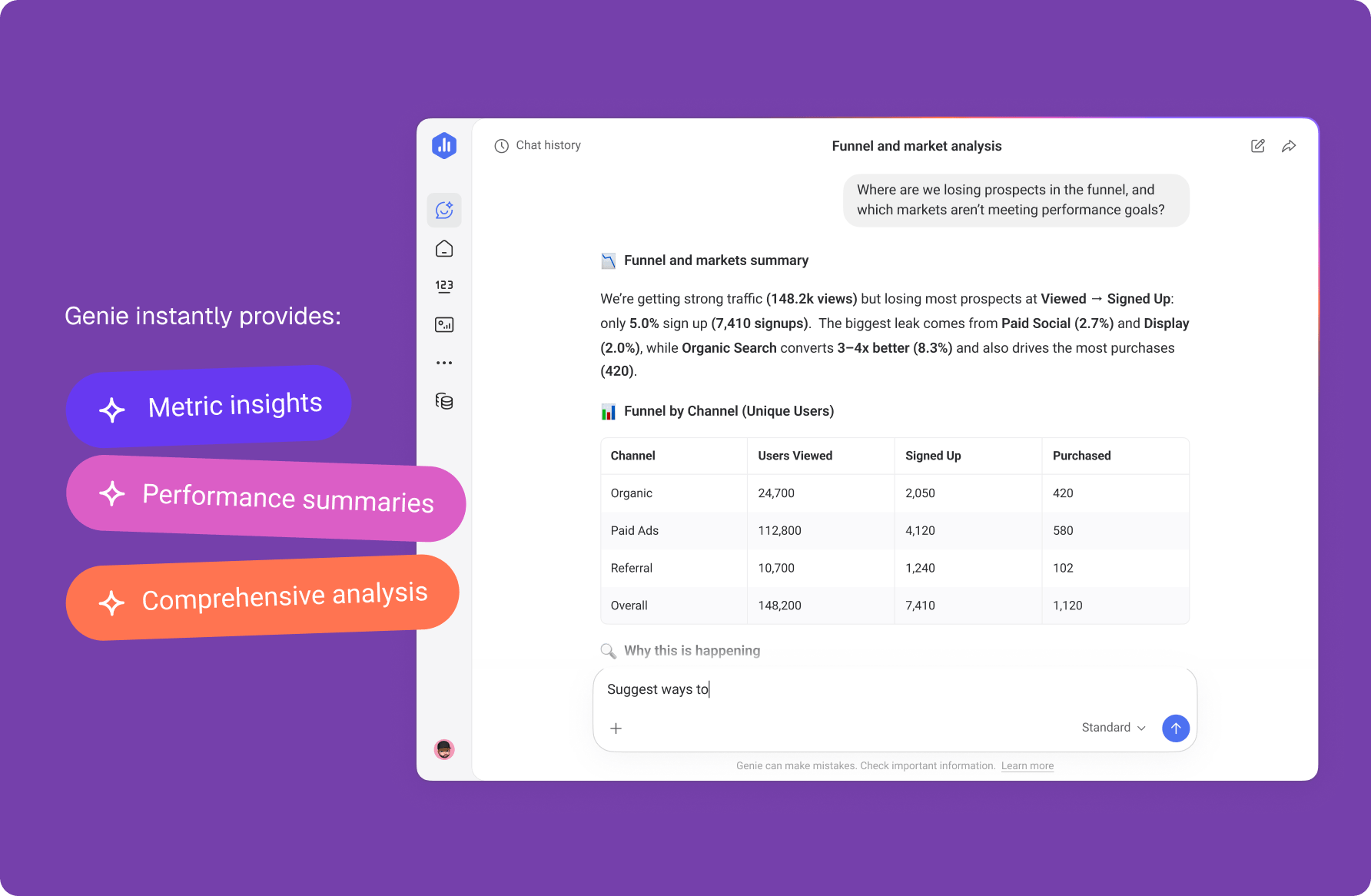
Stop being the reporting bottleneck. Let teams ask their own questions while you focus on deeper analysis, modeling, and strategy.
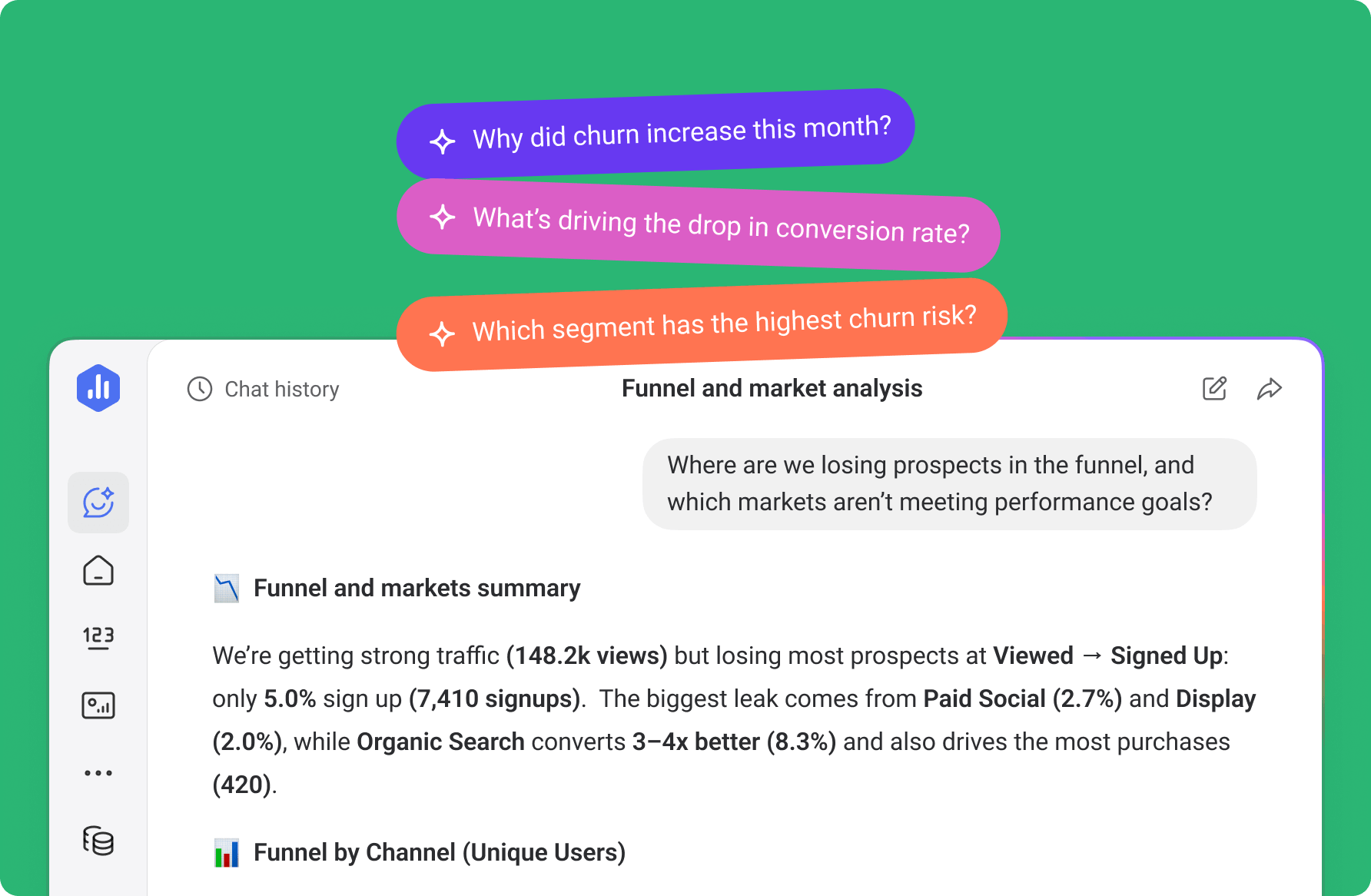
Walk into client meetings with answers. Ask questions about campaign performance, client accounts, or pipeline changes — and get instant insights you can share with confidence.
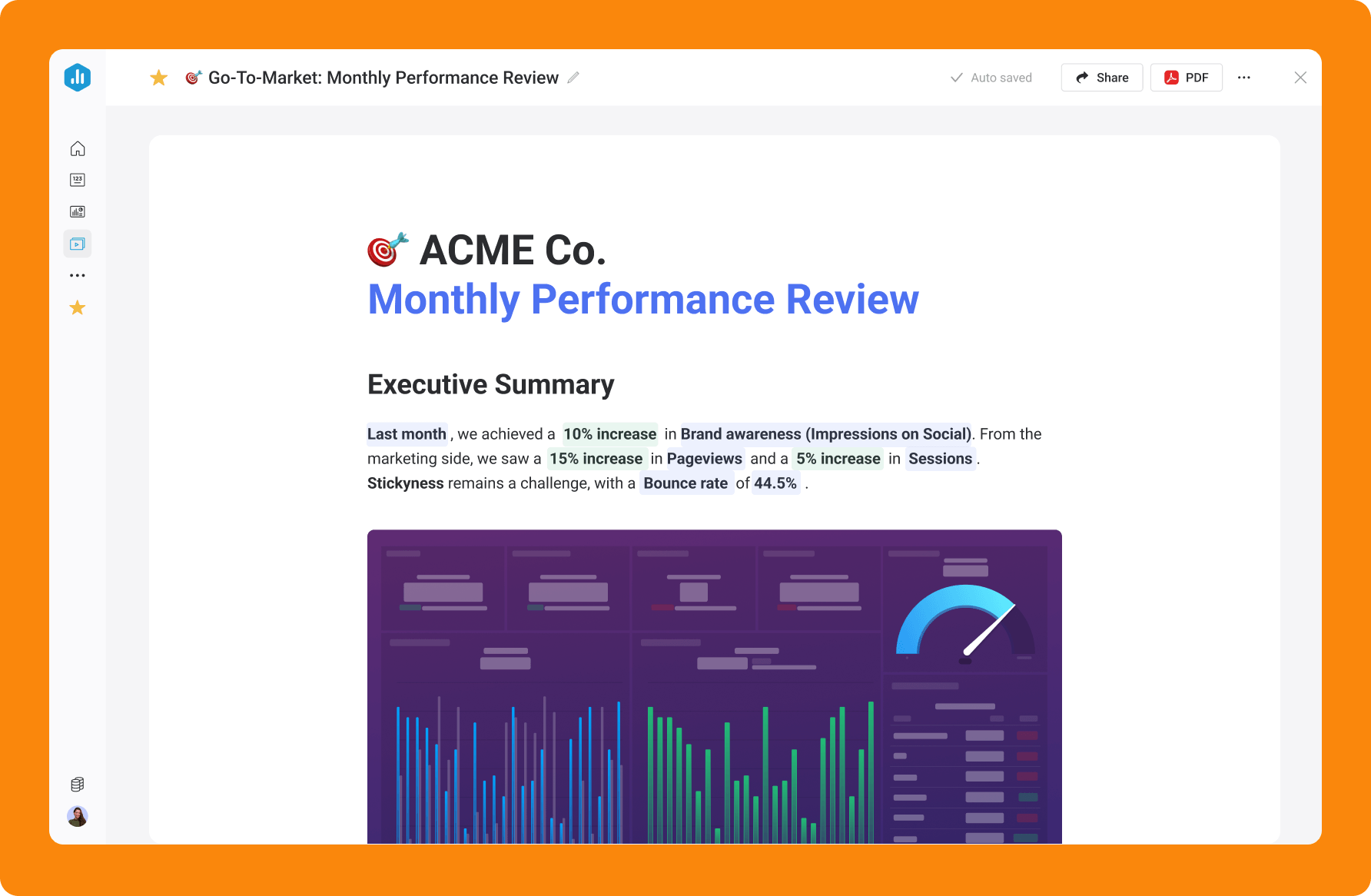
From quick performance questions to automated reporting, Databox AI helps teams explore data, uncover insights, and communicate results faster.
Databox AI analyzes the same trusted metrics your team already tracks, helping you understand performance without digging through dashboards or spreadsheets.
Anywhere your data lives, you can get it into Databox.
Pull metrics from 130+ integrations, including HubSpot, Salesforce, Google Analytics, and more. Track custom metrics via Spreadsheets. Pull from a database or warehouse using queries. Or sync custom data from a cloud-based app via API. It’s all possible with Databox.
Standardize the KPIs your business uses to measure performance.
Accurate answers start with clean, standardized data – so everyone in the business is speaking the same language (and numbers).
Use Genie to get performance updates, drill into any question, or build metrics and dashboards.
Use AI Performance Summaries to understand what’s happening and why. Connect Databox MCP to your AI and other tools to automate data-driven actions and see the bigger picture.
Unlike LLMs or standalone AI tools, Databox AI builds on the same trusted metrics, dashboards, and datasets your team already uses — so insights are accurate, contextual, and immediately actionable.
Create clean, analysis-ready tables from multiple data sources.
Merge, filter, and calculate metrics so your data is structured for deeper insights and AI analysis.
Define the metrics that matter to your business.
Build custom metrics with filters, dimensions, and calculations so AI answers are grounded in your actual definitions.
Visualize performance across your entire business.
Create dashboards that combine data from multiple sources so teams can monitor performance and ask better questions.
Free plug-and-play AI analytics skills, artifacts, and workflows that turn your metrics into board-room ready analysis. For marketing, sales, revenue ops, and more.
A Claude skill that reads live GA4 data from Databox and writes a structured weekly traffic report - sessions, channels, top pages, conversions, device split, and anomaly flags.
Ask questions, uncover insights, and explain performance faster with Databox AI.
What is Databox AI?
Databox AI is a set of AI-powered tools that help teams understand their business data faster. Instead of manually analyzing dashboards, users can ask questions, generate performance summaries, and uncover insights directly from their metrics.
How is Databox AI different from ChatGPT?
Databox AI works directly with your connected business data. Instead of analyzing pasted data or generic information, it pulls insights from your actual metrics across 130+ integrations, ensuring answers are grounded in real performance data.
What can I use Databox AI for?
Teams use Databox AI to:
Do I need SQL or technical skills?
No. Databox AI is designed for non-technical users. You can ask questions in plain language and the platform handles the analysis behind the scenes.
Is Databox AI accurate?
Databox AI analyzes the standardized metrics already defined in your Databox account. If the data required to answer a question is unavailable, the system will say so rather than generating a guess.
Compare

Databox Inc.
HQ: Boston, MA, USA
AI-powered analytics for teams that need answers now.
Databox Inc.
HQ: Boston, MA, USA

AI-powered analytics for teams that need answers now.



Compare

