

Must-Have WooCommerce Dashboard Examples and Templates
All WooCommerce dashboard templates come pre-built with some of the most commonly tracked WooCommerce metrics from the most popular tools. You can customize your templates at any time.
No credit card needed · Free-forever plan
WooCommerce templates
Track some of the most common WooCommerce metrics and KPIs and analyze your performance with just a few clicks.
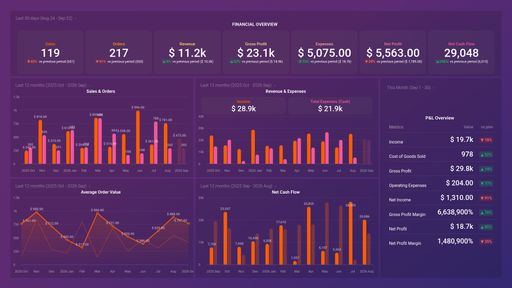
E-commerce Financial Dashboard (WooCommerce + Xero)
Optimize e-commerce leadership with our WooCommerce + Xero dashboard. Monitor Sales Funnel, Performance, Profit & Loss, Revenue, Expenses, and Cash Flow metrics for actionable insights.
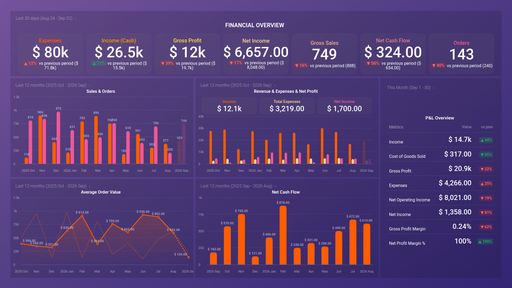
E-commerce Financial Dashboard (WooCommerce + QuickBooks)
Optimize e-commerce with our WooCommerce + QuickBooks dasboad. Monitor Sales Funnel, Performance, Profit & Loss, Revenue, Expenses and Cash Flow metrics for actionable insights
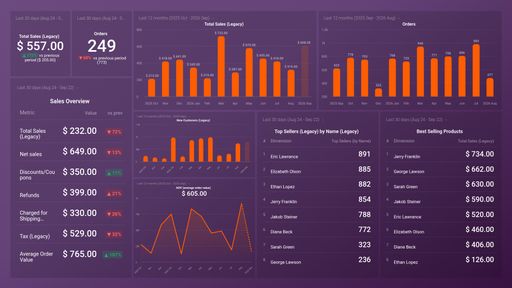
E-commerce Sales Performance - WooCommerce
Maximize your WooCommerce store's potential with Databox's E-commerce Sales Performance template. Track key metrics like Total Sales, Orders, Refunds, Net Sales, and Average Order Value for data-driven insights that fuel growth.
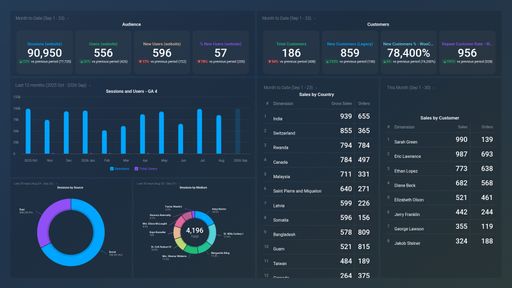
E-commerce Customers Overview (WooCommerce + GA4)
This E-commerce Customer Overview dashboard includes WooCommerce and Google Analytics 4 to provide key insights into customer sales performance and audience trends. It includes customer traffic metrics and sales metrics.
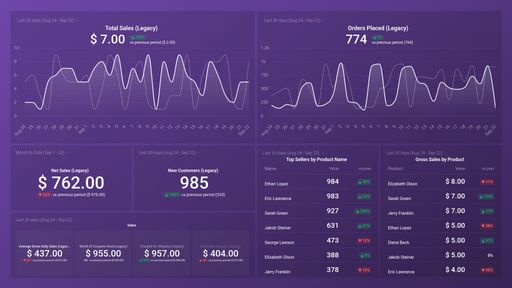
This dashboard gives an overview of your WooCommerce store, including total sales, popular products and new customers.
You don't use WooCommerce?
You can build a dashboard with any data using our 130+ one-click integrations, incl. Zapier, Make, Google Sheets, or a SQL database.
Can't find the exact template?
Build the WooCommerce dashboard your team actually needs
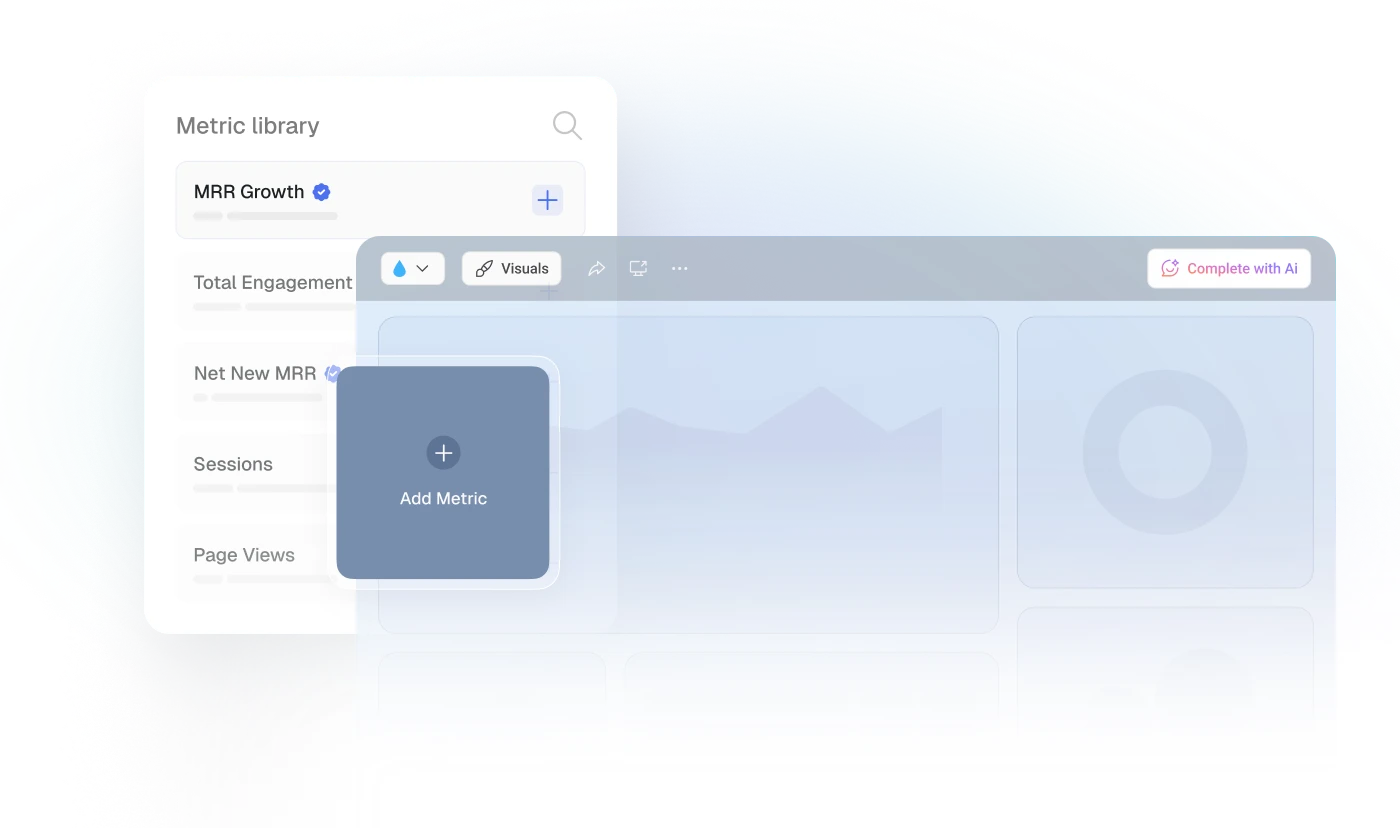
Create a custom view of your most important WooCommerce metrics – no coding or design skills required.
Centralize
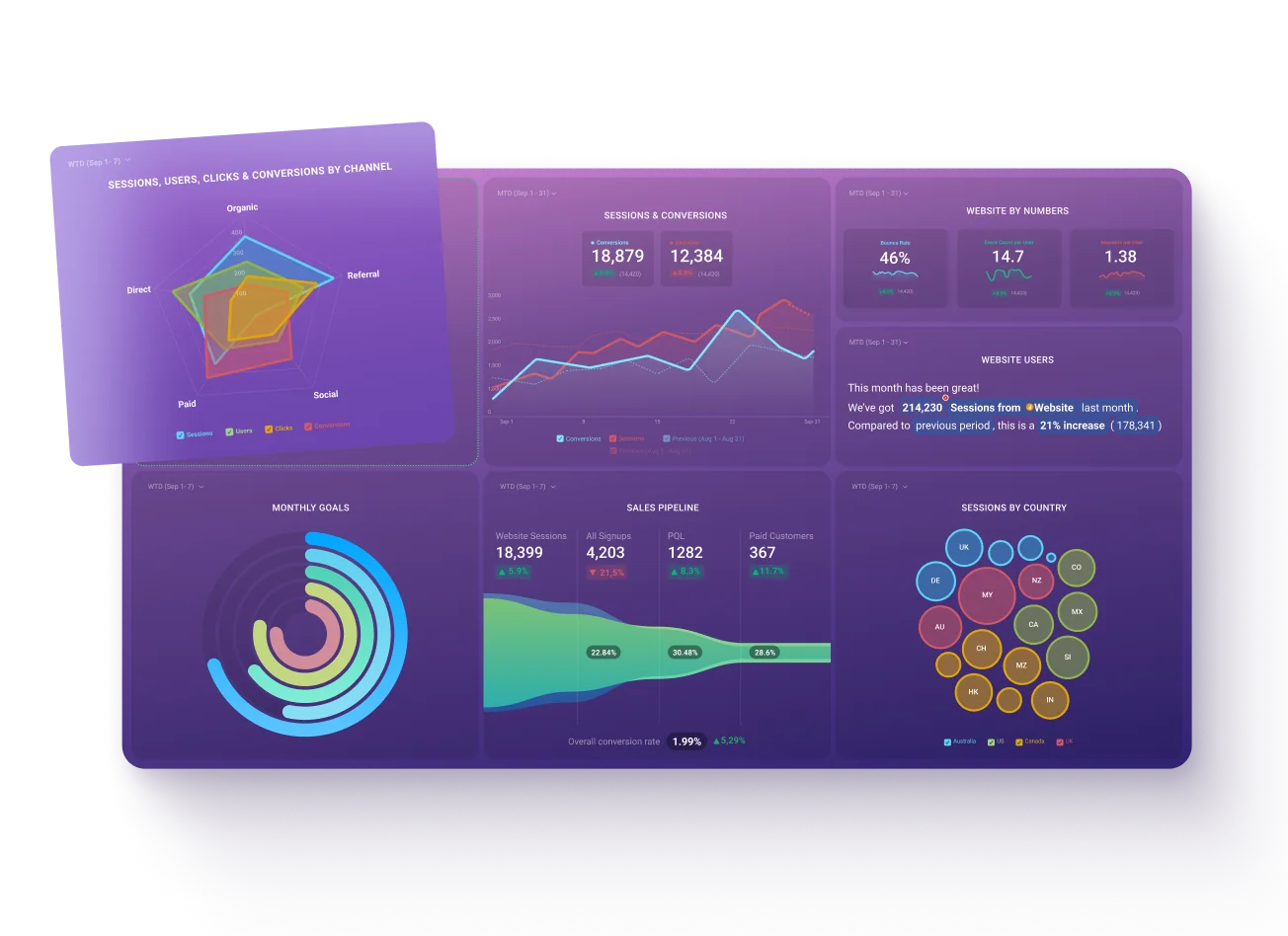
See every client's performance in one place
Save account managers from hours of copy-paste reporting work.
Explore more templates...
Learn more
Frequently asked questions
What Is a WooCommerce Dashboard?
A WooCommerce dashboard helps you track, visualize, and monitor all your most important e-commerce data in real-time. By having all of your KPIs and metrics in one place, you will be able to make well-informed decisions regarding your online store growth and react on time if there are any sudden changes to the data you are tracking.
What Should Be Included in a WooCommerce Dashboard?
Your WooCommerce dashboard should contain your most important e-commerce metrics and KPIs. By tracking metrics like total sales, customers, average order value, refunds, top products, and top coupons used, you will be able to assess how well your e-commerce store is doing at a glance.