Tools like ChatGPT and Claude have made analyzing business data much easier. You can ask questions about your performance, explore trends, and investigate problems without writing SQL queries or building reports from scratch.
But while AI has made the analysis easier, the work required to prepare your data hasn’t gone away. You still need to connect your business systems, bring the data together, keep historical records, and agree on how metrics are calculated.
For companies with dedicated data teams, building the infrastructure to handle that work can make sense. But if your goal is to use AI to understand how your business is performing, do you really need to build and maintain all of it yourself?
In this guide, we’ll look at what it takes to build your own data infrastructure for AI analysis, how that compares to buying a ready-made solution, and which approach makes the most sense for your team.
The 4 components of data infrastructure for AI analysis
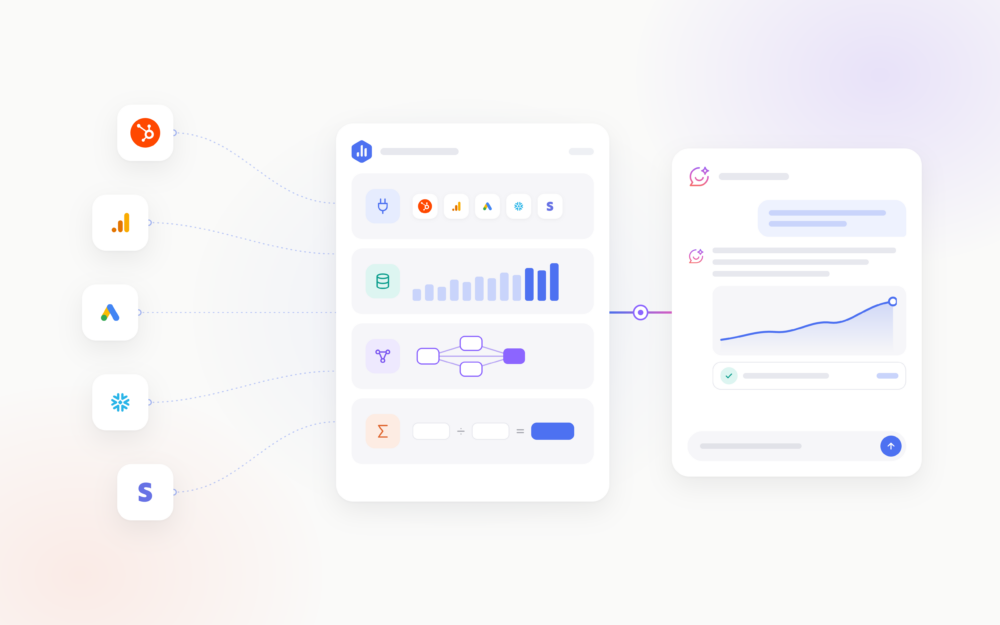
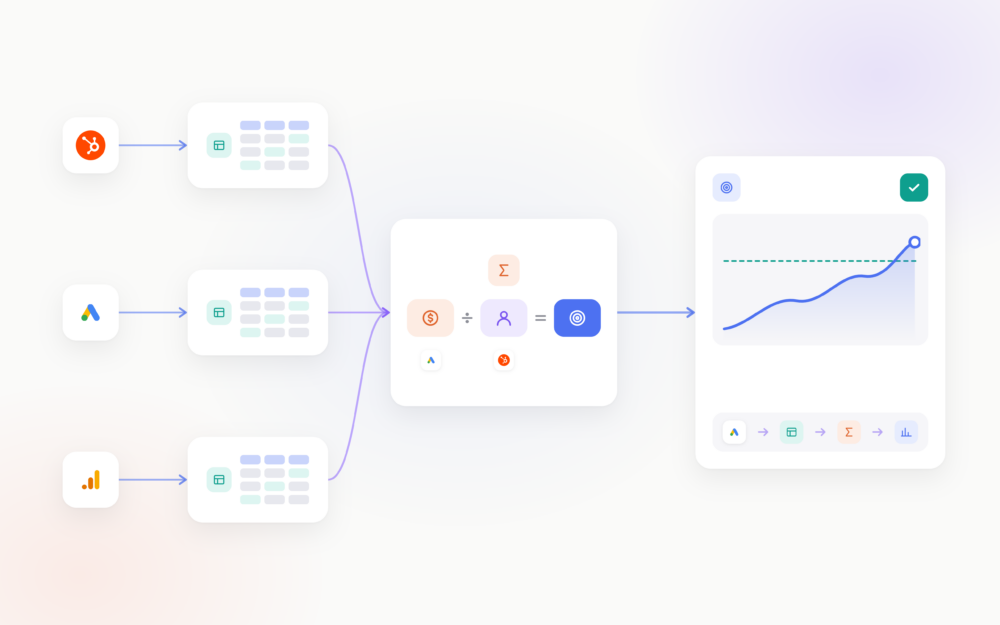
Data infrastructure is the combination of tools and systems that collect, store, and organize your business data so it can be used for analysis. It sits between your business systems and the AI tools you use, making sure they have access to the right information and understand how to interpret it.
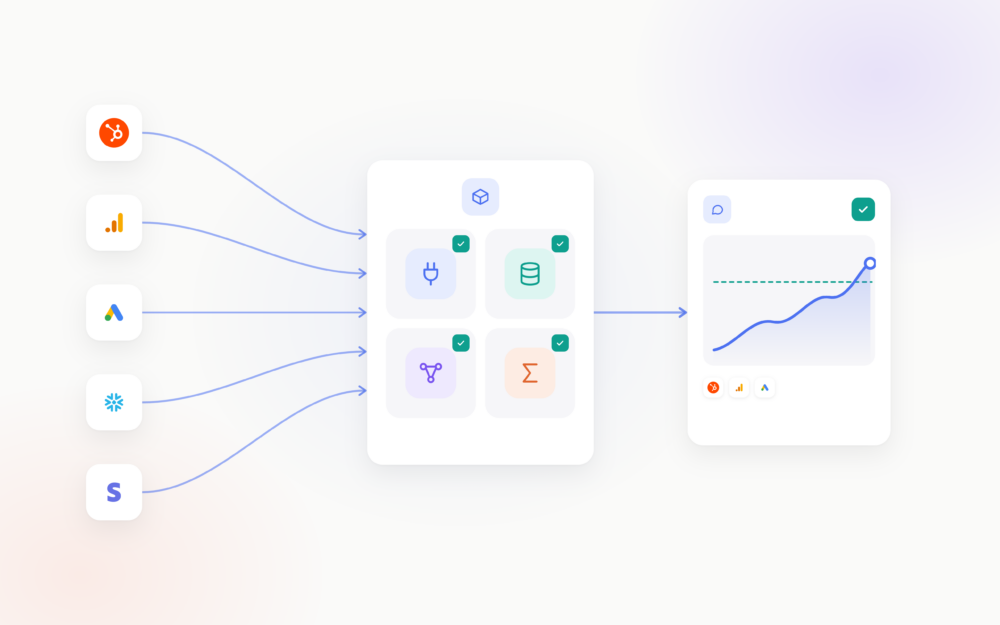
Whether you build your own infrastructure or use a ready-made solution, there are four key components:
1. Data integration
Your business data is likely spread across platforms like Google Analytics, HubSpot, Salesforce, and Google Ads. Data integration connects these systems and collects their data in one place, so you can analyze performance across your business without manually exporting and combining spreadsheets.
2. Data storage and history
Once collected, your data needs somewhere to be stored and maintained over time. This is often a data warehouse like Snowflake or BigQuery. Storing historical data allows you to analyze trends over months or years, even when the original platforms limit access to older records.
3. Data transformation and modeling
Data from different systems often comes in different formats and structures. Transformation cleans and standardizes that data, while modeling organizes it and establishes relationships between datasets. For example, a data model can connect customers, purchases, and revenue so you can analyze spending patterns and customer behavior over time.
4. Metric definitions and business logic
Finally, your AI tools need to understand what your business metrics mean, how they’re calculated, and how they should be used. For example, what qualifies as a new customer, which expenses count toward acquisition cost, or whether revenue includes refunds. A semantic layer centralizes these definitions and rules so AI and reporting tools interpret your data consistently.
What happens when AI doesn’t have the right data infrastructure
Most teams start using AI for analysis without any data infrastructure. They upload a spreadsheet to ChatGPT or Claude, or use MCP (Model Context Protocol) to connect an LLM straight to tools like Google Analytics or HubSpot.
In fact, in one of our surveys, 66% of business users feed AI by pasting, uploading, or connecting one tool at a time, and only 9% have a unified data layer their AI can query.
This approach works for one-off questions, but when AI answers start feeding into regular reporting and real business decisions, the missing pieces become more apparent:
- Incomplete or outdated data: AI can only analyze the information it has access to. If you’re uploading spreadsheets, the numbers can quickly become outdated. And while direct MCP connections let AI retrieve data, they don’t necessarily provide a complete picture across all your business systems.
- Missing historical data: Some platforms limit how much historical data you can retrieve through their APIs. Without a way to store that information, AI may not have the data needed to compare performance over longer periods or identify trends.
- Inconsistent calculations: Without shared metric definitions, AI may calculate the same metric differently across conversations. For example, customer acquisition cost might include only advertising spend in one analysis and total sales and marketing expenses in another.
- Answers that are difficult to verify: AI might tell you that revenue increased by 18%, but can you see which data it used and how it arrived at that number? Without a way to trace calculations back to the source, checking the answer often means doing the work manually.
Building your own data infrastructure
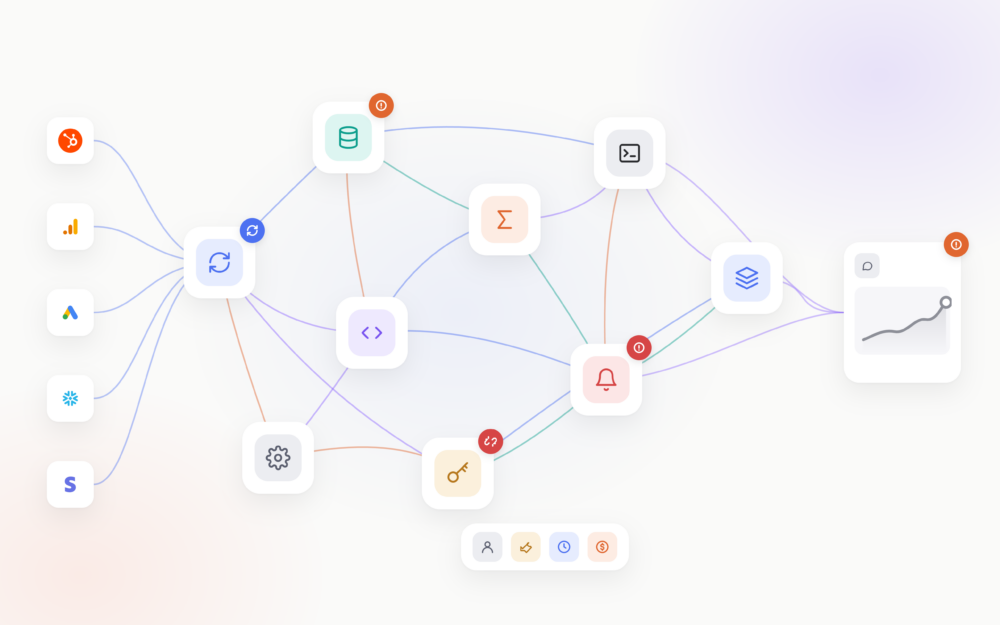
If you decide to build your own data infrastructure for AI analysis, you’ll need to choose and connect several tools to collect, store, and prepare your business data.
This is commonly referred to as a modern data stack. Rather than using one platform, you build a system where each tool handles a different part of the process.
A typical setup might include:
- Data integration tools like Fivetran or Airbyte: These pull information from platforms like Google Analytics, HubSpot, and Salesforce into a central location, keeping it updated as new data becomes available.
- A data warehouse like Snowflake or BigQuery: This stores the information you’ve collected, including historical records you want to preserve for future analysis.
- A data transformation tool like dbt: This cleans and organizes your data, combines information from different sources, and prepares it for analysis.
- A semantic layer like dbt Semantic Layer or Cube: This establishes consistent definitions for your business metrics, so AI uses the same calculations every time.
- An AI tool like Claude or ChatGPT: Finally, you connect your preferred LLM to the prepared data, for example through MCP, so your team can ask questions and analyze performance in plain language.
You’ll also need to manage access to the data, monitor whether everything is working correctly, and decide how to give AI additional business context, such as company goals and targets.
The benefit of building this yourself is control. You can choose the tools, customize how your data is organized, and create a setup that meets your company’s specific requirements.
But putting the tools together is only part of the work. Someone on your team needs to configure the connections, build and test the data models, define the metrics, and make sure the information remains accurate as your systems and reporting requirements change.
The costs involved in building your own data infrastructure
The cost of building your own data infrastructure depends on how many data sources you need to connect, how much data you’re processing, and the complexity of your reporting requirements.
While some tools are free or open-source, others charge based on usage or subscriptions. But software is only part of the investment. The time, expertise, and ongoing work required to make everything reliable can be harder to estimate.
Here are four costs to consider:
- Software and infrastructure: This includes the tools needed for data integration, storage, processing, metric definitions, and LLM usage. Costs can increase as you connect more sources and process larger volumes of data.
- Technical expertise: You’ll need people who can build integrations, model data, define metrics, and troubleshoot issues. Whether you rely on internal employees or external consultants, their time comes at a cost.
- Implementation time: Connecting your tools is only the beginning. Preparing data, reconciling inconsistencies, and validating calculations can take weeks or longer, depending on the complexity of your setup.
- Ongoing maintenance: APIs change, integrations break, and business requirements evolve. Keeping your infrastructure reliable requires regular monitoring, updates, and troubleshooting.
Software expenses are usually the easiest to calculate. What’s less predictable is the internal effort required to build and maintain a system your team can trust.
When comparing building your own infrastructure with buying a ready-made solution, consider the total cost of ownership, not just the monthly software fees.
Buying your data infrastructure
An alternative to building your own infrastructure is buying solutions or services that handle some or all of the technical work for you. The right option depends on your team’s technical expertise, reporting needs, and how much control you want over your data.
There are three main approaches:
- Managed data platforms: Tools like 5X and Keboola combine data integration, storage, and transformation into one managed service. They simplify the technical setup but typically still require people who can work with SQL and manage data models.
- Analytics platforms with a built-in data layer: These platforms connect to your business tools, manage the data, and provide consistent metric definitions for dashboards and AI analysis. They’re designed for business teams that want reliable insights without managing the underlying infrastructure.
- Done-for-you implementation: A vendor or consultant builds and maintains the infrastructure on your behalf. This is an option for businesses with more complex requirements that don’t have the internal expertise to handle implementation.
What to look for when choosing a solution
Not every solution offers the same capabilities, so it’s important to evaluate what you’re actually getting:
- Data coverage: Does it support all your data sources, including custom systems and databases?
- Historical data: Can it retain data over time, even when the original platforms limit access to older records?
- Metric definitions: Can you centrally define business metrics and verify how they’re calculated?
- AI compatibility: Can your AI tools, such as ChatGPT or Claude, access the data and use those definitions?
- Implementation: How much time and technical expertise will you still need before your team can start using it?
- Pricing: How do costs change as you add data sources, users, or increase usage?
Ultimately, the decision comes down to finding a solution that meets your data and AI requirements without introducing more complexity or cost than your team needs.
How Databox works as your data infrastructure
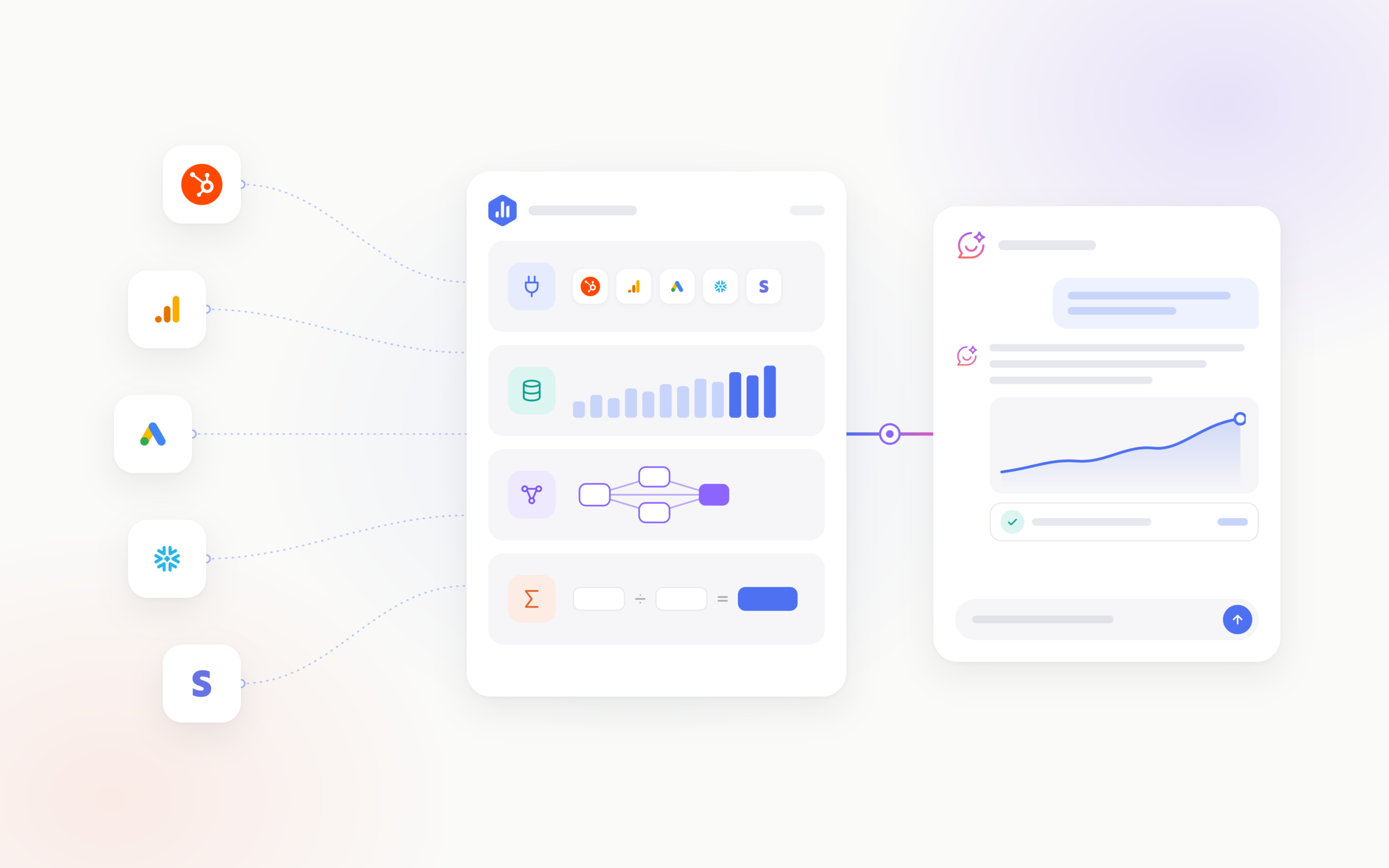
Databox is an agentic analytics platform with a built-in data layer. It gives you the infrastructure to prepare your business data for AI analysis, along with the tools to analyze performance, find opportunities, and automate recurring work, so you don’t have to build and maintain a separate data stack.
- Data integration: 130+ integrations, including HubSpot, Google Analytics, Salesforce, and Google Ads, plus databases, spreadsheets, and custom sources.
- Data storage and history: Databox stores your performance data over time, so you can analyze trends and compare results across periods.
- Data transformation and modeling: Datasets, custom calculations, and data merges let you organize and combine information from different sources.
- Metric definitions: A universal semantic layer with 4,000+ predefined metrics, plus custom metrics built with your own formulas and filters.
On top of the infrastructure, you can add goals, priorities, and other business context, so AI interprets results against what your business is trying to achieve.
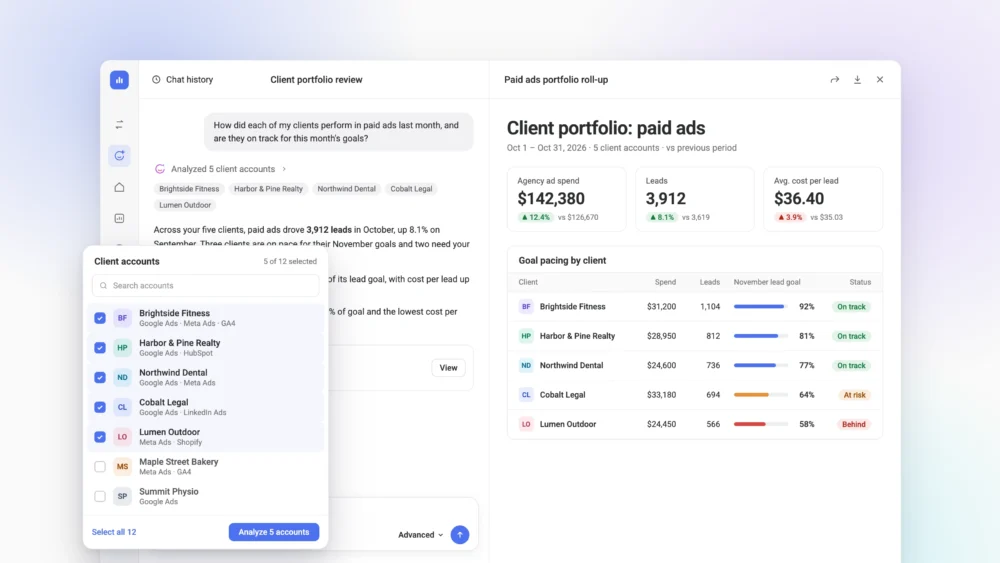
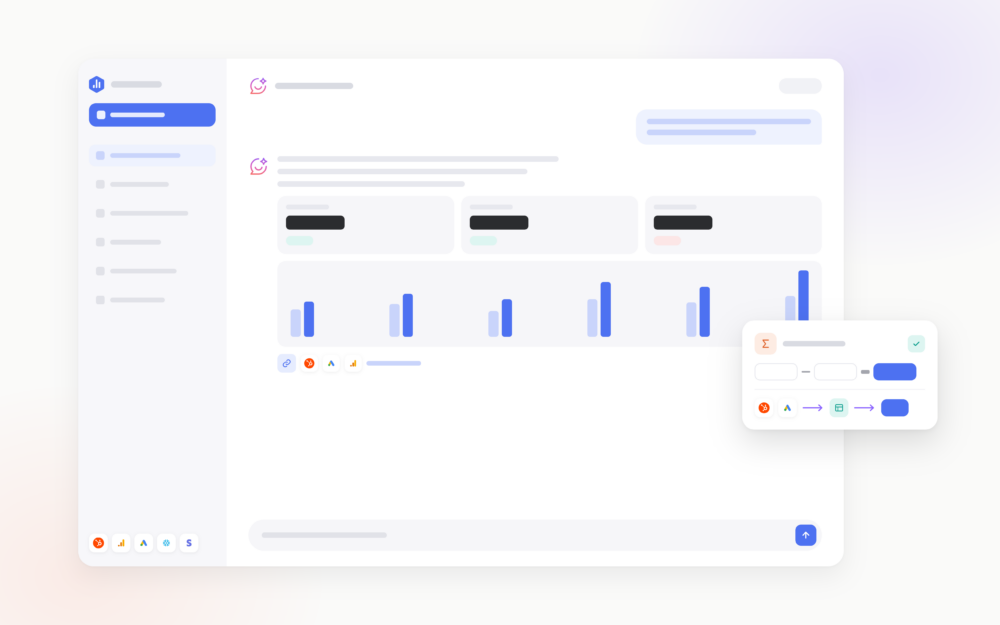
With that in place, you can use the Databox AI Analyst to investigate performance, find opportunities, create reports, and automate recurring analysis. If your team prefers ChatGPT or Claude, you can connect them through the Databox MCP server and analyze the same governed data in the tools you already use.
Building your own vs. Databox: cost and time
Here’s what each approach typically requires for a company connecting 10 to 15 data sources.
| Building your own | Databox | |
|---|---|---|
| Data integration | Fivetran or similar, priced by data volume: roughly $1,500 to $5,000 a month for 10 to 15 sources | Included |
| Storage and processing | Snowflake at $2 to $4 per compute credit, plus storage | Included |
| Modeling and metric definitions | dbt Cloud Starter at $100 per developer a month, plus Semantic Layer usage | Included |
| AI analysis | LLM subscriptions or API costs, plus the work of connecting them to your data | AI Analyst and MCP included, within your plan’s AI credits |
| Technical expertise | A data engineer or consultant, with an average US data engineer salary of about $137,000 | No dedicated data engineer needed for standard setups |
| Implementation | Weeks to months, depending on complexity | Days for supported integrations |
| Ongoing maintenance | Your team monitors integrations, updates models, and troubleshoots failures | Databox maintains the platform and its integrations |
| Software subscription | Several subscriptions, most with usage-based charges | $399 a month billed annually ($4,788 a year) on the Business plan |
Build or buy: which is right for your team?
AI answers are only as reliable as the data infrastructure behind them. The question is whether you build that infrastructure yourself or buy it ready-made.
Build if:
- You already have a data warehouse and a data team to run it
- You need complex data models or have strict rules about where data is stored
- Full control over your stack is worth the extra cost and maintenance
- You have budget for several tool subscriptions plus a data engineer, whose average US salary is about $137,000 a year
Buy if:
- Your goal is to analyze marketing, sales, and business performance with AI
- You don’t want to hire a data engineer to keep a stack running
- You want your team using AI on reliable data in days rather than months
- You’d rather pay one predictable subscription, like $399 a month on the Databox Business plan, than fund separate tools and a data team
If you’re not sure where your business stands, our free AI readiness assessment is a good place to start. In a 30-minute call, we’ll look at your data sources and how your team uses AI today, and you’ll leave with a written report on what your data infrastructure is missing.
Frequently asked questions
What is data infrastructure for AI analysis?
Data infrastructure for AI is the set of tools and processes that prepares business data for analysis. It connects your data sources, stores historical data, models data from different systems so it fits together, and defines how metrics are calculated. With it in place, AI tools analyze consistent data instead of guessing where numbers come from.
Do I need a data warehouse for AI analysis?
No. A data warehouse is one way to store and organize data for AI, but platforms like Databox can collect your data, keep historical records, and apply consistent metric definitions without a separate warehouse. If you already use Snowflake, BigQuery, or another warehouse, you can connect it to an AI analysis platform instead of replacing it.
Can ChatGPT or Claude analyze my business data without data infrastructure?
Yes, for occasional questions. You can upload spreadsheets or connect ChatGPT and Claude to individual tools through MCP. For regular reporting, though, AI only sees the data it receives, and direct connections don’t give you complete history, consistent metric definitions, or a way to verify calculations.
What is a modern data stack?
A modern data stack is a set of separate cloud tools that work together to manage data: an extraction tool like Fivetran, a warehouse like Snowflake or BigQuery, a modeling tool like dbt, a semantic layer for metric definitions, and a BI tool or LLM for analysis. It’s the most common way companies build their own data infrastructure.
How much does it cost to build data infrastructure for AI?
It depends on your data volume, number of sources, and reporting complexity. The total includes subscriptions for extraction, storage, and modeling tools, LLM usage, and the time of a data engineer or analyst to build and maintain the system. Staff time is often the largest cost, especially as you add data sources.
Can I use Databox with Claude or ChatGPT?
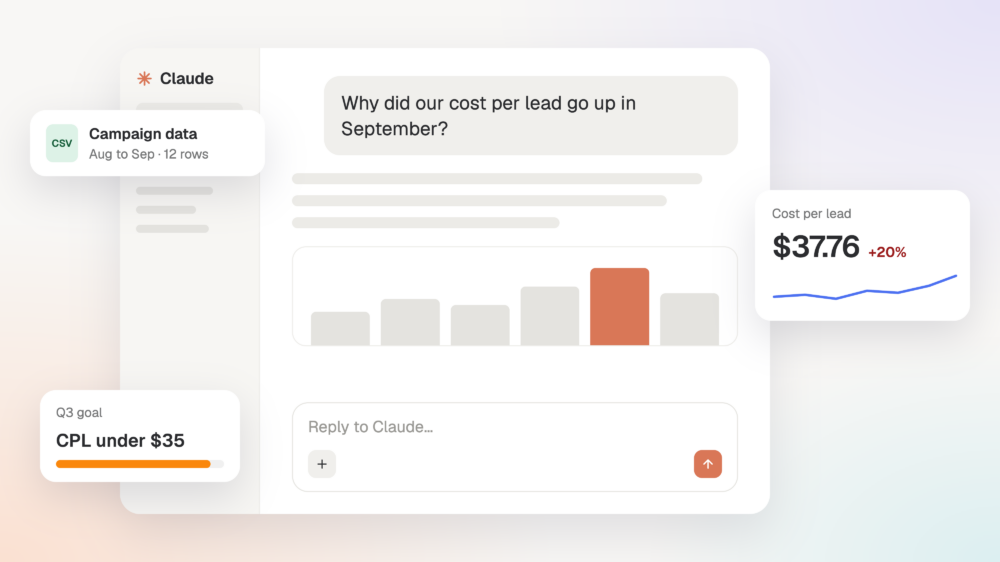
Yes. The Databox MCP server connects Claude, ChatGPT, and other MCP-compatible tools to your Databox data and metric definitions. Your team can keep using the AI tool they prefer while every answer draws on the same governed data.