
Track all of your key business metrics from one screen
GET STARTED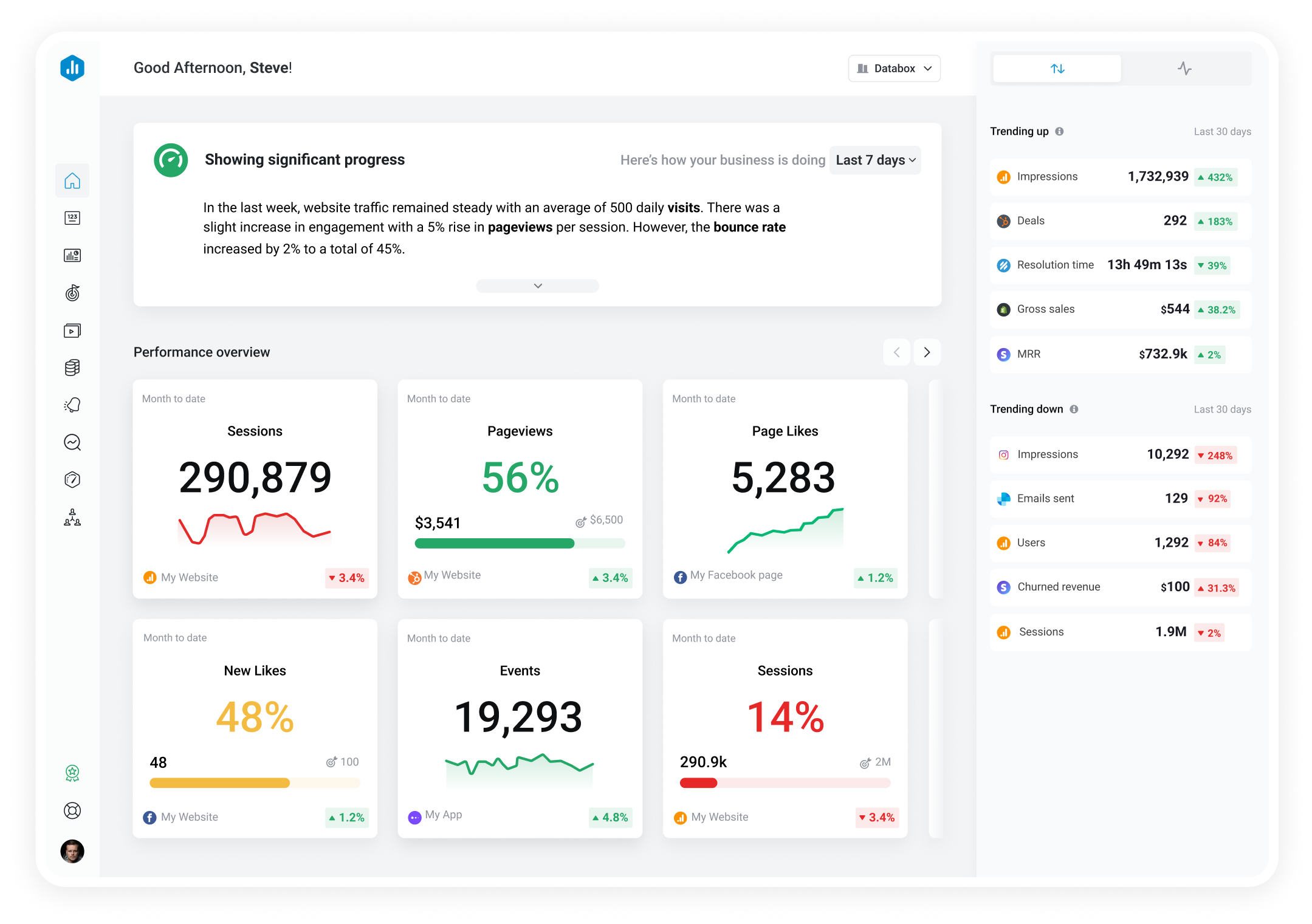

 YouTube
Card Click Rate
YouTube
Card Click Rate Card Click Rate is the percentage of card impressions that resulted in a click, measuring how effectively cards drive viewer action.
With Databox you can track all your metrics from various data sources in one place.

Used to show a simple Metric or to draw attention to one key number.
Databox is a business analytics software that allows you to track and visualize your most important metrics from any data source in one centralized platform.
To track Card Click Rate using Databox, follow these steps:
 Goals
Goals Scorecards
 Metric Digest
 Metric Builder
 Data Calculations
 Performance Screen
YouTube
Performance Screen
YouTube
Annotation CTR is a metric in YouTube analytics that measures the percentage of viewers who interacted with annotations on your videos, indicating their engagement level.
YouTube
Annotation close rate is the percentage of viewers who choose to close a video annotation instead of clicking on it. A low close rate indicates high engagement.
YouTube
Watch Time by Playback Location is a metric that tracks how long viewers watch your videos in specific locations on YouTube, such as on the YouTube homepage, subscription feed, or suggested videos. It helps you understand where your audience engages with your content the most.
YouTube
The Subscribers Lost metric measures the total number of subscribers who have unsubscribed from a channel during a specific time period. It indicates the decrease in the audience size and can be used to analyze the reasons for the loss of subscribers.
YouTube
Views by Traffic Source metric shows the number of views generated by each source such as YouTube search, suggested videos, external websites, etc. It helps to understand which traffic sources are driving more views to your videos.
YouTube
Videos Removed from Playlists is the number of times viewers removed a channel's videos from any YouTube playlist.
YouTube
Card Teaser Clicks is the number of times viewers clicked on a card teaser to open the card panel.
YouTube
Card Teaser Click Rate is the percentage of card teaser impressions that resulted in a click to open the card panel.