
Track all of your key business metrics from one screen
GET STARTED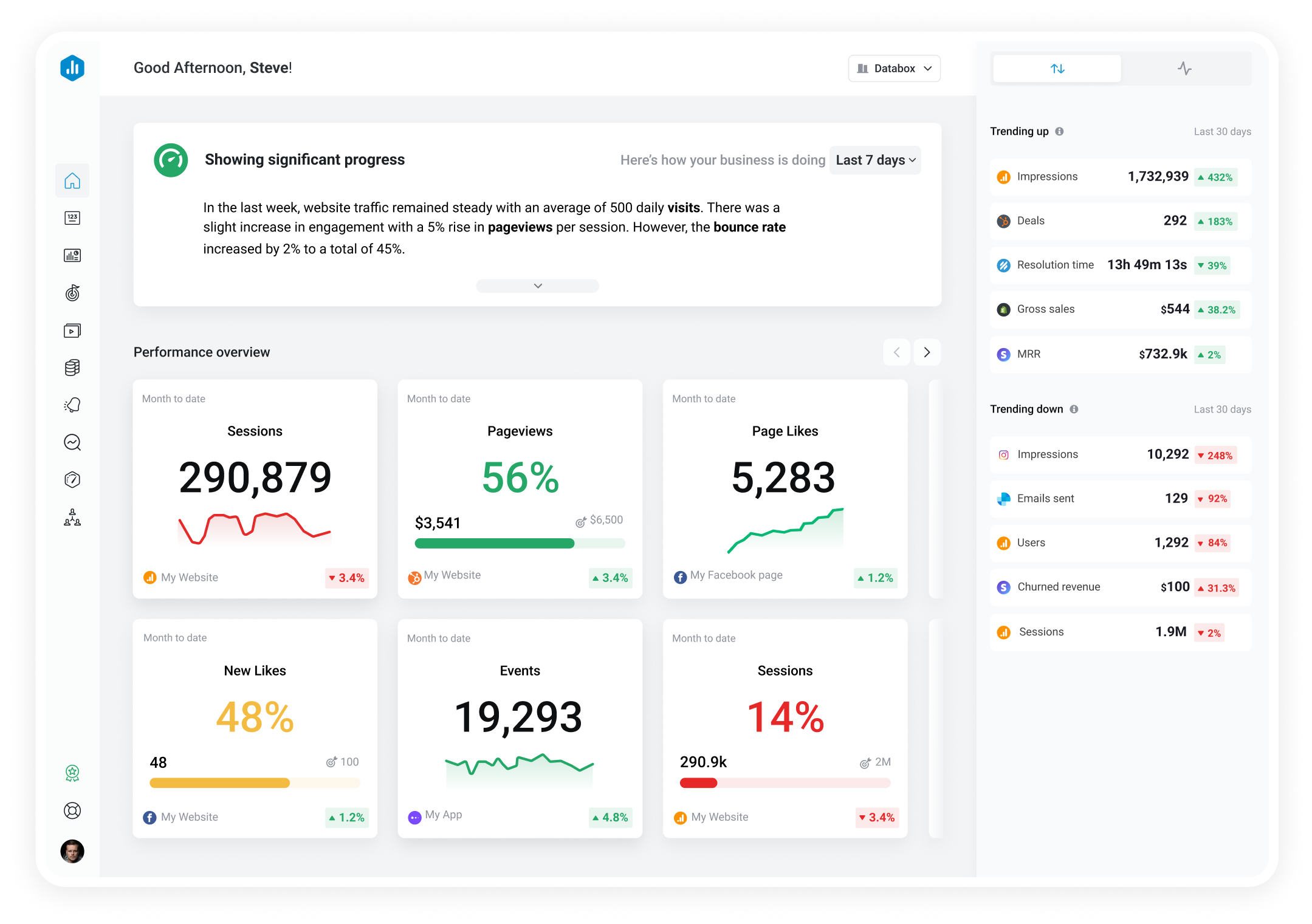

 YouTube
Annotation Closes
YouTube
Annotation Closes Annotation Closes is the number of times viewers dismissed an annotation by clicking its close button.
With Databox you can track all your metrics from various data sources in one place.

Used to show a simple Metric or to draw attention to one key number.
Databox is a business analytics software that allows you to track and visualize your most important metrics from any data source in one centralized platform.
To track Annotation Closes using Databox, follow these steps:
 Goals
Goals Scorecards
 Metric Digest
 Metric Builder
 Data Calculations
 Performance Screen
YouTube
Performance Screen
YouTube
Annotation CTR is a metric in YouTube analytics that measures the percentage of viewers who interacted with annotations on your videos, indicating their engagement level.
YouTube
Average View Duration measures the average length of time viewers watched a video before leaving. It helps creators determine the level of audience engagement with their content.
YouTube
The Average Percentage Viewed metric is a measure of the average percentage of a video that a viewer watches before clicking out or stopping. It can help creators understand audience engagement and optimize video content.
YouTube
Dislikes are a metric on YouTube that represents the number of viewers who have given a thumb down to a particular video. This metric is used to measure the level of audience engagement and can influence the algorithm's recommendation of the video to other users.
YouTube
The Views metric on YouTube shows the number of times a video has been watched. It includes both unique and repeat views and is one of the most important indicators of a video's success.
YouTube
The Views by Device Type metric indicates how many times a video has been watched on different types of devices such as mobile phones, tablets, and desktop computers. This information helps content creators understand how their audience consumes their videos and optimize their video strategy accordingly.
YouTube
Videos Added to Playlists is the number of times viewers added a channel's videos to any YouTube playlist, indicating content worth saving or revisiting.
YouTube
Card Impressions is the number of times cards were displayed to viewers while watching a video.