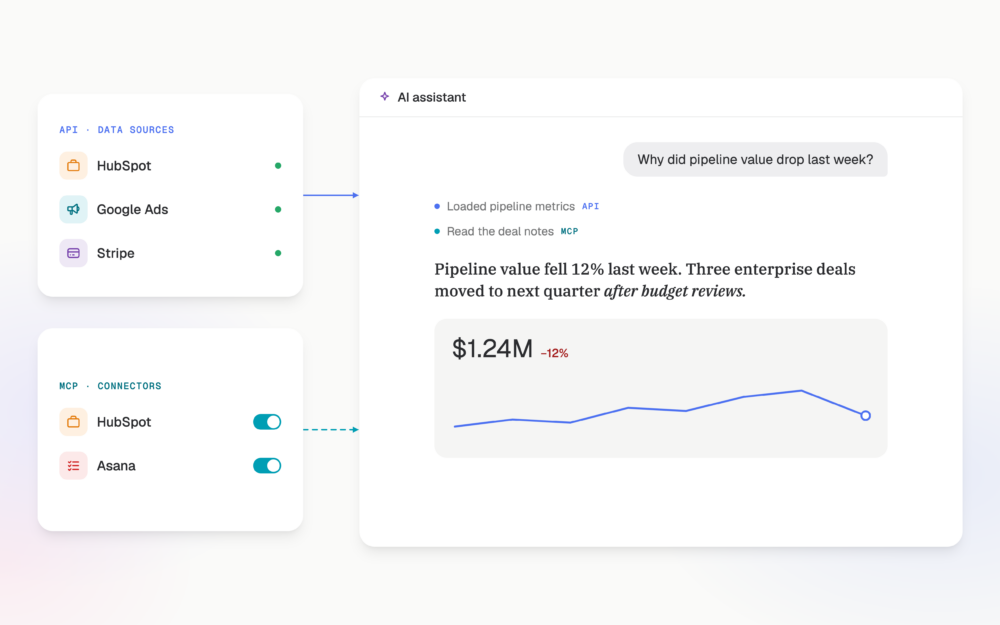

To measure the impact of a product launch, grade it against the target written in its spec. Every launch spec names a metric, a target and a time window. Once the window closes, the launch either hit that target or missed it. Before then, it’s too early to call. The hard part is getting the target and the result into the same view, because the target lives in Notion and the result lives on your dashboard. Genie, the Databox AI Analyst, reads both: your metrics from Databox, and your specs through the Notion MCP connector.
TL;DR
- Measure a launch against the target in its own spec: a metric, a number and a time window. Anything else is a status update.
- Grade each launch as hit, missed or too early. “Too early” is a real grade, not a dodge.
- The Notion MCP connector lets Genie read the specs, roadmap and goal docs in your Notion workspace, so it can explain a change in a metric with the real plan behind it.
- When a launch misses, the spec often explains why, for example when it scoped a different surface than the one where buyers convert.
- Setup takes four steps in your AI Analyst settings. Genie only sees what your Notion account can access.
Launch targets live in specs. Results live in dashboards. Nobody closes the loop.
Every launch starts with a number. “Lift trial-to-paid from 8% to 11% within 60 days of launch.” Someone wrote it into the spec, the team argued over it in review, and it shaped what got built.
Then the launch ships, and the number stays in Notion.
The results land on a dashboard nobody connected to that spec. Signups went up the week of launch. Activation looks flat. The weekly review notes say “launch went well.” Three months later, nobody can say whether the feature did the one thing it was built to do. The team has moved on to the next spec, with its own target that will meet the same fate.
This isn’t a discipline problem – it’s a plumbing problem. Checking a launch against its target means opening the spec, finding the target and the window, pulling the right metric for the right dates and lining the two up. For one launch, that’s an afternoon. For every launch in a quarter, it doesn’t happen.
And launches are expensive to leave unchecked. In Databox’s Beyond Attribution: What Go-To-Market Teams Track When Clicks Disappear survey, 47.54% of go-to-market leaders who changed their paid budget named a new product or market launch as a primary reason. Budget moves for launches. Most teams never check whether the launch earned it.
What the Notion MCP connector does
Databox already holds your results. The Notion MCP connector gives Genie the other half: the docs behind them.
Once connected, Genie can search your Notion workspace and read the specs, roadmap pages, launch plans and quarterly goal docs your team writes. When you ask about a metric, it pulls the plan that explains it. A dip in output comes with the roadmap note about the delay. A launch’s numbers come with the target its spec set.
The two sides do different jobs. Notion supplies the target and the context. Databox supplies the number, calculated by its query engine from the same metric definitions your dashboards use. Genie reads the spec. It doesn’t do the math. That matters when the grade decides whether a feature gets another sprint.
Grade every launch as hit, missed or too early
A launch can only be graded if its spec says what success looks like. A gradable target has three parts: the metric, the number and the window. “Improve onboarding” has none of them. “Raise 14-day activation from 31% to 38% within 45 days of launch” has all three. If your specs don’t read like that yet, start there. No tool fixes a target nobody wrote down.
With the target in place, each launch gets one of three grades:
- Hit. The window closed and the metric reached the target.
- Missed. The window closed and the metric fell short.
- Too early. The window is still open, or the launch cohort is too small to call. This is the grade teams skip, and it’s the one that stops a two-week-old feature from being written off.
Ask Genie to grade them all at once:
Find the launch specs in our Notion product roadmap from Q3. For each
one, check the target metric against my product dashboard and grade it
hit, missed or too early.
Genie reads each spec, pulls the metric for the window the spec names and returns the grade with the numbers behind it. The numbers in the examples below are illustrations, not real account data.
Maja runs product at a 60-person SaaS company. Her team shipped four launches in Q3. Genie’s answer: the new import flow hit its target, with activation at 39% against 38%. Usage alerts hit theirs too. The onboarding checklist missed, with trial-to-paid at 8.2% against 11%. The Slack integration is too early, 19 days into a 60-day window.
Four launches, four grades, one question. The quarterly review used to open with “how did launches go?” Now it opens with one miss to explain.
Find out why a launch missed
A miss is where the spec earns its keep a second time. The target tells you the launch fell short. The rest of the spec often tells you why.
The onboarding checklist launch missed its trial-to-paid target. Read
the spec in Notion and tell me whether it targeted the surface where
our paid conversions actually happen.
In Maja’s case, the spec scoped the checklist to the in-app dashboard, for trial users who explore on their own. Her conversion data told a different story. Most paid conversions that quarter came from trials that booked a demo from the pricing page. The checklist did its job for the users it reached. It just didn’t reach the buyers.
That changes what happens next. A better checklist won’t fix it. The next bet has to go where buyers convert.
Other misses hide other reasons in the spec: a window too short for the sales cycle, a target on a metric the feature can’t move alone, a launch date that slipped while the window stayed put. Genie reads the spec and the data together, so you see which one you’re dealing with.
Compare quarterly goals with what the dashboard shows
The same check works one level up. Most teams write quarterly goals into a Notion doc at the start of the quarter, then review them at the end from memory and slides.
Compare the goals in our Q4 planning doc in Notion to where my growth
dashboard says we are today.
Genie lines up each goal with its current number, so the review starts with the gap, not a hunt for the doc. Run it mid-quarter and the gap is still something you can close.
How to connect Notion to Genie
Notion is a pre-built connector, so setup takes four steps:
- Open your AI Analyst settings and go to Connectors.
- Under available connectors, select Connect next to Notion.
- Sign in with your Notion account.
- Set each Notion tool to Always allow, Needs approval or Blocked.
Every tool starts on Needs approval, so Genie asks before it uses one. Switch the read tools to Always allow once you’ve seen what they do. Notion’s tools also include creating and updating pages. Keep those on Needs approval or Blocked, and nothing changes in Notion without your say.
Genie only sees what your Notion account can access. A spec that’s private to a colleague stays private. You can change permissions or disconnect at any time.
MCP connectors are included with the AI Analyst at no extra cost. Setup details are on the Notion MCP connector page, and the rest of the tools you can connect are in the connector library.
Conclusion
A launch spec is a promise with a number in it. Most teams make the promise and never check it, because the number and the result sit in two different tools and nobody has the afternoon to line them up.
Genie lines them up. Hit, missed or too early, and when it missed, the reason in the spec. The next spec gets written by a team that knows which of its last bets paid off.
Connect Notion to the AI Analyst and grade your last launch against its spec. Set up the Notion connector on your free trial.
FAQ
How do you measure the impact of a product launch?
Compare the launch’s result to the target in its spec. A gradable target names a metric, a number and a time window. When the window closes, grade the launch as hit or missed. While the window is still open, or the launch cohort is too small, grade it too early.
What should a product launch spec include to be measurable?
One primary metric the launch is meant to move, such as activation rate, trial-to-paid conversion or feature adoption, plus a target number and a time window. Supporting metrics help explain the result, but the grade comes from the primary one.
What does the Notion MCP connector do in Databox?
It lets Genie, the Databox AI Analyst, search and read the specs, roadmap pages and docs in your Notion workspace, so it can explain a change in your metrics with the plan behind it. Your metrics still come from Databox and are calculated by its query engine.
Can Genie edit my Notion pages?
Only if you allow it. Notion’s tools include creating and updating pages, and every tool starts on Needs approval, so Genie asks before making any change. You can also block those tools entirely.
Does the Notion connector cost extra?
No. MCP connectors are included with the AI Analyst at no extra cost.