
Must-Have Microsoft Ads Dashboard Examples and Templates
All Must-Have Microsoft Ads Dashboard Examples and Templates dashboard templates come pre-built with some of the most commonly tracked Must-Have Microsoft Ads Dashboard Examples and Templates metrics from the most popular tools. You can customize your templates at any time.
No credit card needed · Free-forever plan
Must-Have Microsoft Ads Dashboard Examples and Templates templates
Track some of the most common Must-Have Microsoft Ads Dashboard Examples and Templates metrics and KPIs and analyze your performance with just a few clicks.
You don't use Must-Have Microsoft Ads Dashboard Examples and Templates?
You can build a dashboard with any data using our 130+ one-click integrations, incl. Zapier, Make, Google Sheets, or a SQL database.
Can't find the exact template?
Build the Must-Have Microsoft Ads Dashboard Examples and Templates dashboard your team actually needs
Create a custom view of your most important Must-Have Microsoft Ads Dashboard Examples and Templates metrics – no coding or design skills required.
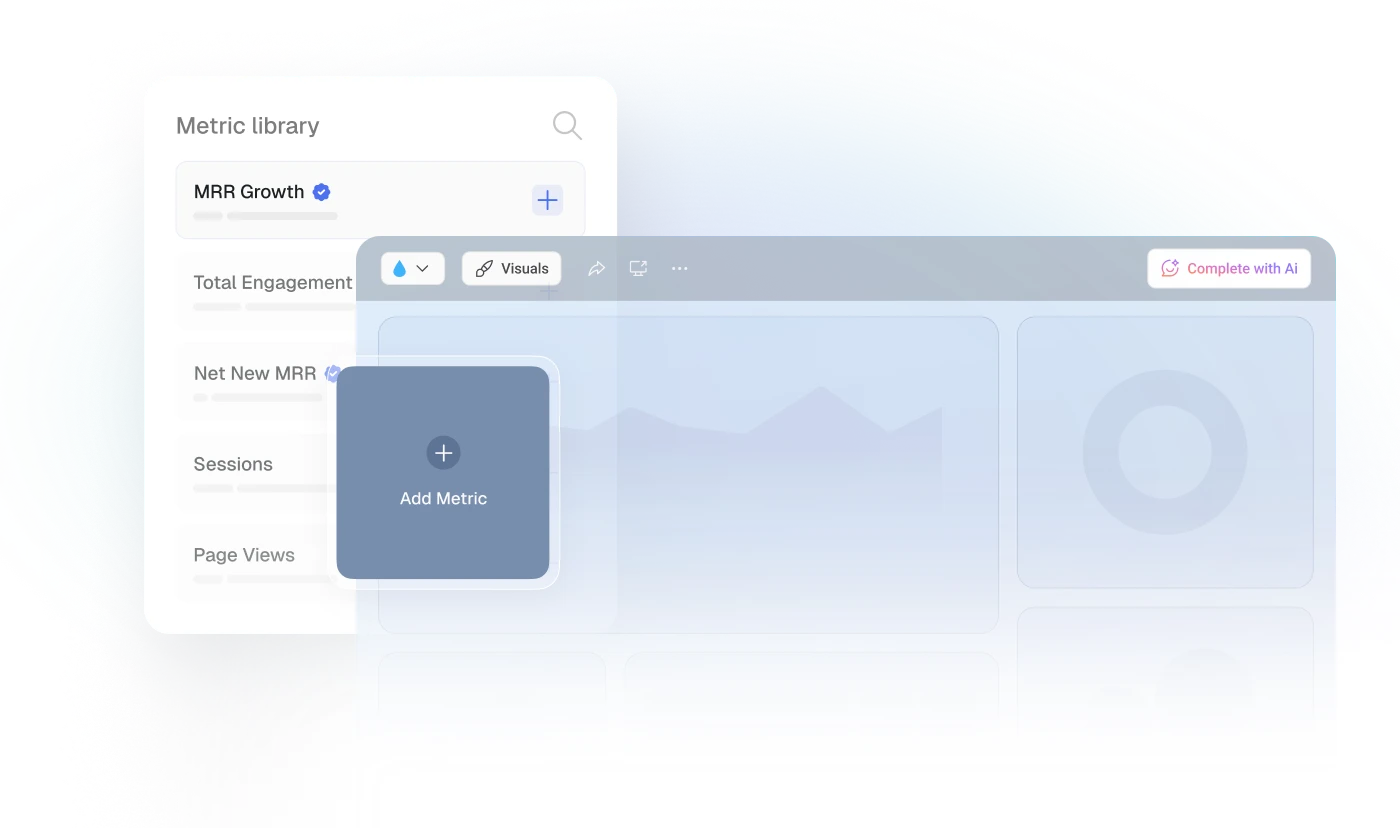
Centralize
See every client's performance in one place
Save account managers from hours of copy-paste reporting work.
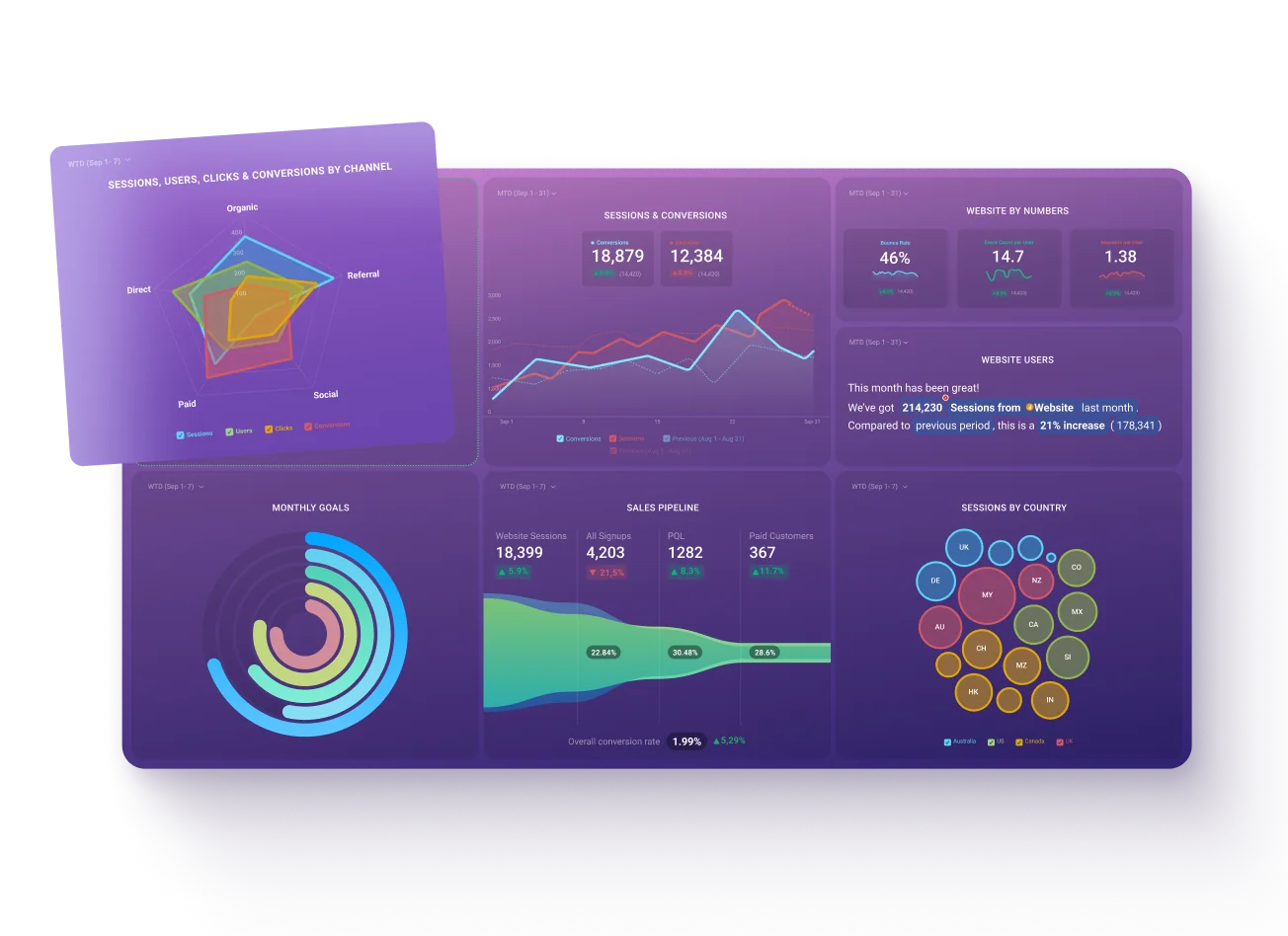
Explore more templates...
Learn more
Frequently asked questions
What Is a Microsoft Ads Dashboard?
A Microsoft Ads dashboard is a tool for monitoring and analyzing data from Microsoft Advertising campaigns. It collects key data points from your advertising campaigns, presenting them in an easy-to-understand format like charts and graphs. This allows you to quickly grasp performance trends and identify areas for optimization within your advertising efforts.
What Should Be Included in a Microsoft Ads Dashboard?
A well-designed Microsoft Ads dashboard should include essential metrics like Impressions, Spend, Clicks, Conversion Rate, Click-Through Rate (CTR), and Cost-Per-Click (CPC). Additionally, analyzing metrics like Average Position, Return on Ad Spend (ROAS), and Cost per Acquisition (CPA) can provide deeper insights into campaign performance and audience behavior.