TL;DR
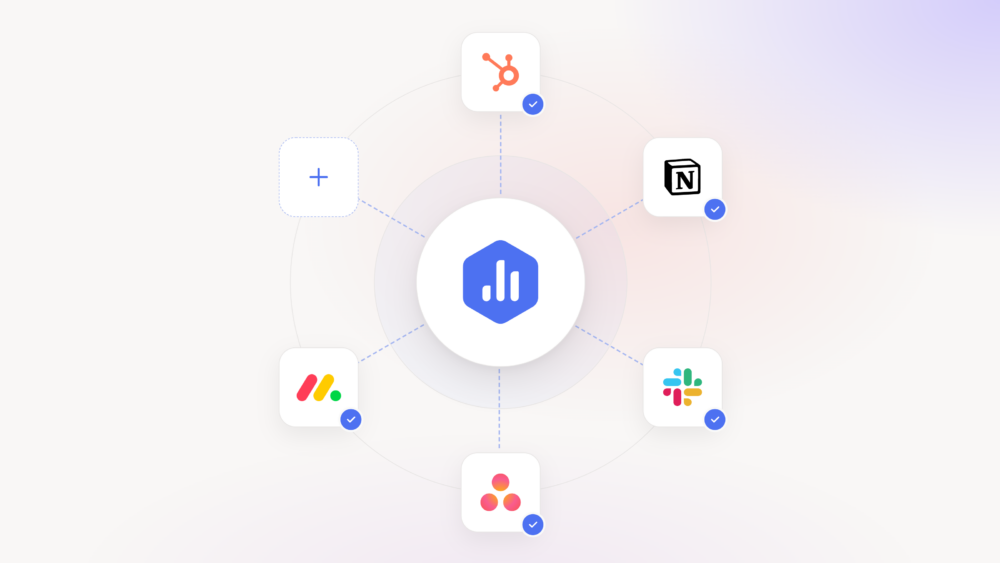
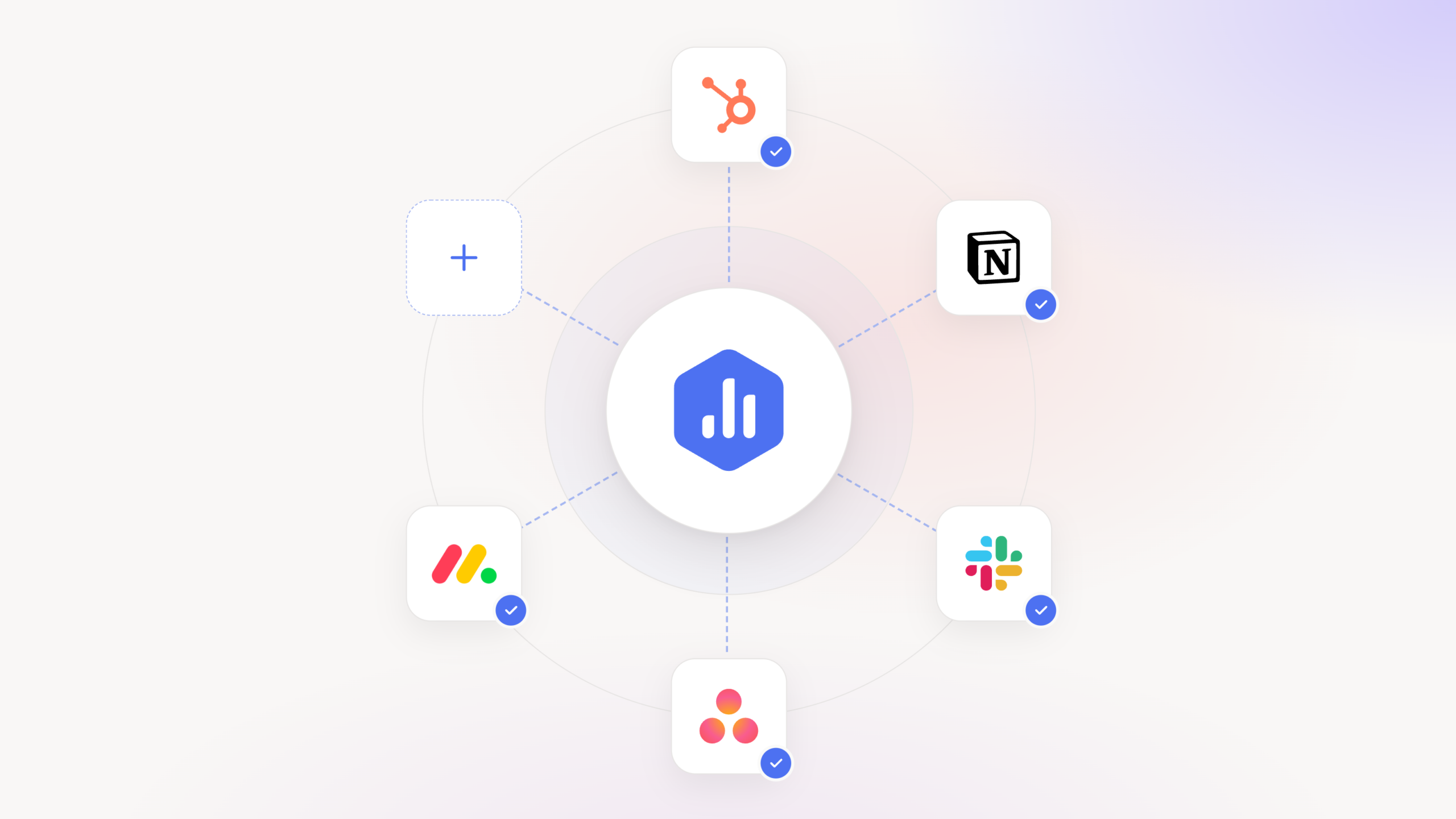
- Connect your AI Analyst to your business tools. Use pre-built AI connectors for HubSpot, Monday.com, Asana, and more, or add your own custom connectors.
- Understand what’s driving performance. Combine your Databox metrics with information from your CRM and other tools to uncover the reasons behind changes.
- Get more relevant recommendations. Identify which deals need attention, what’s affecting campaign results, and where to focus your efforts.
- Act on your findings. Create tasks, update records, and take other supported actions in your connected tools, without leaving the conversation.
- Control what your AI Analyst can do. Choose which actions are allowed, which require your approval, and which are blocked.
You open your performance dashboard and notice that your sales pipeline has dropped 15% since last week. You can see the decline, but the numbers alone don’t explain what caused it.
Maybe several deals were pushed into next quarter, your team lost a major opportunity, or a campaign generated fewer qualified leads than expected. The answers are likely somewhere in your CRM, project management tool, or conversations your team has been having.
Finding those answers means spending hours digging through different tools, piecing together information, and connecting it back to your metrics before you can decide what to do next.
Databox’s AI Analyst can already analyze your performance data, identify trends, and help you understand what’s changing. But what if it could also access the business context behind those changes and help you take action based on what it finds?
Introducing AI connectors
AI connectors let you connect Databox’s AI Analyst to the business tools your team uses, giving it access to information and actions beyond your performance data.
By combining your metrics with information from across your business, your AI Analyst can better explain what’s driving performance, recommend what to do next, and help you carry out those recommendations directly in your connected tools, within the permissions you set.
Get more relevant recommendations and act on what you find
Here’s how AI connectors work and what you can do with them.
Connect the tools your business uses
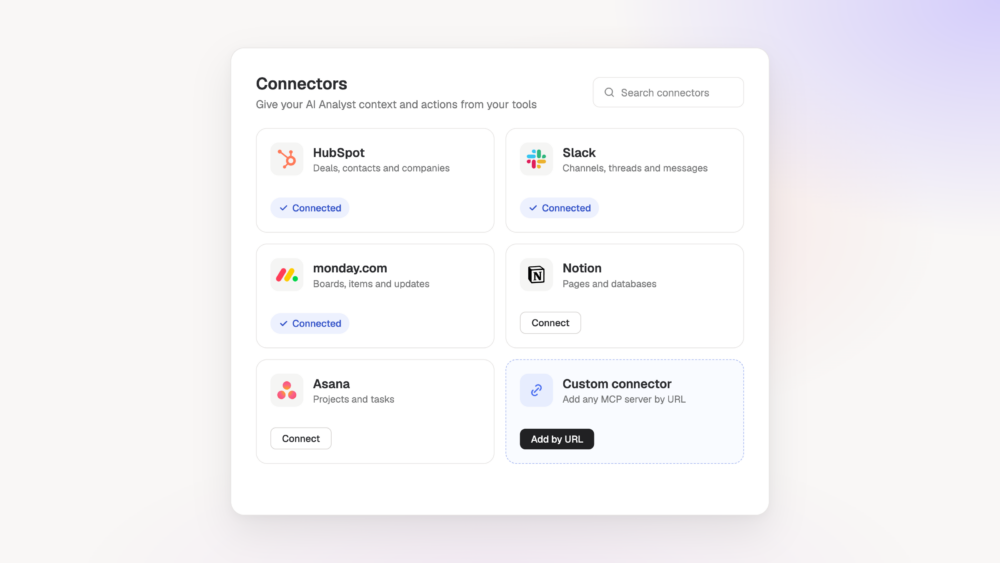
Get started with pre-built AI connectors for popular tools like HubSpot, Monday.com, Asana, and more. Connect your accounts in just a few clicks, without having to build or maintain integrations yourself.
Can’t find a tool your team uses? Add a custom AI connector using its server URL and a supported authentication method, so you can bring in the information your business or clients rely on into the analysis.
Stay in control of what your AI Analyst can access and do
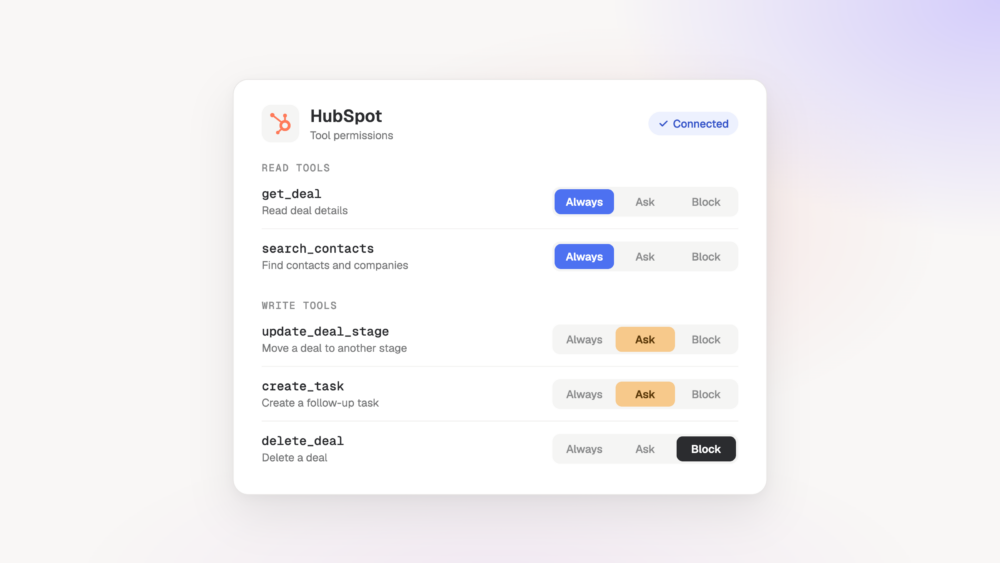
You decide which tools your AI Analyst can use and what actions it can perform. Set permissions to Always allow, Needs approval, or Blocked for individual tools or entire groups of tools.
For example, you can allow your AI Analyst to read information from your CRM while requiring your approval before it changes any records.
Get recommendations that reflect what’s happening in your business
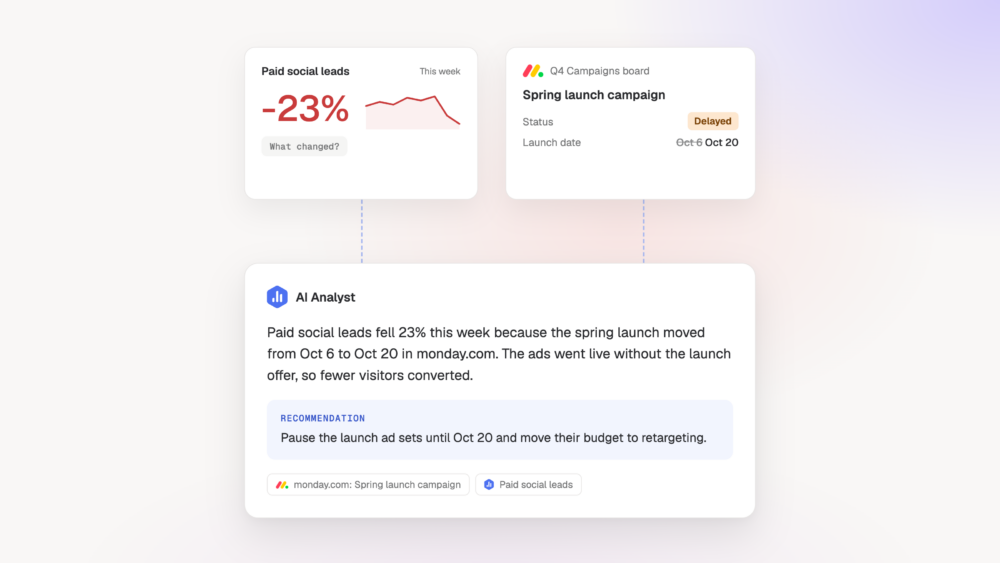
Your AI Analyst can use information from your connected tools alongside your performance metrics to better explain what’s driving results and recommend what to do next.
For example, if campaign performance drops, it could check recent activities in your project management tool to see whether a campaign was delayed or its scope changed. That additional context helps it provide a more useful explanation and recommend adjustments based on what your team has been working on.
Turn recommendations into action in your connected tools
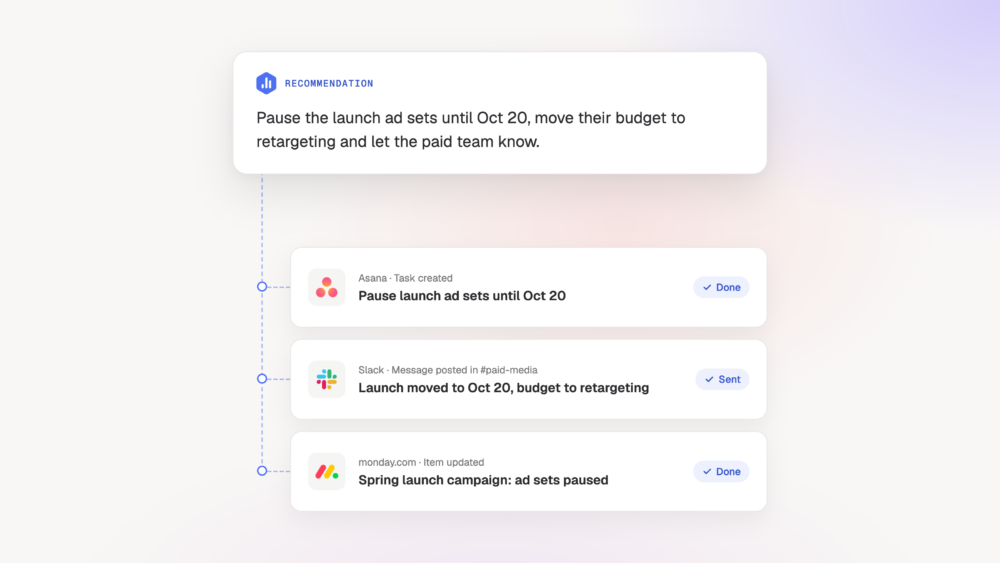
Your AI Analyst can use supported actions in your connected tools to help you follow through on its recommendations.
For example, if an analysis identifies deals that need attention, you could ask it to create follow-up tasks in your CRM for the relevant sales reps. Depending on your permission settings, those actions can run without additional approval or require your confirmation.
Put AI connectors to work across your business
Here are a few ways you can use AI connectors to answer more complex performance questions and act on the findings.
- Sales directors: When pipeline coverage falls below target, ask your AI Analyst which opportunities are contributing to the gap. It can use deal information from your CRM to identify delayed opportunities and help you focus follow-up efforts on the deals that matter most.
- Marketing directors: When lead volume increases but qualified opportunities decline, your AI Analyst can investigate lead and deal information in your CRM alongside campaign metrics. Use those findings to identify which campaigns need attention and where to adjust your targeting.
- Agency account managers: When a client’s performance changes, your AI Analyst can consider information from their CRM or project management tools alongside their marketing results. This helps you explain what’s driving performance and recommend adjustments based on the client’s business activities.
Get the full picture behind your performance
Understanding what’s driving performance often requires hours of searching through different tools and piecing together information. And once you’ve found the explanation, you still need to take the next step.
With AI connectors, your AI Analyst can bring that context into the conversation, help you make more informed decisions, and carry out supported actions faster.
FAQ
Frequently asked questions
What are AI connectors in Databox?
AI connectors let you connect Databox’s AI Analyst to external business tools using the Model Context Protocol (MCP). This gives your AI Analyst access to additional business context and supported actions, so it can better explain performance changes and help you act on its recommendations.
Which tools can I connect to Databox’s AI Analyst?
You can use pre-built AI connectors for popular tools like HubSpot, Monday.com, and Ahrefs. You can also connect other MCP-compatible tools by adding their MCP server URLs and authenticating with OAuth, an API key, a bearer token, or no authentication, depending on the server.
Can my AI Analyst make changes in connected tools?
Yes. Your AI Analyst can use supported write actions to perform tasks such as updating records or creating follow-up tasks, depending on the connector’s capabilities. You can allow actions to run without additional approval, require your confirmation, or block them entirely.
What’s the difference between AI connectors and Databox MCP?
AI connectors bring information and actions from external business tools into Databox’s AI Analyst. Databox MCP works in the other direction, allowing external AI tools like Claude and ChatGPT to access your governed Databox metrics.