Most teams work across dozens of tools, and not all of them connect to their reporting workflows out of the box. There are always sources that fall outside the native integrations list: an internal tool your team built, a platform specific to your industry, or a piece of software that a vendor hasn’t prioritized supporting yet.
When that data isn’t directly available, teams get it in however they can. That usually means manual exports into a spreadsheet, a custom pipeline that needs engineering support, or one-off automations that someone has to monitor. These workarounds get the job done, but they take time to build, break easily, and create more work for the people who have to manage them.
The downstream cost is reporting with gaps. Teams end up making decisions with a partial view of performance.
Introducing Custom Integrations
Custom Integrations lets you build your own connectors, without writing code. You connect to an external API, select the fields you want, and Databox turns the response into a structured dataset ready to report on, alongside every other source in your account.
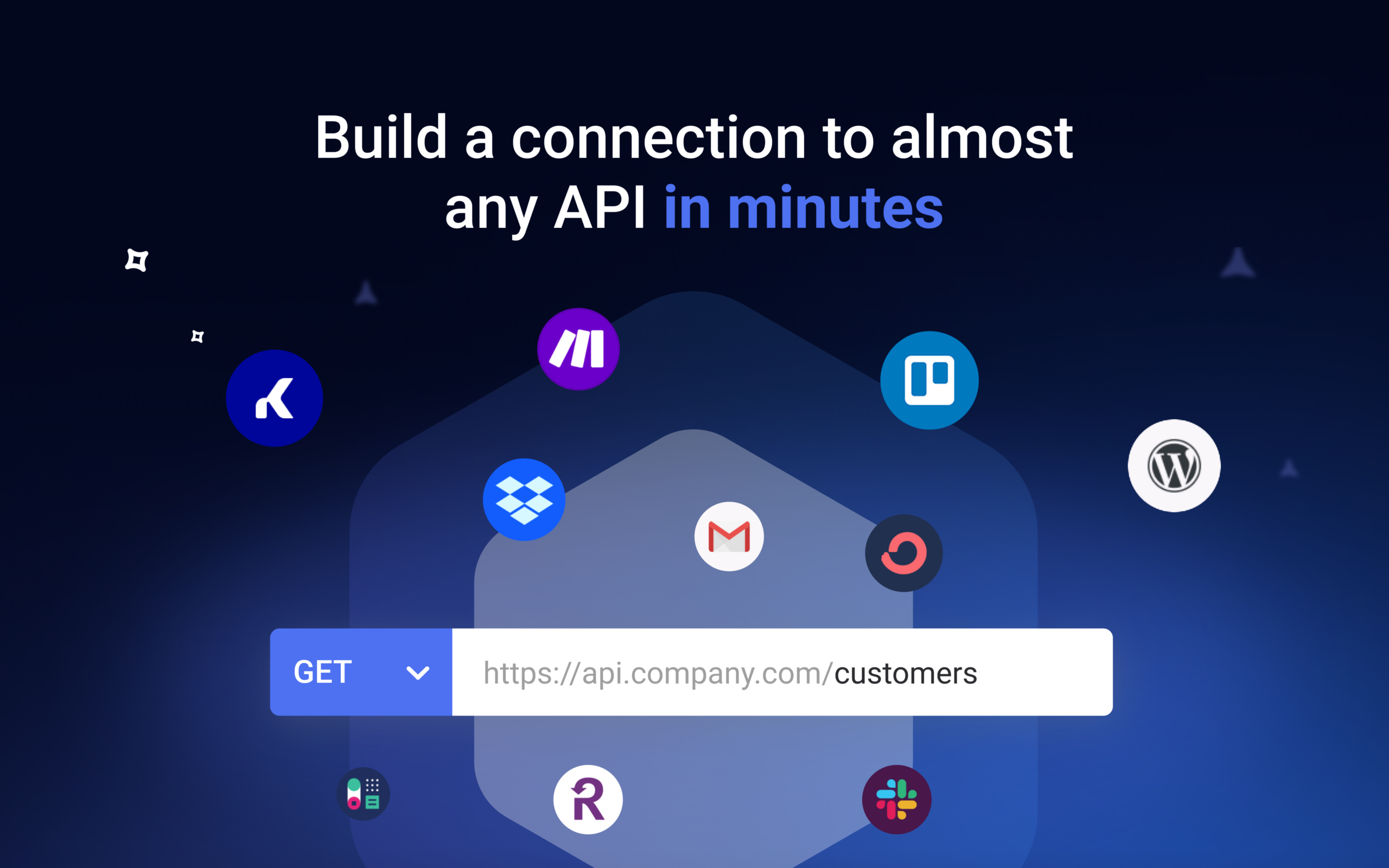
A reliable connection to virtually any API
Setting up a custom data connection used to mean engineers, pipelines, and code. With Custom Integrations, you don’t need any of that.
Connect to any API without code
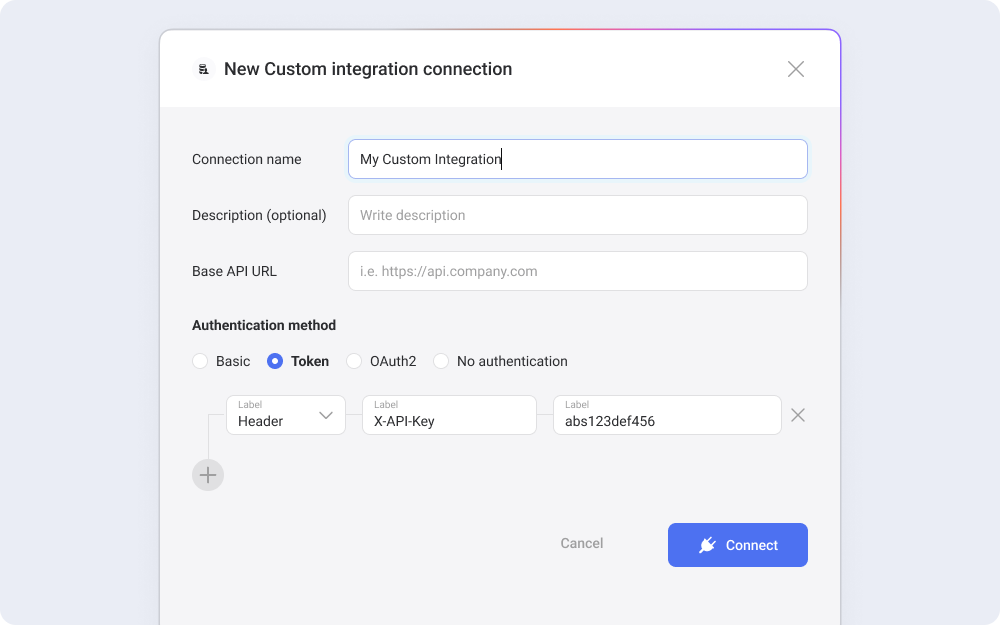
Custom Integrations supports Basic, Token, OAuth2, and unauthenticated APIs, with an optional test endpoint to verify your setup before you save the connection.
Tip: Paste your API documentation into an AI tool like Claude or ChatGPT, and it generates the connection configuration for you.
Configure the request to match how your API returns data
Control query parameters, custom headers, request body, and dynamic values like dates and time zones. Pagination is handled out of the box, so the same connection keeps working as your data grows.
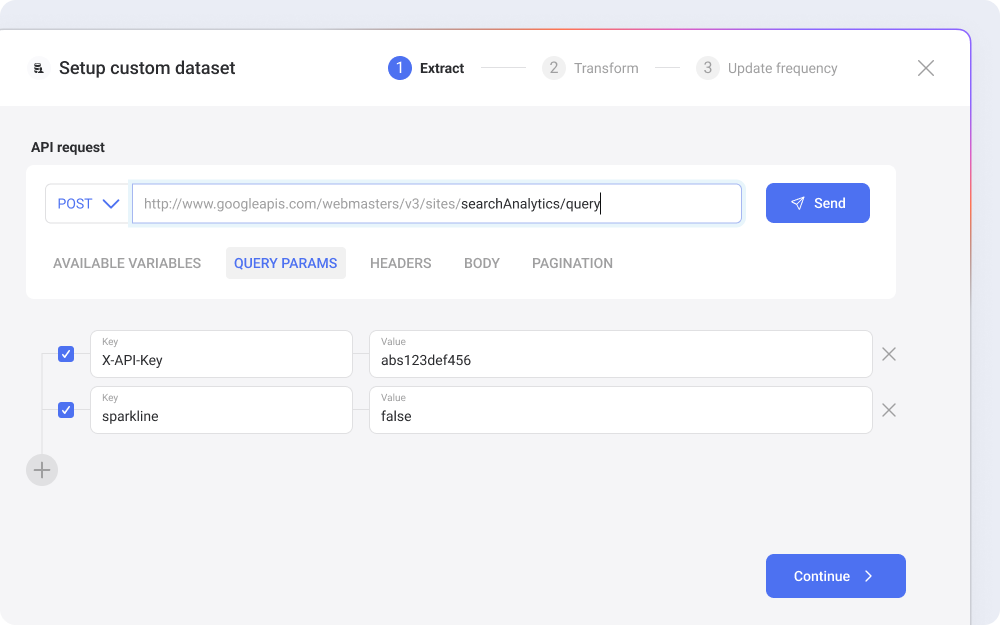
Build a dataset by picking the fields that matter
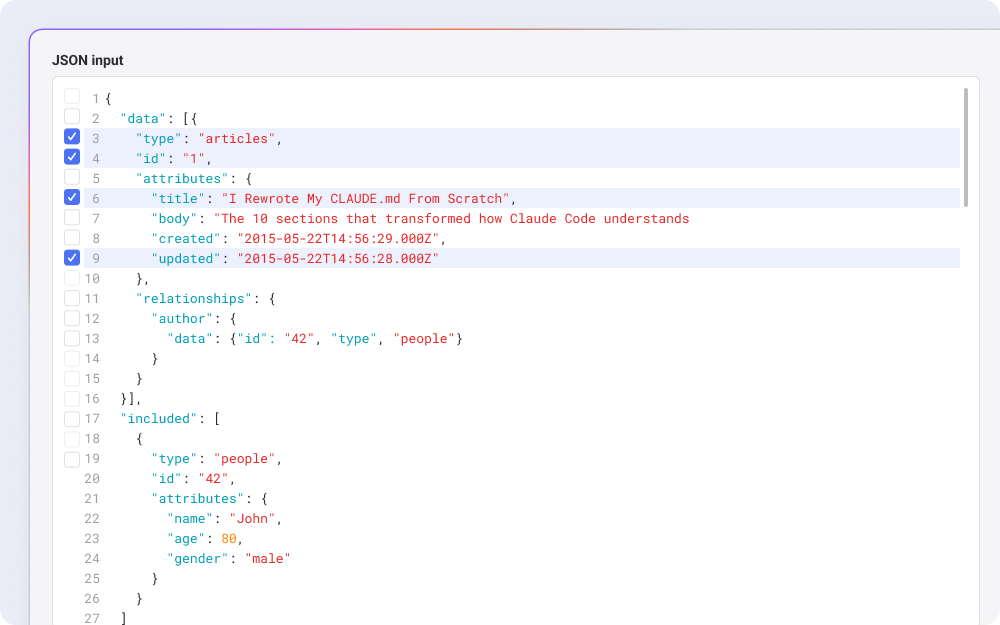
Once the connection is ready, you can build structured datasets by selecting the fields you want directly from the response. The data becomes a dataset you can filter and merge, without writing code.
Analyze the data like any other source
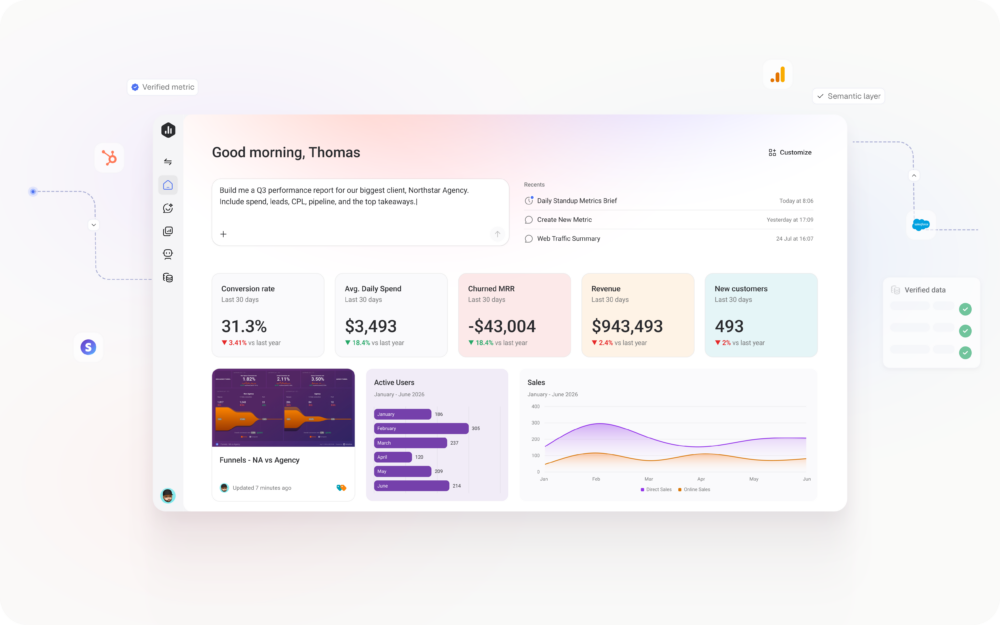
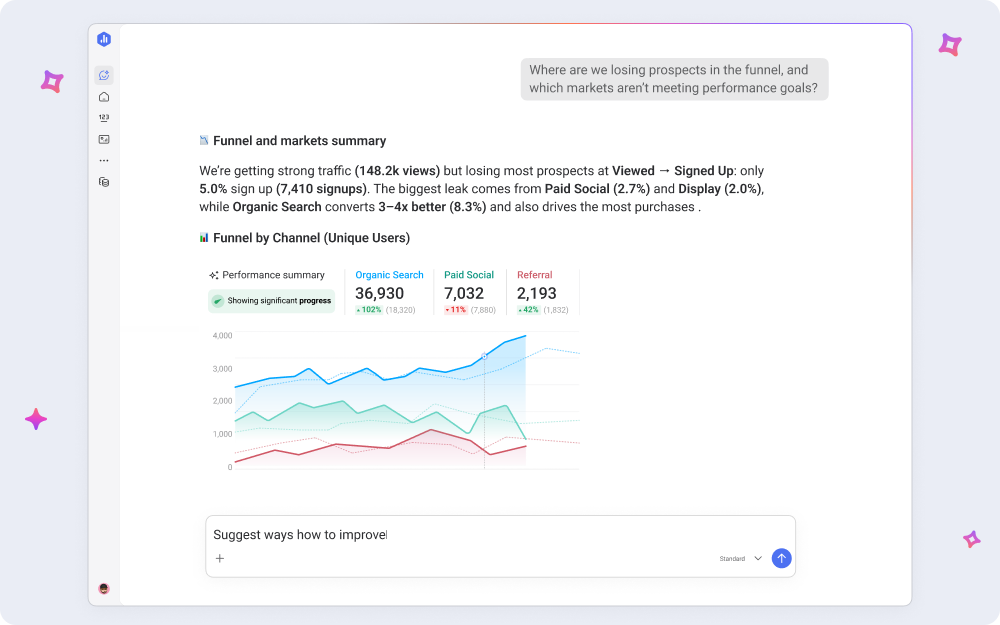
Once the dataset is built, it syncs automatically and shows up alongside your connected data sources. Anyone on your team can build metrics, create Databoards, and ask Genie or Databox MCP questions about the data without filing a request or waiting for someone to export it. The source becomes part of your reporting the same way every other integration does.
For the missing piece in your reporting stack
Whether you’re managing a complex tech stack, onboarding clients with unique tooling, or relying on your team to surface answers, Custom Integrations removes the biggest source of friction in getting data in.
- RevOps and data analytics: Your team relies on an internal sales tool that never had a connector, and every time leadership asks about pipeline conversion, you’re exporting CSVs to answer. Now, you can set up a Custom Integration, build the dataset, and the data flows into your dashboards from that point forward.
- Agency account managers: A new client’s stack includes a vertical-specific platform that no analytics tools support natively, and you’d normally try to bring these numbers manually. With Custom Integrations, you can connect it to Databox so that their dashboards reflect the complete picture.
- VPs and department heads: Your customer health data lives in a system your team built internally, and you’ve been asking for it in your dashboards for months. With Custom Integrations, your analyst can connect it, and you can see the health score to churn rate, and ask Genie, our AI Analyst, how they’re trending.
Replace the workarounds with a direct connection
For a long time, getting data from internal tools and niche platforms into your reporting workflow meant maintaining workarounds. Manual exports, custom pipelines, and fragile automations all took time to build, broke at the wrong moments, and left teams reporting on incomplete data.
Custom Integrations removes that maintenance cost by giving you a direct, supported path to connect those sources to Dataox. And once the dataset is built, it’s available to anyone who needs it. Your team can build reports, track performance, and use Genie, our AI Analyst, to get answers from data that used to sit behind a request, a spreadsheet export, or a pipeline check.