
Track all of your key business metrics from one screen
GET STARTED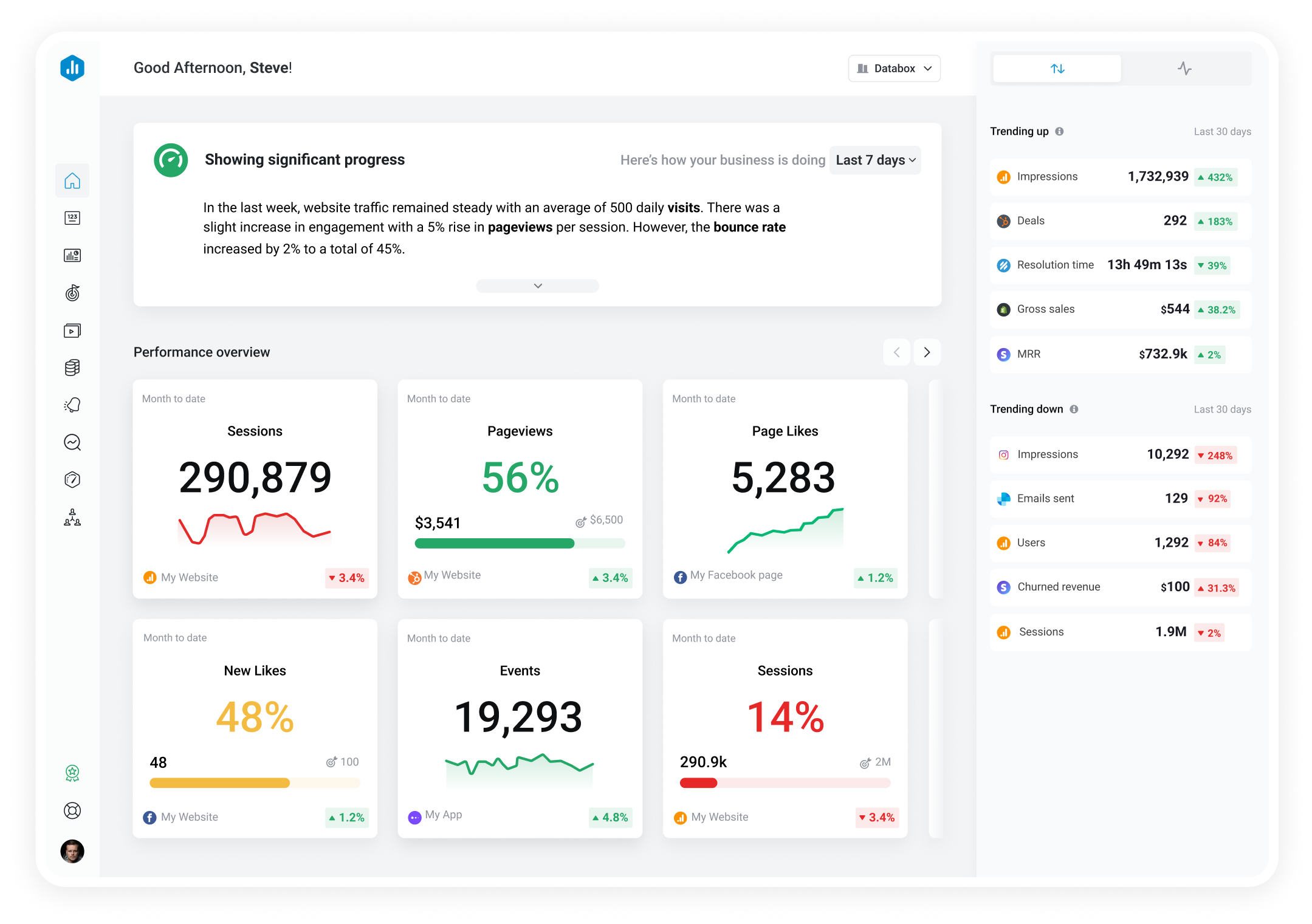

 YouTube
Annotation Clicks
YouTube
Annotation Clicks Annotation Clicks is the number of times viewers clicked on an annotation during video playback.
With Databox you can track all your metrics from various data sources in one place.

Used to show a simple Metric or to draw attention to one key number.
Databox is a business analytics software that allows you to track and visualize your most important metrics from any data source in one centralized platform.
To track Annotation Clicks using Databox, follow these steps:
 Goals
Goals Scorecards
 Metric Digest
 Metric Builder
 Data Calculations
 Performance Screen
YouTube
Performance Screen
YouTube
Average View Duration measures the average length of time viewers watched a video before leaving. It helps creators determine the level of audience engagement with their content.
YouTube
The Average Percentage Viewed metric is a measure of the average percentage of a video that a viewer watches before clicking out or stopping. It can help creators understand audience engagement and optimize video content.
YouTube
The Average Percentage Viewed metric calculates the average amount of a video that viewers watch. It measures engagement and can help creators determine which parts of their video are the most interesting to viewers.
YouTube
Watch Time by Video is a metric that measures the total amount of time viewers have spent watching a particular YouTube video, which is a key factor in determining the overall success and popularity of a video on the platform.
YouTube
Videos Removed from Playlists is the number of times viewers removed a channel's videos from any YouTube playlist.
YouTube
Card Impressions is the number of times cards were displayed to viewers while watching a video.
YouTube
Card Teaser Click Rate is the percentage of card teaser impressions that resulted in a click to open the card panel.
YouTube
Annotation Impressions is the total number of times annotations were displayed to viewers during video playback.