

Must-Have LinkedIn Dashboard Examples and Templates
All LinkedIn Company Pages dashboard templates come pre-built with some of the most commonly tracked LinkedIn Company Pages metrics from the most popular tools. You can customize your templates at any time.
No credit card needed · Free-forever plan
LinkedIn Company Pages templates
Track some of the most common LinkedIn Company Pages metrics and KPIs and analyze your performance with just a few clicks.
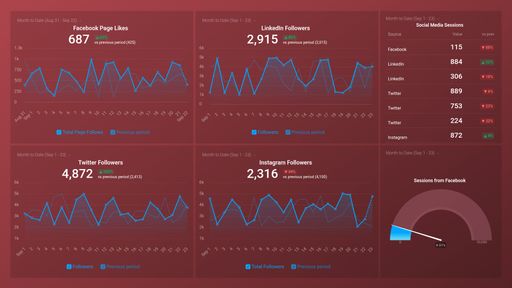
Social Media (Awareness & Engagement)
Social Media dashboard template shows activity across your 4 favorite social networks. It focuses on visitor and follower counts over various time periods.
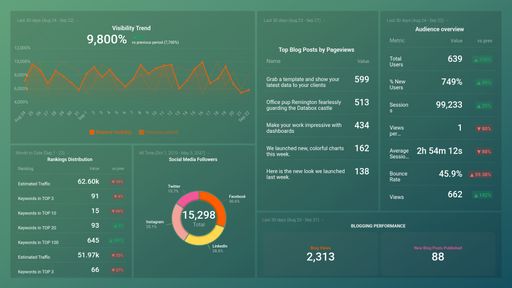
HubSpot Marketing + GA4 ATTRACT Performance
This template moves you through the Attract stage by showing your social media follows and reach, blog view performance, and overall visibility trends.
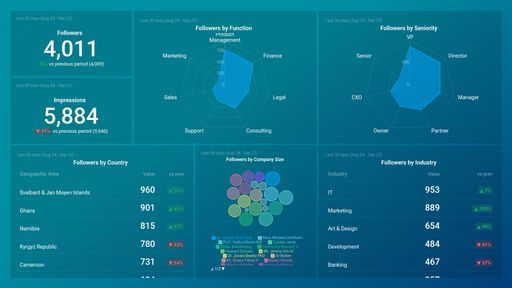
LinkedIn Page Demographics Overview
Linkedin Demographics dashboard template looks at the followers on your company's Linkedin. It lets you know what industries and roles have enjoyed your marketing message.
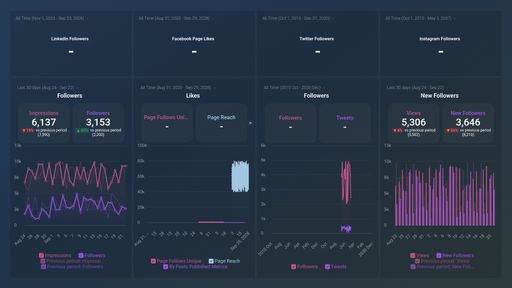
Social Networks (Growth & Engagement)
The Social Networks dashboard template integrates Facebook, Twitter, Linkedin and Instagram data. It shows daily traffic across the 4 networks and tracks follower counts..
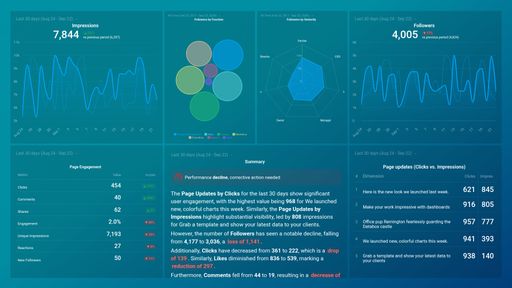
LinkedIn Company Pages Overview
LinkedIn Company pages dashboard template provides you with insights about followers growth, reach, engagement and more.
You don't use LinkedIn Company Pages?
You can build a dashboard with any data using our 130+ one-click integrations, incl. Zapier, Make, Google Sheets, or a SQL database.
Can't find the exact template?
Build the LinkedIn Company Pages dashboard your team actually needs
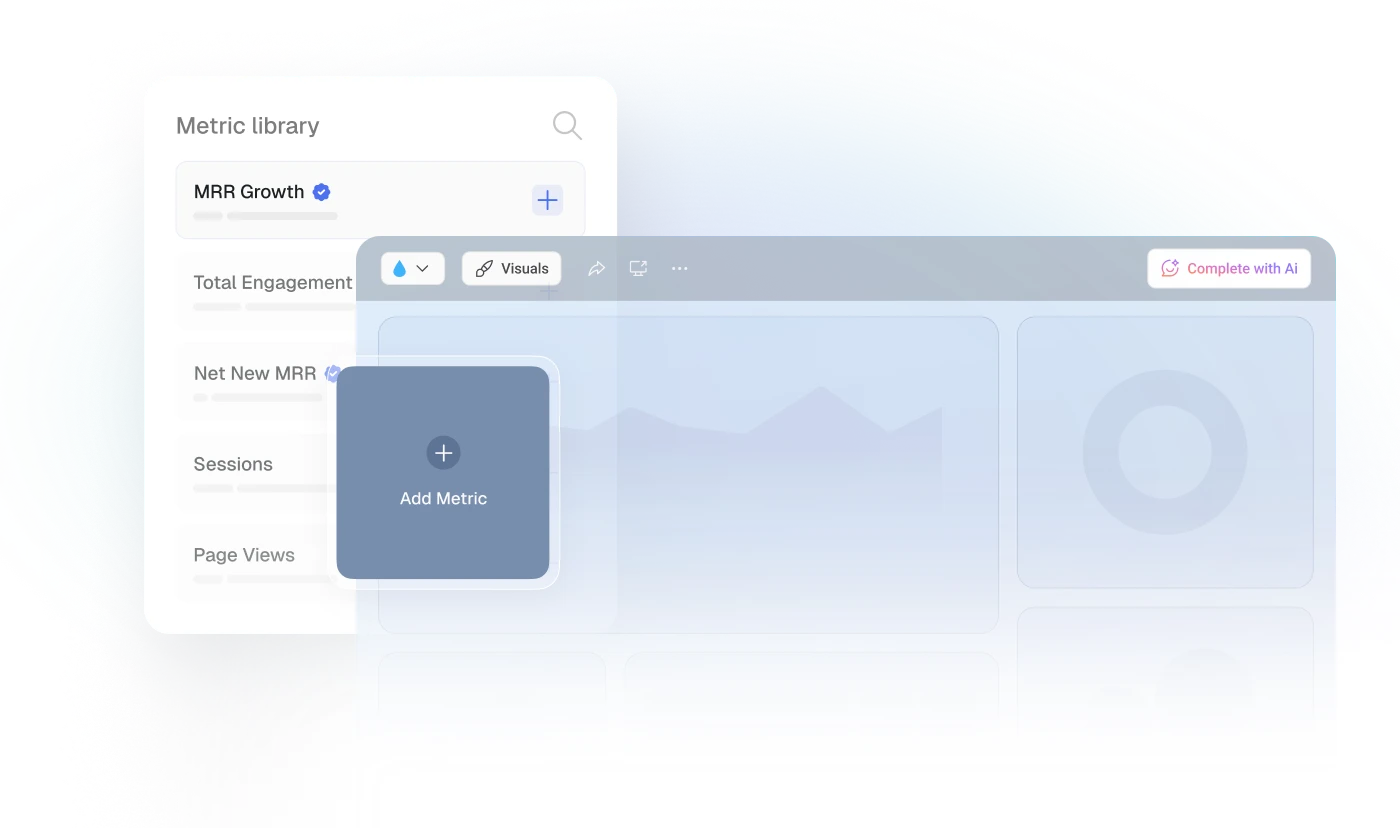
Create a custom view of your most important LinkedIn Company Pages metrics – no coding or design skills required.
Centralize
See every client's performance in one place
Save account managers from hours of copy-paste reporting work.
Explore more templates...
Learn more
Frequently asked questions
What Is a LinkedIn Dashboard?
A LinkedIn dashboard pulls and visualizes your LinkedIn data, helping you understand and monitor how your content performs, if you’re reaching your target audience, and the level of engagement with your LinkedIn content. Insights provided by your LinkedIn dashboard can guide your social media content strategy and ensure that you hit all your goals.
What Should Be Included in a LinkedIn Dashboard?
Your LinkedIn dashboard should contain all of your most relevant KPIs and metrics, such as Impressions, Link Clicks, Engagement, Social Actions, Engagement Rate, Followers Gained, Number of Posts, and more. By being able to monitor this data at a glance, you will have a holistic overview of all your social media efforts invested and gained on this network.