
Google Sheets reporting
The Google Sheets reporting tool with a built-in AI analyst
Keep working in Google Sheets; Databox treats your spreadsheets as a live data source, so your numbers land in governed, automated reports without copy-paste.
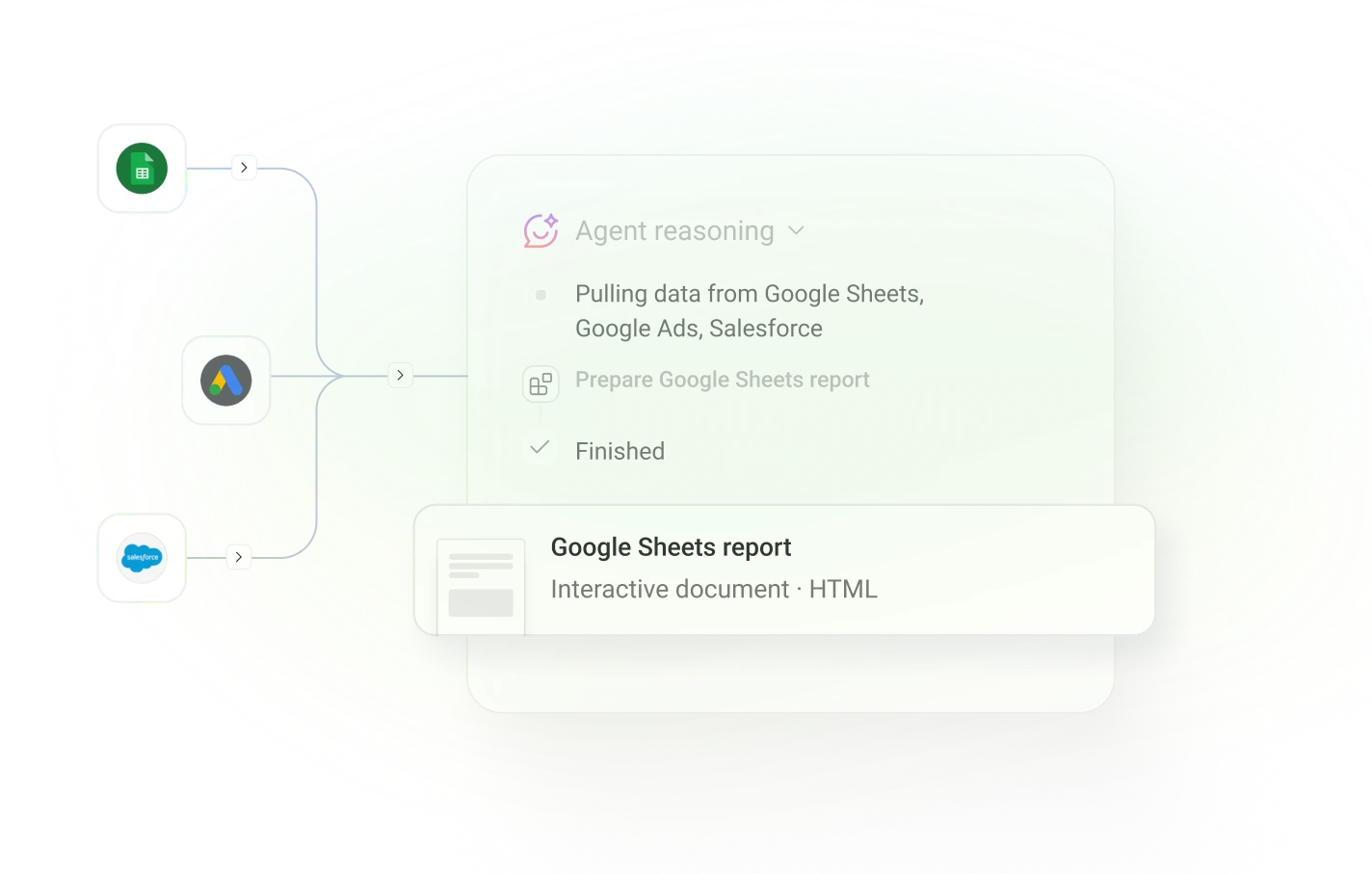
20,000+ teams run their reporting through Databox








Describe the report you need and Databox will build it in seconds.
Tell it what your Sheets report should show
The AI Analyst pulls your spreadsheet data alongside every other source you use, on schedule — with the reasoning behind each number.
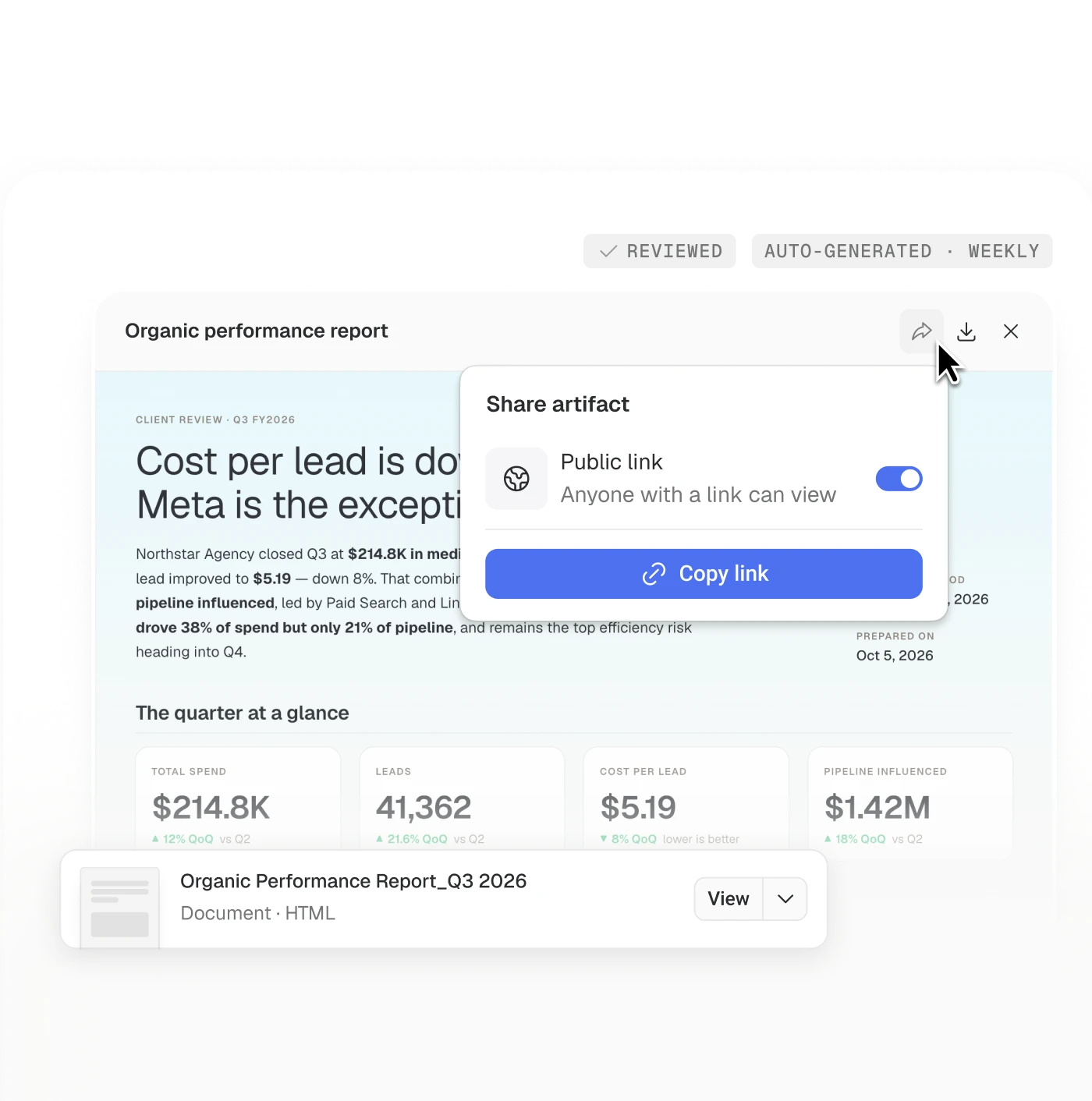
Share instantly, edit anytime
Send it straight to your client or team, or make quick edits first.
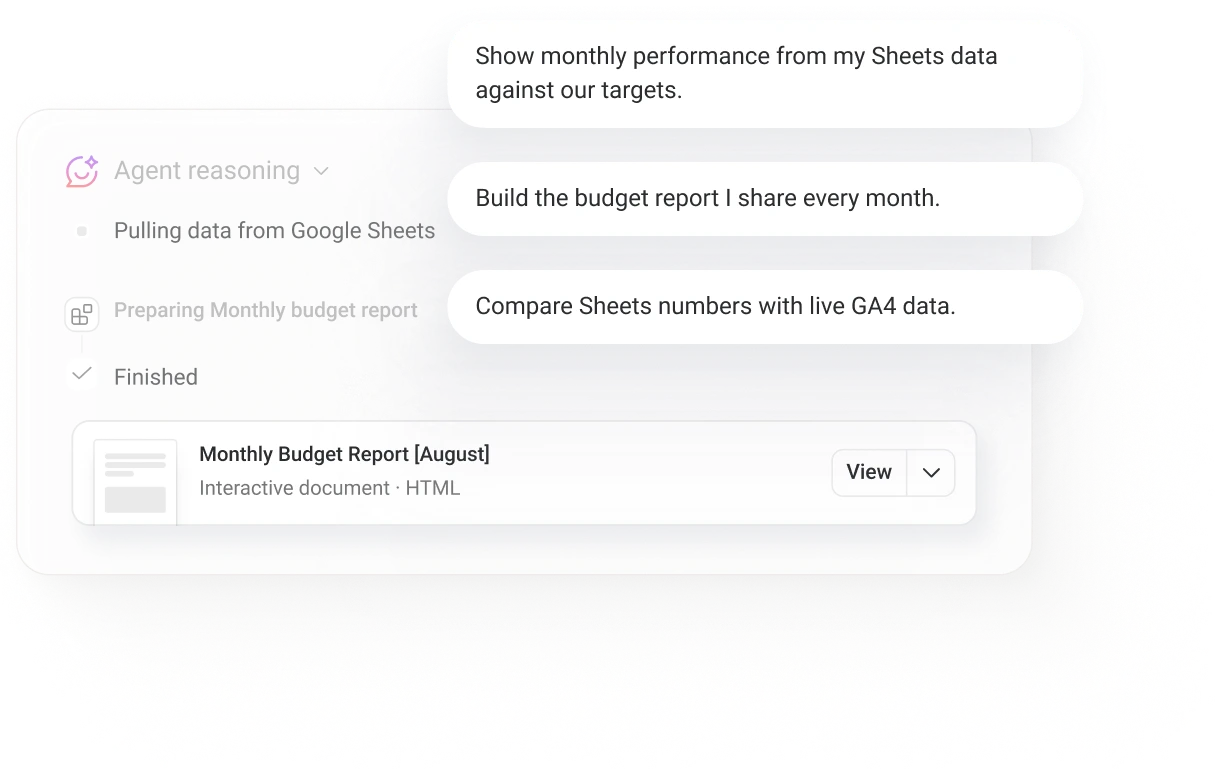
Save any report you describe as a reusable skill, so next month's report starts where this one finished.
Customer stories
Why teams choose Databox

“We definitely spend less time accessing data. As a company, we save 10–15 hours a week minimum.”
 Raven Baele
Director of Finance, Austin and Kat
Raven Baele
Director of Finance, Austin and Kat
Easy to connect, reliable by design, fast to deliver
Easy
Connect sources once
Connect Google Search Console, GA4, Semrush, and 130+ other sources, so rankings sit next to the traffic and conversions they produce.
Reliable
Every number has one meaning
Your metrics live in one governed layer and have a set definition, so every number means the same thing everywhere it appears.
Fast
Build reports in seconds
Describe the report you need and the AI Analyst builds it with the reasoning attached, and keeps it updated on the schedule you choose.
What lands in the report
A shareable report with reasoning built in
The report arrives on schedule, branded and editable, with charts from your defined metrics and plain-language analysis of what changed and why.
Review before it ships
See exactly what the AI Analyst drafted before it reaches anyone external.
Scheduled Routines
Flag it automatically when results break the pattern, while there's still time to act.
Agents on autopilot
Handle the routine, recurring reporting tasks so you don't have to.
Try it with your own data
Connect a data source and put the AI to work on your own numbers in minutes.
See how Databox elevates your Google Sheets reporting
- Paste and reconcile numbers from every tool into one sheet
- Rebuild the same charts every month
- Broken links and permission requests before every meeting
- Wait on the sheet owner for every answer
Google Sheets reporting with Databox
- Sources stay connected and the numbers arrive already reconciled
- The report rebuilds itself on schedule
- One governed source everyone can read
- Anyone on the team can ask and get the same governed answer
With Databox from anywhere
Learn more
Frequently asked questions
Can Google Sheets generate reports automatically?
Not on its own; Sheets needs a person to assemble and refresh each report. Connected to Databox, your spreadsheet data flows into reports that build and send themselves on a schedule, with the AI Analyst adding the reasoning behind the numbers.
How does Databox work with Google Sheets?
Databox treats Google Sheets as a live data source. Map your columns once, and every metric becomes available for reports and AI analysis next to your other connected sources.
Can AI build reports from Google Sheets data?
Yes. Describe what the report should show and the Databox AI Analyst builds it from your Sheets data and any other connected source, grounded in your metric definitions. You review and edit before anything reaches a stakeholder.
Does Databox have Google Sheets report templates?
You no longer need one. Describe the report you need and the AI Analyst builds it as your starting point, which you can adjust and reuse. Existing report templates remain available and editable if you prefer to start from one.
What if the AI gets it wrong?
Every AI-built report is an editable draft. A person reviews and adjusts before it goes out, or you let routine reports send automatically; review is a choice you make per workspace.
Can I try Databox before I commit?
Yes. The free 14-day trial includes every feature and needs no credit card. Connect a data source and your metrics appear in minutes.
Take better-informed action on your performance
Try it free · Book a demo · Free 14-day trial. No credit card.