

AI-powered analytics for teams
that need answers now
Turn business performance data into clear answers your team can understand, explain, and act on – instantly.
Explore Key Features








20,000+ scaling businesses
manage their performance with Databox
increase in sales YoY

decrease in overall reporting costs

reduction in time spent creating reports

Get answers
from your data instantly
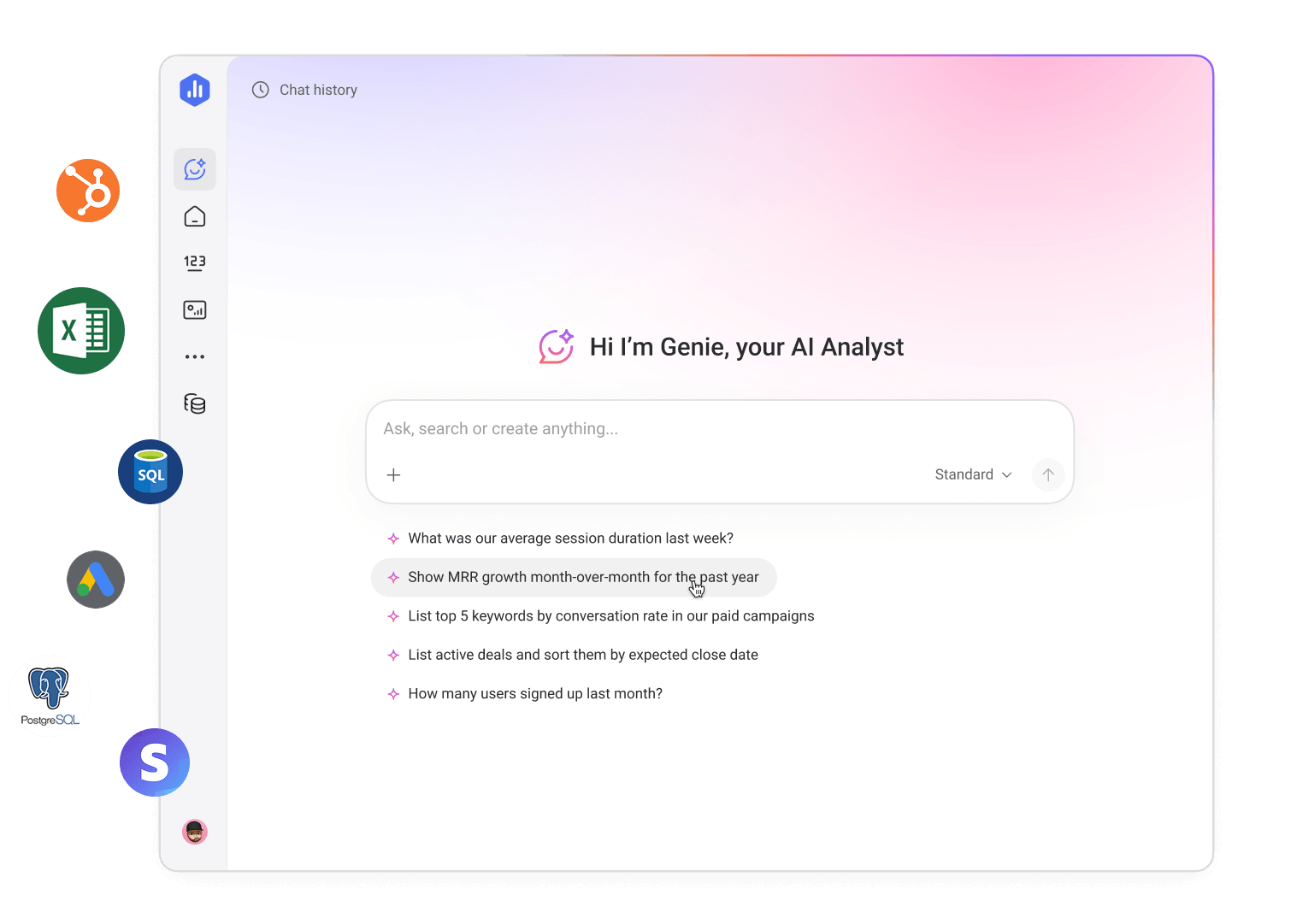
Getting answers from your data used to take hours. Not anymore. With Genie, our AI analyst, you can ask a question and get a clear answer in seconds.
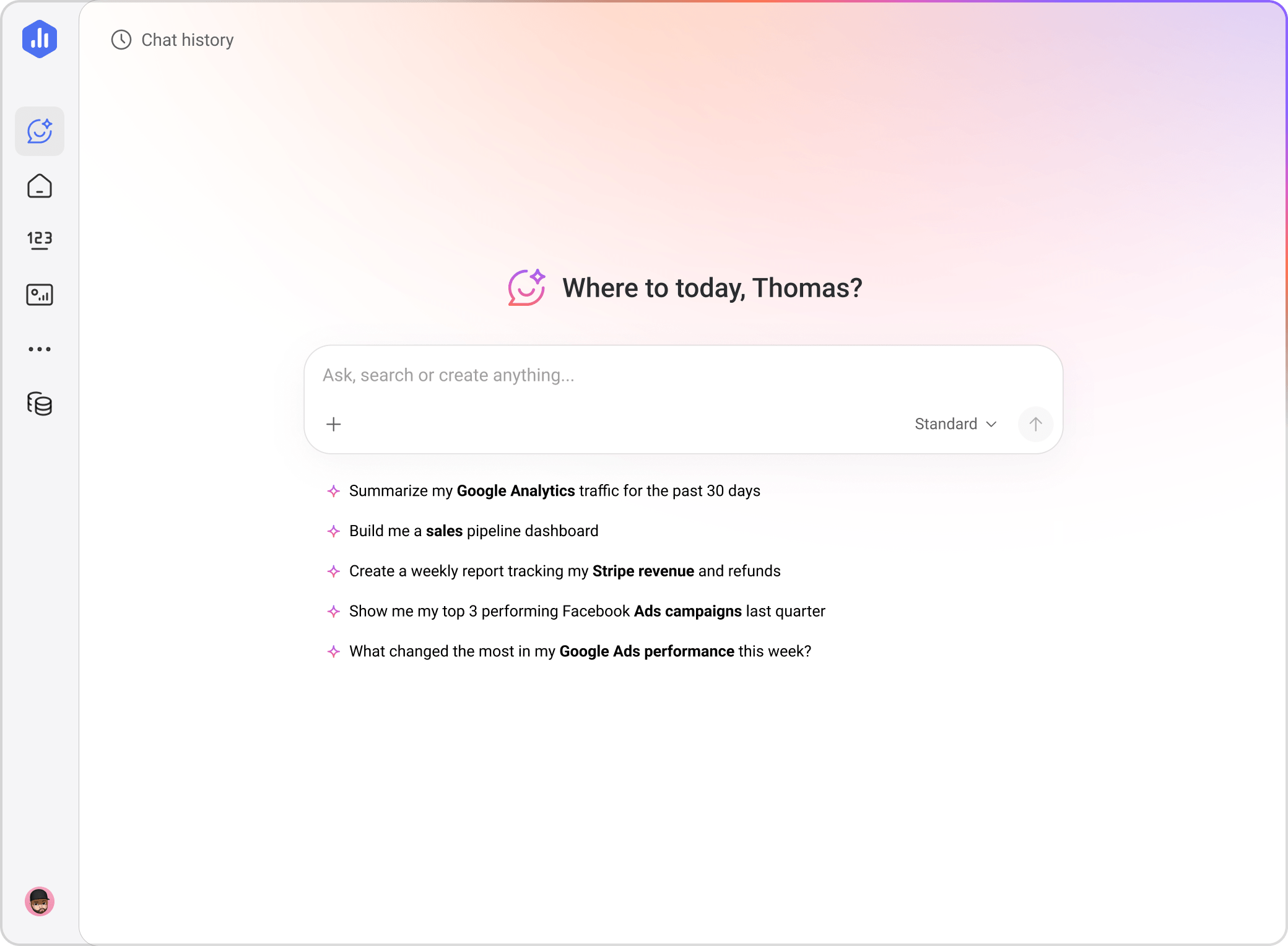
Ask business performance questions in plain language
Create metrics and dashboards with a prompt
Understand what's driving changes in your metrics
Train Genie your business context
From data to decisions –
without the wait.
When business performance questions come up, it’s hard to get a clear, confident answer – fast. Pulling numbers together from multiple systems. Spinning up a dashboard. Waiting on analysts.
Databox is a business intelligence and analytics platform that helps teams understand performance in the moment – so they can manage performance deliberately, not reactively.
Make better decisions, together
Send the right data to the right people, in the right format, at the right time.
Databox helps our team stay aligned by sharing up-to-date performance metrics daily. This has made our team meetings much more productive and data-driven.
Measure what matters most
Focus on what matters most to your growth.
Databox is an absolute must in my tech stack. It allows me to track metrics that matter to me in a way that other reporting tools don't.
Draw better conclusions
Know the why behind the number.
You can connect different data sources to gain context across your KPIs. Seeing data in one place brings clarity to performance.
Enable “DIY BI”
Empower your entire team to self-serve data.
[Databox lets us] empower team members from different departments to explore data without having to wait on someone technical.
Provide clarity at a glance
Understand your performance instantly.
[Databox] helps us analyze and visualize data in ways that make it more digestible for everyone.
Share versions and visions
Move faster without second-guessing the source or meaning.
[Databox helps us] combine all our key metrics into a single location—without needing to worry about which version of the data is right.
Analytics that answer back
No more waiting or digging through your business performance data. Talk directly to your data and go from data to decisions, at the speed of your questions.
Genie, the AI Analyst
Get answers from your data in seconds.
How it works
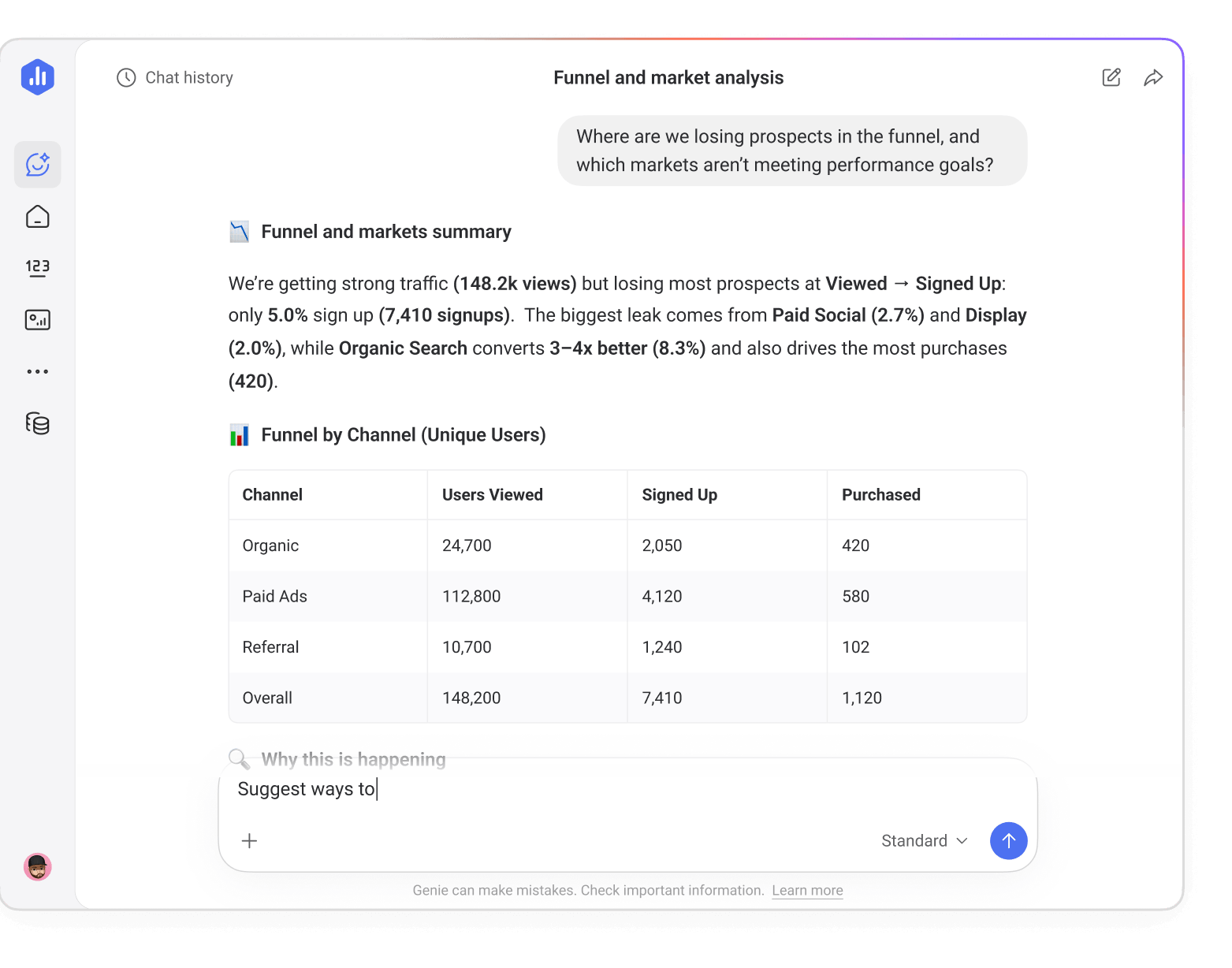
Ask Genie your questions in everyday conversational language, and watch it answer performance questions, create metrics, and build dashboards – all grounded in your business data and context.
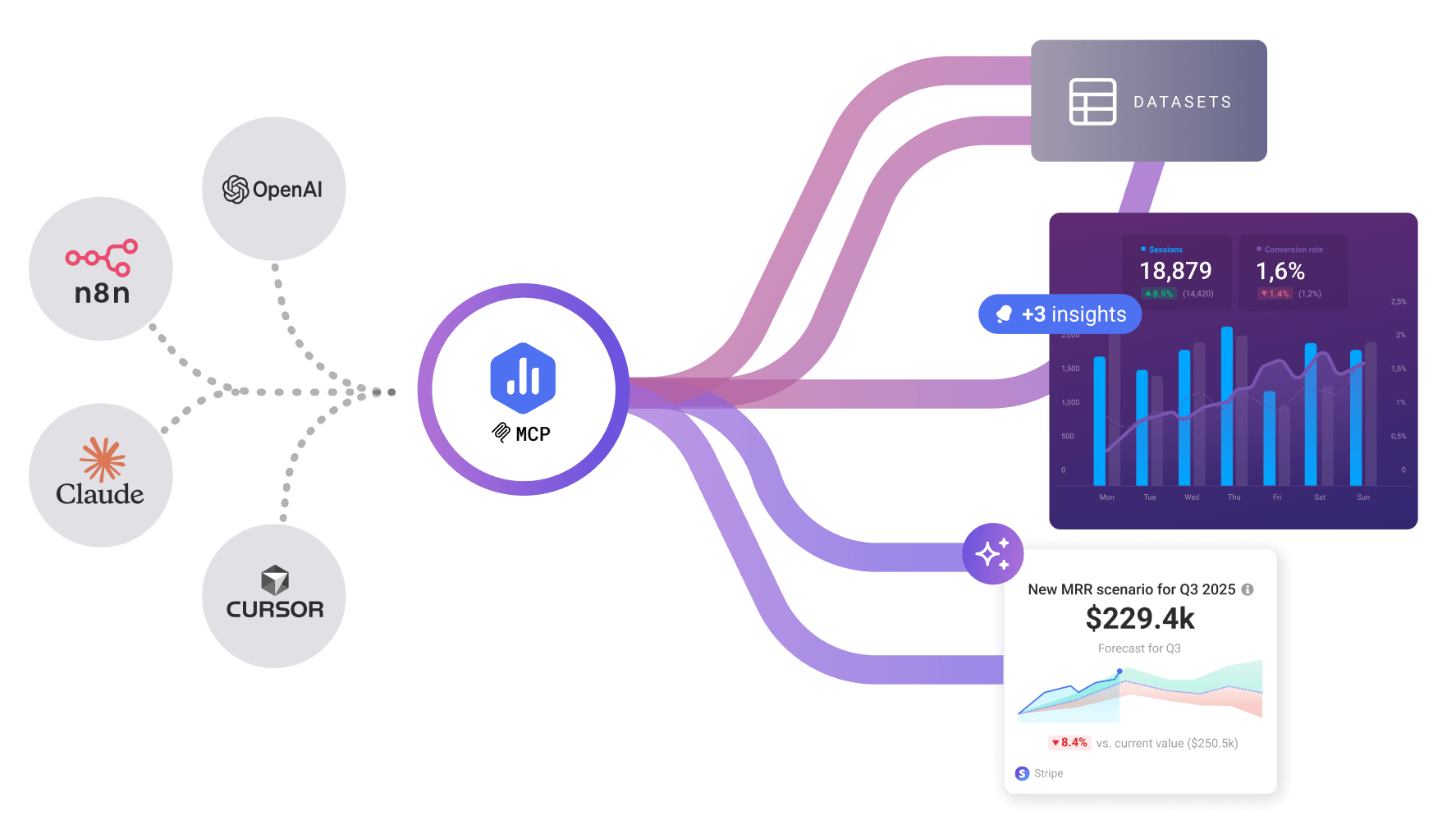
Databox MCP
Connect Databox to your AI tools.
How it works
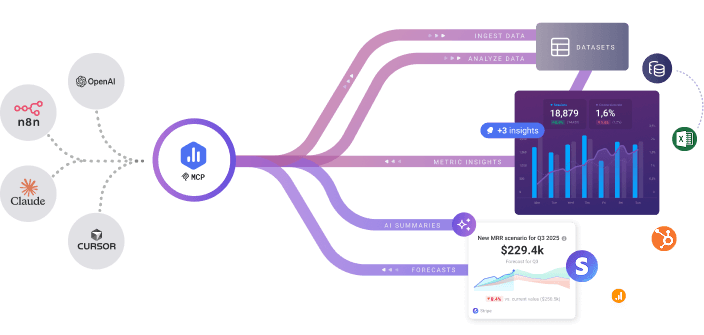
Connect Databox to your LLMs and automation tools to turn performance insights into recurring summaries, updates, follow-ups, and actions that run automatically.
See performance clearly
Understand what's working (or not) and why. Share performance summaries and drill-downs in a way that can be easily understood by any stakeholder.
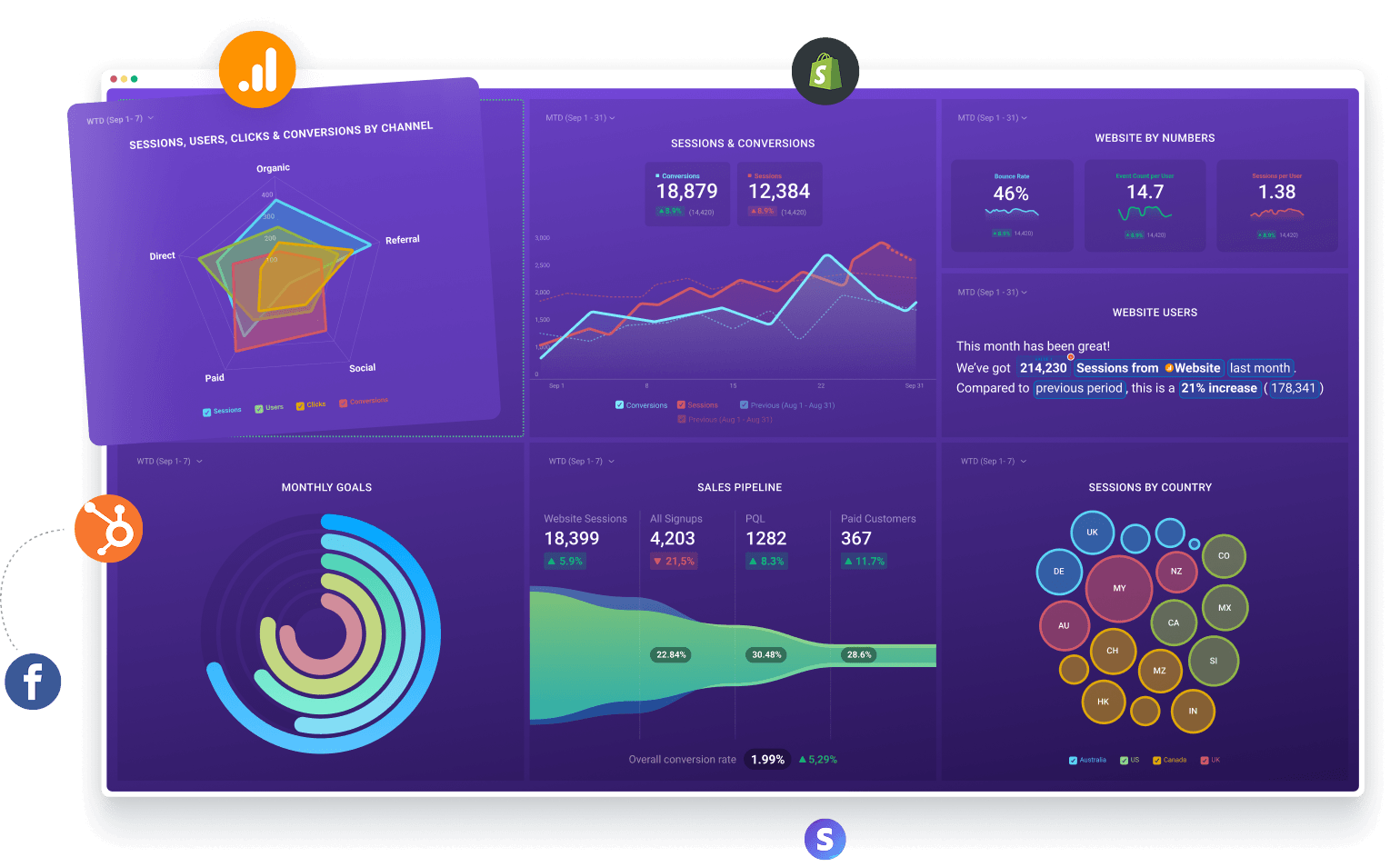
Dashboards
Visualize performance, monitor KPIs, and spot trends fast.
How it works
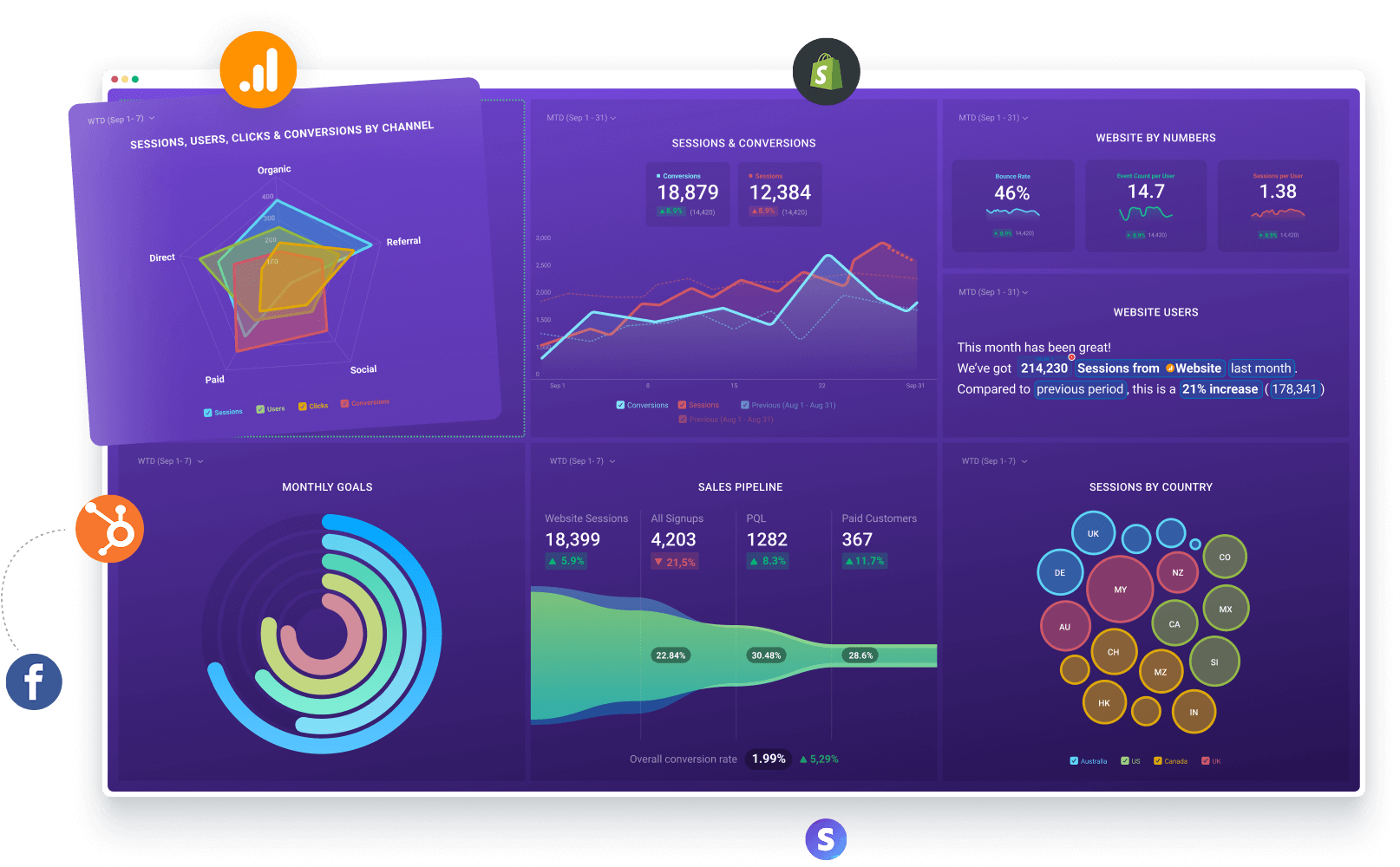
Pull your most important metrics into an interactive dashboard your team can explore and understand at a glance.
Reports
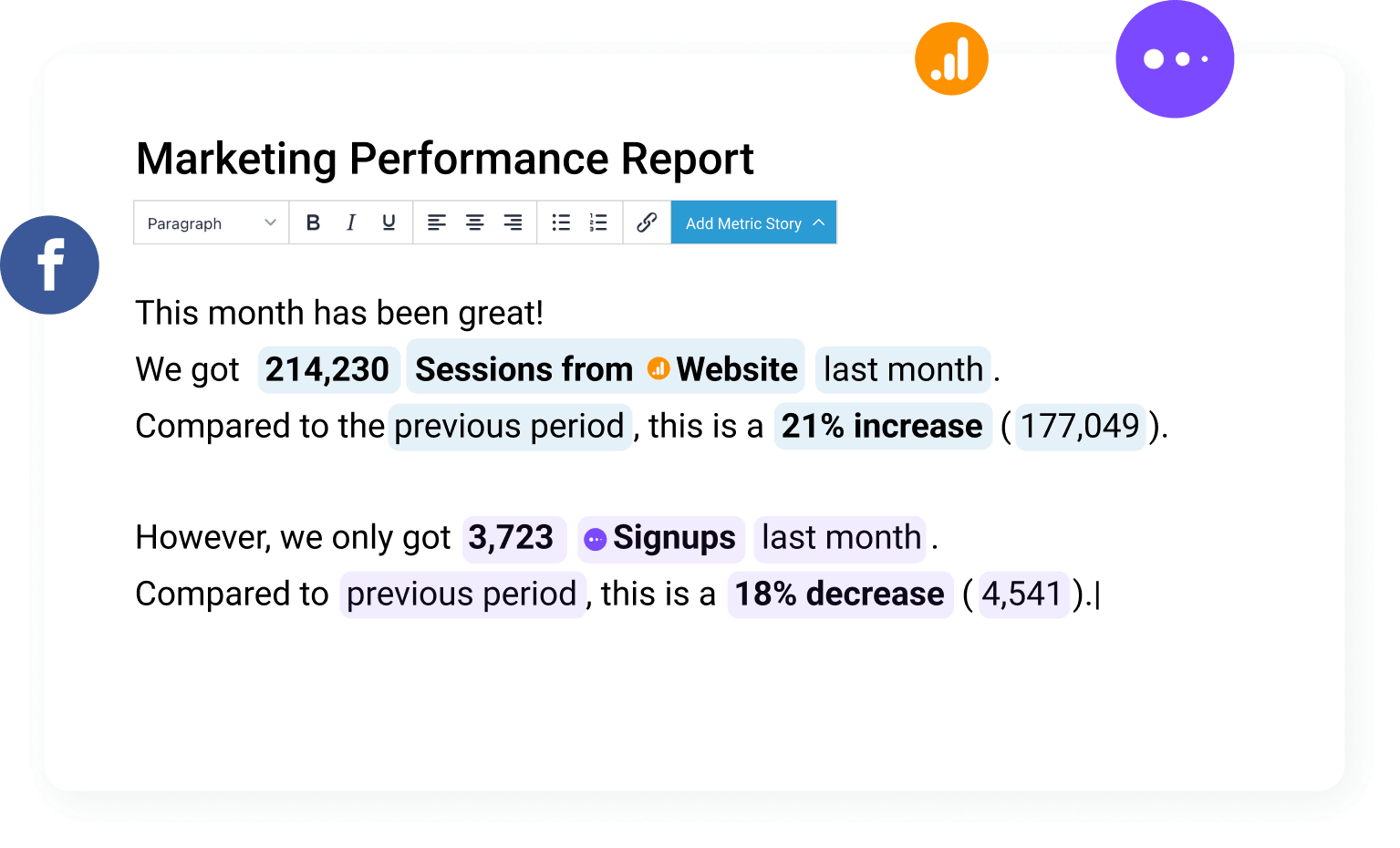
Automate reporting and clearly communicate performance.
How it works
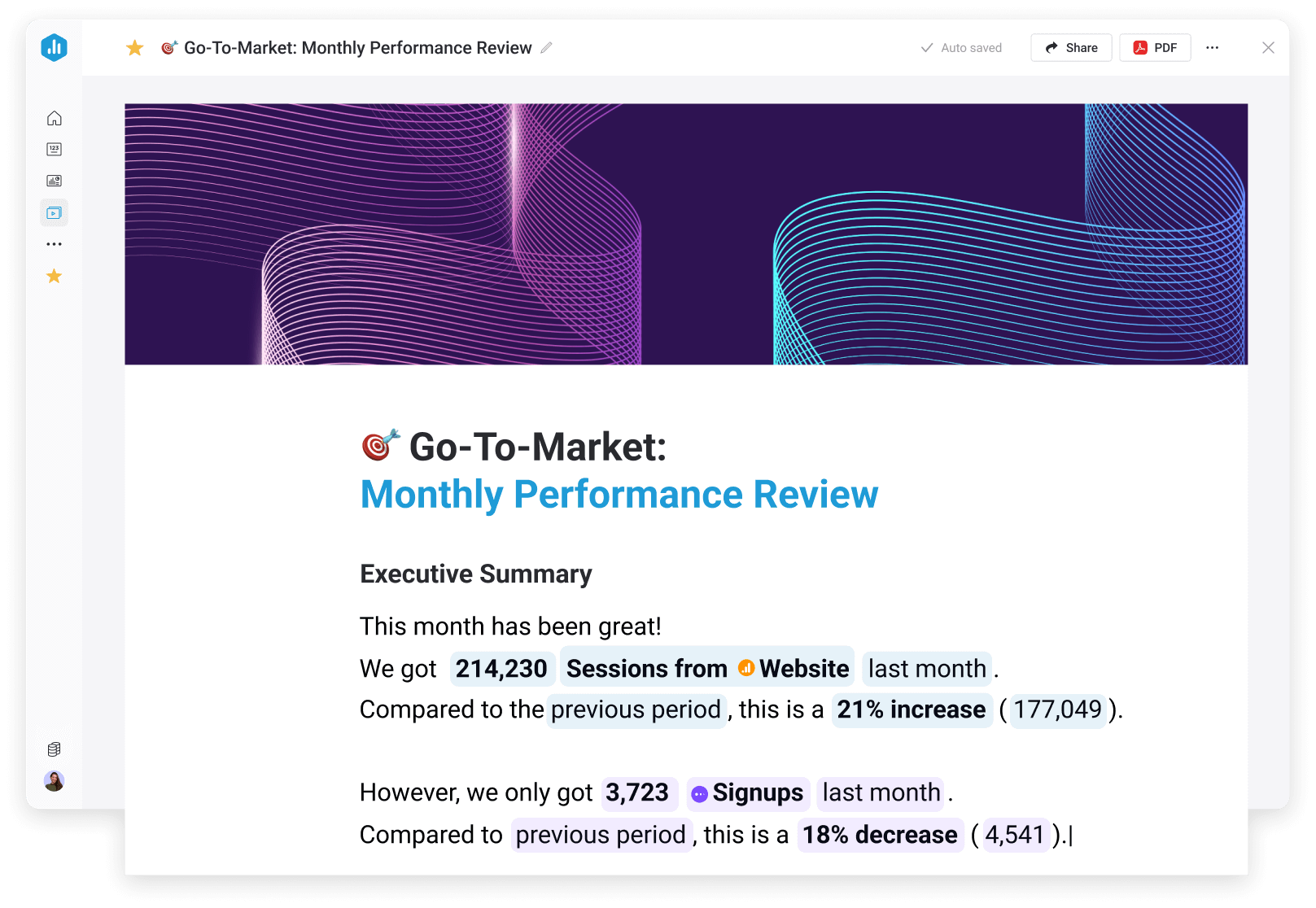
Create scheduled reports that combine live metrics, visualizations, and written context so teams and stakeholders can quickly understand performance.
Turn scattered data into a
single source of trusted metrics
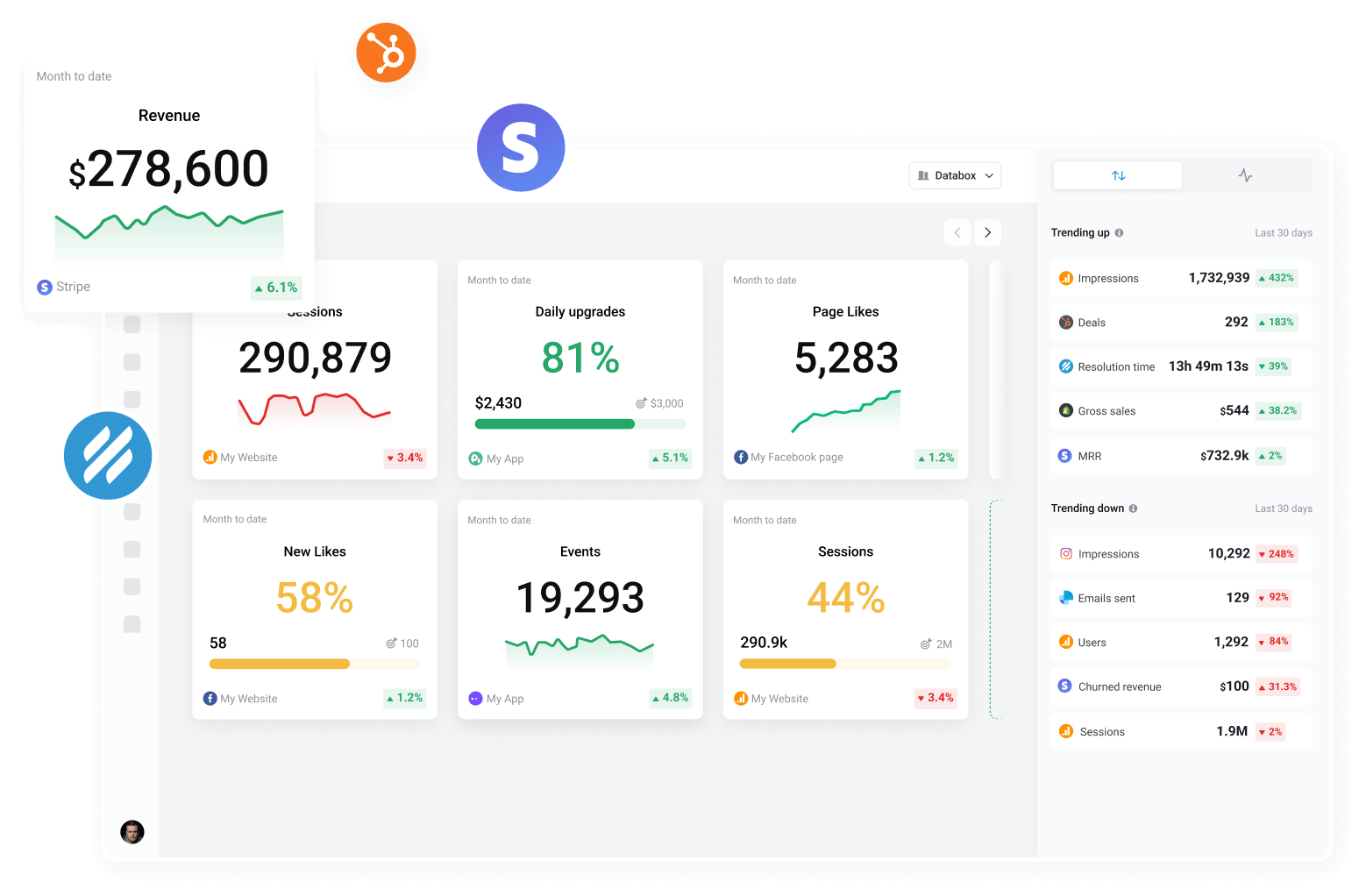
Dashboards, reporting, and AI analysis are only as useful as the data behind them. Databox helps you centralize your data and standardize your metrics, building a reliable foundation.
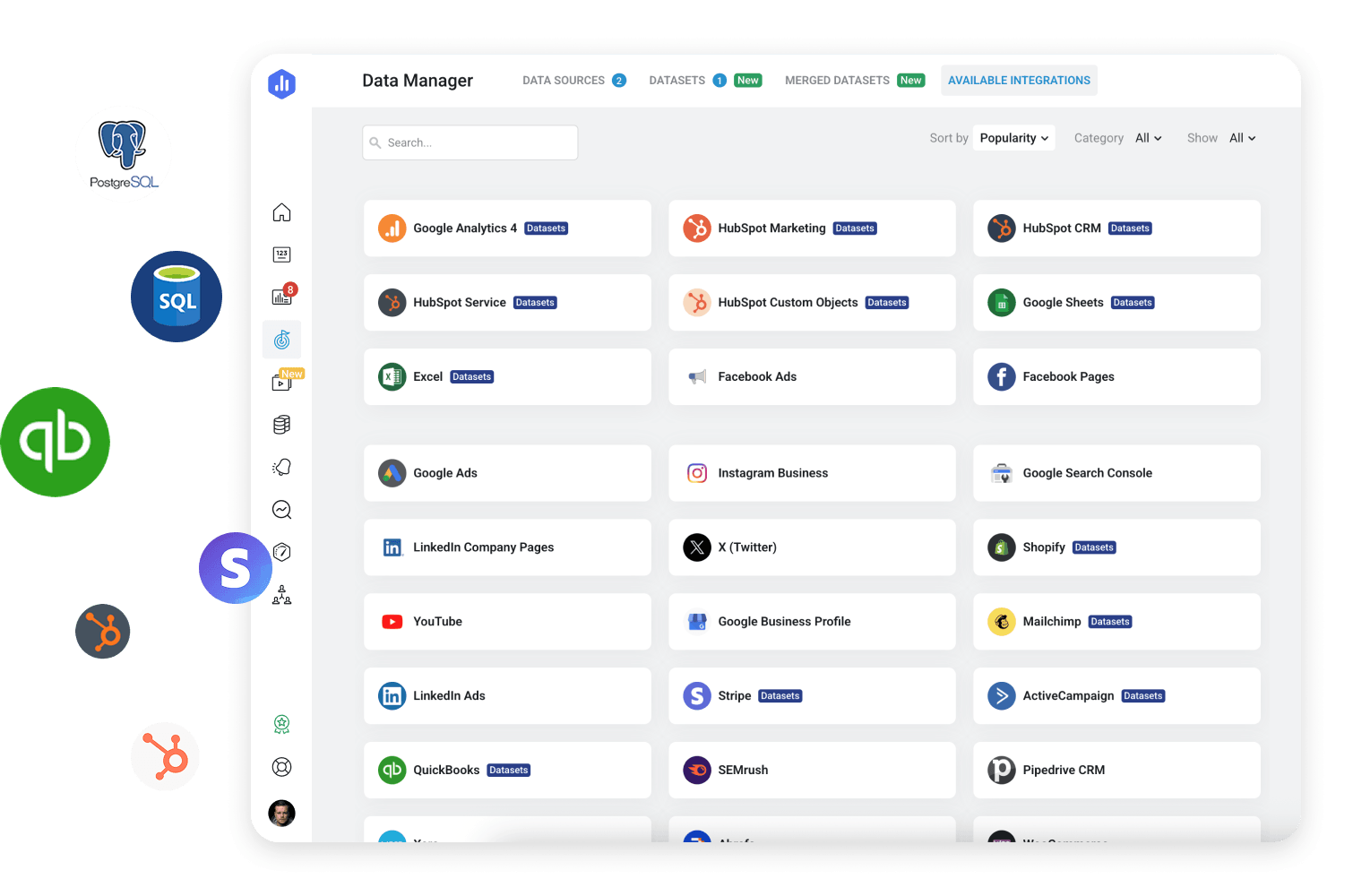
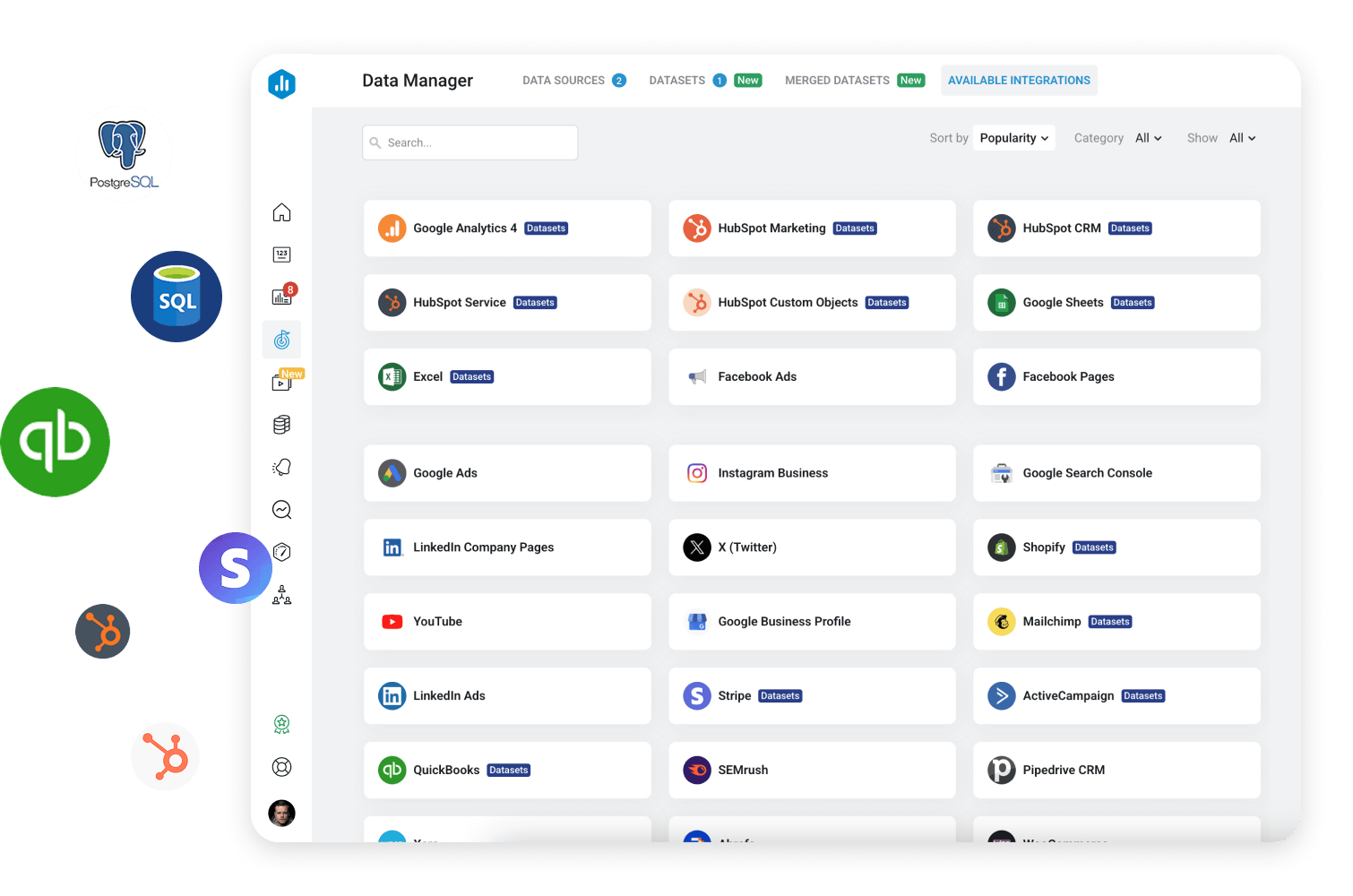
130+ Integrations
Connect data from your entire tech stack in minutes.
How it works
Pull data from your CRM, ad platforms, spreadsheets, databases, warehouses, APIs, and more, so your performance data lives in one place.
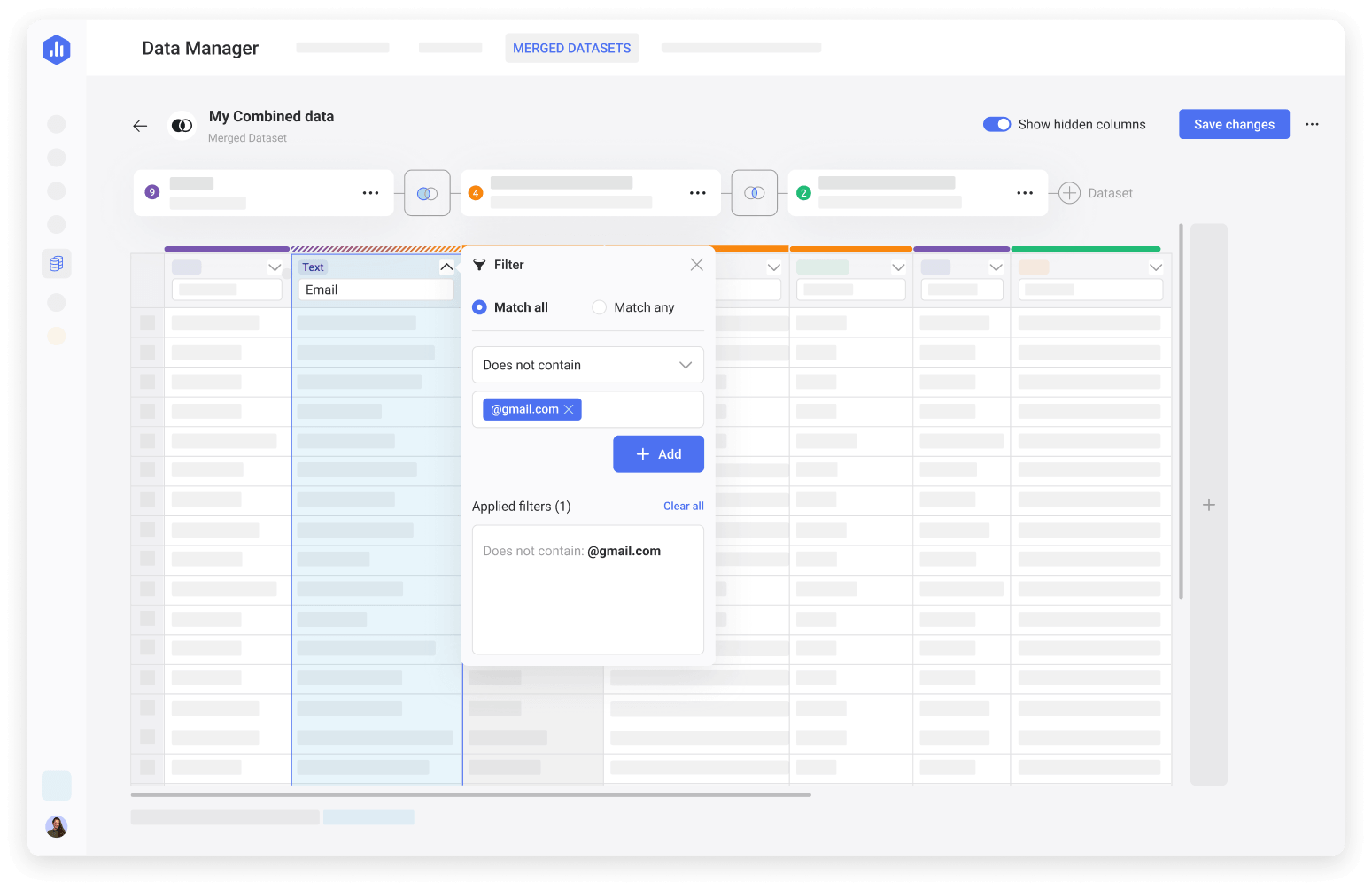
Datasets
Transform raw data into structured datasets your team can trust.
How it works
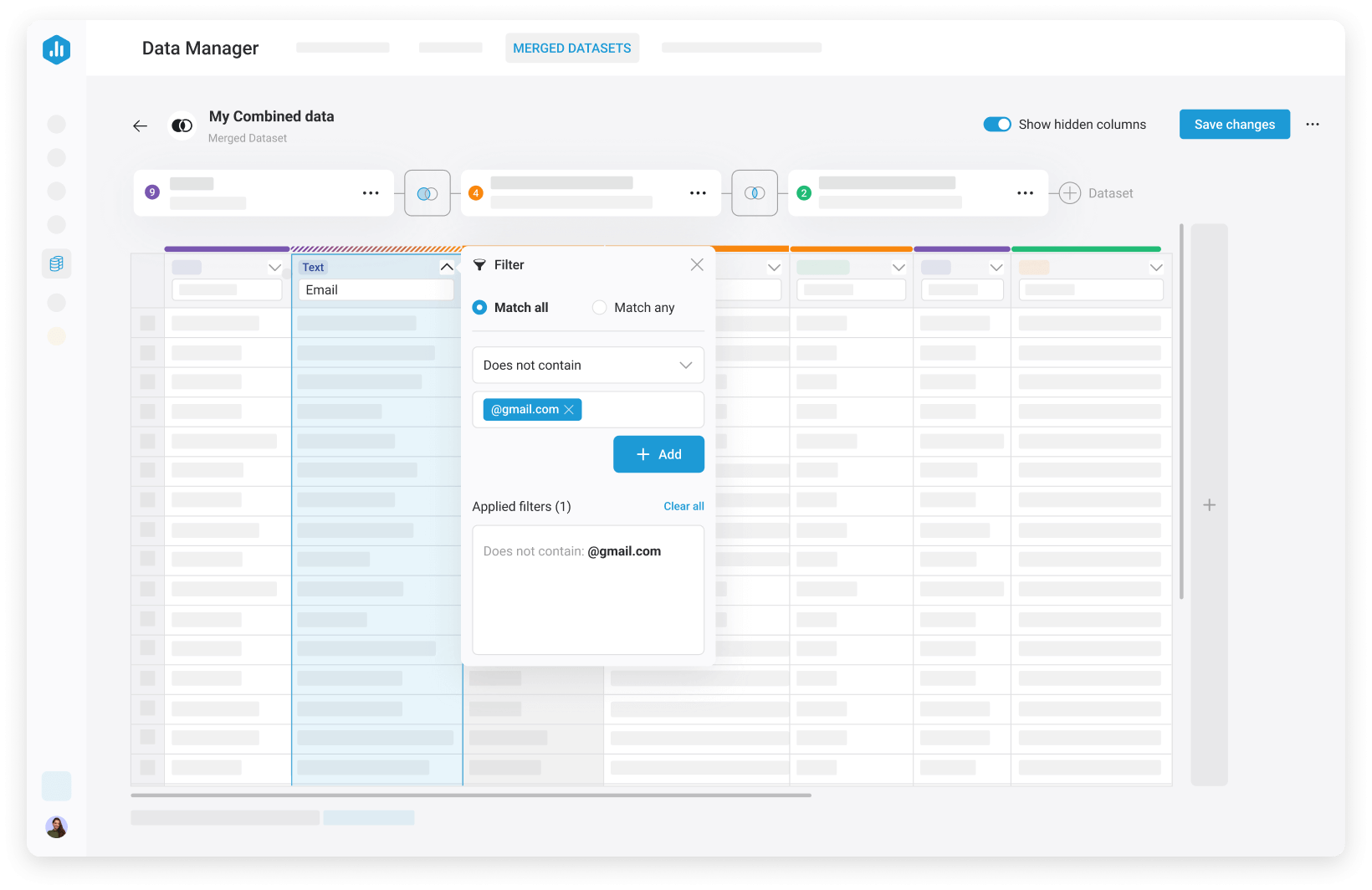
Filter, merge, calculate, and organize row-level data into curated datasets that power dashboards, reports, goals, and forecasts.
Metrics & KPI Builder
Standardize the KPIs and metrics that drive your business.
How it works
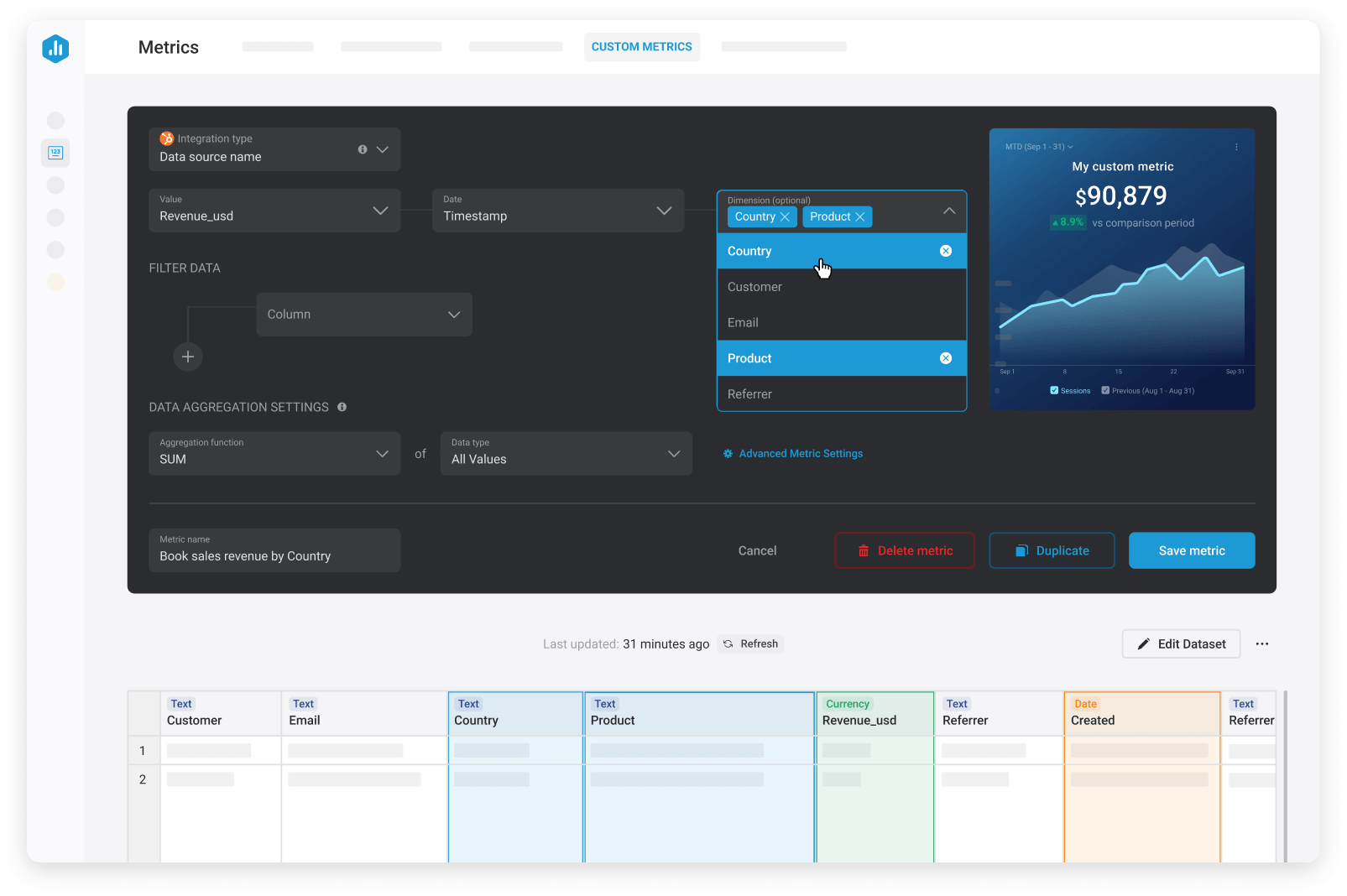
Choose pre-built metrics, create custom metrics with filters, dimensions and calculations, or build SQL-backed without heavy engineering support.
Manage business performance deliberately
Accelerate growth by connecting strategy, execution, and real performance data so teams understand results faster and adjust with confidence.
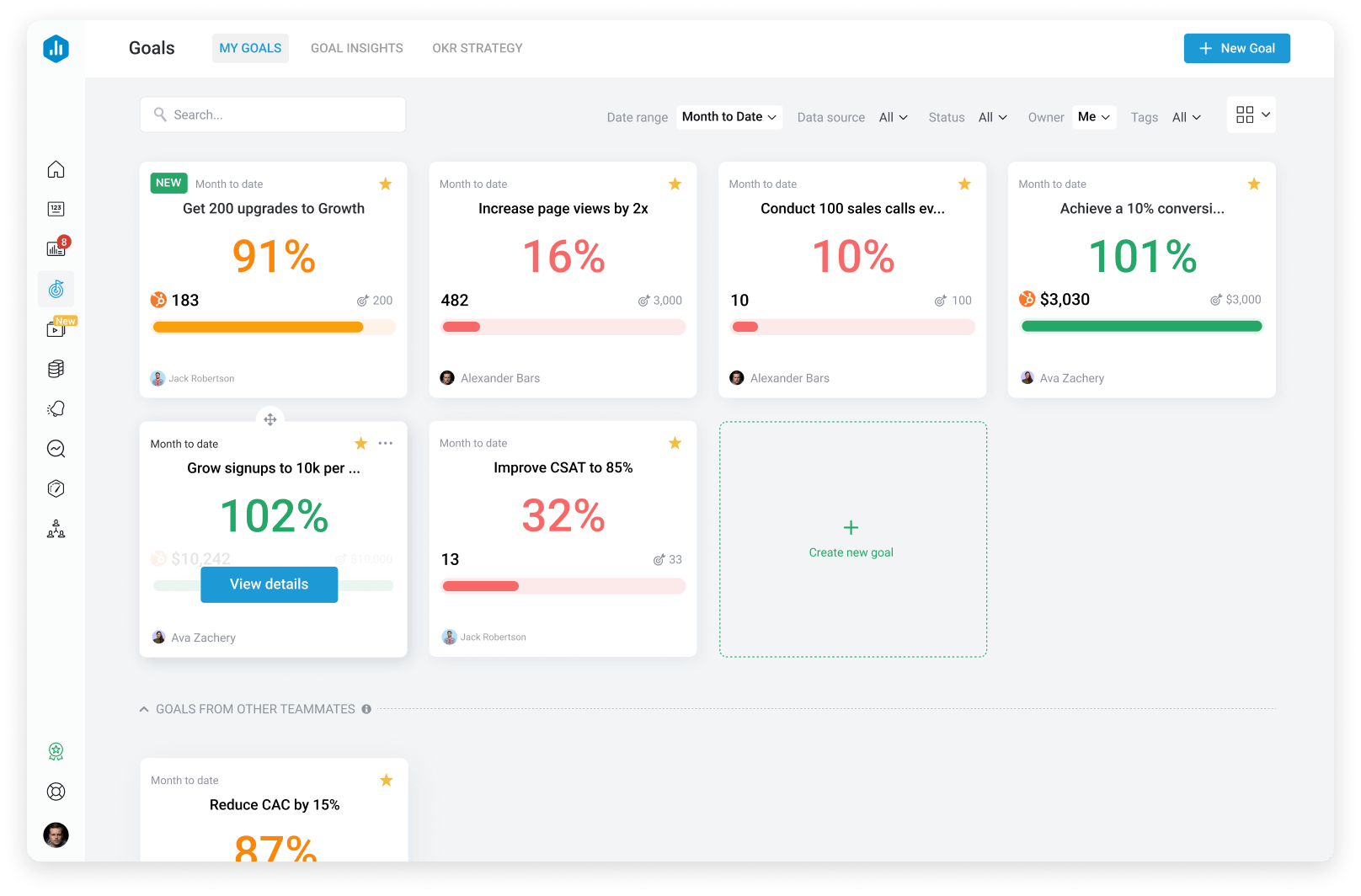
Goals & OKRs
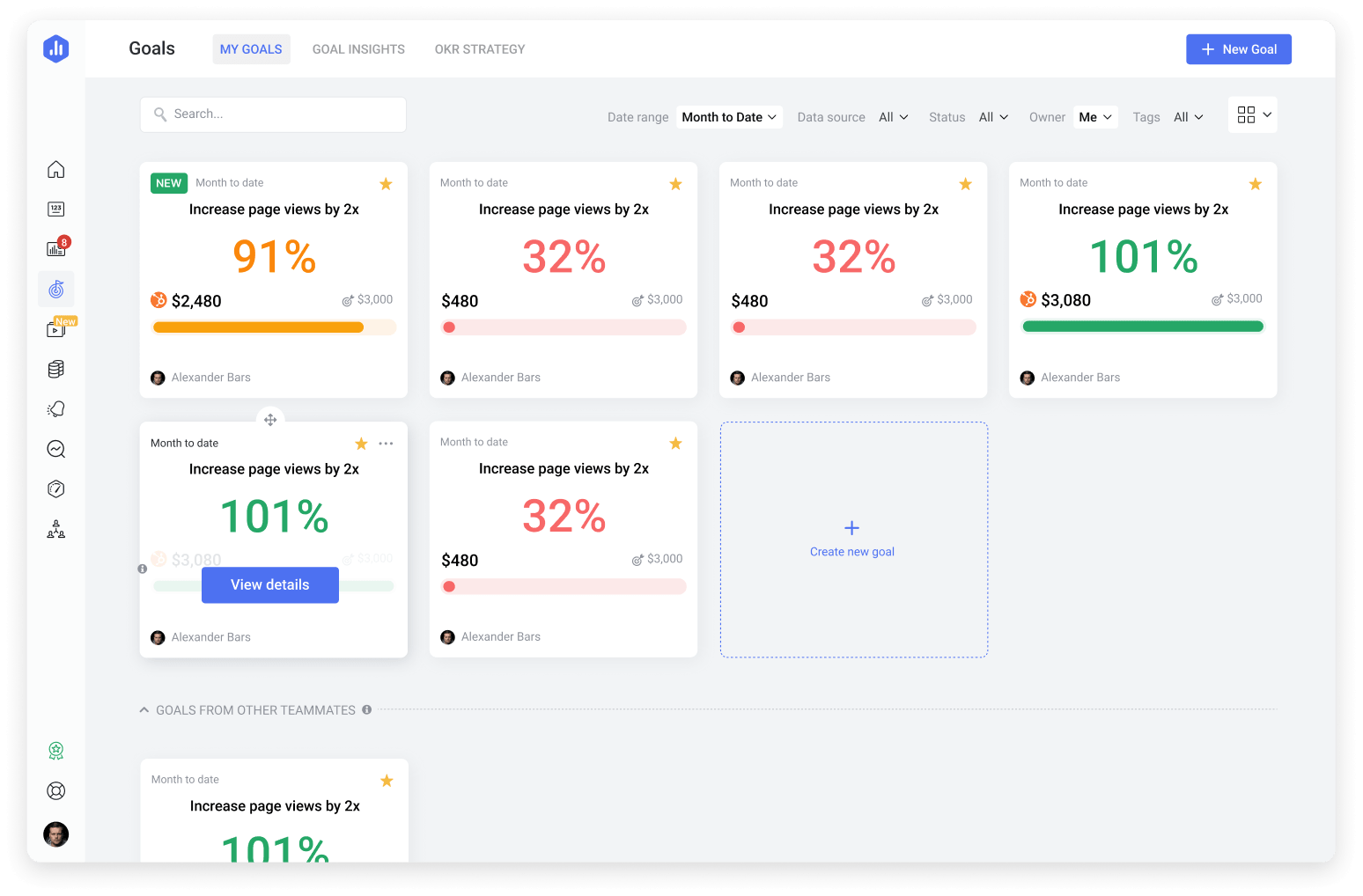
Set measurable targets and keep your team aligned around the results that matter.
How it works
Set goals for any metric, define objectives to connect team initiatives to outcomes, and track progress in real time.
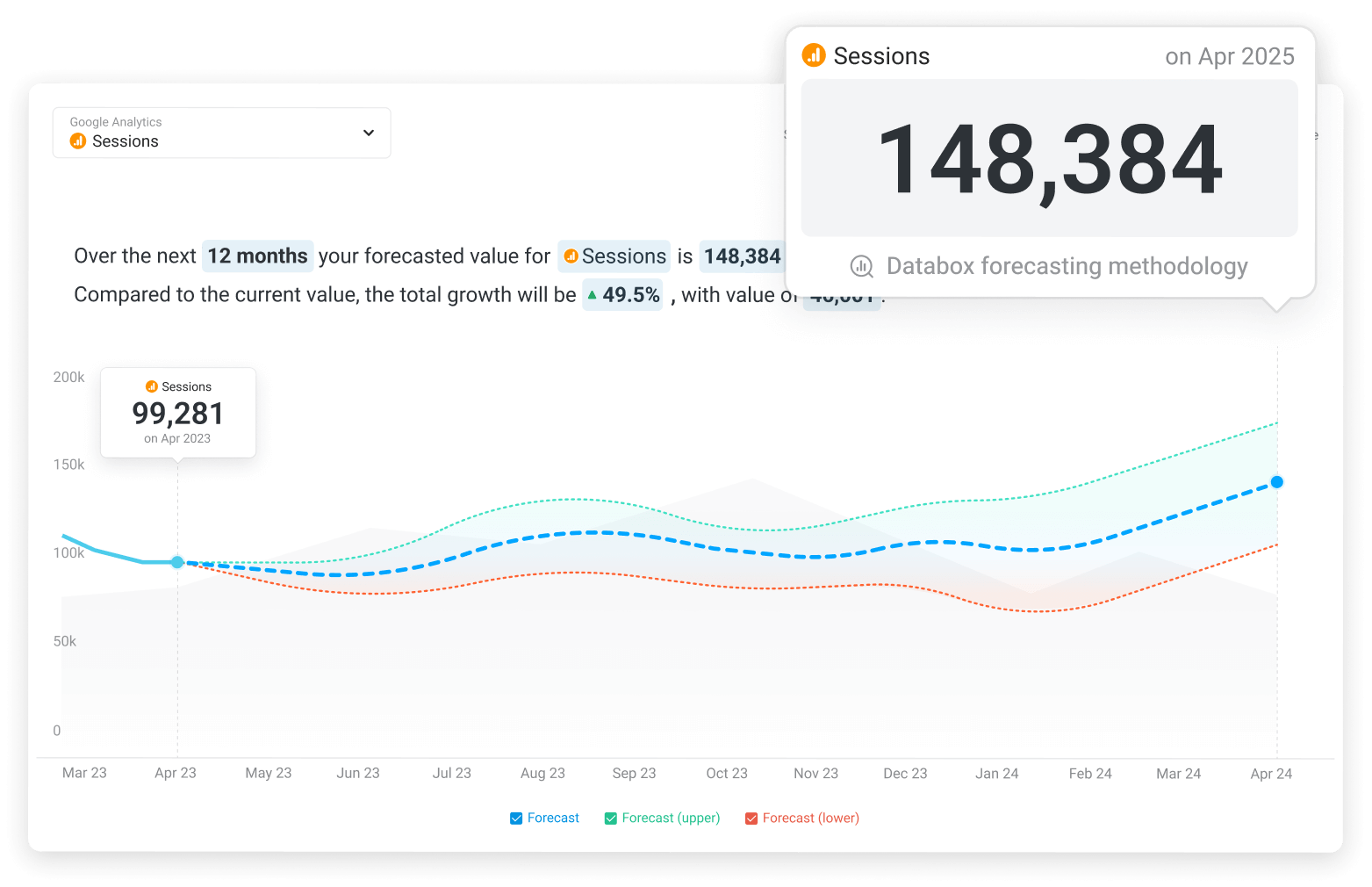
Forecasts
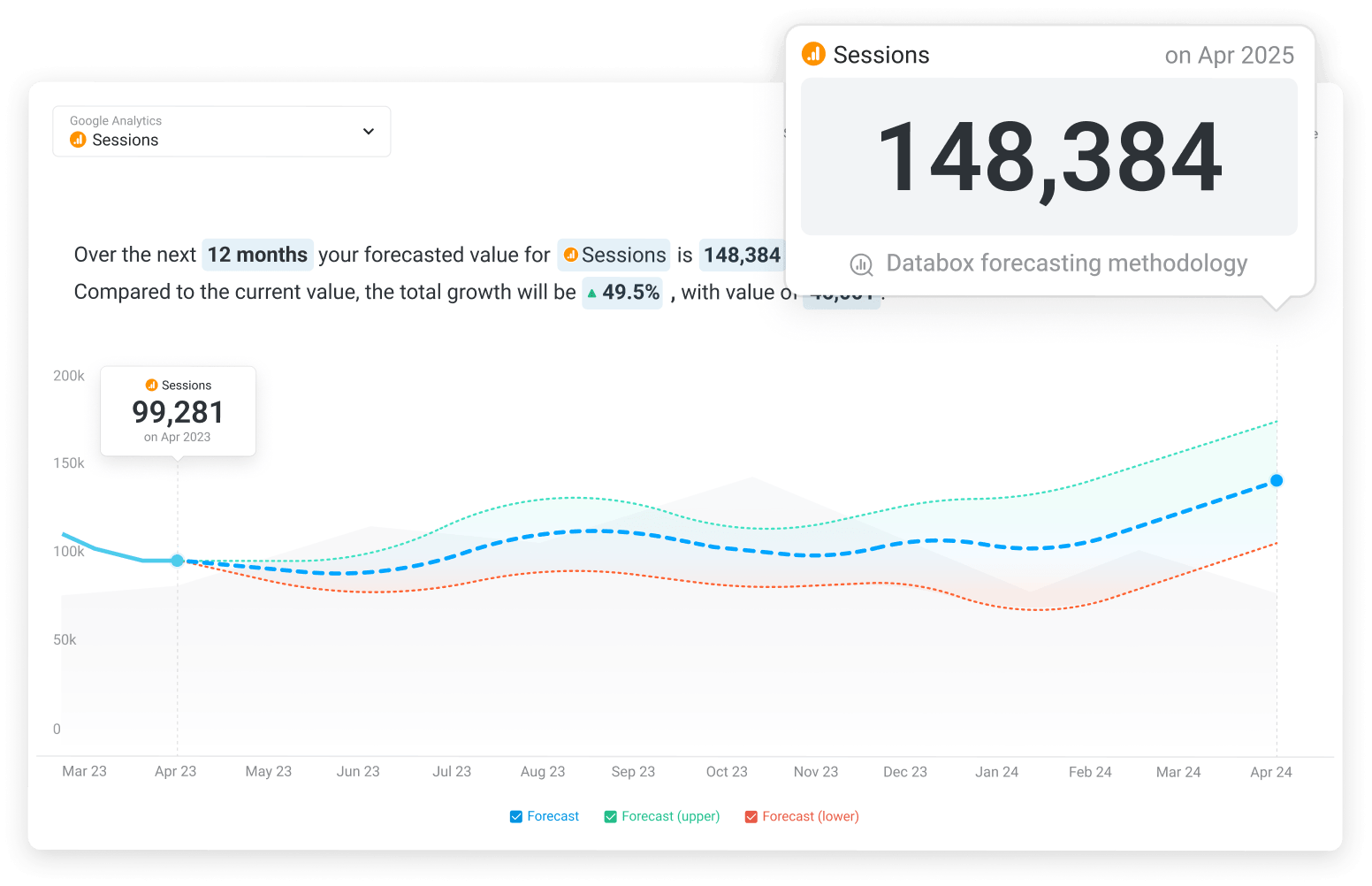
Plan ahead with data-driven projections.
How it works
Forecast any metric, model best- and worst-case scenarios, and understand the drivers behind future performance.
Predictable Scale
Connect strategy to repeatable execution.
How it works
Use the Predictable Scale framework to turn strategy into a practical plan, keep teams focused on the right metrics, and adjust based on performance data.
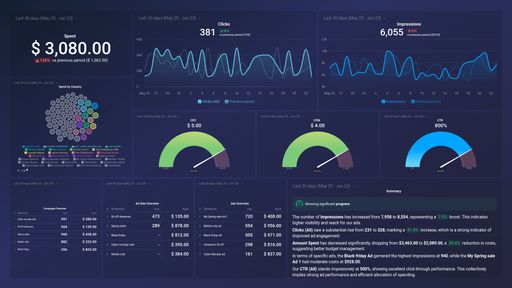
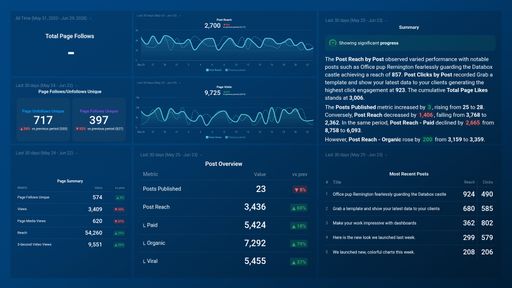
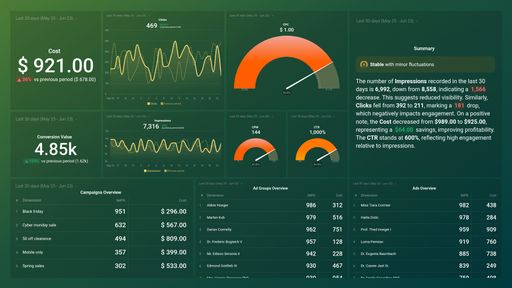
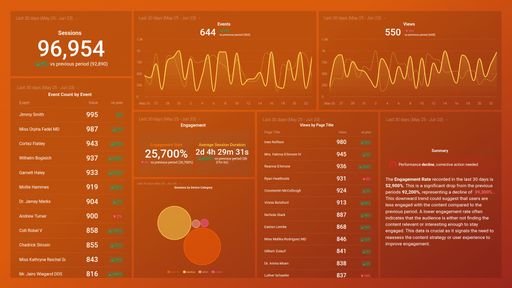
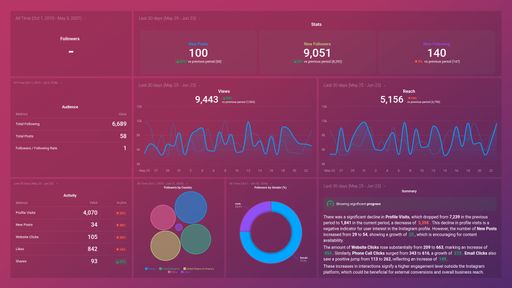
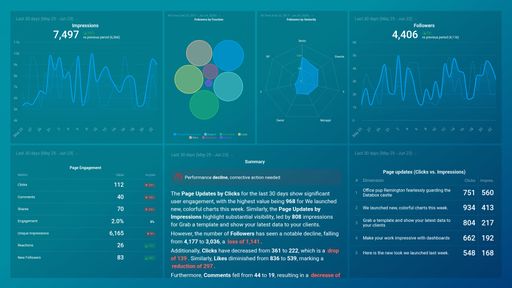
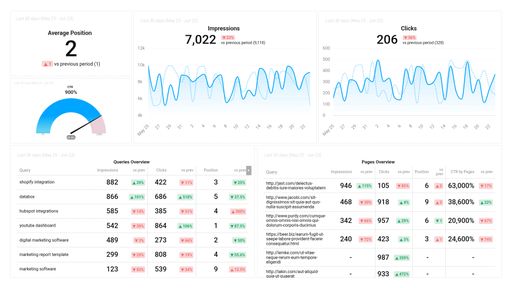
Choose from 300+ dashboard templates
Choose a template, connect your sources, and start getting answers from your data – fast.
Explore what others are building
in Databox
Discover practical use cases by role, integration, or feature.



















Frequently Asked Questions
What is Databox?
Databox is a business intelligence and analytics platform, powered by AI, for teams that need clear, trusted answers fast.
Instead of digging through multiple dashboards, reports, or spreadsheets, teams can connect their tools, ask questions in plain English, and get instant explanations of what's happening in their business.
Databox pulls data from 130+ integrations and turns it into trusted metrics, visual context, and insights so teams can understand performance, explain changes, and decide what to do next.
What's new about Databox now that it's AI-powered analytics?
With AI-powered analytics, Databox lets anyone ask real business questions, get clear explanations, and move from dashboards to decisions – without waiting on analysts or rebuilding reports.
Whether your data lives in spreadsheets, reporting tools, databases, or across dozens of platforms, Databox connects directly to the tools teams already use — with native integrations, authentication management, and standardized metrics built in.
Instead of building pipelines, modeling every metric from scratch, or managing warehouses, teams can move straight from performance data to clarity, confidence, and action.
Do I still need dashboards and reporting if I use Databox AI?
Dashboards are still useful for monitoring metrics at a glance. Databox dashboards are easy to build and highly visual, making it easy to share business performance clearly and quickly.
But dashboards alone often raise more questions than they answer. Databox combines dashboards with AI explanations so teams can track KPIs, investigate changes, understand what's driving performance, and decide what to do next. In other words, dashboards show what happened, while Databox AI helps you explain why it happened.
How is Databox different from traditional BI tools?
Traditional BI tools optimize for analyst-led work: deep modeling, custom dashboards, and reports built once and maintained forever. They're powerful, but the work flows through a small group of technical users, and the rest of the business waits.
Databox optimizes for speed and self-serve. It connects directly to 130+ tools, standardizes metrics automatically, and gives every team member dashboards, reports, scorecards, alerts, and AI-powered answers without writing SQL or filing a request. The whole team can find what's changed, understand why, and act on it the same day.
Do I need a data warehouse or ETL tools to use Databox?
No. Databox connects directly to more than 130 business tools and platforms, so you can start analyzing performance without building complex data pipelines.
You can pull data from tools like CRMs, marketing platforms, spreadsheets, databases, and analytics tools into one place, then clean and standardize it using Databox datasets.
This allows teams to get answers from their data without engineering overhead.
Can I rely on Databox to keep my data accurate?
Yes. Databox is built to give teams a reliable foundation for reporting and AI analysis.
Metrics are standardized across all your connected tools, so dashboards, reports, and AI answers are based on consistent definitions across the business. Integrations are monitored continuously, data syncs on a regular schedule, and you get alerted when a connection needs attention. You can check the Databox Status Page anytime for real-time platform and connector availability.
Can non-analysts use Databox?
Yes. Databox was built for self-service, so even a teammate who has never opened a SQL editor can explore data on their own. AI capabilities like Genie, the AI Analyst, allow anyone to ask questions of their data or build dashboards, simply by talking to their data.
Plus, with 300+ prebuilt dashboard and report templates, building data visualizations is easy and within reach for anyone, regardless of technical skill level.
The result is simple: business analysts focus on strategy instead of ticket queues, and every teammate owns the numbers they influence.
What tools does Databox integrate with?
Databox integrates with 130+ popular business and marketing tools. These include platforms for marketing analytics and automation, sales and CRM, finance and subscriptions, advertising, product analytics, and more.
Databox also lets you track any custom metrics from Google Sheets or Excel, run queries and pull structured data directly from your database or warehouse, or sync custom data from a Cloud-Based app with API access.
No matter where your data lives, Databox brings your data into one place so you can analyze performance across their entire tech stack.
How does Databox help teams manage performance?
Databox helps teams move from insights to action. In addition to analytics and dashboards, teams can align the organization around OKRs (objectives and key results), track goals and KPIs, forecast the performance of their metrics, set alerts for important changes, and share automated reports and updates.
This helps organizations connect strategy, execution, and real performance data so they can manage progress more deliberately.
Will Databox scale, or will we outgrow it as our business grows?
Databox is built to grow with you in two ways: more people who need access, and more sophistication in how you use data.
Unlimited users on Pro, Growth, and Custom means headcount never drives your bill. Adding teammates, leadership, or clients doesn't trigger per-seat fees, and unlimited dashboards and custom metrics give your team room to expand reporting without artificial caps.
When your needs deepen, the next plan up adds the capabilities that come with scale: more AI credits, faster sync, datasets, forecasting, sub-accounts for managing multiple clients or business units, advanced security, and priority support.
How secure and compliant is the data?
Databox is SOC 2 certified. Your data is hosted on trusted infrastructure, encrypted in transit and at rest, protected by role-based access controls, and monitored continuously.
For organizations with stricter requirements, advanced security features like SSO, two-factor authentication, audit logs, and session controls are available on Custom plans and as add-ons on Analyst, Pro, and Growth. Custom plans also include a security and compliance review to help your team complete internal assessments and questionnaires.
Visit the Databox Security and Compliance page for full details on infrastructure, privacy practices, and compliance standards.
What does Databox cost compared with legacy BI or building in‑house?
Traditional BI carries three costs most teams underestimate: per-seat licenses, technical setup and ongoing data engineering, and the analyst time it takes to keep dashboards flowing to the business. Together, those costs often run into six figures a year before the rest of the team gets self-serve access.
Building in-house carries even more. Engineering time, infrastructure costs, and ongoing maintenance turn analytics into a permanent line item with no end date.
Databox replaces most of that with a different model. Team plans include unlimited users with no per-seat fees, unlimited dashboards and reports, and AI-powered analysis your whole team can use. Most teams connect their tools and start tracking performance the same day, with our AI Analyst answering the questions that used to go to your data team.
You can start free or with a 14-day trial. See pricing for full plan details.
Make better decisions,
together, faster
Compare

Databox Inc.
HQ: Boston, MA, USA
AI-powered analytics for teams that need answers now.
Databox Inc.
HQ: Boston, MA, USA

AI-powered analytics for teams that need answers now.



Compare

